multiplyのTwitterイラスト検索結果。 2,043 件中 6ページ目


@HZST4R This is the tutorial i started with. I make my own additions between steps like putting a multiply tree layer over the add glow to look like an outdoor reflection


@Alperen5841 @HeyItsRuuu_ I fill in a flat color in picture 1 (one layer).
Then erase the flat for the light source. (Erase, don't fill with white) in picture 2
Then i fill in the flats in picture 3
Then i activate the flat which is above all the flat colors and switch to multiply mode for shadows

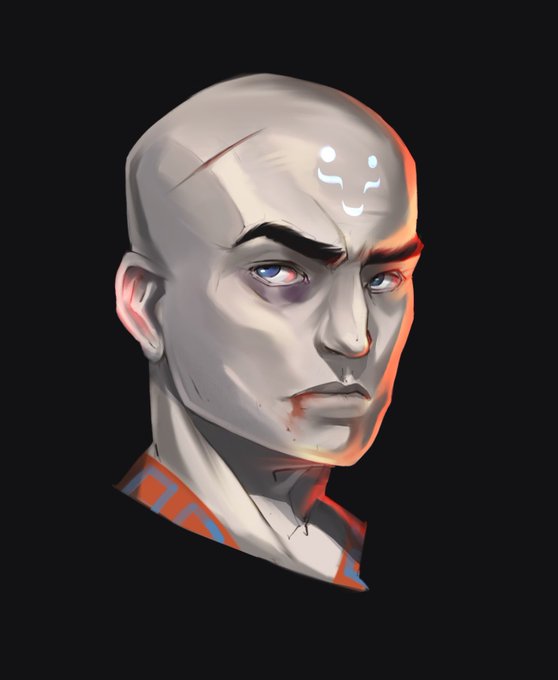

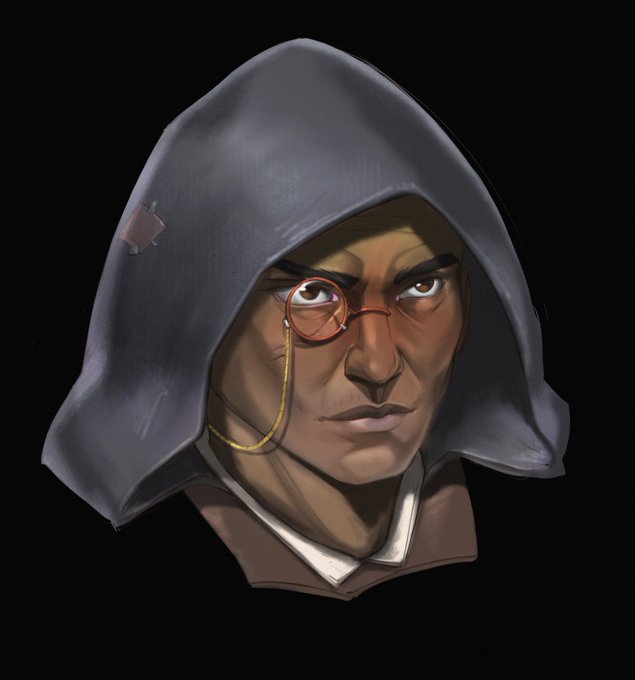
The results will be next week! They also say likes multiply your chances to win by 💯💯💯%
The character from the image above was a commission for an awesome @JessPendley !
Also a couple more works!


@PRiogMistan It depends on the "style" I use, generally for anime style I do the base first and then colour on the same level (since I use a blending brush), then add some details with add/multiply levels. For "realistic" drawings it depends, but for those I prefer doing B&W first


@ChanMahoro I think what helps me is bunch of layer corrections.
My shading is just something simple. I use two color of purple and set it to multiply, then blur and blend here and there
Here's what the art looks like without further correction, it's really plain ^^


@yumzi_art Hmm there is one coloring tip that I recently learned helped me a lot 😂
1. Place your entire piece on multiply mode.
2. Erase the areas where the light source is strongest on the subject.
3. Blend a saturated red between the shadow and light area especially on the skin


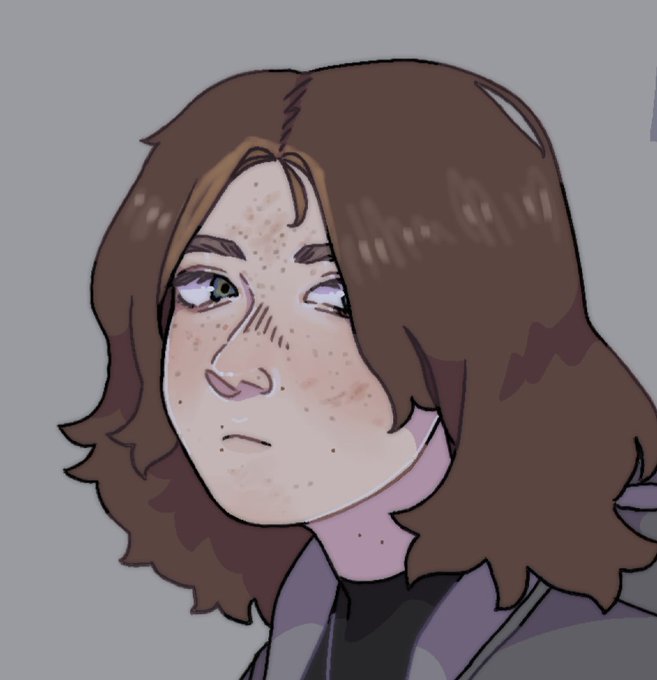
u want it to be real dark and moody (left)?? dark blue on multiply + lower opacity. u want it to maybe look a little overcast (right)?? light blueish-gray on hard light + lower opacity!!!!


you can get (approximate) shading on surfaces with just a dot product to the center of the cube (light source)
from the projected position you can get the falloff with whatever falloff function you want, and multiply together. Then just add with alpha blend


A weird lil creature I came up with, the Slim! They are liquidy flat paint things who pretty much live to multiply. When a bunch get together, they can fuse by copying something else and becoming a Mâché Mock.
I told y'all papery slimes would be really funny




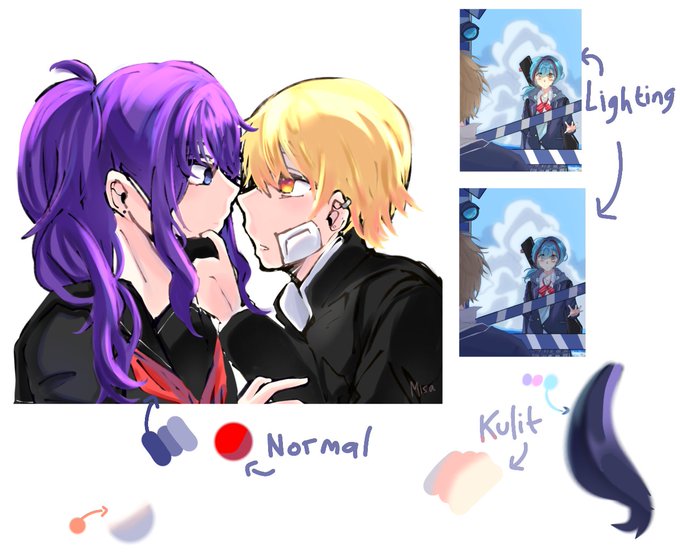

@TehArumManis Ini aku pake ibi dn settingan indo sih,,
Untuk shade aku suka 3 warna ungu abu biruan apalah ini,, biasanya pake layer normal. Kalo shade rambut pake warna dasar lebih tua baru multiply. Dihapus apke penghapus air brush sm diblend/blur dikit biar nyatu juga bgs


terakhir, di layer baru (6), u pakein mode multiply tuh layer. abis tu u tumpuk semua nya pake warna saturated biar makin nyatu dah tu gambar, kaga acak adut kaya idup gue.
inget-inget kalo sumber cahaya utamanya bukan warna warm, lu jan ikut2an pake oren kek gue.


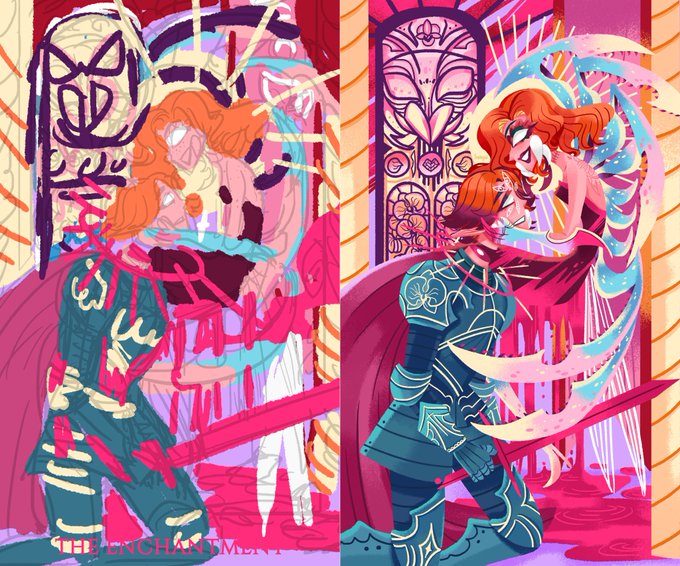

ไกด์สีภาพรวมให้เห็นภาพชัดมากที่สุดค่ะ งานอาจจะไม่ต้องเนี้ยบเป๊ะแต่ให้เห็นมู้ดภาพรวม + สามารถเพิ่ม multiply ปรับสีอะไรให้เรียบร้อย ก่อนลงงานจริงค่ะ เราจะเห็นถึงสีและน้ำหนักที่ตัดกัน อันนี้เวิร์คสำหรับเราที่เป็นสไตล์ Lineless ค่ะ 💖 https://t.co/F86ebD2G0v





ไม่รู้ว่าจะช่วยอะไรใครได้ไหม แต่ช่วงนี้ขี้เกียจเลือกสีมาผสมเองเลยใช้วิธี
ลงสีเบส>multiplyสีน้ำเงินเทาอ่อนเป็นเงา>Overlayสีแสงที่กระทบตัวละคร>Soft lightสีชมพูกับสีฟ้าคนล่ะข้างให้ภาพมันดูนุ่มดูโดด(?)ขึ้น https://t.co/1JRMg9zOvF


Today, I discovered in Ibis paint the layer option to put on multiply puts digital color and shading on traditional art, I wish I would've known this sooner, anyway ima see if it works too on CSP when I get home from school


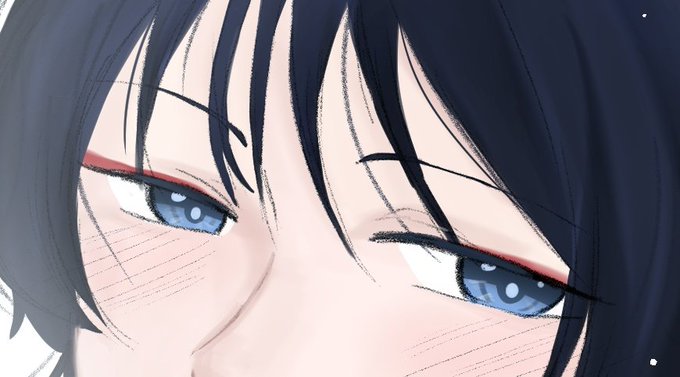


I used to render complicated eyes. But now I'm just going to slap multiply layer and give some bright dot on their pupils