MultiplyのTwitterイラスト検索結果。 55ページ目


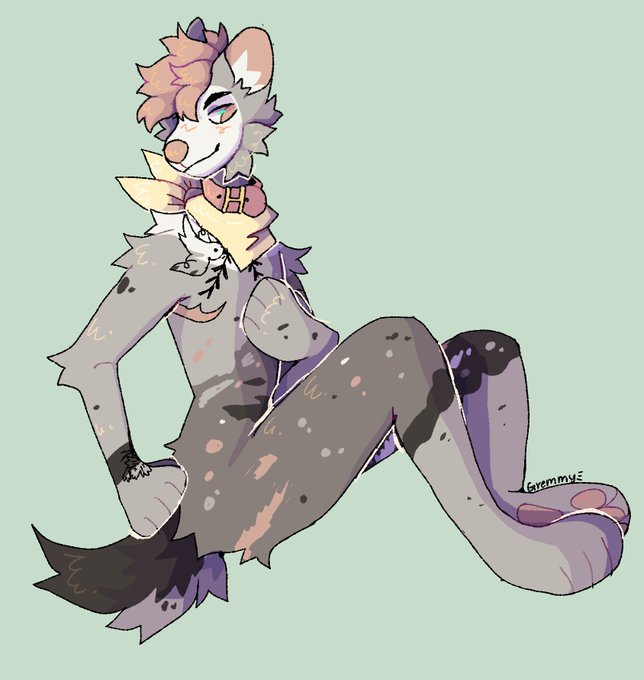
@WandererKami I really wanted to try using multiple multiply layers <3 sorry for all the differant versions lol


ขั้นตอนการวาดภาพนี้ ตอนแรกร่างแบบปาดโครงโล่งๆ พร็อพน้อย สุดท้ายลงสีเบสมาแล้วโล่งมากเลยจัดเต็มเลยค่ะ หนังสือ ลูกโลก รูปภาพ ต้นไม้ น้องแมว สุดท้ายค่อยลงเงาด้วย multiply แล้วใช้ Colour Dodge เพิ่มไฮไลท์


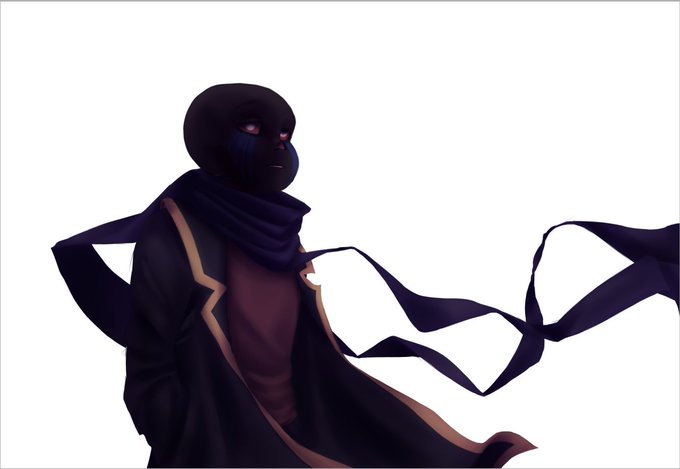
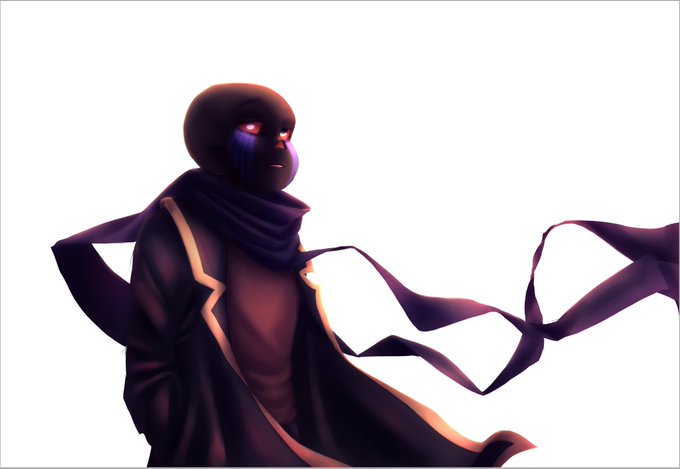

@GoopmareIsYes Aight
I start with a coloured sketch, then add tons of shadows. Then I light it up and add texture. As for backgrounds, I just photobash lol
The final stuff is a multiply and dodge gradient, some blur, and a border. I forgot the subsurface scattering though XD
Hope that helps👍


I decided to mint this little psychedelic treasure from the past. The central painting is micro 5 inches in acrylic, made to multiply. Available on @makersplaceco @DepaTony @Pirates_of_art direct: https://t.co/G6ziDLK05P There’s a discussion about process with the piece.


จิกให้ทะลุจอไป
ถึงจะดูร้ายๆ แต่รักแล้วรักจริงๆนะ
//สแกนงานเส้นดินสอมาลงmultiplyในคอมค่ะ//
#มาอวดโฮมุ้


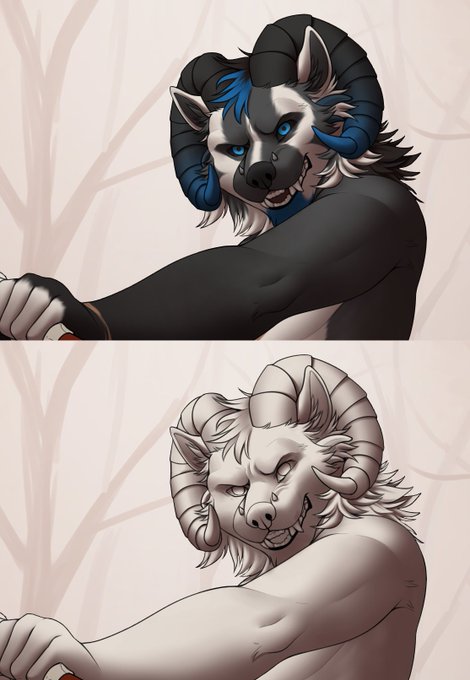
@annagriffinart ent eu nn chamaria de greyscale pq eu já começo usando cor. A sombra no multiply e calhou q esse perso tem branco na ref, eu sempre tento usar a cor mais clara da ref como base aí quando eu desligo as outras cores fica mais fácil de ver pra sombrear+

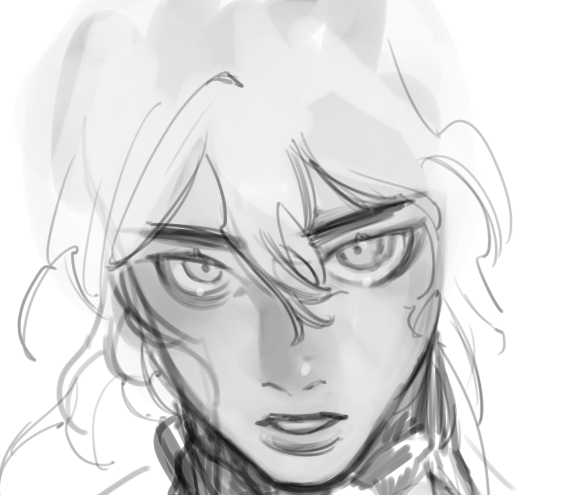
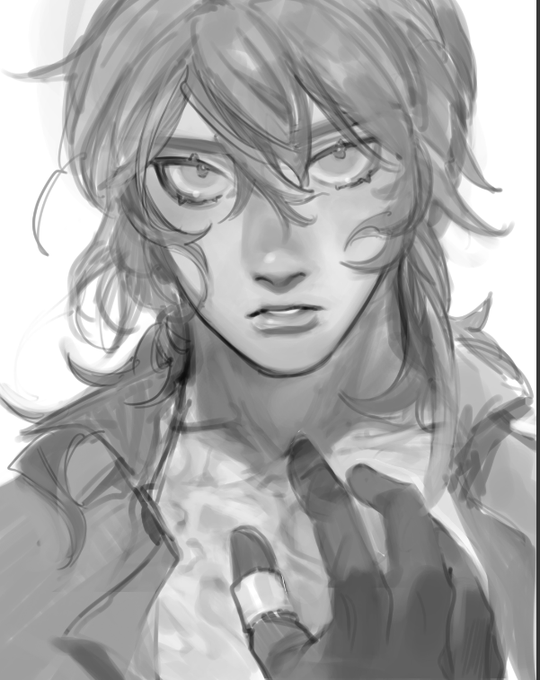


my process is -> blob of shade and going straight for details, somewhat render, gradient map, then multiply and overlay


Don't talk to me or my uh...uhhh...wait, they're multiplying and there's a Maria now


right now im still too busy to work on my chapters, but i have been practicing. I finally learned what 'overlay' and 'multiply' layers do so im practicing doing fast drawings and coloring them a little




9: Soft Shadows! New layer [Multiply], Start cell shading light shadows. Use Gaussian blur filter, set to 15. Change layer opacity as desired.
10: Hard shadows! New layer [Multiply]. Use Gaussian blur, set to 15. Change layer opacity as desired.


@Cypri2015 Personnellement, mes ombres sont plus soft et plus par grosses parties.
Ex: j'prend souvent un rouge foncé saturé pour ça et j'le met en multiply puis je duplique et met en overlay, enfin je baisse l'opacité des 2 (ça varie selon l'ambiance)
J'espère avoir aidé ^^


STEP ONE CHANGE THE LAYER TO A MULTIPLY LAYER SO IT'S FUNKY
IT'S NOT FINISHED JUST YET!!! IT LOOKS TOO BOLD!!!!!!


I was trying to imitate the X5~X7 coloring style so here's what she shading looks like and how she looks without shading as well
the shading layer is one with a Multiply filter on, the highlights are on another layer and is just on normal (and so are the glasses) https://t.co/sTqF2d2fzE


Souls Expansion
The Souls of this World forever multiplying. No longer able to complete their repetition on this Earth, they begin the search for new Worlds, to repeat old habits.
The side project of my 'Soul' series.
available on @rariblecom
https://t.co/UHWF5kx0WP