CSP.のTwitterイラスト検索結果。 1,299 件中 57ページ目


I add more layers on top and clip below if i wanna edit the colors or add free/paid texture materials from csp. My lineart layers could take 10-40 since i like to line on diff layers for body, hair or clothing parts and not delete but just hide and use new layer when i wanna edit


testing out a new coloring method in CSP. have a fresh yos #persona4 #hanamurayosuke #yosukehanamura


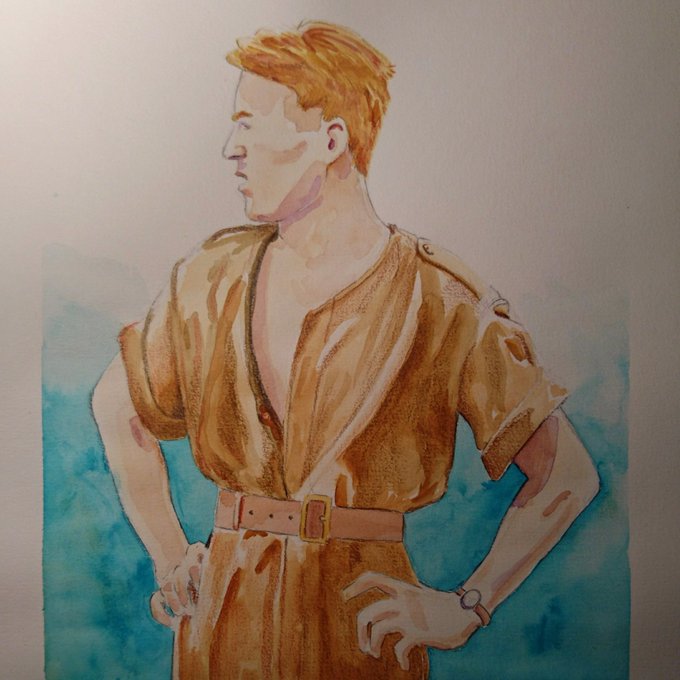
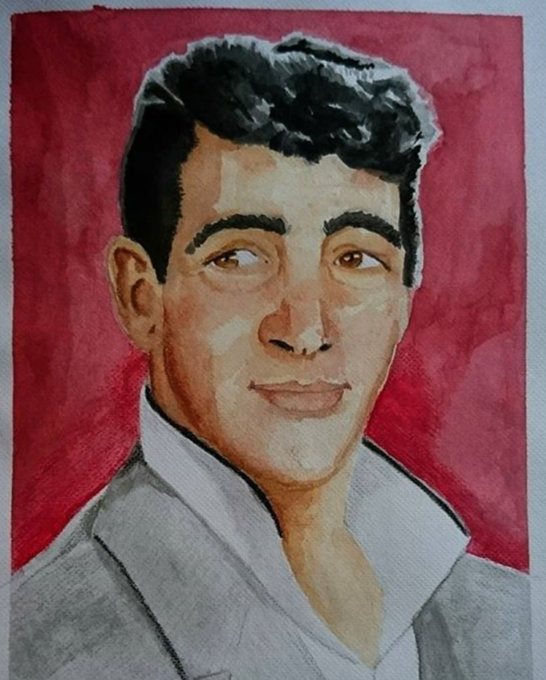
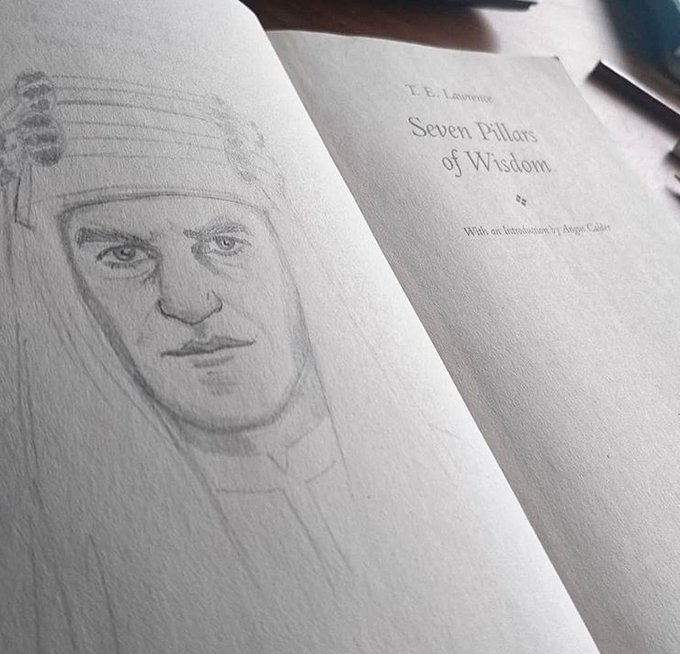
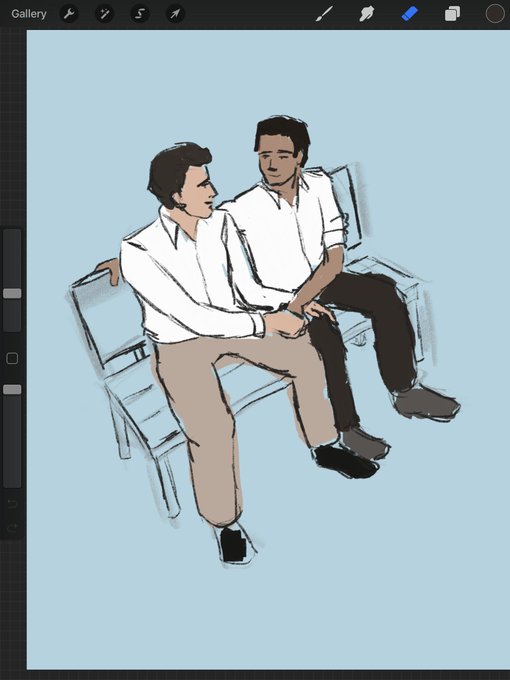
@Marcel_Hampel Congrats on your 800 followers, and thank you for this thread! Hi I'm Felix, and I mostly like to work traditionally, although I'd love to do more work in Procreate / CSP. Thanks!


For warm-up, I played around with the new realistic pencil in CSP. Gotta say, it's pretty dang nice!
Have a Jackfruit and Quinoa!


Stream offline! Thank you for joining me <3
Managed to finish the lineart & tried out the colorize feature on CSP. It's actually really dope pog


idk what to draw so heres dremmerus while im dickin around in csp. as usual


Finally getting back into digital art now that I've got CSP.
ᕕ( ᐛ )ᕗ
This is Julia, probably the only character I've ever drawn and didn't forget about by the next day.


Some messing around in CSP. I'm struggling with the paintbrush tool, it drags nearby colors a bit too strongly and doesn't lay down the color i want unless i press down and scribble 8U


Day 2 of CSP... I feel like I've really eased into this program more than I thought I would. Maybe it's from the experience I've had with Photoshop and Sketchbook Pro, but I just feel so comfortable using it.
Thank god I found the Rotation shortcut. I'd go insane without it.


Finished my first city scape BG on CSP. Used 2 city scape materials for a scene in Chapter5 and updated it to webtoon 😆 it looks so much neater now /sobs/


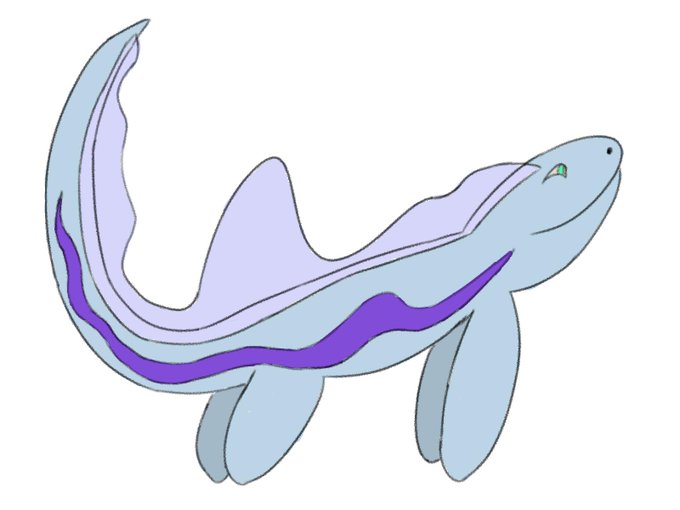
more doodles so that i can get to grips with CSP. this time with more sea buddies and dargons


slowly working my way through understand csp. here's the wip from the stream <:


If you’re looking for a great digital art tool, I can’t recommend CSP more!
I do all my digital art in CSP. https://t.co/zzibMU6KX3