MultiplyのTwitterイラスト検索結果。 59ページ目

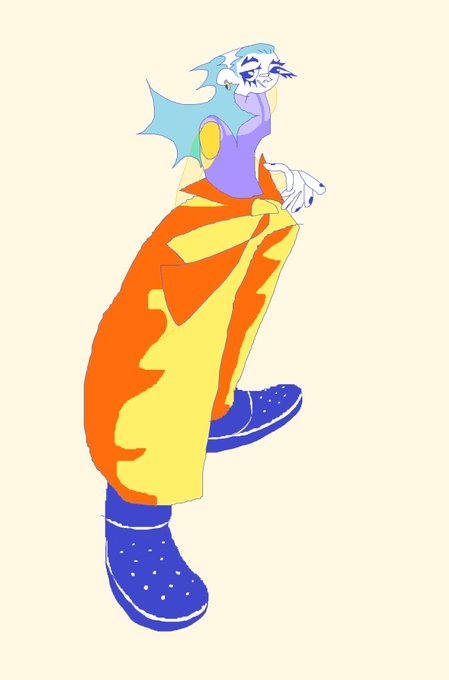
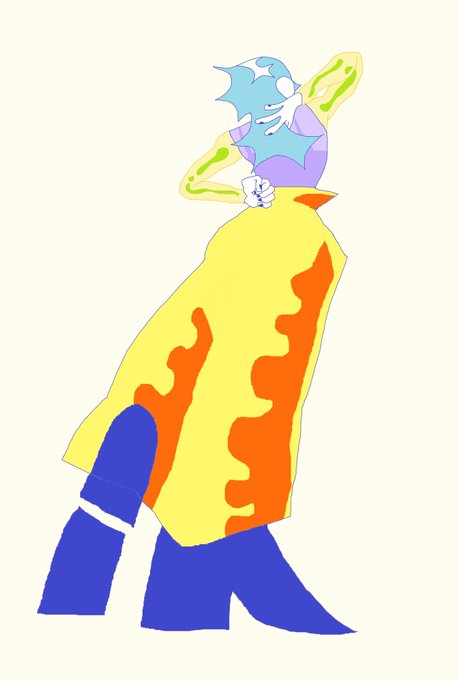
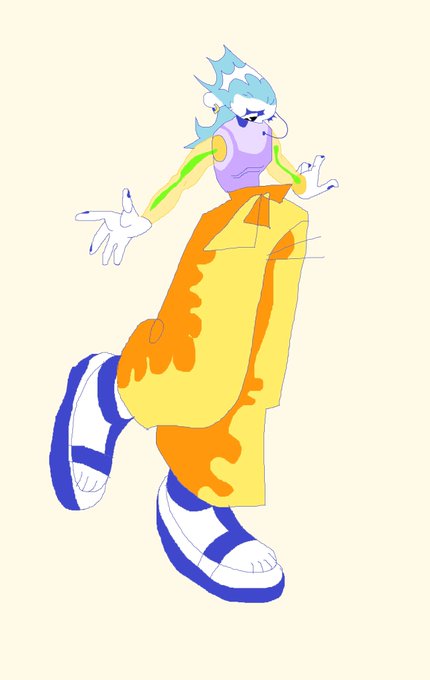


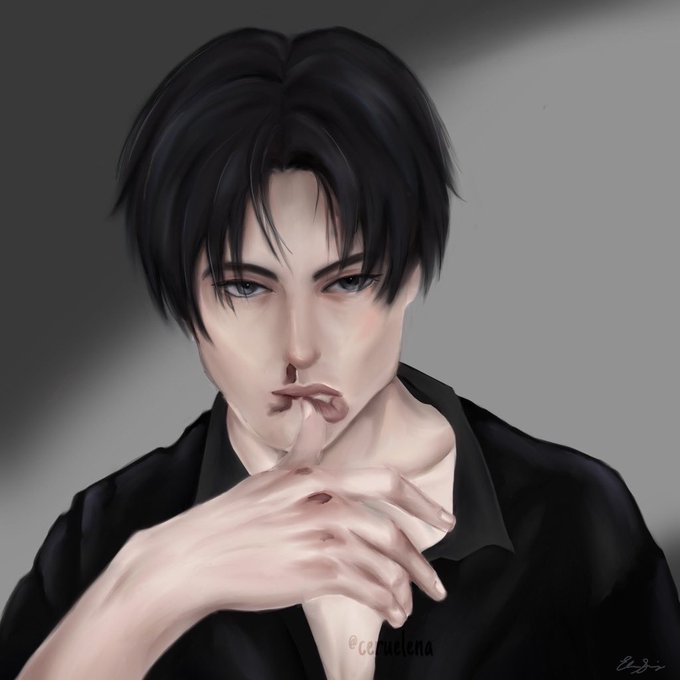


@DeePeeArts hey! i’m elena and i do fan art from multiply fandoms (mostly aot)




@bebbeque clipping layers and the varieties of them such as add, multiply, pin light, etc. that stuff saved me


6. now, blushing! add another layer, set it to multiply and pick an orange shade (trust me), then, after u blush the character with the orange shade, pick a red shade and go over it, but don't cover the orange completely! when u lower the opacity it looks marvelous.


step 2. add a clipping layer, set it to multiply and pick a darker color to shade with (second slide explains further). i just shade wherever i think there would be a shadow lol but try to imagine where the light is coming from


Second portrait. Turns out multiply layers are good for adding gradients


I did a different shading style this time! I normally use a normal layer and choose the colors manually but this time I used a multiply layer and used the same colors for every area, here's what it looks like with all the other colors turned off


Step 3:
Separate your character(s) from the background (and from each other) by giving each of them a base colour.
Your greyscale rendering layer will now become a "Multiply layer" That way you can colour underneath it.

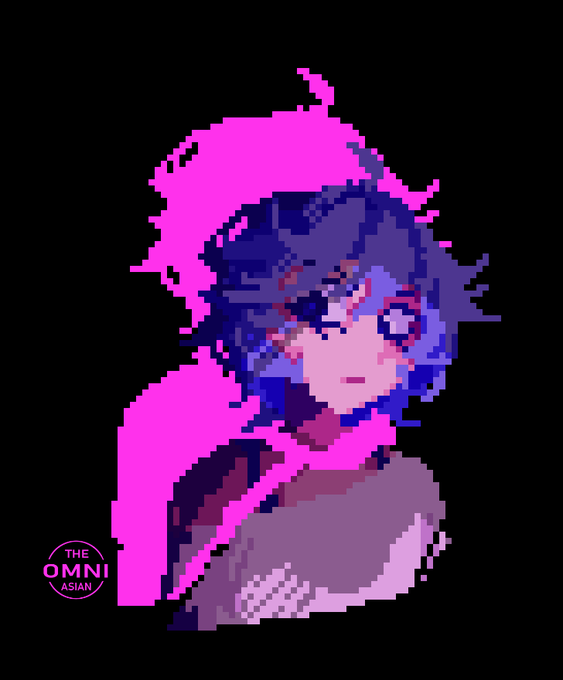
Cocaine and neon
Also is it cheating to use "multiply" on pixel art or no?
#pixelart #art #oc #omniasianoc


Tutu antes // Tutu agora
Eu basicamente aprendi a usar multiply e color dodge KSKSK.
#Desconjuracao https://t.co/UWlTuRUj00


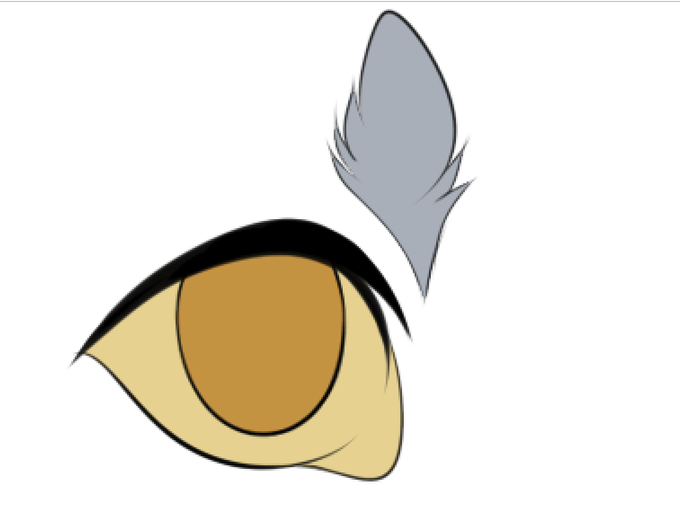
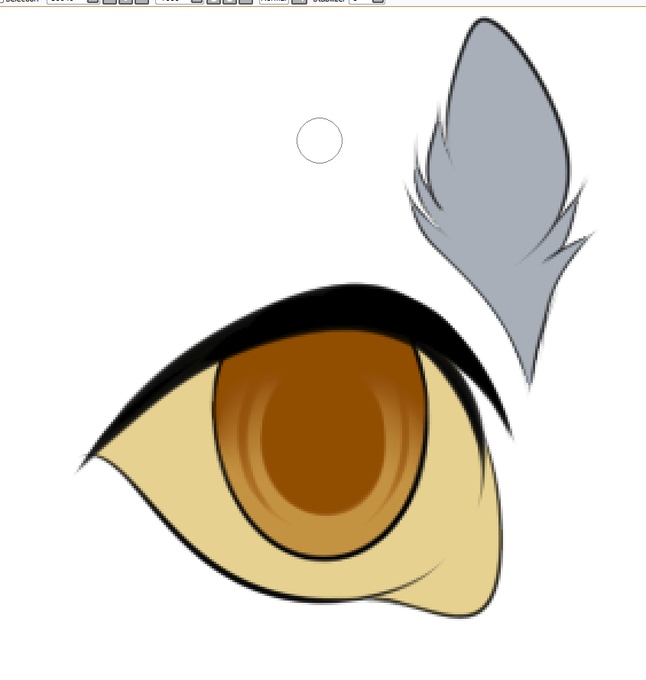
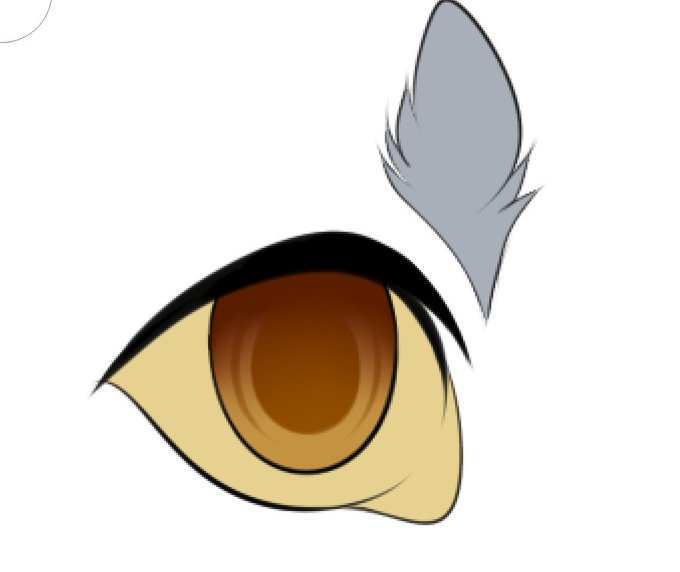

how i color my eyes in 4 steps i guess
1. basic color
2. add pupil
3. use a multiply layer to add shadow across top
4. use luminosity layers to add highlights, then white above the lineart for light shines; don't forgot to color in the tear duct


@sabersiesta In all my pieces, you can find my signature either on an overlay or multiply setting, usually embedded under or within the art.
Also here's my prices


Meet Purple: Split Sword, from #TurtleEmblemFE’s OC universe!
Co-founder of the Drool Cloud Mercenary Guild. Utilizes a form of shapeshifting magic to transform his limbs into weapons and to multiply his limbs in battle. Cheerful yet oblivious, friend to many. #TurtleEmblemArt 🐢


This is my step to paint shading by overlay layer (Multiply, Overlay, Add grow mode on CSP) because I must control color tone on this artwork too
Usually, I paint shading and highlight separate layer not paint on one layer because I'm lazy to toning color


energy would move the shortest route out of the space the arrows surround. Moreover, Mitsuba can multiply a force by stacking arrows in the same axis, for instance tripling the acceleration of an elevator by putting three consecutive arrows on its walls.