MultiplyのTwitterイラスト検索結果。 68ページ目


Dream Bats! 🦇🦇🦇 Had a blast designing these mischievous dream bats that have the ability to hypnotize, latch onto frightened dreamers and multiply! 😱😴 #CharacterDesign #Bats #Dreamscape


Belated B-day gift for fellow clonethusiest @scootflippo of his cute multiplying OC, CC.
Looking forward to #clonekink2021 !
#selfcest
#clonekink2020


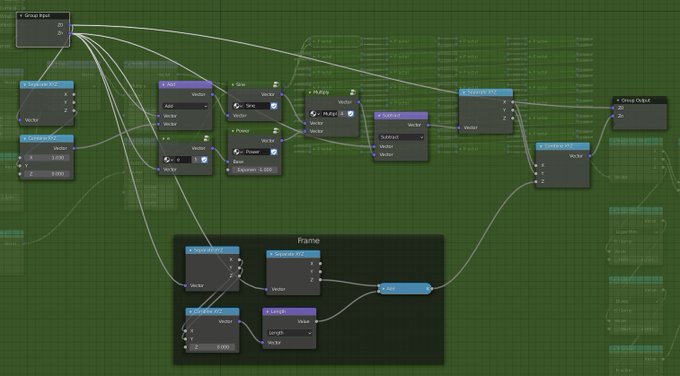
I have no idea what this shape is...
the node group "Sine", "Power", "Multiply", "e (exponential)" is just complex version of the math operation that take X as real part and Y as imaginary part.


Ya ever turn a multiply or lineart layer off and things look mildly possessed? Cuz same. X'D


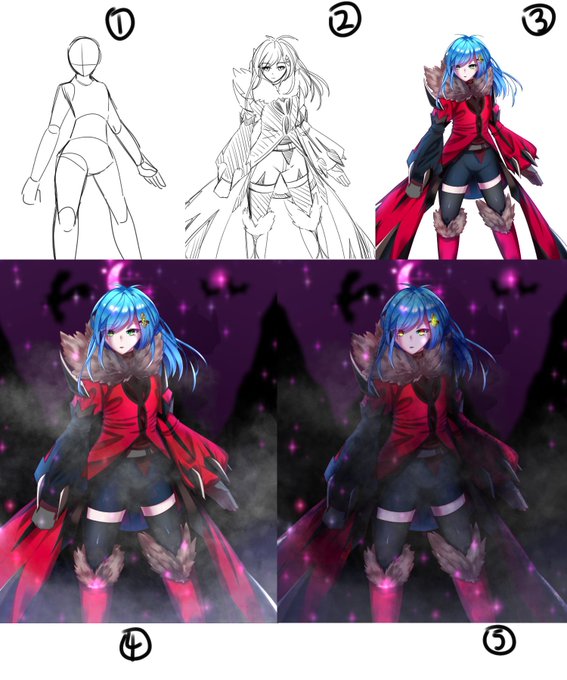
1. 스케치(Rough Sketch)
2.선화(Lineart)
3.밑색(Flat color)
4.명암(Shading)
5.효과(Filter Layer(Overlay, Add, Multiply etc.))
+배경(Background) https://t.co/H8MRRlsx1V


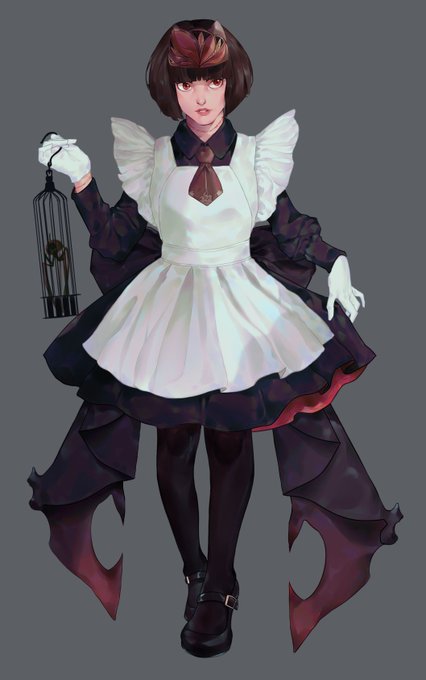
@minniechanart @sygnin Really interesting thread, love this topic. I think my method is quite different from many of yours, I attach the base colors first, then use each base color+multiply layer mode as the line color in order to keep the colors more consistent


"You've got two options: Multiply, or face deletion."
Sho Minamimoto as he appears in NEO: The World Ends with You!
#TheWorldEndsWithYou #TWEWY #twewyfanart


Retweet so your Primogems will multiply for the incoming banner. Attracts mora-less archon whose strength is being handsome and elegant.
#GenshinImpact #Zhongli #Childe #Tartaglia #Tartali

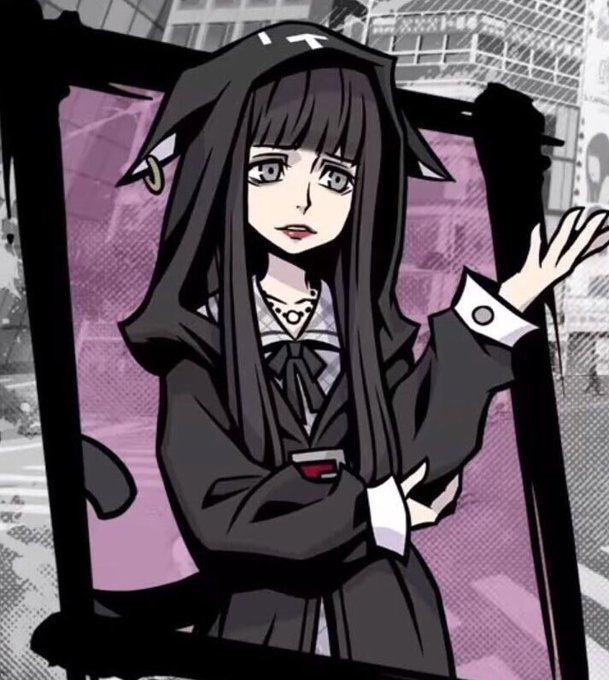
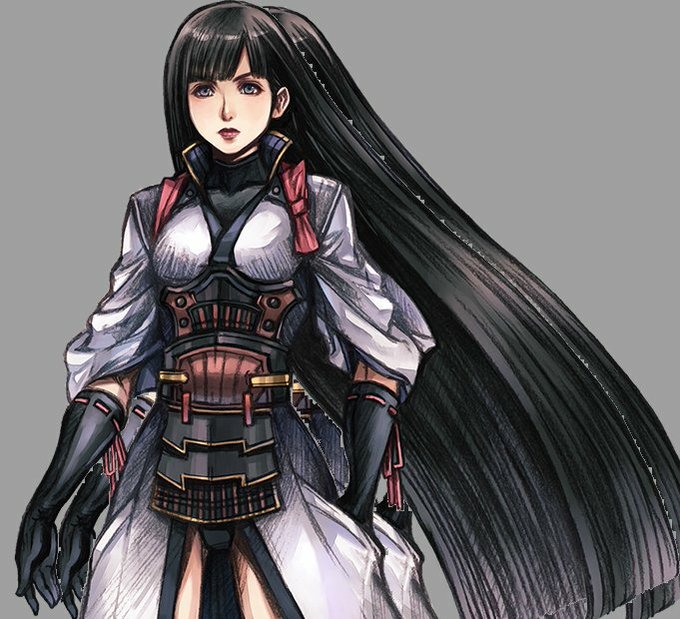

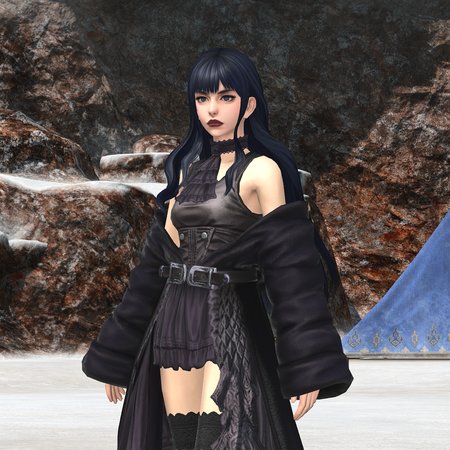


this was a practice for lineart, shading and lighting
might use this style for my comics, is simple, but fun, it's the first time I try to shade without a multiply layer... came out good!!
✨❄️✨


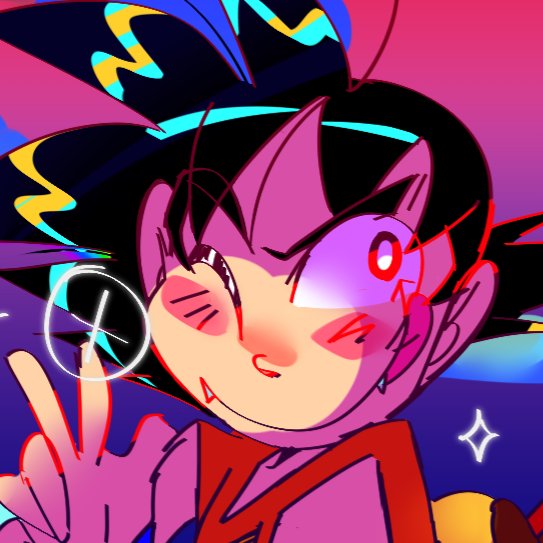


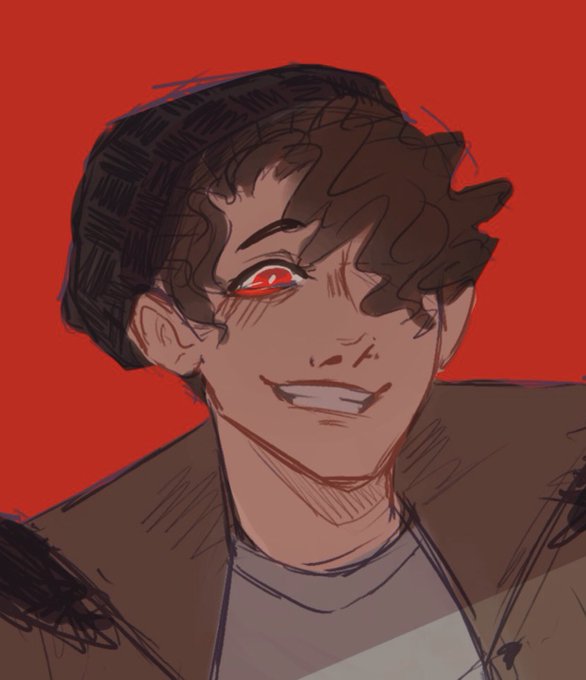
@jubileekind tip for my style :>, i usually go into two different colored multiply layers for shading and merge it all together, throwing more random colors as i go along. threw in the last photo as reference for how i do my sketch/lineart before messing with coloring


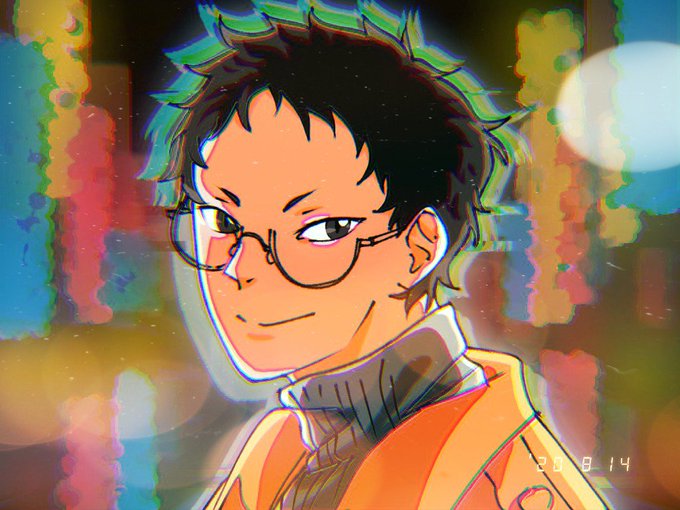
@Haurazee @netshwlansh @TomoyoAkari @roevolver Ini make ibis, tp ya bisa dilihat gaada yg spesial2 bgt brush yg gw pake😂 paling main di blending layer aja jd multiply/add, jd emg g make byk2 bgt fitur. Fitur spesial yg w pake paling fitur effect bwt bikin glitchnya ituuu. Kl mau tau fitur ibis lebih lengkap gw drop thread


@BoxOfWant sorry for the low res, im not at my desk, but like here — i set the lineart layer to multiply and started painting flats bemeath, and now the lines are totally lost in the colors. all the clean definition is gone and I can’t tell if it’s like a lineweight issue, a contrast issue



i just learned what multiply/shade layers are and i haven't been using them, i feel like a dumbass


@molkywaye I use a bright purple multiply layer (hot pink also works for me) on ~20% opacity on top of my flat colours and then just kinda,,,wing it
usually it kinda helps me to fill the whole thing in with the shading colour and then erase the parts that are lit

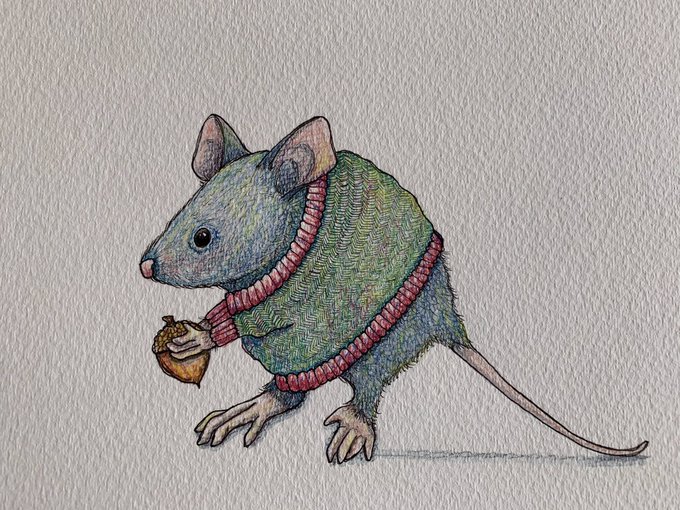
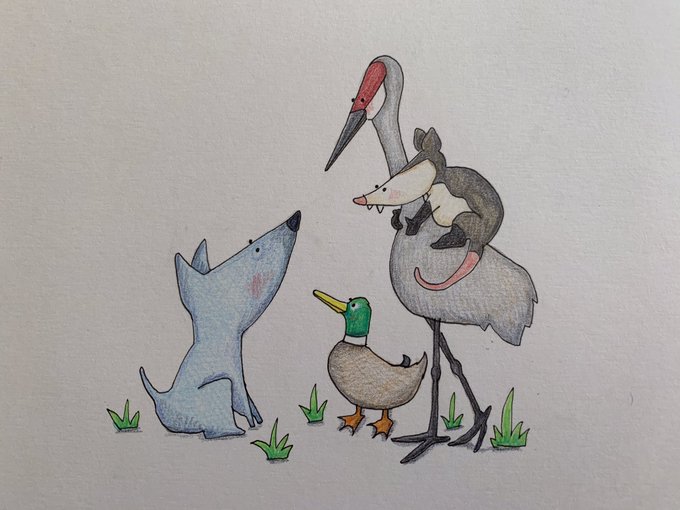
@momodraws I have several different styles—maybe ‘multiply style disorder’? I love your work! ❤️

