resizingのTwitterイラスト検索結果。 8ページ目


btw, sometimes i upscale my ms paint drawings by resizing then using a median filter on them to smooth out the lines.
it obviously loses some details + shrinks the ends of the lines down a bit but i think it's a fun little thing to do to low-res stuff
(before vs after)


Tried recreating Enderman's appearance based on the Smash trailer. I had to do the arms by hand as resizing the arms doesn't actually give the same result.
#Minecraft #SuperSmashBrosUltimate #SteveInSmash


The close up because I worked on a really huge canvas when I was resizing it. And it nearly crashed my laptop. Look at the details and appreciate them!

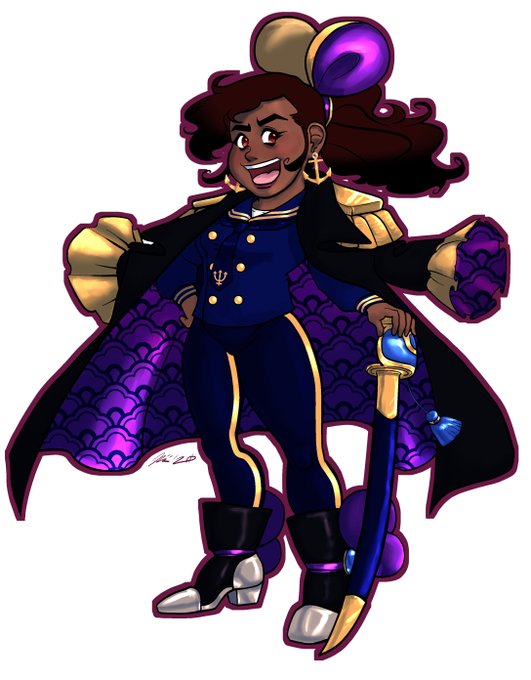


Sketched out a face and then flipped (Smaller image). after resizing and all that, I think I got it good. Thoughts? (A neptunia face comparison on the other pic)


So my default Procreate canvas is 8.5x11 at 300dpi. 2550x3000? I don't like resizing it in Procreate cause it gets weird.
(My clip default is 9000x9000 at 300dpi although I always crop that down once I get going)
#100percentzoom

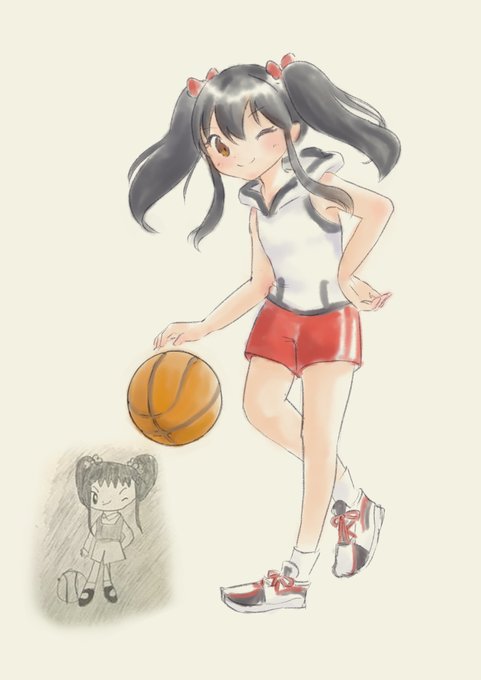
I HOPE THIS IS BETTER
next time remind me to either rasterize the lineart layer or save it as jpg before resizing it orz orz orz


i accidentally made moomin too small and now i’m just having too much fun w the resizing tool


im having fun with pixel art, i still cant figure out the resizing tho


I wanted to do the #faceyourart challenge but grumbled at all the framing/cutting/resizing I would have to do to make a grid of 3x3 faces. All I had to do was search a template XD So here’s a fun variety of faces that I’ve done in 2020, sorted according to symmetry :)


Going back and resizing some images to fit better, don't mind this.
(hopefully this works better than the last one)
[Love your content, Keep up the great work!]
@BirdPoopNO

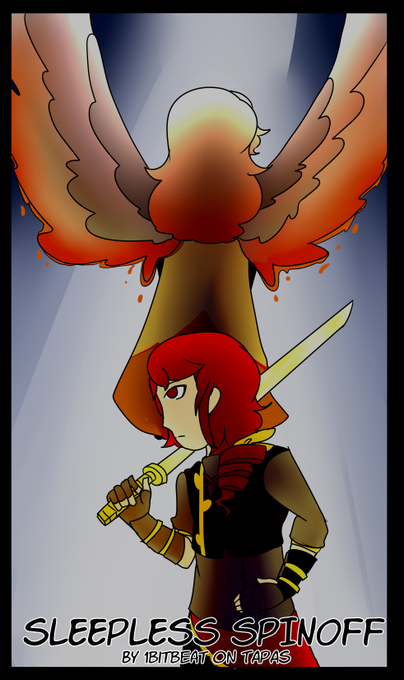
plus a book cover because tapas apparently requires one
also this is before resizing it because the resized one is wonky as hell why


⊱ ────── {.⋅ ♫ ⋅.} ───── ⊰
Kim Taehyung KTH1 Vinyl Mock up
ps. It's my first time participating so excuse me if I'm still not good at this >.<
pps. resizing ruined the quality ㅠㅠ
#7withOurInspoV
#7withOurinspoBTS #gvfx_challenge


When you have to work on social media stuff and need some resizing to fit different platforms
grrrrr proud of this twitter layout ᕕ( ᐛ )ᕗ
#EidAlAdha #EidAladha2020 #EidMubarak


Splatoon 5th anniversary Zine @RaveWaveZine 에 참여했습니다~~~🥳🥳🥳🥳😭😭🥳🥳🥳🥳~!!!~!!! 멋진 존잘님들 사이에서 즐겁게 작업했습니다*^^* 조금 늦었지만 스플래툰 5주년 오메데토~~ 트위터에는 text+resizing 해서 올려요^^! 책 구매해주신분들 감사합니다!


#katerhfaces #royalehigh @KateKa22
>>+* {INDIVIDUAL FACES IN THREAD} *+<<
° 𐐪𐑂 ♡ 𐐪𐑂 ₒ 𐐪𐑂 ♡ 𐐪𐑂 °° 𐐪𐑂 ♡ 𐐪𐑂 ₒ 𐐪𐑂 ♡ 𐐪𐑂 °° 𐐪𐑂 ♡ 𐐪𐑂 ₒ 𐐪𐑂 ♡ 𐐪𐑂
My first wave of faces! Pretty sad my first one didnt make it due to some resizing issues but oh well!


Doing important OC work
and by important OC work I mean pasting a pic of Malice on top of Dusk and resizing him just so people can get an idea of how massive they are


When you're procrastinating having to redraw hands/possibly the wholeass arms (if not moving and resizing them) you speed draw your future white dragonborn and an NPC (kirin-style tiefling) for the campaign you're writing.

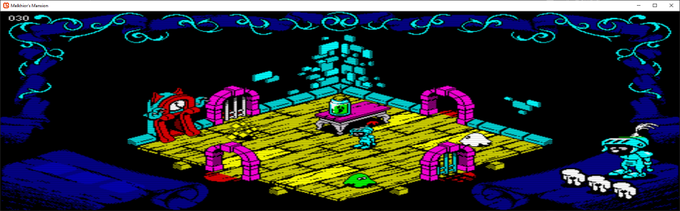
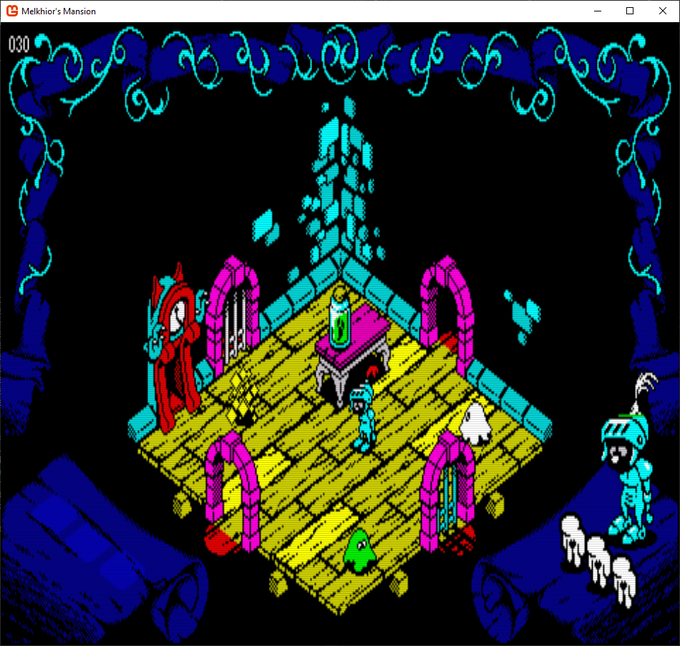
Allowing window resizing. Want to feel like you're almost in the room? Or perhaps an Ultima style point of view? Check! #melkhiorsmansion @hot_piping @Paradise_Games @alberto_mcalby @9bitcolor @BobsStuffGames #zxspectrum #gamedev #monogame