MultiplyのTwitterイラスト検索結果。 71ページ目


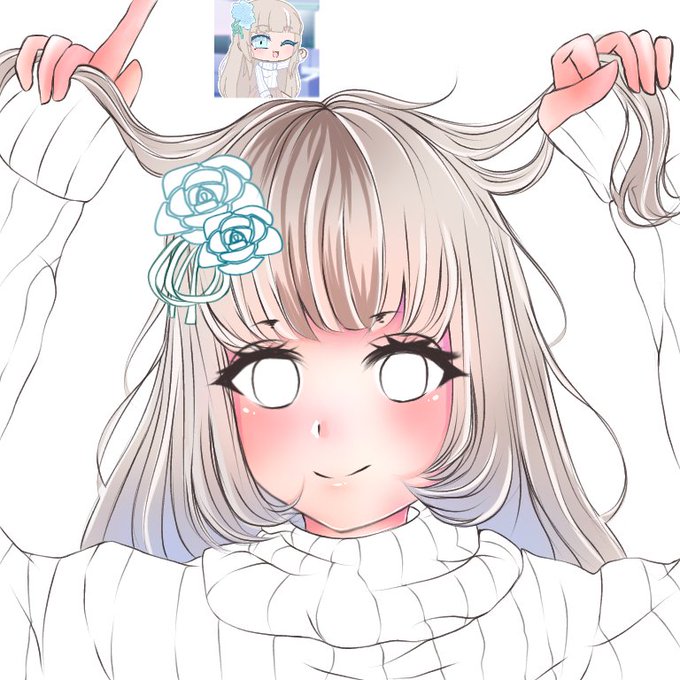

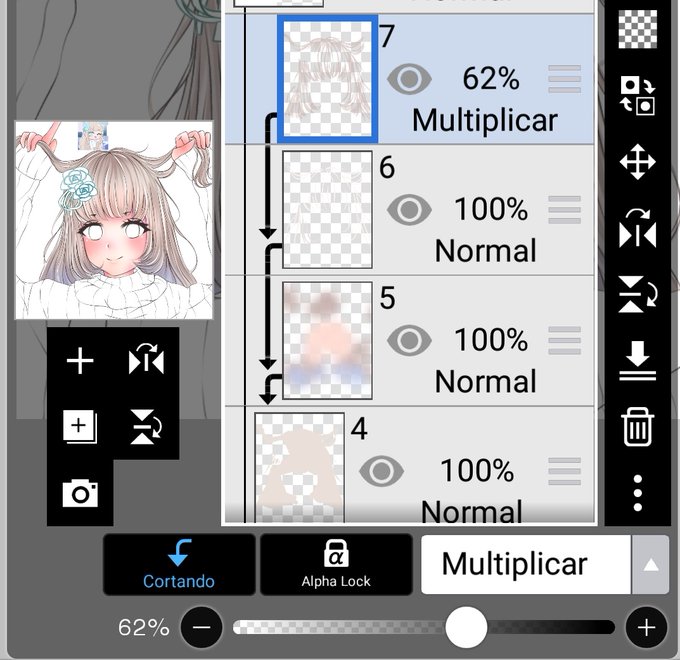
4°(+ layer+crop) turn on the multiply option, and start making zigzags with inkpen hard following the shape of the hair strands/ blend only the middle of these zigzags;(you can choose the opacity of that layer)


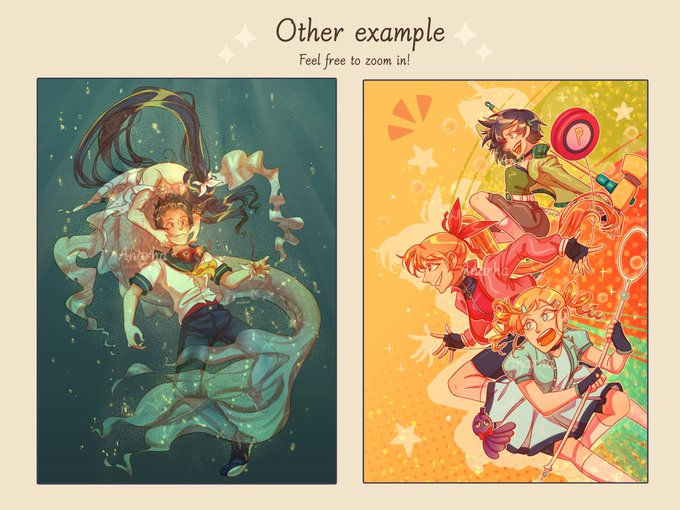
I have a dream to become rich and build a castle in the sky /jk🐒
You can make my dream come true by giving me money and I'll draw your character(s) in my style! 😉 Or just RT! ✨
[5 slots only!]
IDR multiply by 10k
More samples on my Insta @/_anarha
Feel free to ask questions!


Salami
(Tested out a multiply shading )
#amyrose #Sallyacorn


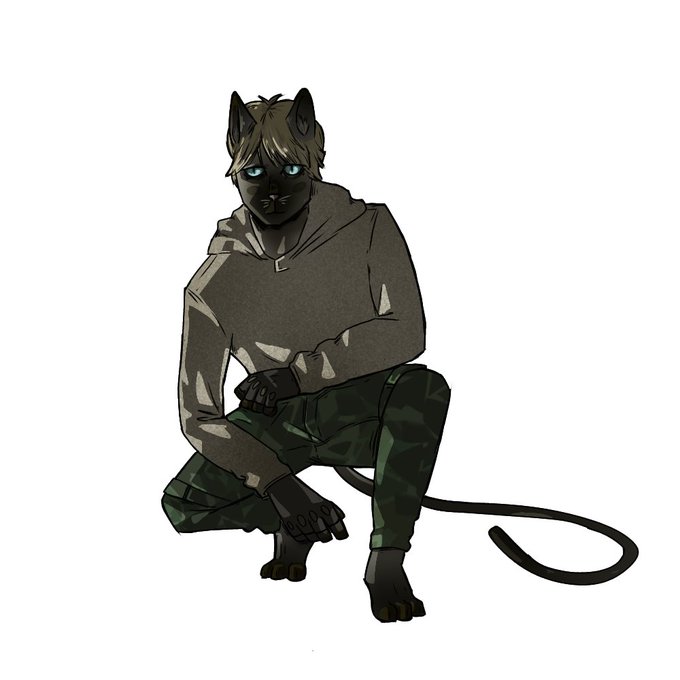


I saw on the tl that its helpful if artist share their drawing process so here it is:
-I do lineart
-Then colors and details
-1. Multiply layer (erase for light)
-2. Multiply layer to add more shadow
-Overlay
-add on low opacity
-maybe another overlay for texture


Franky’s Bride, yes, my brides are multiplying😱!
Halloween sale at https://t.co/JkJjy4xoE1! - discount code-FALL20. 25% off on SOME website products
(In stock Sideshow AP prints are on sale.)
there’s a SPECIAL SALE price on the new Franky&Bettie print https://t.co/w4wQ1jfUwa


Quest check!
Have you wanted to incorporate a Beholder into your campaign late in the game? If so, there's so many to choose from! All change according to the dreams that tap into reality to change or multiply them. Simply have one dream of a PC, and start causing trouble today!


3. copy layer base warna, atur jadi warna putih via opsi hue, taruh lightsource bebas, lapisi dengan warna pilihan untuk shadow lalu mulai tentukan mana cahayanya
4. Set ke multiply, kalau merasa kurang, duplikasi lagi layer dan atur hue dan opacity.


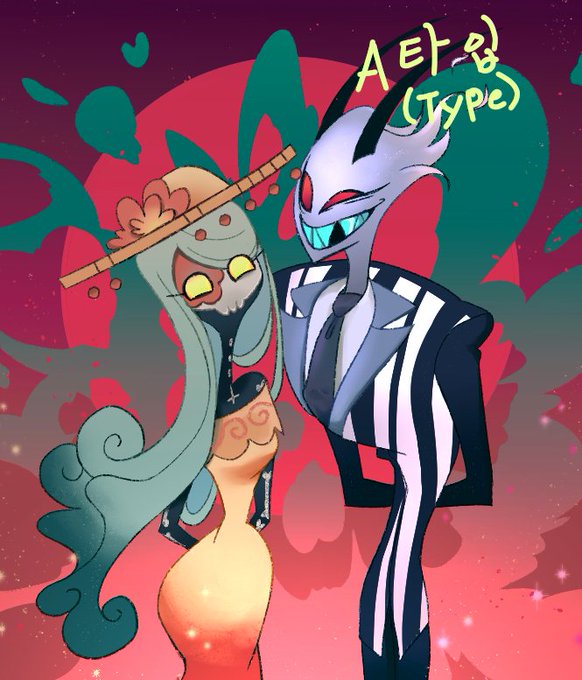

※Commission open※
(USD Criteria)
🌸A Type: 9(Cartoon style/Head~between the waist)
🌷B Type: 18(realistic drawing/Head~between the waist)
+ Multiply basic amount by adding people number of persons
Request DM for application.😄


Basically
Lineart on multiply, lasso tool flats on midtone beneath.
Lock flats layer, use lasso tool to block out planes. Set gradient tool to 30%, "paint" light.
Doesn't have to be exact, but close enough. This requires colours/colour scheme to be picked beforehand.


It's #MikuMonday!!
I painted Miku using @Sayuui tips on lights and multiply layers 😊😊
#HatsuneMiku


4. SHADING
Karena diburu dedlen, aku pake 2 level shading aja. Dua-duanya pakai efek multiply warna ungu dan pink.


@Emperor_Dama Oh, duh...I forgot to multiply by the parenthese first, lol. Yeah, its 1 as you said.


a dif ver but not rlly bc i just slapped a multiply layer on it haha HHBNNDNSA i hate ur clothes sm


(abis base lgsg ditimpa multiply biar lightingnya cocok gtu) https://t.co/mdnzq58jyN


@GaijinGoombah In addition to the outward appearance and habit of absorbing human nutrients,Root head can regenerate and multiply through it's roots,which reminds me of the Yokai tree(妖怪樹) from Gegege no kitaro. But I'm not sure they're any more connected than they seem.


I try not to use any multiply layers.
And it works!
#dragonage #dragonageinqusition
#DaI #IronBull #malelavellan #Lavellan #elf #qunari #fluff #twink #inquisitor #gaycouple

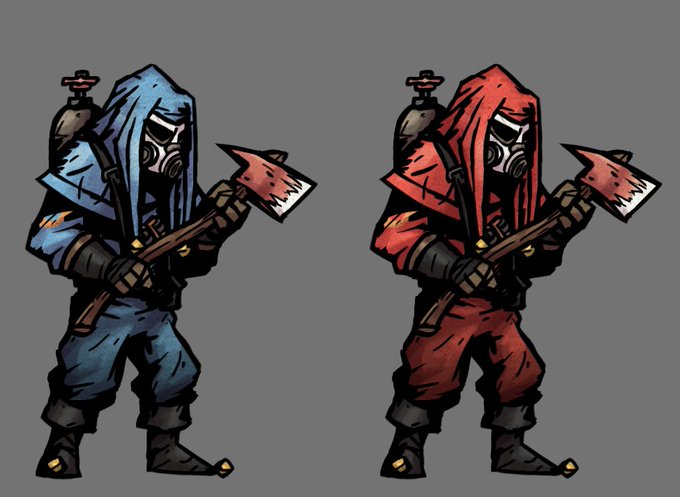
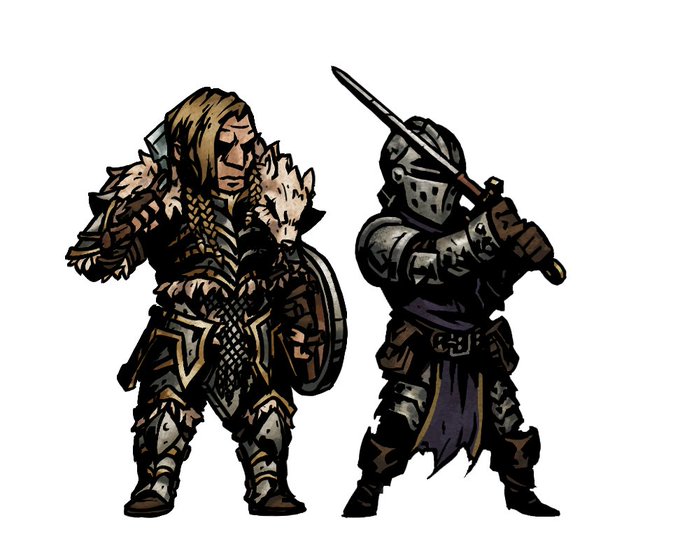
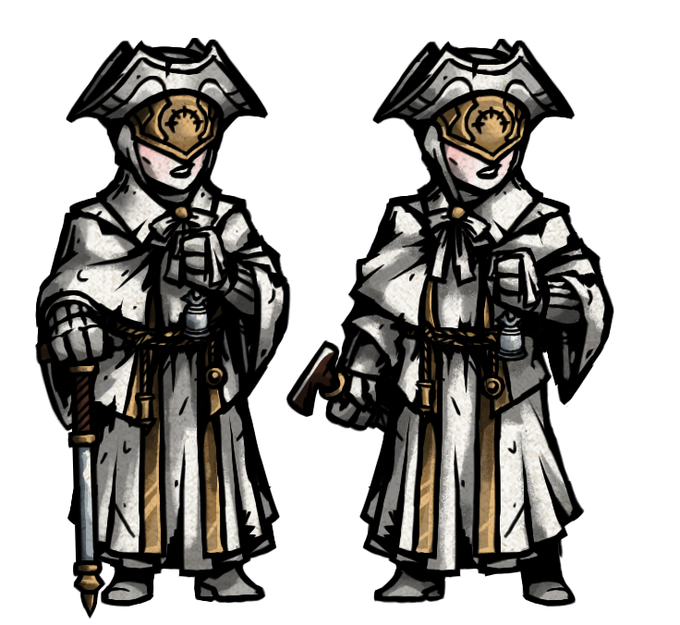
Just a couple more of the TF2 Team and I'm done. Also follow by the first warrior of a seven man D&D party, and a bit of an update on Choir Hunter with her flat shading to prep for multiply layers. #DarkestDungeon #art #dungeonsanddragons #TeamFortress2


NVM I FOUND A WAY I SET THE LINEART LAYER AS MULTIPLY https://t.co/aMzKzOdDIM


@polylovesjrwi 5. color layers only affect color, so if it needs to be lighter/darker, i duplicate the layer and change it to "glow dodge" for lighter, or "multiply" for darker. then i change the opacity & extra color as needed (and clean it up a bit)
and done!