MultiplyのTwitterイラスト検索結果。 73ページ目


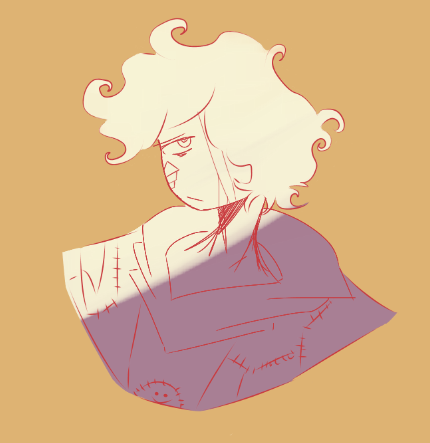
There was an attempt for @hhaeyeun ‘s dtiys..
How, h how do you even make the highlights pop under 7 layers of multiply oh n o
#hhaeyeunDTIYS #dreamfanart #technobladefanart


Hleep, Spinning Eda is multiplying now, not even Owl can stop her 😭



すごい!!✨🌈
testing some other brushes, opacity, multiply layer, experimenting~ :]


Vivian and Mario camping out in the woods.
Super fun to draw and not anxiety inducing. Feel like I did a better job with the multiply/screen layers this time.


here’s some close ups!! i’m really proud of this one cuz i painted it instead of just using a multiply layer 😂


Tutorial!
1. Line art
2. Base color
3. Base colors
4. Add a “multiply” layer and use a gray pink color
5. Add shadows
6. Color line art (alpha lock the line art layer)
7. Add highlights ✨
8. Play with filters (sharpen or noise or Gaussian blur or increased saturation)


I... may have learned a bit about multiply layers recently.


Rendering with multiply layers are such a ballache, but they're so bloody convenient. Anyway, I thought I'd share my process for my Tawna piece, because those are always fun.
#Tawna #TawnaBandicoot #CrashBandicoot #CrashBandicoot4 #CrashBandicoot4Itsabouttime #futa #futanari


My first attempt at using multiply layers in procreate! #sailormoonredraw


#artstylebend been a while since i've last done proper lineart and actually used the multiply effect


Se ve muy mal q coloree así?
Es q me dijeron q se veía raro...
El sistema q uso ed de la capa en multiply y luego una en overlay...
No se si seguir haciendolo asi...


So uh.. I'm still very new to digital art and.. I just discovered how wicked cool the multiply blending mode is?? like holy fuck I wish I had discovered this earlier; my previous works would've been finished much faster. I'm such a slow learner... lmao


Why did I never use Multiply till now? The shading looks way nicer with it... and it mixes into the base colour way better... It works so well and I only now had a reason to use it...


Kinda gave up but idk I just like messing around with multiply and colour dodge lmaoskkxmcn



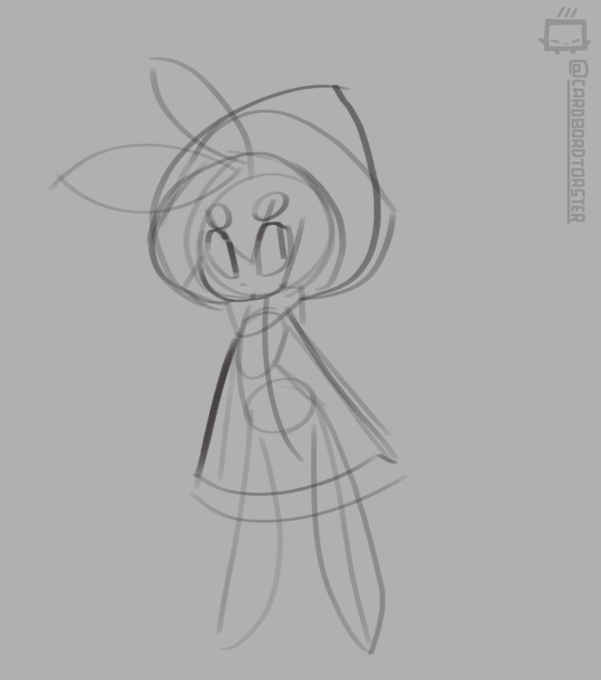
a quick rendering experiment with mimic. you know you can just directly set the brush to multiply or screen? crazy.