MeshのTwitterイラスト検索結果。 2,326 件中 74ページ目


Me between my two kins
I like to self claim myself as an Ichimichi love child cause I’m very much a mesh between the two https://t.co/Ze4j7HbBff


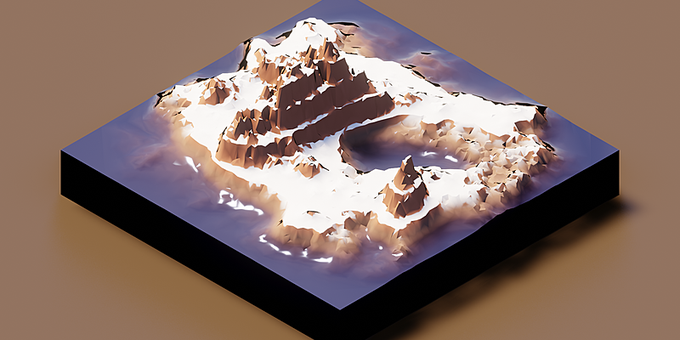

The Low Poly Terrain Editor allows you to quickly edit low poly, isometric and voxel terrains. You can also convert any mesh (character, object etc...) into one of these graphic styles. Use the cartoon stylized textures to add the final touch https://t.co/QcVahvxSON


プラグイン修正しゅーりょー。
1本1本別オブジェクトにしなくても、1オブジェクト内に複数Curveが入ってても大丈夫になったぞー(*´ω`*)
Meshとちがって、CurveをそのままBoneで動かしているから、絶対に髪の毛がポキっていかないんだぞー(*´ω`*)
さぁ、やっと絵の方の続きに入れる。
#b3d


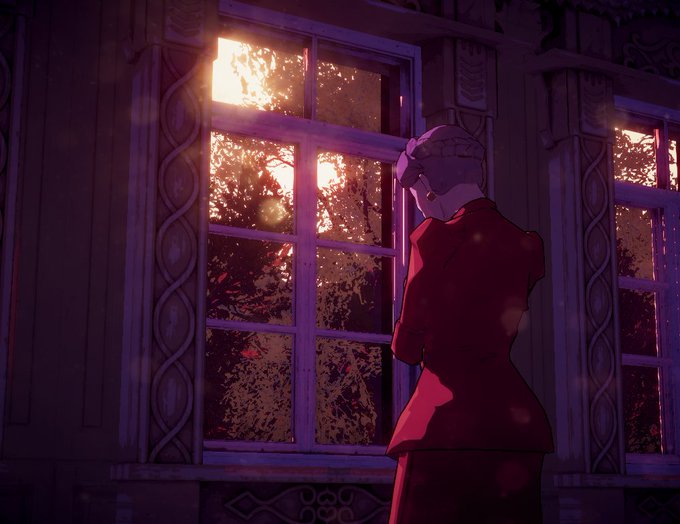


this scene has literally hundreds of trees & props, consistently clocks in at 600-800 draw calls. the secret: you can have basically infinity objects -- as long as they're the same mesh with the same material. turn shadows off stuff in shadowy areas for high score


Ambitiose posterum (Exploracion de texturas) available on @SuperRare_co !
This nymph I rendered at 300 pixels per inch so probably worth zooming in to see the detail of the mesh against the curves and folds🙏💀
https://t.co/yq5nDCi51s 🚀


Create up to 37 male anime style character meshes mixing and matching different parts. Customize it to help increase your productivity! A good base mesh allows you to save time with good proportions and clean topology. https://t.co/jJxG2OMzq7


QUEEN SU UWU
Anyone a fan of BABYMETAL here?
I tried so hard working on the mesh, i just did scribbles hahahaha
#babymetal @BABYMETAL_JAPAN #artph #ArtistOnTwitter


#RobloxUGC #RobloxDev #RobloxDesignContest #robloxart #UGC #3DModel #mesh #3Dmesh #Roblox
New hair :)

#RobloxUGC #RobloxDev #RobloxDesignContest #robloxart #UGC #3DModel #mesh #3Dmesh #Roblox
Just made another hair. Please tell me what you think :)


Sorry for the recent spam, I'm excited D:
The mesh is done, I think, minus the female version that I'll make a little later
🐦


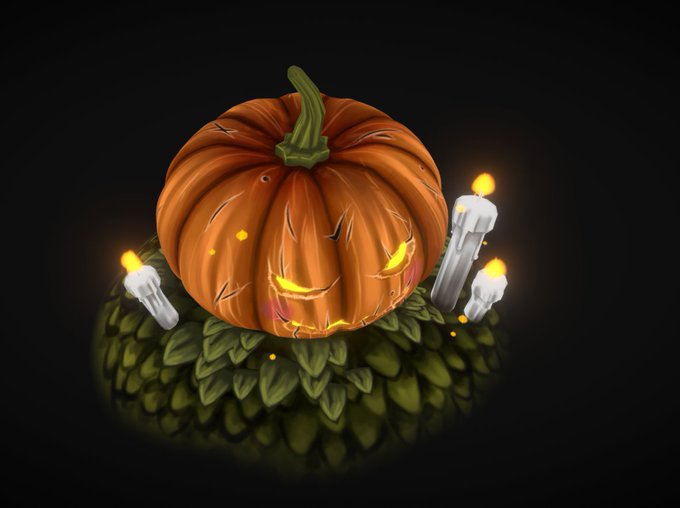

Pretty sure the topology is ...questionable to an experienced 3d artist and I'm still exploring how to optimize the mesh and UVs, but I've been learning alot thanks to YouTube tutorials!! 😳


AMReX: Block-Structured Adaptive Mesh Refinement for Multiphysics Applications. https://t.co/jiUIFg2BYK


I did some colouring, trying some new stuff with mesh transform and textures~


#RobloxUGC #RobloxDev #RobloxDesignContest #robloxart #UGC #3DModel #mesh #3Dmesh #Roblox
Just made a shoulder-short hair. What do you think?


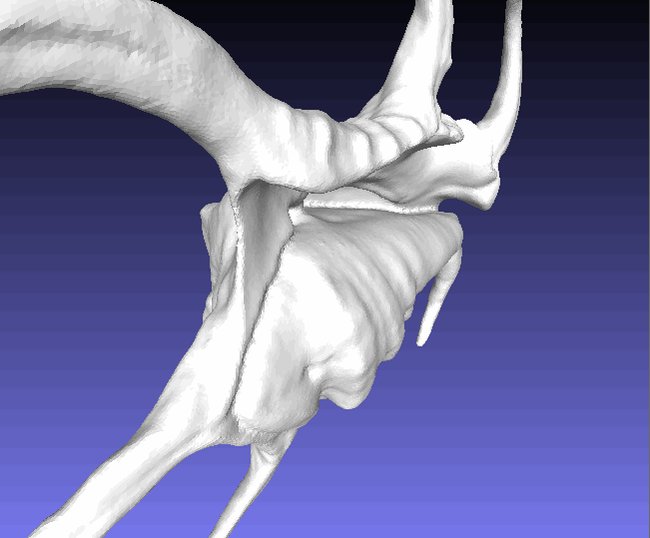
Relative Height was been used to generate constraints for frame field in the first several alpha versions, and got removed from beta version, now it's back and been used to constraint concaves while inflating the mesh to kill thin edges.
https://t.co/551QOY8Mlr
#RelativeHeight