multiplyのTwitterイラスト検索結果。 2,043 件中 76ページ目


TW: Blood and gore
.
.
.
Practiced using the "multiply" and "overlay" option. Hmmmm interesting. 🤔


>When a is negative, you have to multiply the entire expression by -1 so that it becomes positive.
>When a has a coefficient, multiply the coefficient with the constant and find our pair of factors from there.
>The entire process afterwards is standard.





Princess Ghypsophila. I tried shading with multiply layers. It's alright.

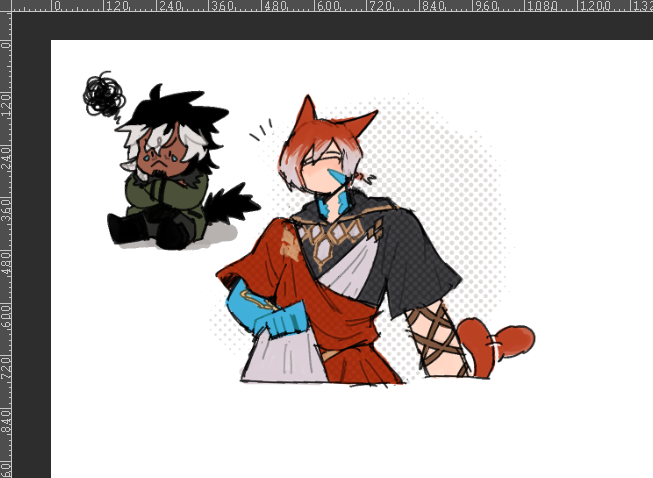


Yayyyyy Art train time I guess? I use purple multiply layer for shadow way too much...
Hand over your art 👁️👄👁️
@TsuruRoach @Tripl3_D3 @CallMeFresa @Devsiies @counameh @xxmissarichanxx https://t.co/w7w0opBd7I


commission for @vencion_maruku of his OC, Jen. i tried a different shading approach here. blocking out the base shadows/light first on a duplicated flats layers set on multiply


•Changing the hue
This tool will like the multiply will simply change your color palette presented on the illustration. Play around with it and see what suits you the most.
Like this^^


More on step 3: the multiply layer opacity should be less than 100%. It just kinda depends on the base color
More on step 4: I used the base color and set the layer on multiply. Again, the layer opacity is less than 100%. entirely depends on the base color
(forgot to mention)

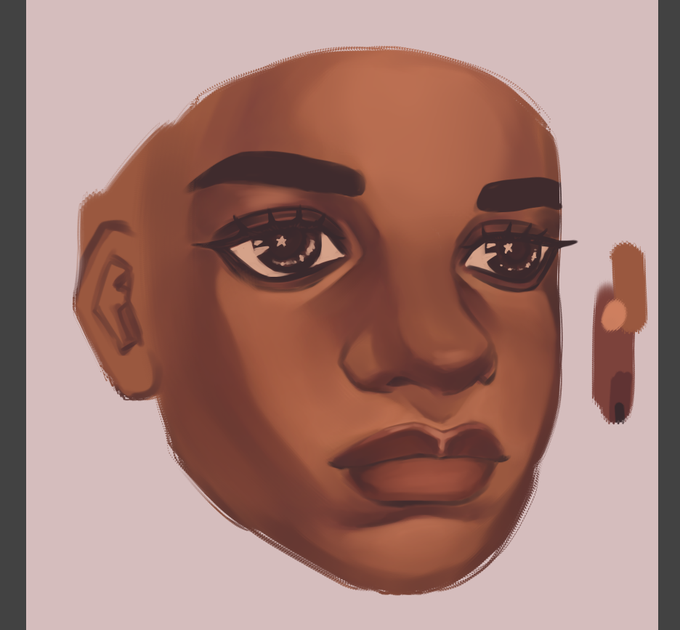


DREAM‼️ DREAM‼️ Hello 😀👋🏻 do your shoes need shin-
Drawing, but it's with only 5 COLORS!
challenged myself cause why not uwu
i cheated using multiply, add and overlay, but thats legal in my oppinion
anyway, i kinda like this :0 so hope u guys like it too!
@Dream__Fanart 👉👈

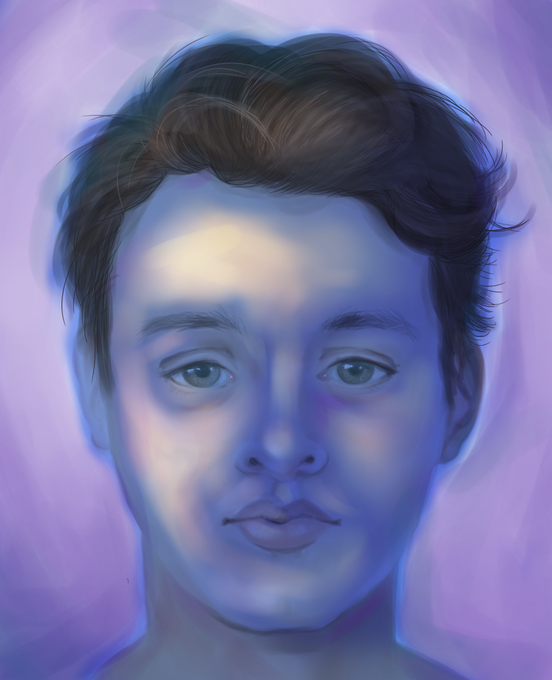
this looks so much artsier than the original but all i did was add a blue multiply layer and erase it in a few places
drawing is a lie


not sure which art style I like more hmm
anyway my color choices are clashing and that probably wouldn’t have been s problem if I had went over it with multiply blending mode or something :]


@Sugar_Cuube my method is to put the sketch on multiply above the color layers, blob all of the colors onto it, and then carve out the shapes i want. it helps me massively to put each color on a different layer (and have one where all are merged). i do the same w shadows+



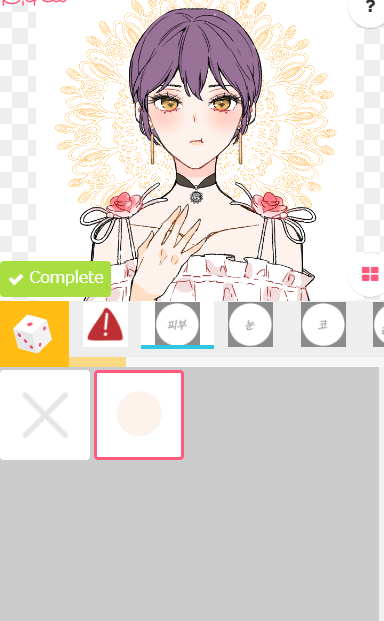

@inaire7771 @joonurthang @MeowForeveeer I legit made this using the method, it's a bit different, and a bit messy since I'm just testing it.
Multiply layer with the colors you want and ctrl+u to edit
The original has 1 color for the skintone.
https://t.co/OGcn8vVS0W


[oc] tried painting in b&w and then coloring it with multiply layers


@PMSeymourDoodle Ehhh all flat colors on one layer and then a ton of multiply and clip layers on top,,,, and I just pick colors that look good I guess


warm* + cool tones help inject more color into the skin. if you have difficulty finding a color that works with your palette u can try using a multiply layer instead.
*my red here is SUPER desaturated compared to what i usually use, due to the lighting in this particular piece.