multiplyのTwitterイラスト検索結果。 2,043 件中 79ページ目

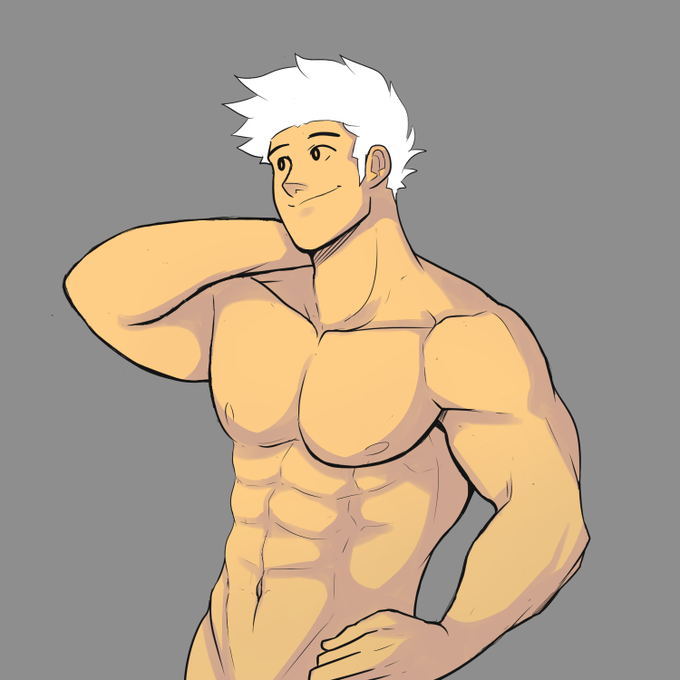
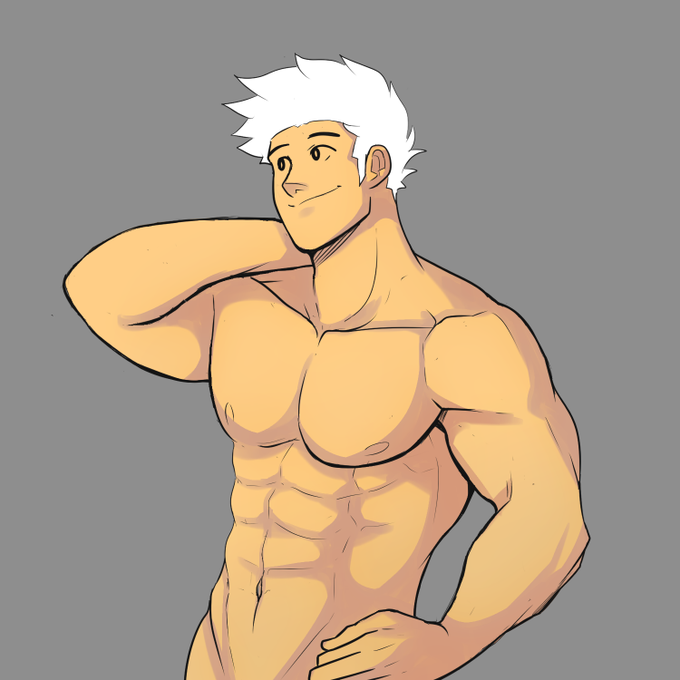
Then I start adding the shadows. It's easier to start the shadows first. Trust me. I took the flat skin color and shifted the hue to be a bit darker. It's on Multiply.
The second pic, I copied the the same layer, put Soft Light on it then gently blended it.


tbh once i got to the shading phase i kinda just zoned out and went drrr multiply drrrr add glow


@DuookamiA te mostrar ó
a primeira é a camada em normal
a segunda é em multiply e ajeitando em cima com outra normal

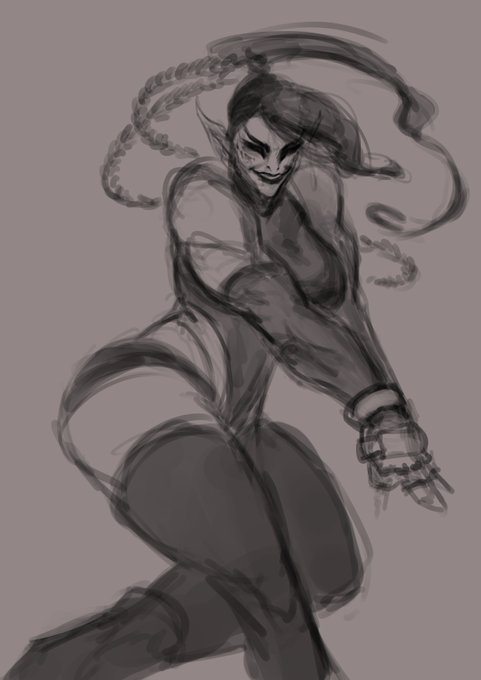

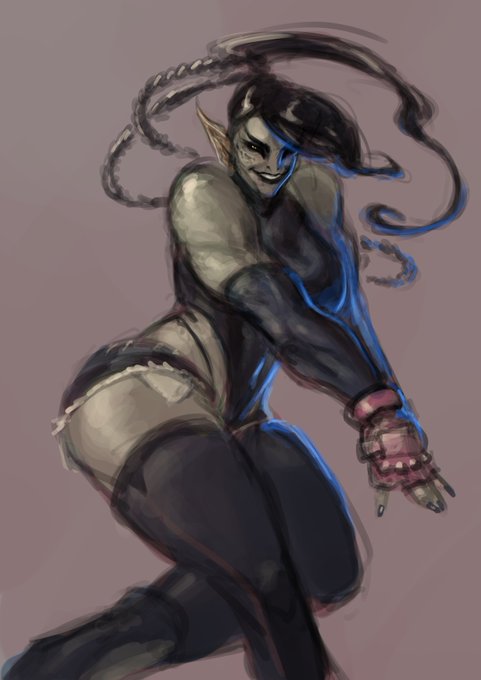
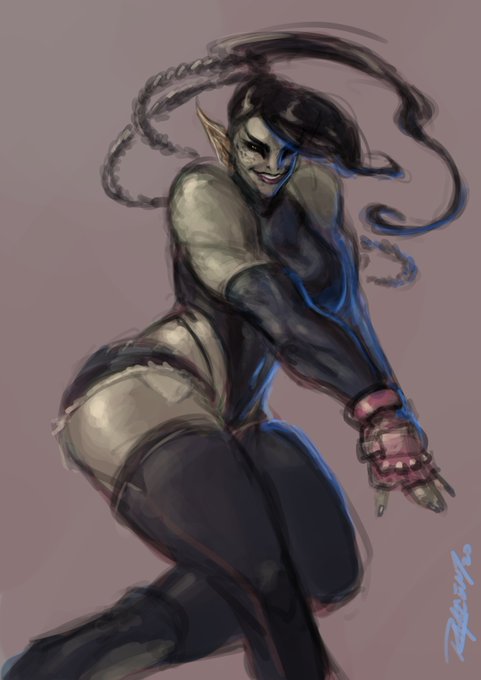
A peak behind the curtain on how I sketch things out:
1-sketch over a warm mid-tone
2-set sketch to multiply and base color underneath
3-add lighting info on top
4-mix around... and done!


I also realized that you could turn a ripply water surface into a blazing inferno by adding an orange multiply layer.


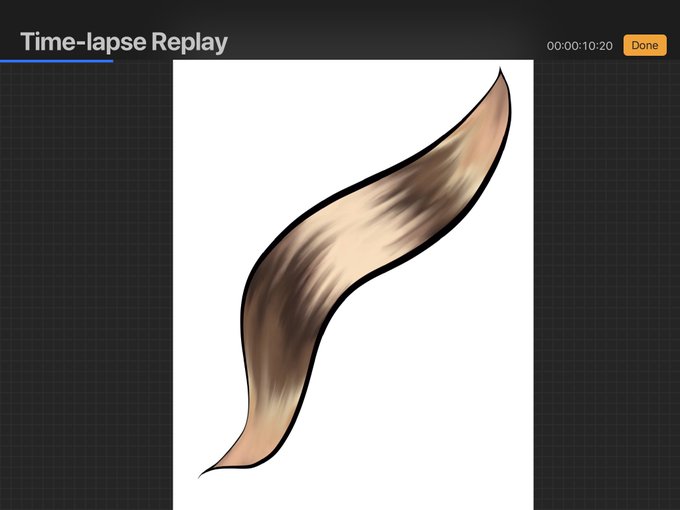


hAIr TuToRiAl iG
Flat colors
Blend with hard round brush
Add lights and shadows using add mode and multiply mode
Recolor lineart
Teehee


I need to stop doodling these two, it's getting out of hand...
First time using multiply layers tho, by god is it satisfying!


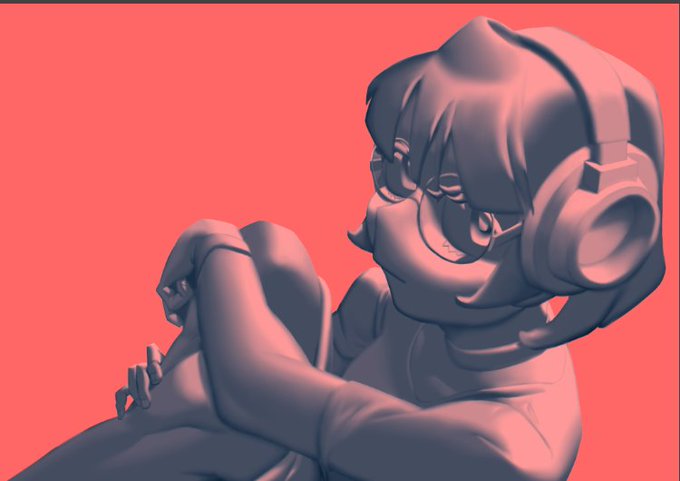
8. Adjustments
I like to adjust the color balance setting to make the shadows blue. And then on top make a layer of solid red-ish color then set it to multiply. This'll make a nice contrast of cooler tones on the shadows and warmer tones on the lights.

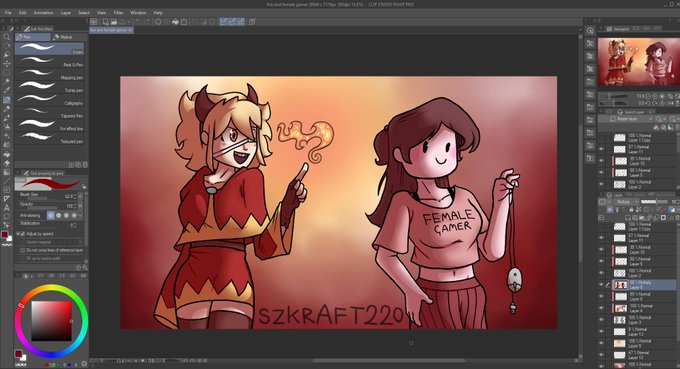
Forgot that I didn't use multiply on shading layer, so I wanted to fix that, but now CSP doesnt want to save PNG format and just crashes?
So here is a screenshot of how it looks, you can also see that my workflow is a mess by the layers
Also TY to @Naphia5 for showing me multiply


@paprikapear i'm nihil, i'm a mestizo nb lesbian, and i post my art primarily on toyhouse (@/nun) and deviantart (@/cestodes)! i do more original than fandom work nowadays and once i learned how to use multiply layers it was OVER for me.


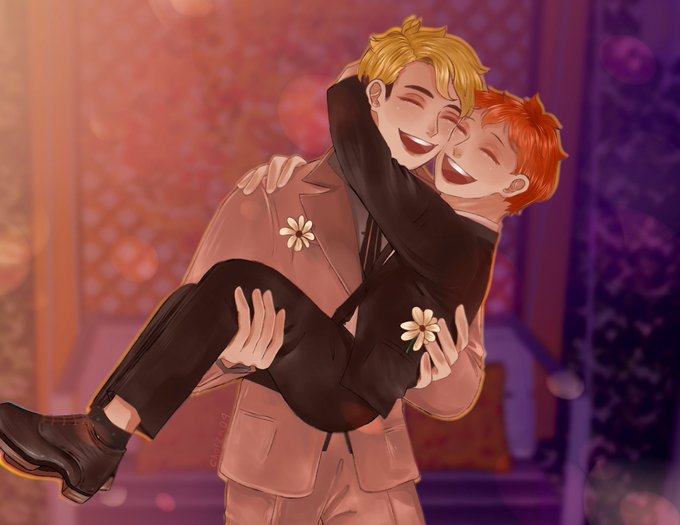


I found out what the multiply layer does on photoshop so I decided to play around with it using another @warning_winter sketch. Also, I have a weakness for undercuts hair do's so I felt obligated.


@CombosDoodles it depends really, while using multiply layers colour picking also comes into play. it's just diffrent. The way i personally do it is i use normal layers for individual segment's shading and multiply/overexpose for more ambient shading


@Aeroon7 Here's the settings using one color and 100% opacity on the layer.
Overlay- think tinted windows, brings the entire color pallete together
Multiply- good for shadows that don't look bleak!
Add- for shiny things like gold and fire, makes things g l o w
Screen- best for pastel!

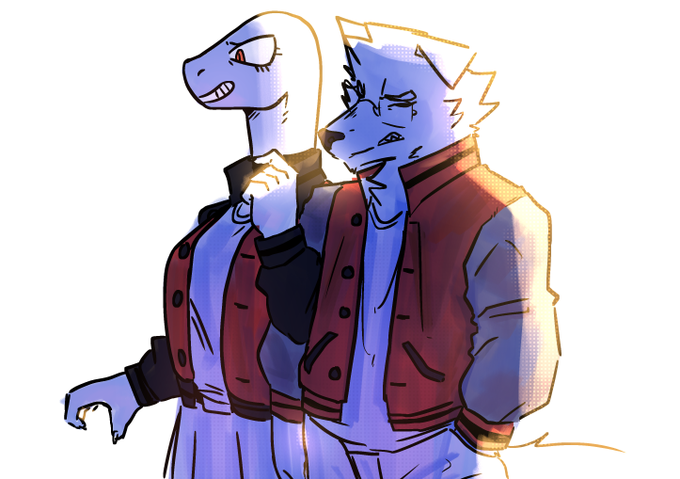


like im looking at all my old art, and ive ALWAYS done the same thing. two layers, one for shadows one for light. a multiply layer and a add glow layer. and its looks alright, its fine. but now all of a sudden it looks... really fucking odd?


Lineart experimenting
Art and character © me
Was experimenting with different lineart thickness and normal and multiply style lineart.
What lineart style do you prefer the most?
#wolf #wolves #wolfhowling #wolfpup #digitalart #ArtExperiment #ClipStudioPaint #Dimitri