multiplyのTwitterイラスト検索結果。 2,043 件中 80ページ目


อยากสาดแสงเก่งๆ TT
อันนี้ลองตัดเส้นเร็วๆใช้เลเยอร์ hard light ย้อมสีแล้วทับด้วย multiply
ในจอวาดสีเข้มมาก 555 แต่ในมือถือสีซีดเลย 😂

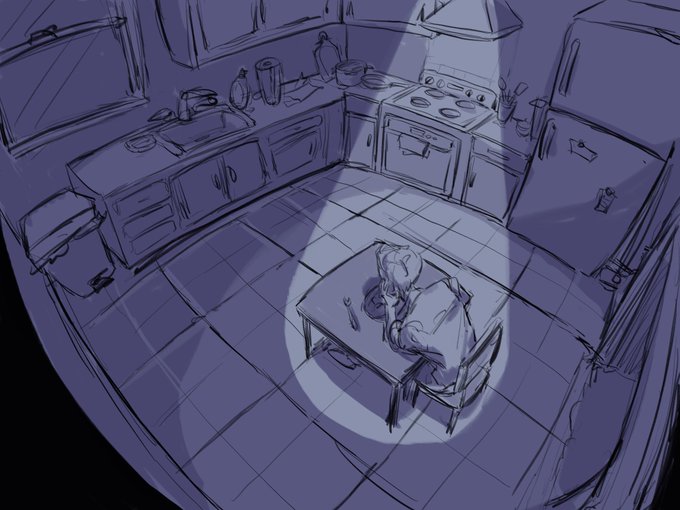

some unrendered concept sketches with lighting. man i love multiply layers
#art #illustration #conceptart #sketches #digitalart

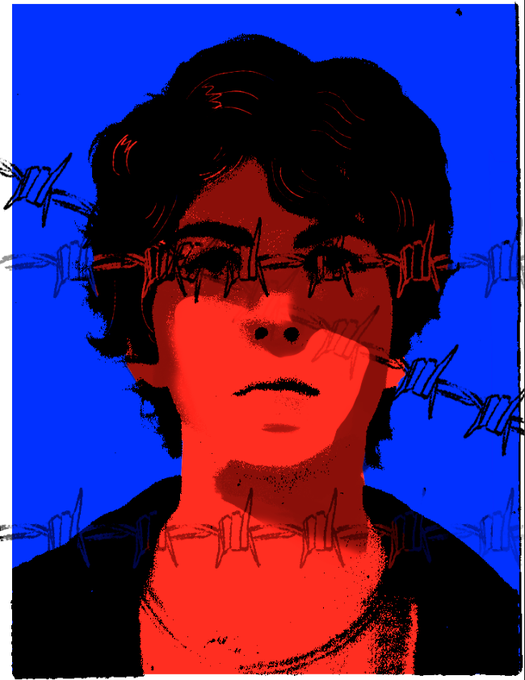
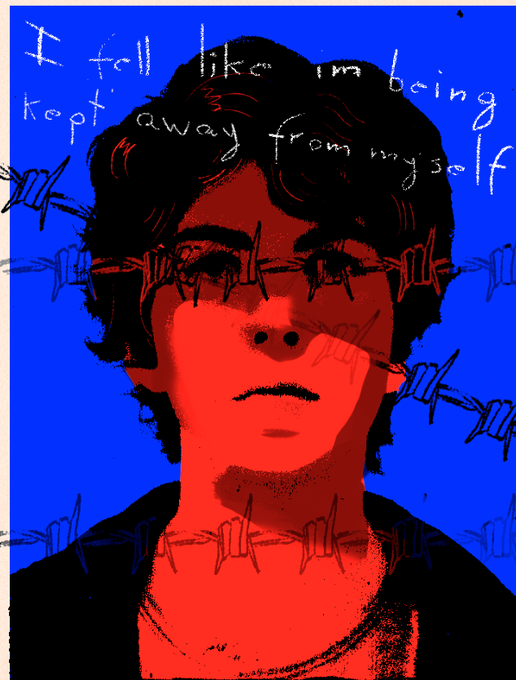


idk, i like playing around with multiply + overlay layers i guess


@mazjojomania I have already used multiply but it does not convince me yet


I was indirectly motivated by @DoctorDRM_Art to draw Elza's ass. I think is the first time I do furry stuff, lol.
I also used a different coloring method, I want to use more the "multiply" thing, but I'm still not used to it~





@lynelmilk just some of my unending pile of tieflings because every time i look away they multiply somehow
(this is: crook, ari, ysobel, and skari [skari art by @/Blushily, rest is mine])


Got commissioned to create a rose. Flowers. It's one of the many things you'd think would be simple to make. And it could, but not in this case. Kinda figured out what a layer Multiply does. #commissionart #rose #flower


A drawing of Spyro the dragon using iPad procreate. Finally practicing using multiply and screen layers


was having a conversation with @greedfan_ about our different art processes and this is my art with and without overlay/multiply/glow and other filter layers! does anyone else's art undergo a drastic change with filters?


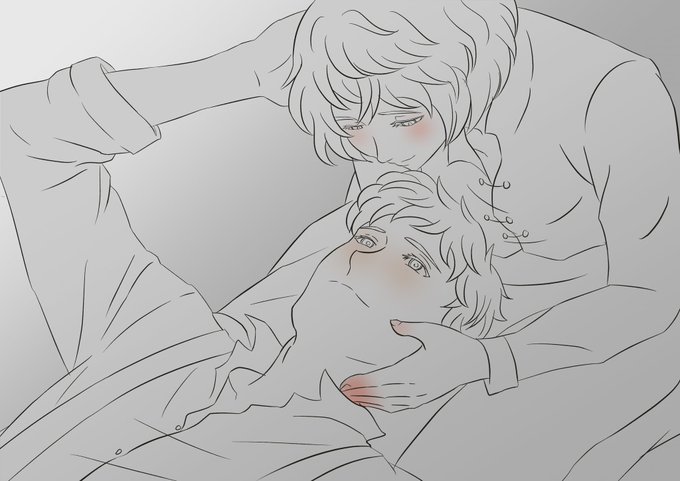
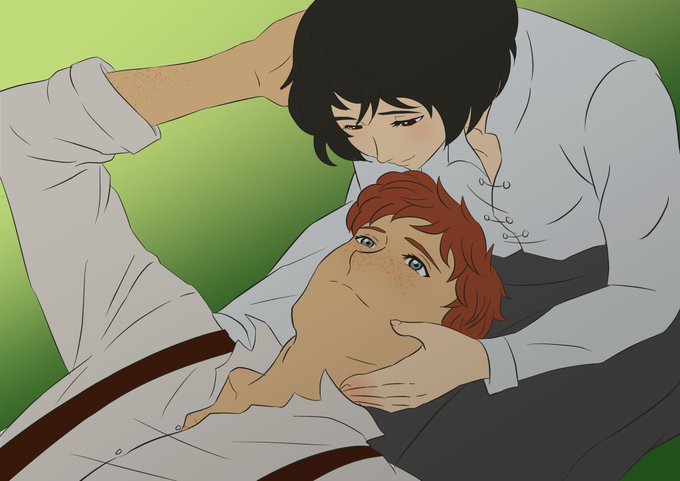
After i made all shadow and light, next step is coloring~
I use 2 layers:
1. Flat color
2. Sub surface scattering: additional red color because blood reflection inside our skin
And pic 3 is all color layers combine result (blending mode: multiply)
(3/6)

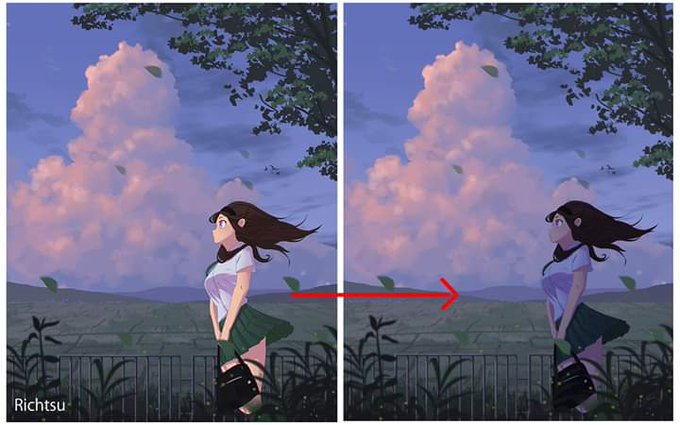
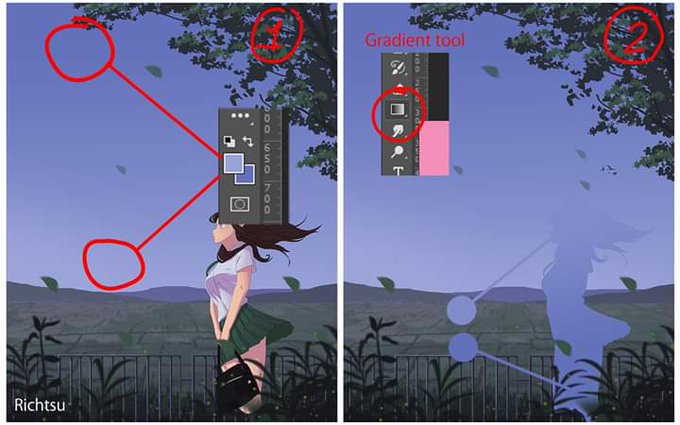


Blending tutorial 101 by @Richtsu1
How to blend your character with the background
(It’ll work on any app as long as it has “multiply mode”)
Please follow and Check out his amazing background artworks @Richtsu1
Character by me :3
#tutorial #blending #Collaboration


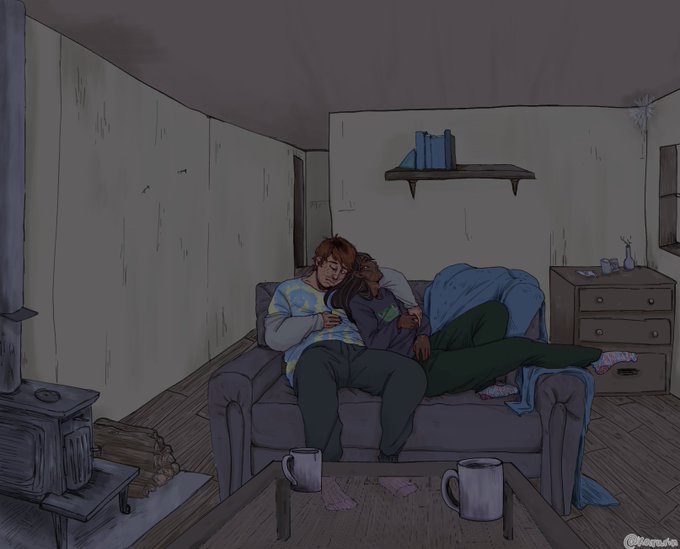
I did a Scottish cabin time jmart thing
I added a multiply layer to make it night time but not so sure about it so I'm gonna post both
#tma #jonmartin #themagnusarchives


Im gunna go crazy bcus of the twitter cropping
Anyways, here's a version w/o the multiply layer!
#Haikyuu #sugawarakoushiday


i woke up at 6+ today for absolutely no reason at all, drank coffee, got to work, and now im dead tired akdjajf
today’s sketch is in someway of a similar vein as yesterday’s sketch!! i added multiply layer this time though so there’s that :’)


seriously i think it was like... OC 1.1 or something? the software’s file size is so dang tiny and the theres no “normal” mode to pile up layers (default is multiply) but i always preferred digital painting anyway so i did stuff like this
(...dang, I miss Band Yarouze)


@aintkafaro Kalo buat yang benda2 depannya cuma digambar pake brush biasa terus dikasih gaussian blur. Dan terakhir new layer, trus dibikin semacam vignette gituu tapi pake brush biasa cuma layernya diganti jadi multiply (kiri tanpa multiply, kanan pake)
HUA i hope this helps!!