MultiplyのTwitterイラスト検索結果。 81ページ目


my new thing is putting a dark multiply layer over my art and then putting a glow layer over the eyes i guess

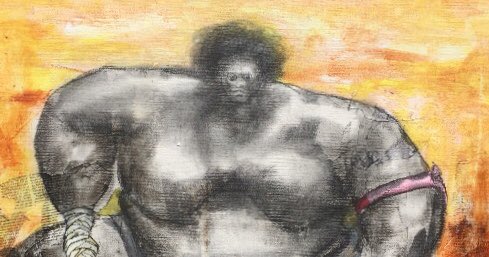
“Focus”
©2020
Stay focused, go after your dreams and keep moving toward your goals. - LL Cool J.
Our focus is our future and what we focus on will multiply in our life. - David DeNotaris.




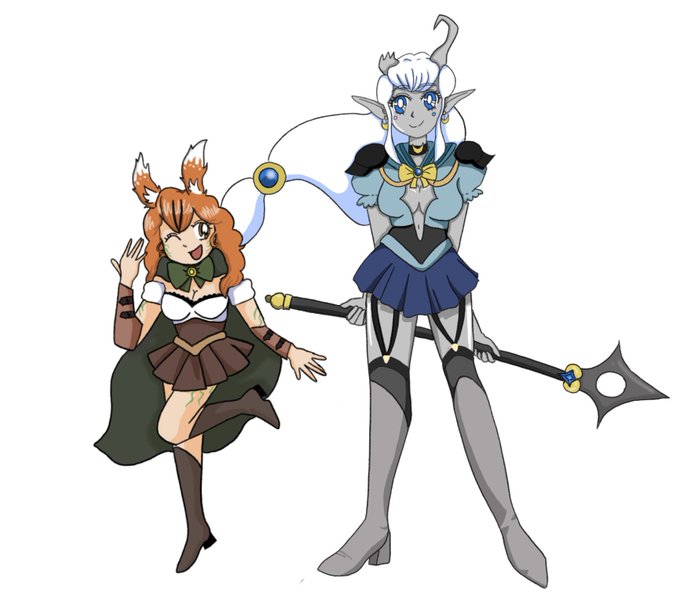
Help - they’re multiplying!!! (I added Lexi, definitely wanna make this a series)


*sob* time moves by so fast. I'm getting old- I think I was using paint tool sai when I made the first one? Now I'm using clip studio. I still don't use short cut keys, but I do know how to use the multiply layer.. just took me.. like 7 years LOL


The funny part about the first one, I could apply the same filtering I did there for the second. The difference, hard light, and multiply. The only thing that isn't added is the shading cause this one was made purposely flat.
I still hate the first one tho XD


4. Shading, btw ini palet aku buat kulit di gambar ini sama palet shading secara general. Pic1 itu pas mode layer normal. Kalau udah nentuin shading di mana aja, ganti ke mode layer multiply, opacity 75-80% biar hasilnya kaya di Pic2



1. if you can imagine how much I love barb.... multiply that by a hundred, and you’ll get how much I absolutely adore shigaraki tomura. my main acc is almost exclusively dedicated to Him


@eIfenIieds 1.Base color
2.Shading (Multiply)
3.Detailed description, lighting (overlay, screen)
4.Effect and color correction (overlay, glow)


@heavendotsai @noahbradley @ImRachelBradley ...oh shoot, you said digital art.
This digital piece mimics my traditional techniques.
I learned:
Color on a multiply layer (img 1) is subject to the background, like markers, only digital.
Limited opacity on a normal layer (applied in img 2) lets select details pop.


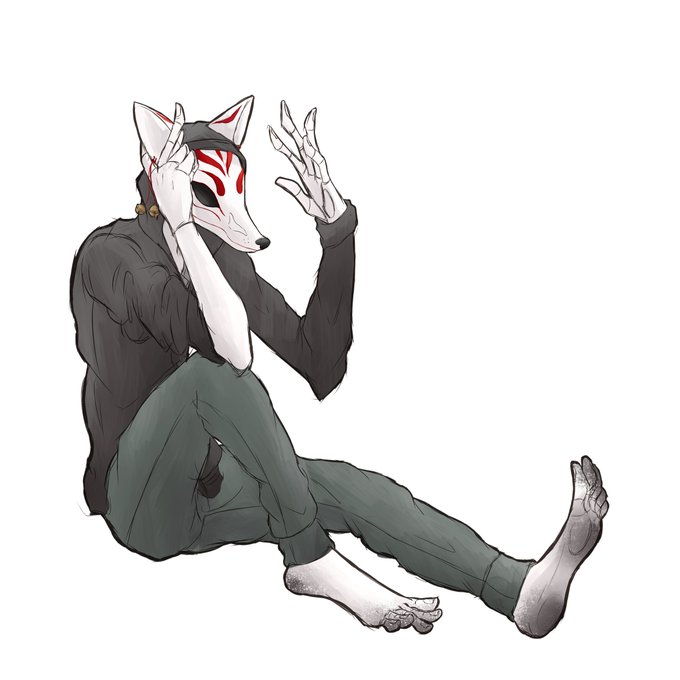

! I wanted to compare old layer styles to my new one (off black normal, dark reddish-brown multiply, and dark reddish-pink Lumi and shade


Just a study I did this afternoon. I wanted to see how accurate I could be with the colors without taking samples from the image or using any multiply/glow dodge layers. I think I did pretty well with my guesses (Yeah it’s Steve from stranger things season 2)

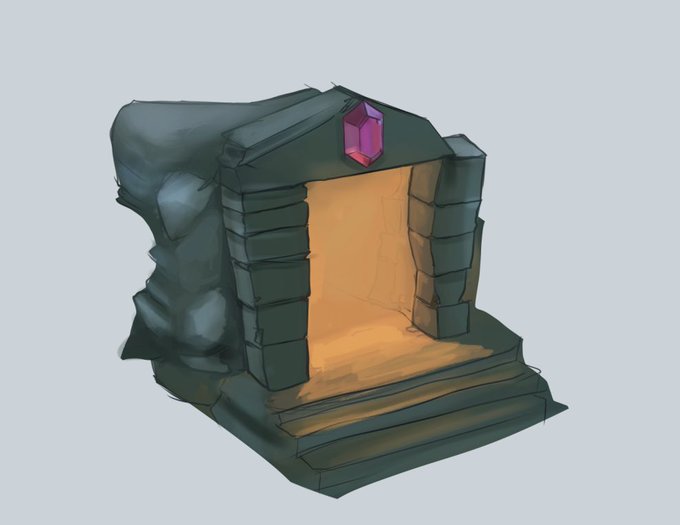
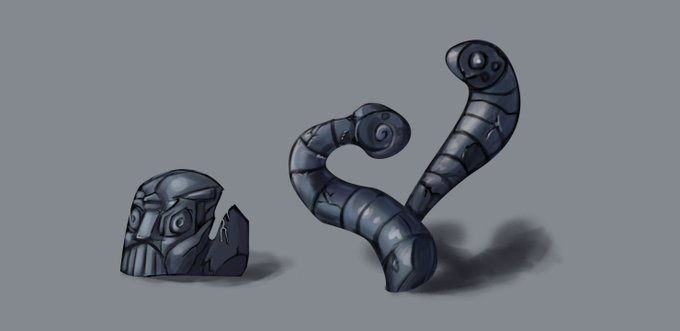

Did some props recently. Lasso, overlay/multiply, then hand blend the rest. The next step would be detail.
#digitalart #conceptart #props #gameart


I wanted to do lighting practice with Add and Multiply layers and I recently watched #AllSaintsStreet so.....My boy Nini!!! <3


@CMeugia Aí após aquilo eu escolhi um lado para ser o local da onde viria a fonte de luz e a partir dai eu comecei a pintar definitivamente a luz e sombra, usando Glow dodge e Multiply respectivamente. Depois disso eu fui pintar o cenário e colocar sombras e luz do ambiente