MultiplyのTwitterイラスト検索結果。 84ページ目


multiply by 4 + randomize hat and jacket color for each member
= the geeks ph


multiply layer trick
just make sure separate each layers and slide the colours using Hue/Saturation/Value

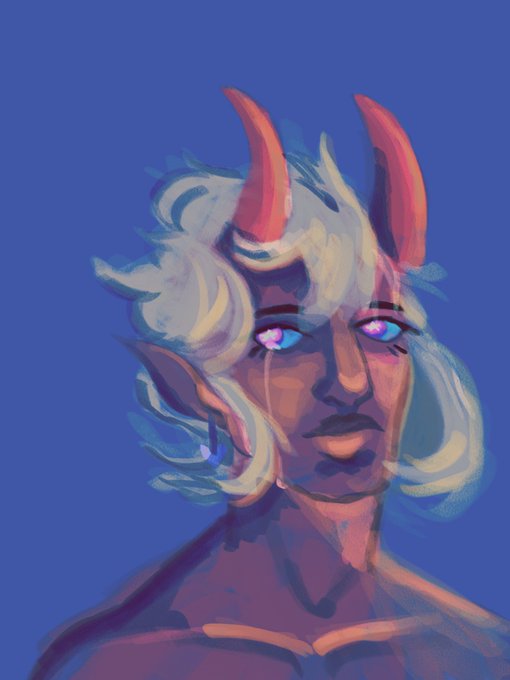
Drew @SevvySucks demon boy
This was also a fun little painting experiment with overlays and multiply layers too :D



Here's an interesting comparison, on the left is how I used to shade where I would shade each individual colour separately, on the right is how I do shading more recently where I use a single colour with a multiply layer for the entire image.
#ツイステファンアート


แปะขั้นตอนทำงานค่ะ
เริ่มจากรัฟจัดคอมโพส(1)ตัดเส้นลงสีเบส(2)/ลงเงาชั้นที่1-2(3)(4)//พ่นสีแต่งสีผิวใส่ไฮไลท์(5)ตัดเส้นเทสีเบสมังกร//ใส่เงาชั้นที่1-2มังกร(6)(7)//multiply/glowแต่งแสงเงามังกร(8)//แต่งแสงตัวละคร+มังกรด้วยmultiply/glow/overlay(9)
//แต่งแสงรวมทั้งภาพพ่นเอฟเฟค(10)(11)


I am desperately trying to understand lighting effects and apply them to traditional artwork. This is me screwing around with multiply layers and screen layers trying to understand where to even start. If anyone has tips for doing this traditionally, tell me




Done! ありがとうございます @yamako2626 先生!
[Gimana caranya ngewarnain di atas file png? How to color on one png file?]
Easy!
Just set the LAYER to [MULTIPLY]
Selamat mencoba guys❤️
#HoneyWorks

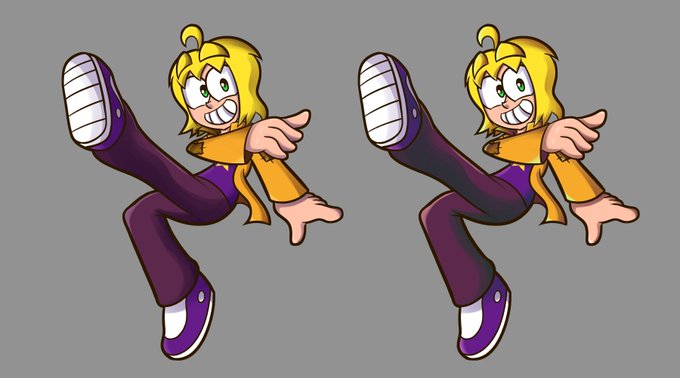
This is probably the best comparison to doing this shading. The left is with the same shade of purple as multiply. The right has hand picked colors.
The left is faster at least, the right is definitely the more appealing one.


10-shading. because this is the lazy person's quick doodle method just go ahead and use a multiply layer on low opacity. i like to use layer effects to tint the layer a color and use black brushes. its lazy but effective [8/10]


a study in how ideas you tend to save for later just kinda multiply on their own

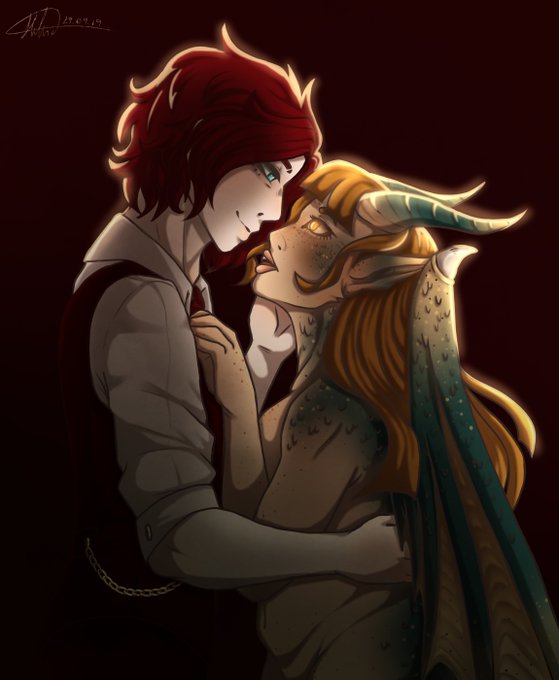
@amora_artsy @SachiiKurosaki Eu provavelmente faria mais uma layer (multiply) da cor escura (com a transparência dependendo). Apagar só a parte onde deveria bater um pouco de reflexo de luz e usar um pouco de "Blur" pra n ficar marcado.
Talvez fazer uns fios de luz forte pra ter contraste. (Tipo assim)


WOMEN WATCHING WOMEN: APRIL'S PROPOSALS https://t.co/qgEpfWK3SK via @M_arteycultura
Who was going to tell us a month ago that online proposals would multiply as it is happening. The situation of social confinement that ...
#womenandart #womenlookingatwomen

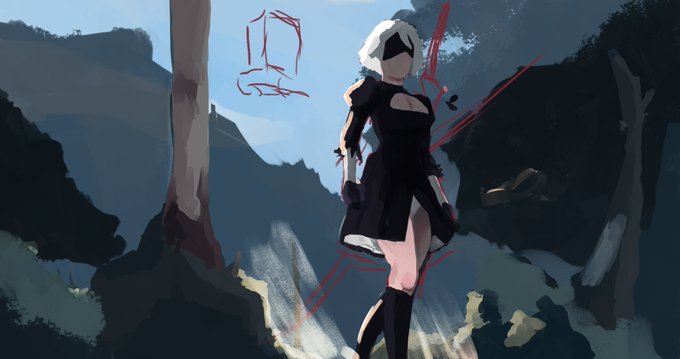

I threw down some kinda lazy multiply layers (Left). I then decided that I would stop and do a little color study (Right) overall I think the concept is improved in the sudy and Im excited to dive back into the painting #Dailydrawing #wip #NieRAutomata #NieR https://t.co/wS2COqdST8


Still a wip,but working on this concept art,the first one took so long as i was learning about multiply layers,tell me what you think of the design :)
#arte #ArtistOnTwitter #furry





I used a lot of filters so I wanted to share a bit of the process for ppl who are curious! Original > + red background > + red color burn layer > + gray multiply layer (I erased the layer over the parts I want to emphasize) 💕


Logo após, crie uma layer ABAIXO da LAYER ANTERIOR, com efeito MULTIPLY com a porcentagem entre 50% a 80%, dependendo da intensidade que você quer aplicar à iluminação. Seguem opções de cores para o filtro, que deve ser aplicado APENAS NUMA ÁREA CENTRAL DA FIGURA DESENHADA. (+)