multiplyのTwitterイラスト検索結果。 2,043 件中 85ページ目





I used a lot of filters so I wanted to share a bit of the process for ppl who are curious! Original > + red background > + red color burn layer > + gray multiply layer (I erased the layer over the parts I want to emphasize) 💕


Logo após, crie uma layer ABAIXO da LAYER ANTERIOR, com efeito MULTIPLY com a porcentagem entre 50% a 80%, dependendo da intensidade que você quer aplicar à iluminação. Seguem opções de cores para o filtro, que deve ser aplicado APENAS NUMA ÁREA CENTRAL DA FIGURA DESENHADA. (+)


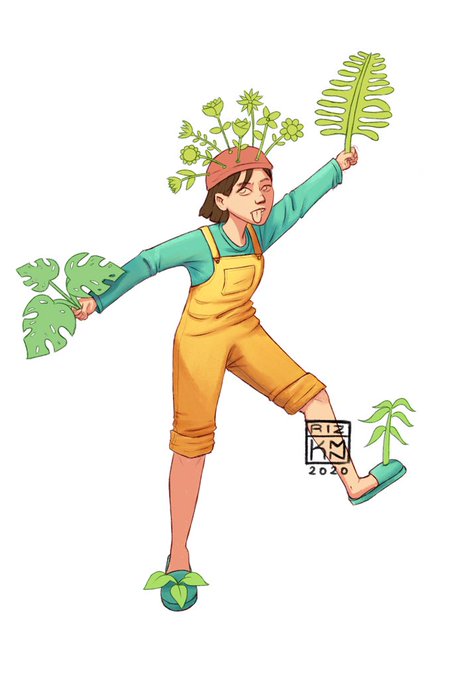
Bikin draft shadingnya Pake layer dengan mode multiply
Kemudian dirapihin aja sperti gambar kedua


i feel a mixture of guilt and shame when i delay art like hecc even tho this is fanart/a hobby (and not classwork/deadlines), but actually idk if i'll ever truly finish this, i might since i can color in Krita using multiply layer, but we'll see. here's what i did. Ayumu,,,,


inpired from someone for who making tutorials like that
and this my tip how i shade simple eyes :D
also 2nd there are have different layers so you can use it
i recommend use multiply (darker) and add (from light) its helpful 🧡
hope it helping for you guys! 😖


New artwork for sale! - "Multiplying Energy Digital Abstract " - https://t.co/WTtY7ObKGK @fineartamerica


I drew with @/ruuki__(instagram) few days ago, wanna share me part of drawing cause am quite happy with the results of the colouring especially :D Thank you ruukisama for teaching me how to use the multiply layer also tis is a personification of thy feet attacker Miso!!


Then I adjust the shading on the entire drawing by adding another multiply layer. And I adjust the colors with two overlay layers! One green at 100%, and a lighter greyish blue at 21%, playing with the opacity and multiple overlay layers can give you a cool result!

Now it's my favorite step, the shading and lightning! First I choose where my light is, and then I pick a cold color and use from one to three (in this case it's two) multiply layer for the foreground and the background each. I use a hard brush, then blend, then texturise.


Ich glaube ich mags. Darf ich mir nur nicht zu lange angucken, dann fällt mir der Pfusch beim Shading auf. Den Multiply-Layer habe fast komplett weggeblendet, weil sonst zu hart aussah. Farben und Shading, wieder was auf die "Geht so - Liste".


Abusing color dodge and multiply and I thought saturated pieces are cool but I feel like this being a total eye bleeds rn.
I was wrong ;;;;
.
.
.
#boboiboy


@forrestalba You could try colored shading I guess?
What I did here is basically have light purple as my shader and use the multiply layer blend mode on it


because I'm #dirumahaja and #WFH
I open some slot for portrait illustration commission, price started from: 50K~ (price multiply upon your request)
thank you and stay healthy!


Here is my updated commission sheet! Looking for work ;;! I can also do assets and concept art for games. SFW only.
You can contact me here or by email: lucamacuco@gmail.com
RTs are very much so appreciated.
For the prices in Reais (R$) just multiply by 2


77. The protozoan Leishmania is able to survive within the fused phagolysosome. They multiply within the macrophage until the cell dies. 📷 Public Domain, CDC/ Dr. Francis W. Chandler


@Toastelle SAI... And I'm extra.. I use,,, texture brush+multiply layer for lineart,,,


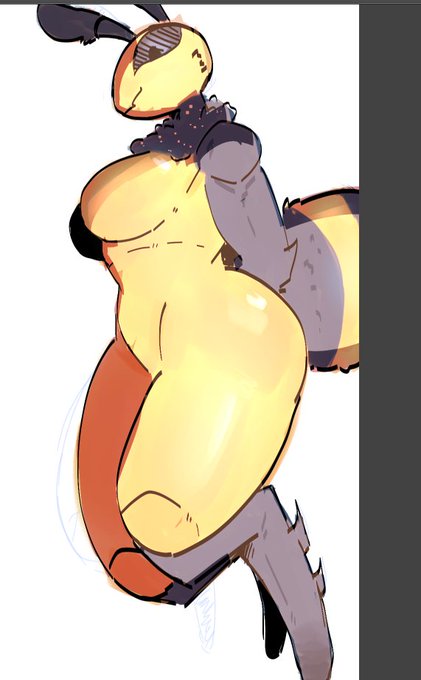
@BanalDoost because i like messy coloring and rendering something for me is just slightly adjusting the hue over and over. also the shading and lighting helps a lot. and even then my shading is just a multiply layer and my light is just an add-glow layer. and its cel shading too


Procreate
Is
Different
How do I multiply layers
Here is a sweaty