MultiplyのTwitterイラスト検索結果。 95ページ目


"Page 45: Murkworms"
"These covert beings of corruption often use their female hosts to grow and multiply, before emerging out in a lustful frenzy, often resulting in unbearable levels of pleasure to the host, leaving them weak for further invasions."
https://t.co/RZ0pKbkpUP


The main shadows are in! I love this part of the process- getting to sculpt shapes and play with soft and hard edges.
Set to multiply in context of the base colors (left) and the layer on its own (right)!





For those of you using the new brushes I recommend switching the watercolor brush's blending mode from multiply to darken. It will still work the same it just won't get really dark after three layers.

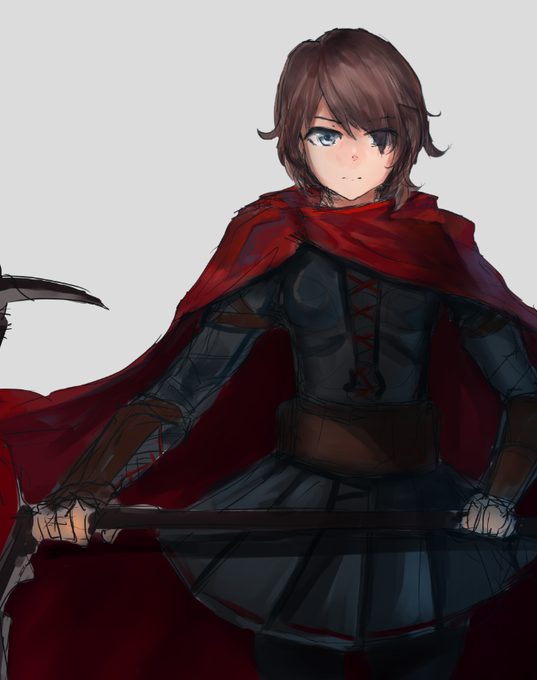
Multiply and Overlay effects on
I'll wrap up this doodle with a bit of overpainting later
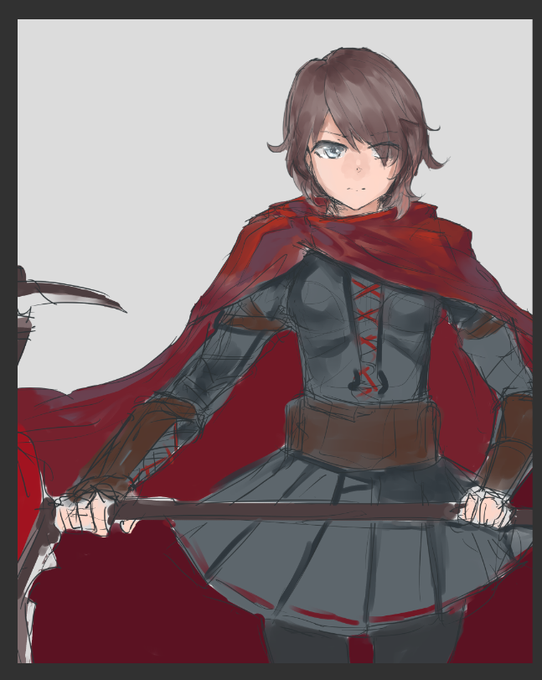
Did this as messy as possible, gonna try to challenge myself to fix it with just overlay and multiply layers lol


Painting exercise using Anna
Trying multiply method for painting warm color
#digitalpainting #digitaldrawing #annafrozen

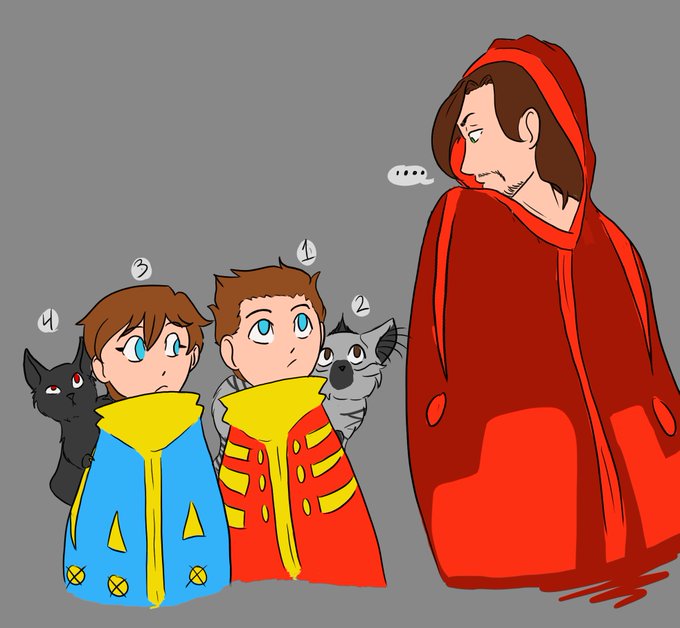


Happy international cat day!!! 🐈💖
Another good excuse to keep drawing cute things ☺️✨
Playing with the multiply layer is sooo much fun, but it really reduces your palette. So you need to restrict your colors at the beginning or it will be a mess 😂 sp… https://t.co/a78sfVACgU


If they pee on you, you become one of them.
These yellow dogs are multiplying!
https://t.co/U9cssh5Kkr


Repost. I just put pink on a multiply layer and thought it looked cool 💖
#illustration

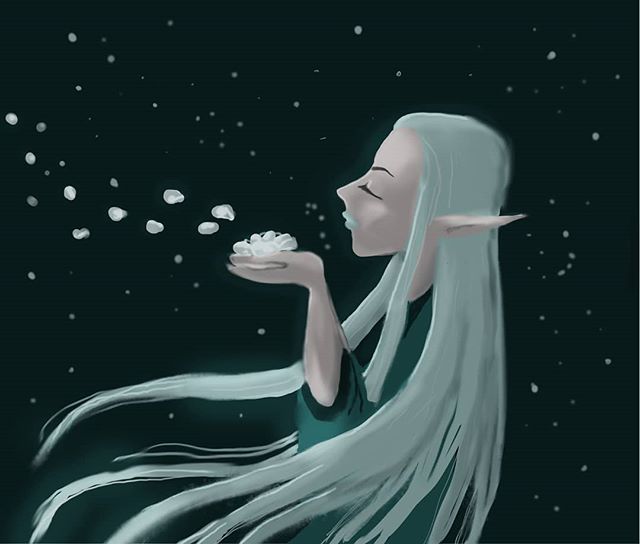
Drawing with Gimp and wacom. I discovered the multiplying level mode! I'll try again! 😅
.
.
.
#digitalart #digitaldrawing #characterart #characterdesign #elf #drawing #litaartontwitter


Shadow! Highlight! Gradients! Multiply and add glow, makes gold look real nice


Just wanted to try out the multiply layer, I haven't drawn Flowey in a while, so here.


"I can hear the snow's whispers~"
Doing some interesting stuff with my traditional sketches and digital art. Played around with the Multiply layers in this piece of Mitsu~ Enjoy!
...
...
...
#NewProfilePic #Kyofu #Original #Artwork #ArtistOnTwitter


I'm really happy how this turned out! My biggest goal was trying to achieve that dynamic lighting without relying on the Multiply layer. Also, I didn't even attempt to make the dick look remotely connected to anything. Caesar was still in his very early stages.

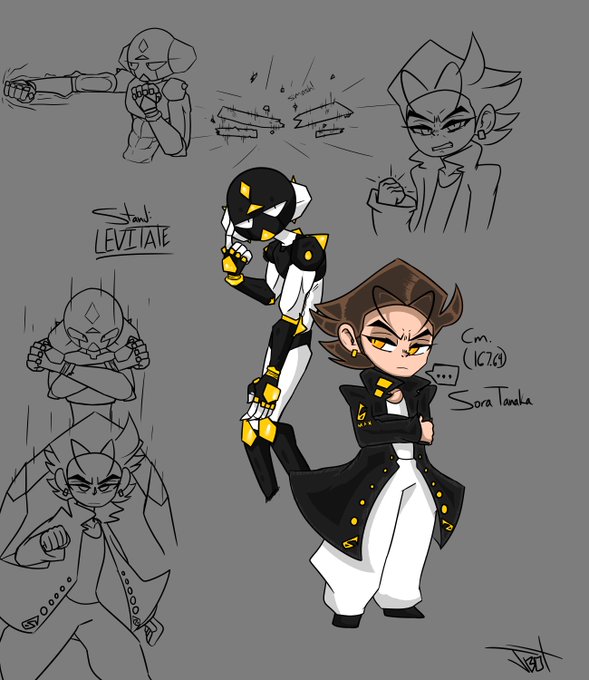

Sora Tanaka! 17 years old. Stand: Levitate!
The stand has the ability to manipulate gravity by multiplying and or subtracting earths normal gravity in a 15 meter radius. He can choose specific targets (not excluding himself or other stand users) instead of using it on an area.