GaussのTwitterイラスト検索結果。 11ページ目


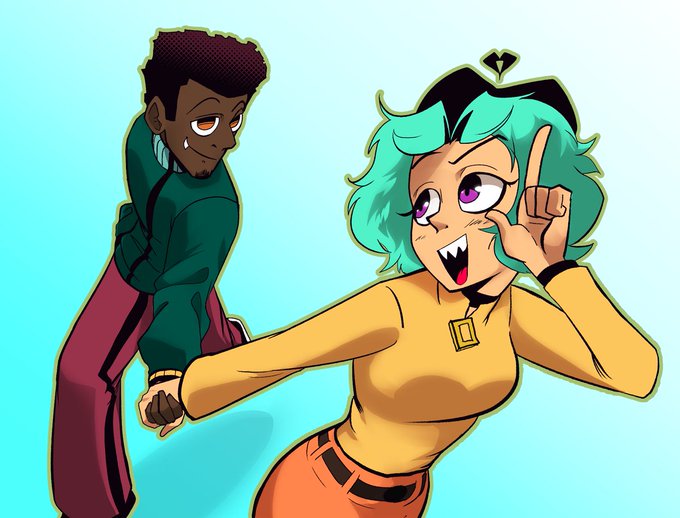


1. Shade with these colors on a separate layer.
2. Set to Linear Burn at like 40-50%
3. make a copy of the whole pic, Gaussian blur, and edit it in the Tone Curve, until it looks like this.
4. Set this version of the pic to linear burn and edit to your liking





#Warframe #ウマ娘プリティダービー
GAUSSのアジャイルモーション見たらやらずにはいられなかった…
コラ画像って難しいな

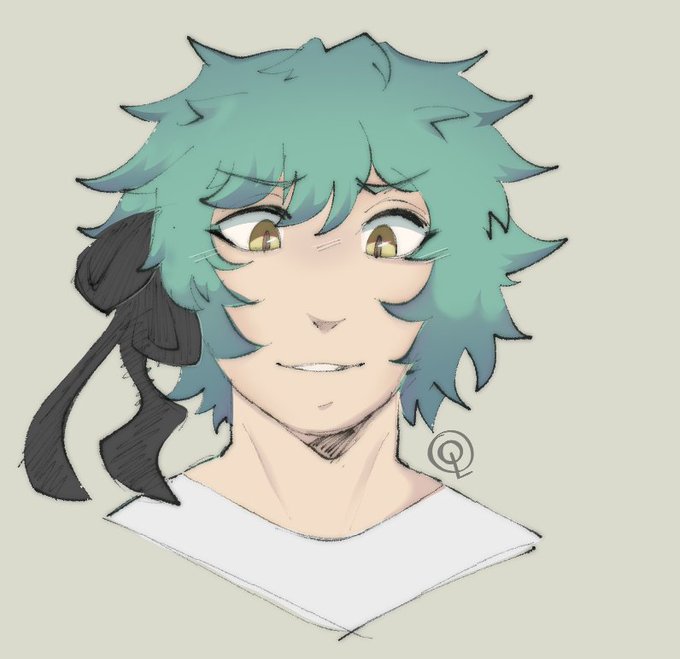
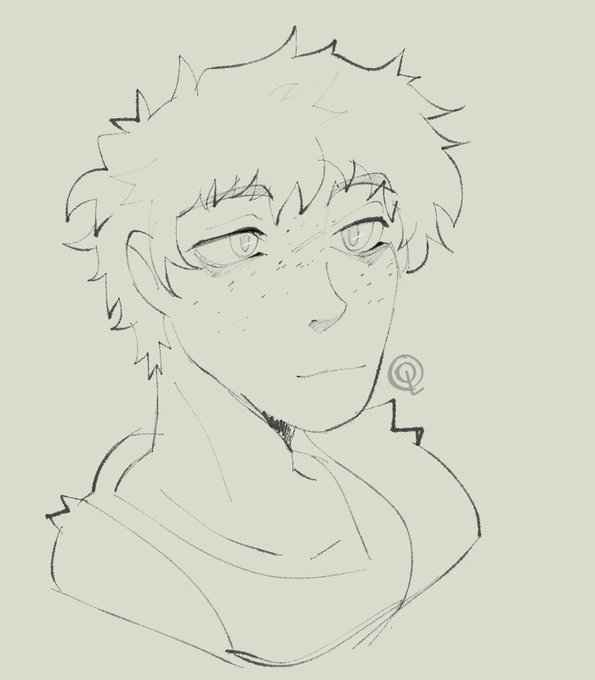
some THU fellas, Emma and that one Guy we don't talk about
anways I love gaussian blur


I have discovered the power of Gaussian Blur... have some art of Sage!
#SageTheChinchilla #adorable #art #digitalart #originalcharacter #OC

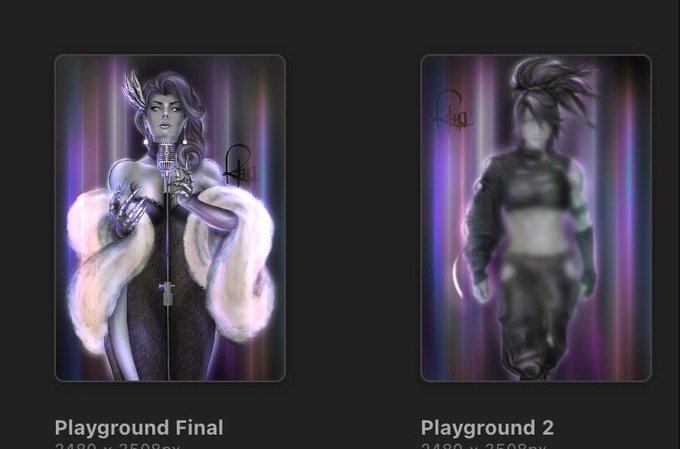
Finally completed Akali. Obligatory gaussian blur in place till I get home. 😂


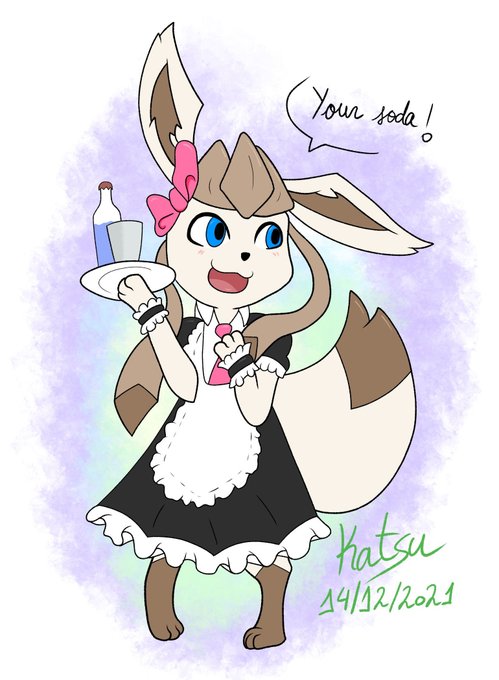

Digital redraw for @Legolyn7 featuring their maid glaceon!
Just an art tip I got for you all digital peeps: Clone the lining layer and apply 5px gaussian blur on the new one, and enjoy the nice effect. Check out the difference here:


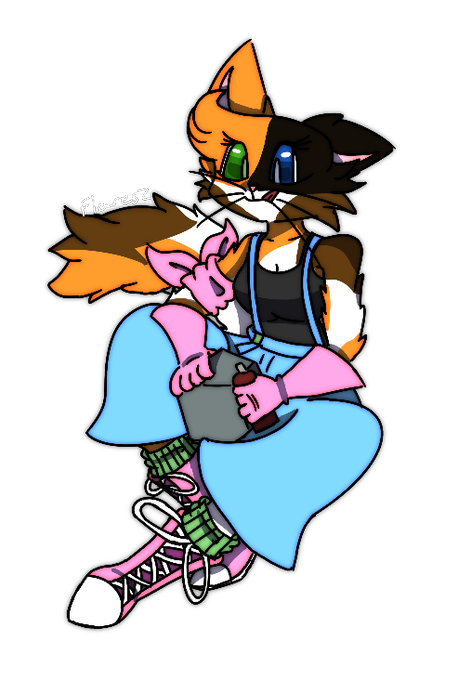
Drawing Callie with some extra stuff and in color. It’s super nice, plus trying the Gaussian blur made her more vibrant.

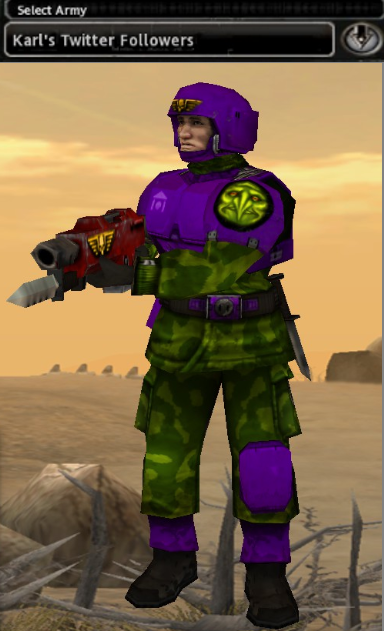
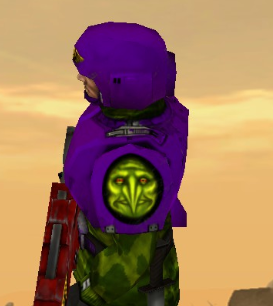
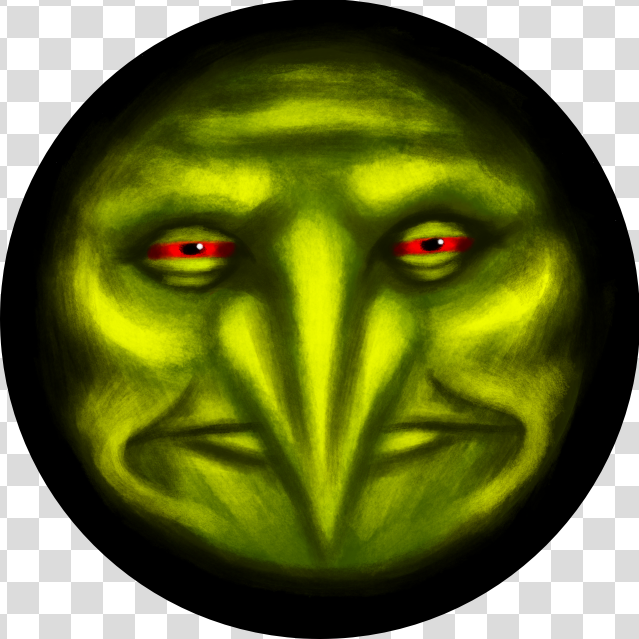
Alright, I turned you all into my new Imperial Guard color scheme. I live in your armor, now get destroyed by gauss rifles.


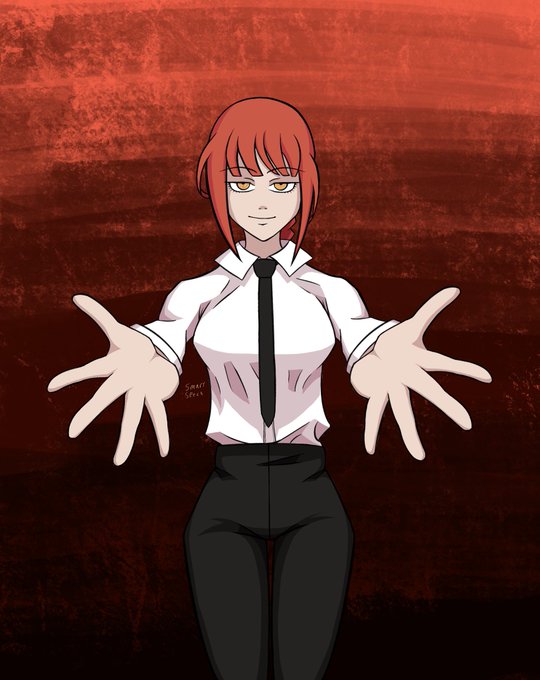
Literally everything I’ve ever drawn looks better with Gaussian. I don’t know how I feel about this. What else am I missing out on?


Model: Puppet Warrior Gauss
Debut: Chou Soujuu Mecha MG
Year: 2006
Designer: the artists at Sandlot


Alright, I saw a thing about duplicating the lineart and apply the gaussian blur to it... AND IT FREAKING WORKS???
The left one is the original I made a few weeks ago, the one at the right is the blurry one.
It looks so good! And I cant believe it was that simple!!!


I tried the duplicate line art + Gaussian blur & it looks good👀
Before & After (I also added halftones)


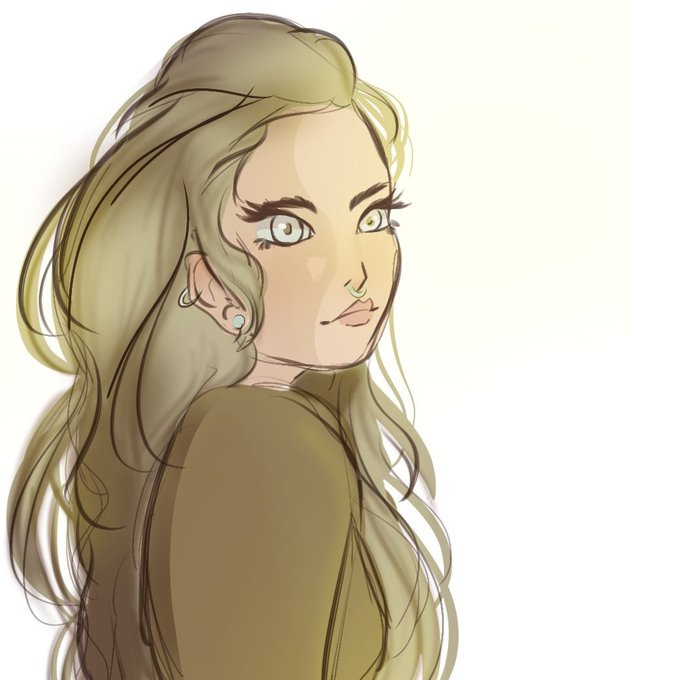
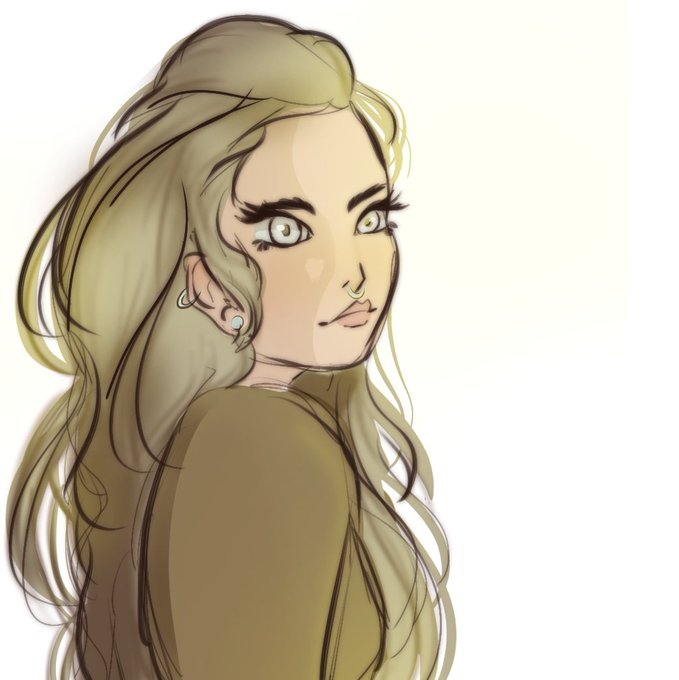


BROOO I WANT A SHOULDER MOUNTED GAUSS CANNON WHAT THE FUCK ITS SO COOL