ctrlのTwitterイラスト検索結果。 12ページ目


아일리섬 리파인
얘도 냉동 AI였는데 어느날 뿅 해동됨.
원래 린님과 운명화려 테스트세션에 있었던 녀석인데요 그 녀석의 사고방식과 기억을 슥뽕 뽑아서 ctrl+c and v 해서 안드로이드에 집어넣은 보호자(?) 견주(?) 인 편. 아이들한테 약한건 원래 그랬고, 저렇게 생겼어도 양아치는 아닙니다.


実は絵チャ前にエイジを描いてたので、ミニクレメンスさん足してみた~!絵チャでのクレエイは二枚目ダス
ああ…絵チャでもSAIで描くくらいサラサラ描けたらなあ…やっぱりCtrl+zの癖がなあ(笑)
練習あるのみだね!でもその前にクリスタさんと仲良くなろうね!!(死)


必死にスクショしてたのに「Ctrl+」だと…便利なものをすっかり忘れてた
そうでしたか…アッサリと解決した…
でも2Dと3Dでは違うみたいだな
久々の #暗界メモ




Oops, our legs seem to have some pixels!
Yes we didn't account for that at first, but it's an easy fix. We need to add more hand-drawn leg (or butt) where needed!
Double click on each Smart Object
It will open up another window
Make your edits and Save (CTRL+S) to apply it.


She has so many shortcut buttons on her pen display and she still uses ctrl + z on her keyboard


#bambicivilization a couple of those goofy ctrl alt delete comic rewrites but with civ chars


In these times of Ctrl+C, Ctrl+V Prompt, one of the few ways to be truly disruptive in digital art is to continue painting with our hands what our imagination gives us.
Living Art: Faint cyan haiku @powerdada https://t.co/wCvlxdd3ZY
#digitaldrawing #draw #cyan


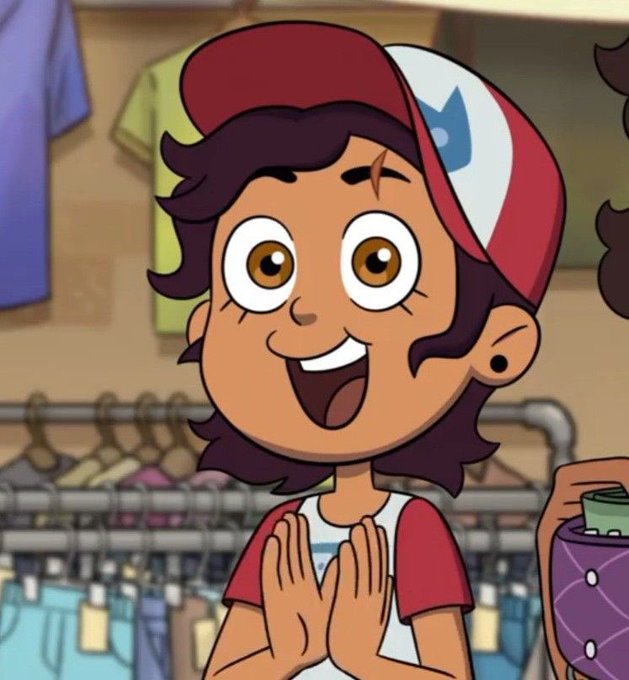


My girls💜
Anyway (ctrl + c & ctrl + v) “Show 4 characters you love and tag 4 people”
@papayaart3 @SoapMemer @chahnbee @archivale_ https://t.co/uYTUvMgmtf


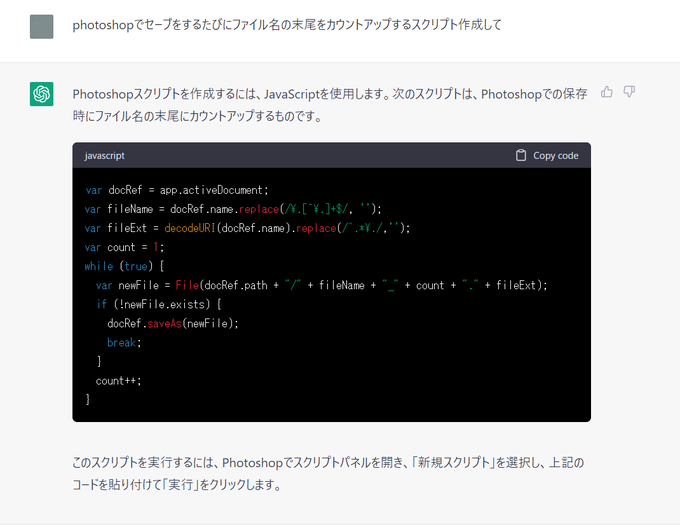
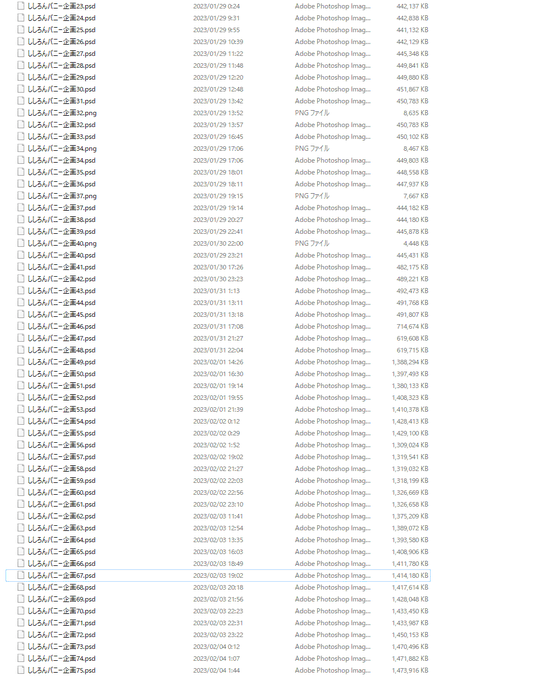
ChatGPT君にphotoshopでセーブをするたびにファイル名の末尾の数字を自動で+1してくれるスクリプトを作ってもらったらとても素敵でした☺️
「Ctrl+S」にショートカットを登録して、名前を自動的に変更して保存してくれるようになりました!

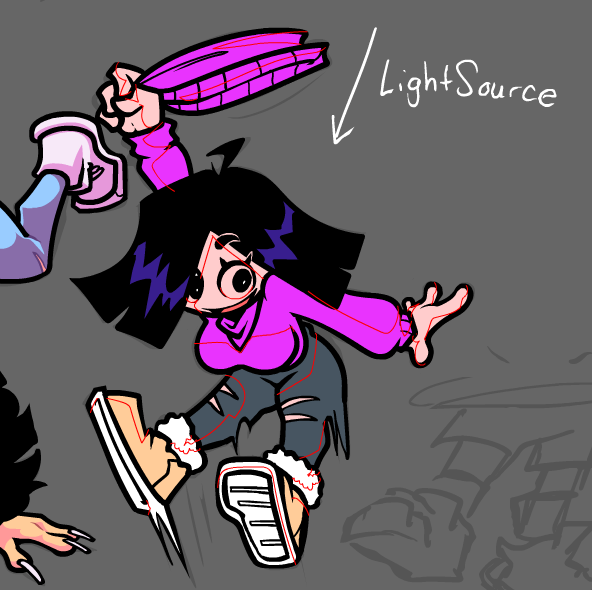


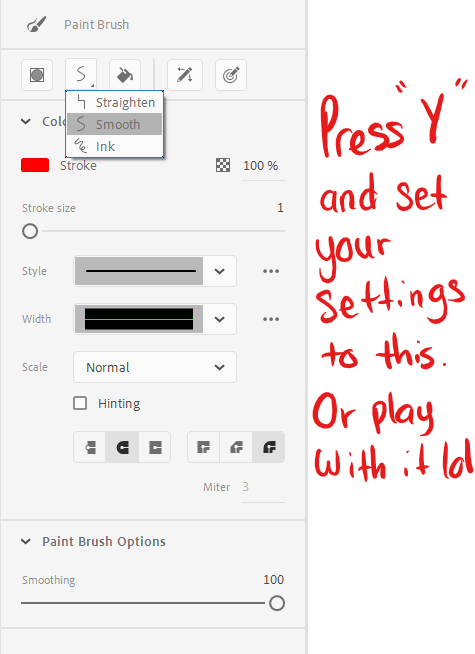
mini tutorial on how i draw n shade in animate:
-figure out your light source
-press Y for the paint brush tool, separate lines
-add your colors, ctrl+A, delete the stroke color
-my brush settings: 7 for the outside lines, 4 for details 💜💜🤰 experiment and good luck!