settingのTwitterイラスト検索結果。 26,891 件中 14ページ目


Setting up my temporary drawing space and the settings are all wrong


c0mm for @NZurg
thanks for the opportunity to draw your OC in the Naruto setting 🥹💔
As a huge fan of this anime I had a lot of fun in the process


I have SET UP my computer. I am SETTING up my work computer. It's actually not going too ba-
VERMINTIDE???? YOU'RE UPDATING HOW MUCH??


art! kalian kalo ngefill warna di csp pake yg ember itu jadinya ada garisnya gini juga ga sih?? ada settingannya apa emang gitu yah?

artist! hiii, ada yg tau gak cara taruh props csp gitu di tangan langsung, yg harus ke setting gitu gak harus drag? jangan salty ya saya kurang paham make clip studio, makasih sebelumnya ; - ;


The Apocalypse AU/Aventio
"I'll be your new mother."
This is an English translation of the character's setting→
Aventurine: he's an orphan/ half zombie blood/ superpower is producing gems (destructive, but no commodity value) / became Ratio's adopted son at the age of 12 /… https://t.co/gJcXpE5zic


setting my horny-ness aside for a min. these are imo some of THE best artworks in the game omg…those poses, the lighting, the facial expressionsss, the hair, the body proportions, the perspectives, the backgrounds…i’m so captivated by both of them what the fuck they’re gorgeous

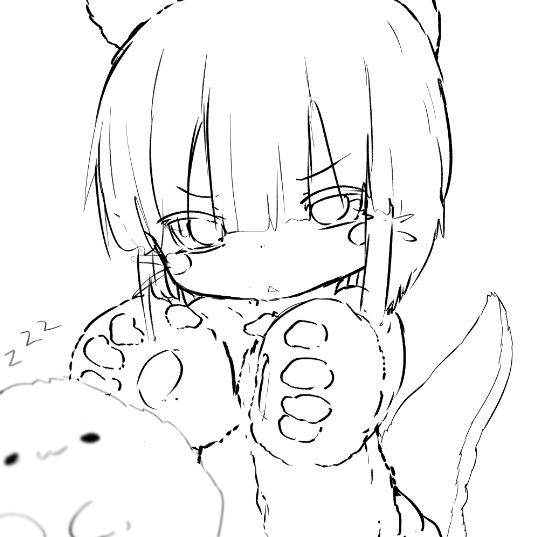
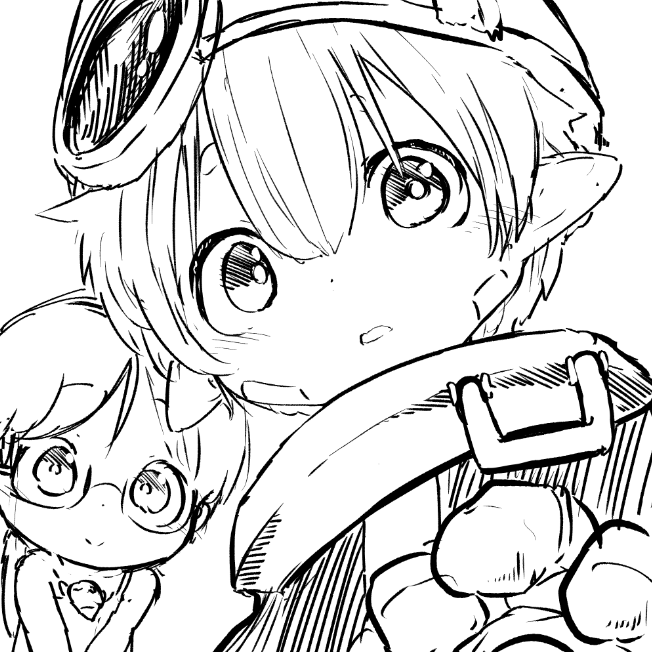

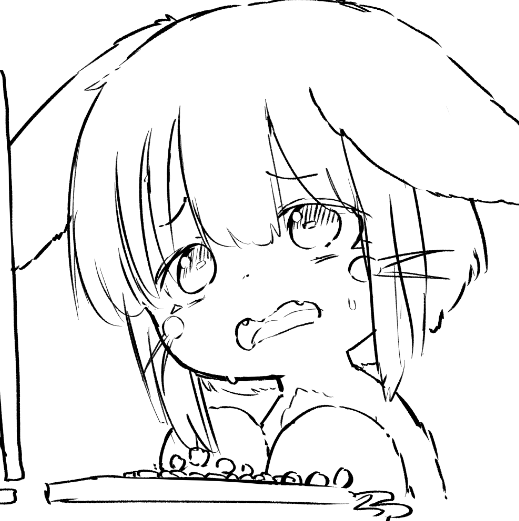


Shitty sketch just want to draw more sisters casual garment and try my brush setting for hand writing.
RRR is a great film.


I like using 3d models as a base for BGs. You can add the rendering and colors manually after setting the angle and composition.
Might make a tutorial if people are interested.

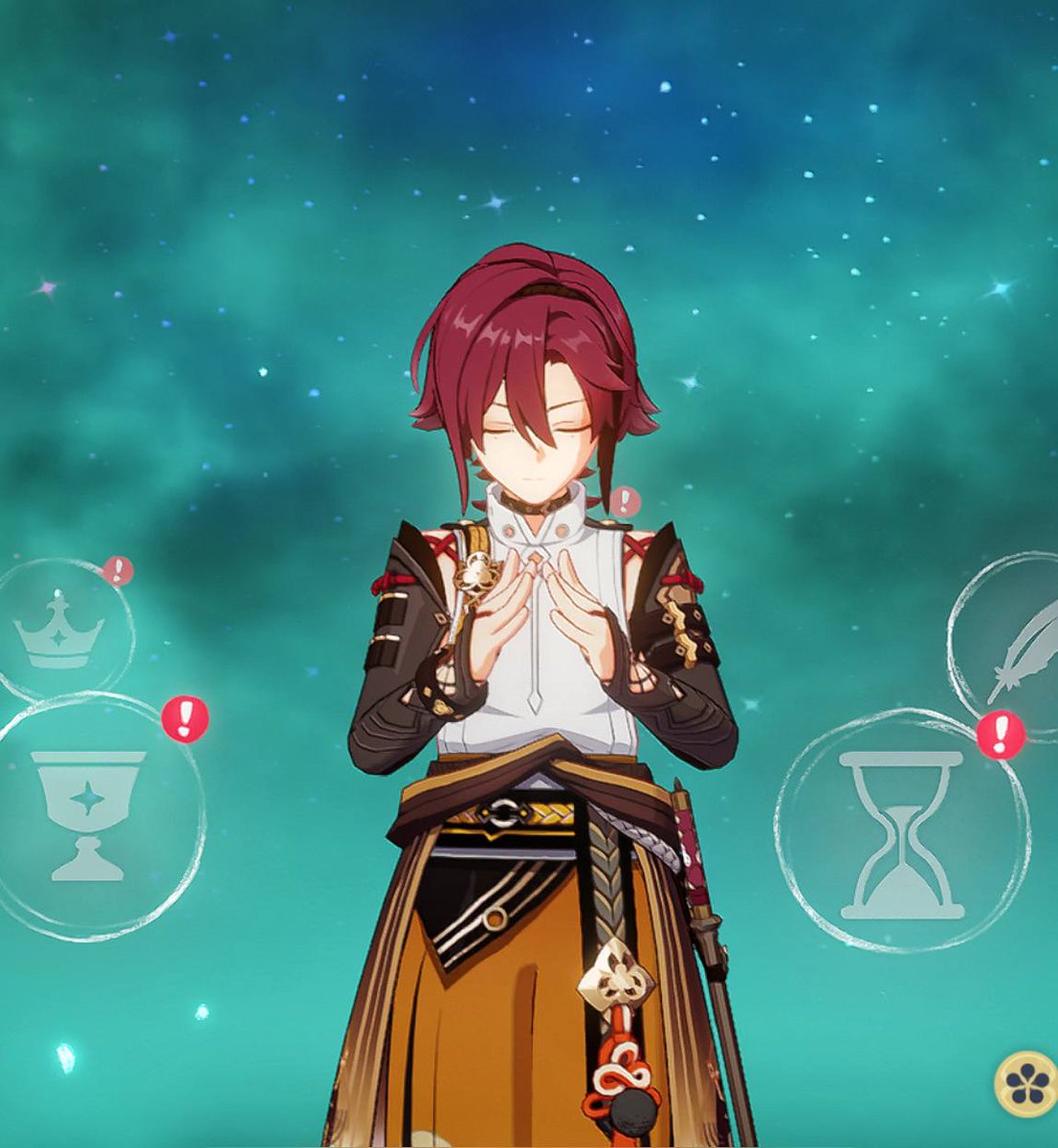
babu! setting arte tu ada lore nya gak ya?? beberapa kali lihat npc tangannya kyk gini juga


Lowkey regret setting this as my lockscreen now I have her face judging me whenever I open my phone


i was struggling with her expression, but it seemed to fit after changing the setting to night time


How it started How it's going
I can't stress enough how important this chapter is for the story hh. A simple exchange and BAM
so many implications about the setting and mechanics of the world

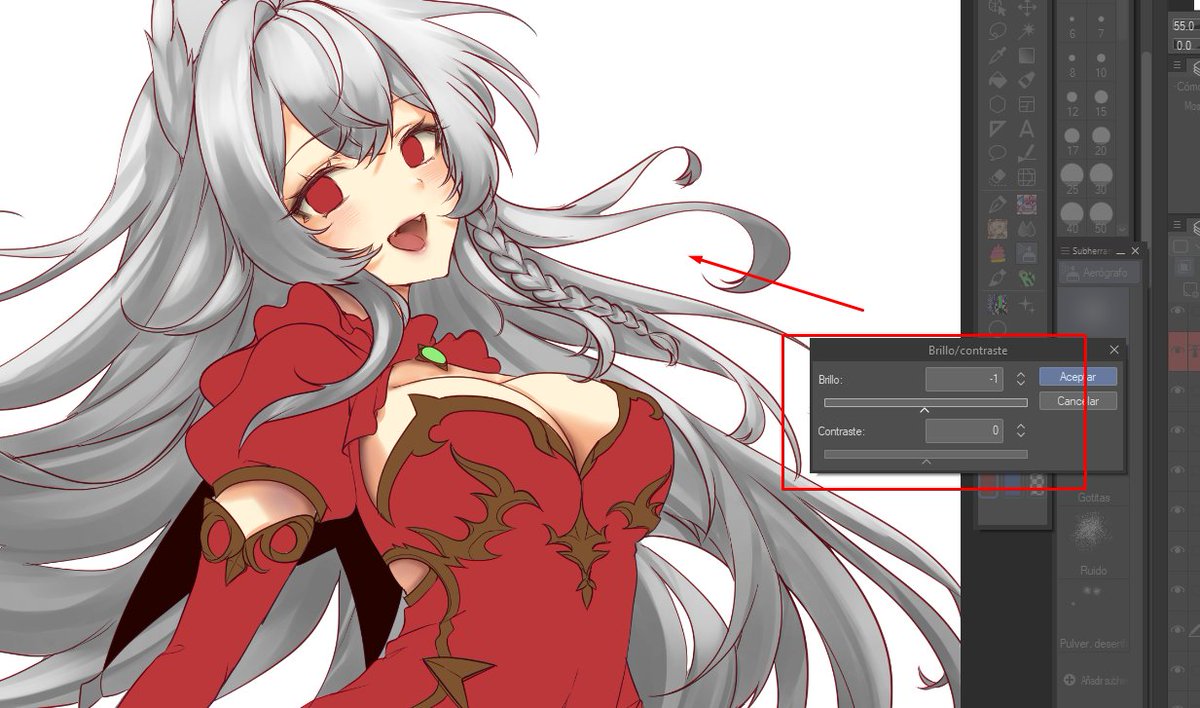
This setting is where we are going to adjust the brightness and saturation with the black and white gradient layer. The idea is to adjust the shadow and light and the color will adjust itself.

Now, we right click on the hair layer again, but this time we access brightness and saturation settings. The first option. This layer will be clipped automatically.