blendingのTwitterイラスト検索結果。 141ページ目


2018 (January) VS 2020 (May)
Oh wow young 2018 me really loved going overboard with the gradients and blending modes lmao and wtf is going on with those really small hands hagdjsgdjvsjsgajsgsjs
Ya know, I might redraw her again later.. maybe


Hello, I've rediscovered layer blending modes. Meet my troublemaker son.
(Sorry had to repost because of twitter cropping)


@psicoyote Thanks, I'm glad you liked, by the way, I was messing around with blending layers and I made the piece look more vibrant, ALSO I didn't know that humans were a mystery for Vesta.🤔

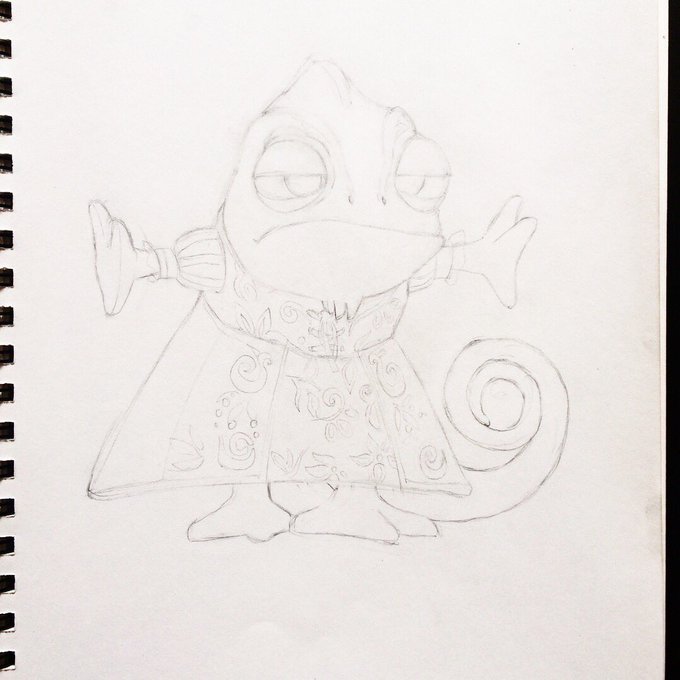
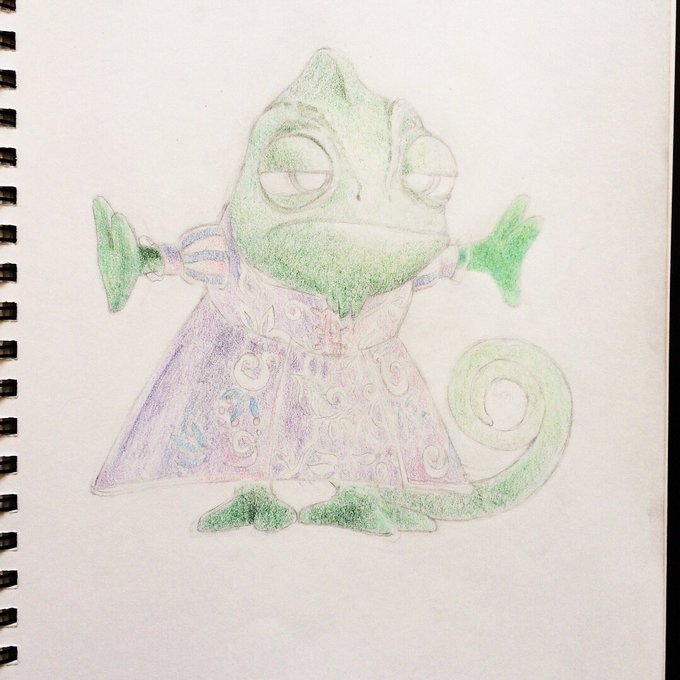


If anyone was curious about my colored pencil process
I start by coloring really lightly to map out the colors, then add layers of the same colors on top to solidify them (leaving areas that I want highlights light), and then do most of the blending and smoothing at the end


@32RabbitTeeth I'm Eccentric_Kalki, an autistic furry artist who loves blending the creepy,cute and unusual in various ways. Most of my art is of my fursona Taldenris, the hunchback kalkiföst. Kalkifösts are my original species based off of cats,dragons,goats and gargoyles.


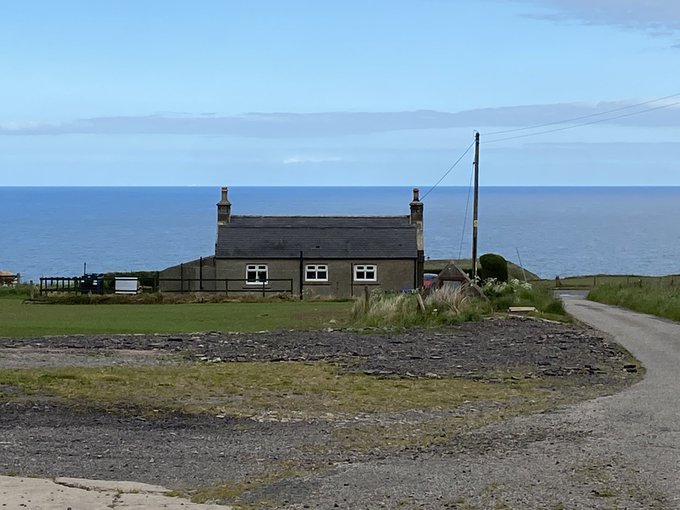


My son took some beautiful photographs and then ‘rendered’ the impressions in some ‘watercolour pencils blending’ he gained from them.


Aaw yea
Forgot to post this shit here
Wanted to mess with my blending tool and lighting, so take this😎


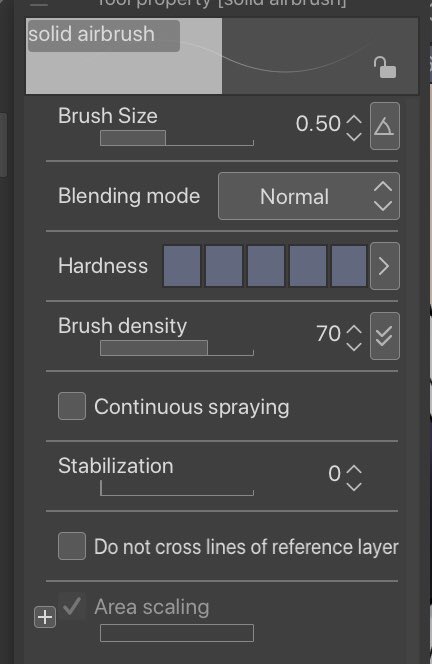
So get this, if u tweak the default CSP soft airbrush just a smidge its an epic blending round brush!
(Wip of a commission of a client’s oc!)


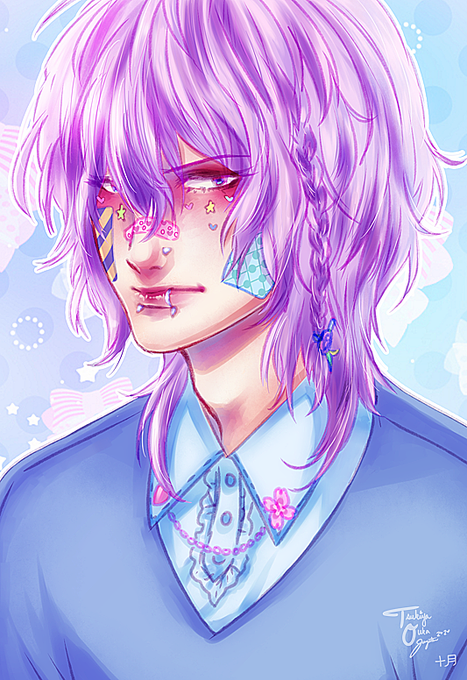


Tested out the High Pass Filter in Krita... 🤔 ft. Ranmaru!
Blending modes:
- Hard Light
- Linear Light
- Overlay
- Soft Light






Those "make your photo look like a watercolor painting!!" filters are actually pretty useful for blending effects into drawings. Left is the original chain mail pattern overlay, right has a "paint daubs' filter on the pattern and it looks much less out of place.


have hisoka just casually blending in w the squad for some fucking reason


@ArtOfKirin i have 2 ahuhu
i forced myself to focus on composition rather than colors/blending and they both turned out so interesting and dont look super awkward or stiff


hhhhhh kinda regretting the colors now that i played around some other colors + blending modes lmao oh well just take these aha,,


Eyes~ step by step
Blending mode used: normal and add(only on the last image of the first pic)


Here's some #StarttoFinish of the whole process. I used Clip Studio Paint's colorize with some scribbles before blending them both together, and then adding the rest of the lights, shading, & additional polish & touches at the end.