IMGのTwitterイラスト検索結果。 150ページ目


@gamerokuda @AREA1945 ヨーグルトさんがおっしゃるimg2imgという出力手法には、Stable Diffusionの場合
元にした絵をどれだけ維持するか調整できる、Strengthというパラメータが存在します。
参考までに
一枚目:元の絵
二枚目:Strength弱め
三枚目:Strength強め


VRChatのアバターを画像AIでイラスト変換するという話題があるのでテスト
変換だけなら適当なpromptをつけてごく低いstrengthのimg2imgを回すだけでいいのかな 普通の構図だとstrength上げてもいろいろ遊べるけど、傾いた構図は不安定で遊ぶ幅がないですね…
#stablediffusion #waifudiffusion

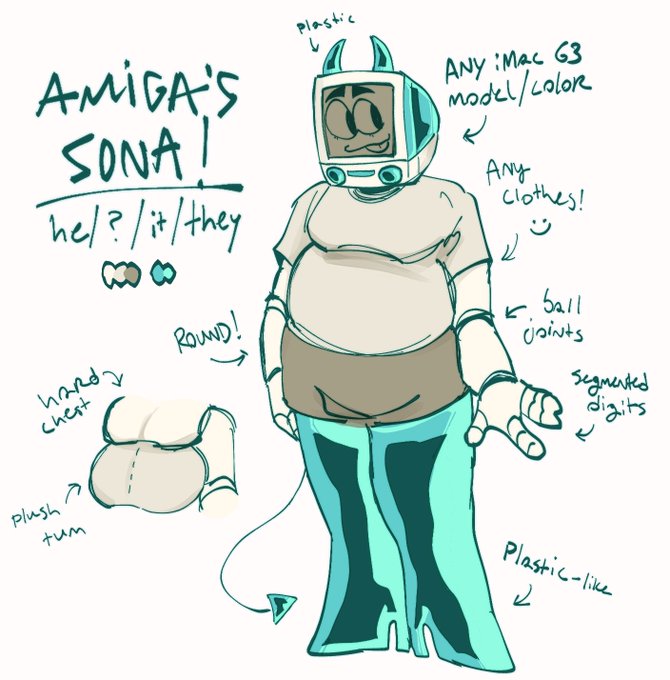


@HEXUMFIEND my sona is quite literally an imac g3 object head...hee hee (first img by me, the others were comms/attacks on artfight)

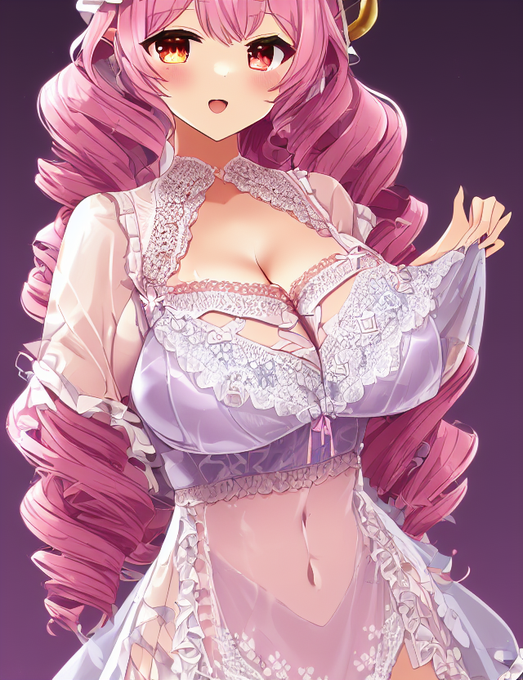
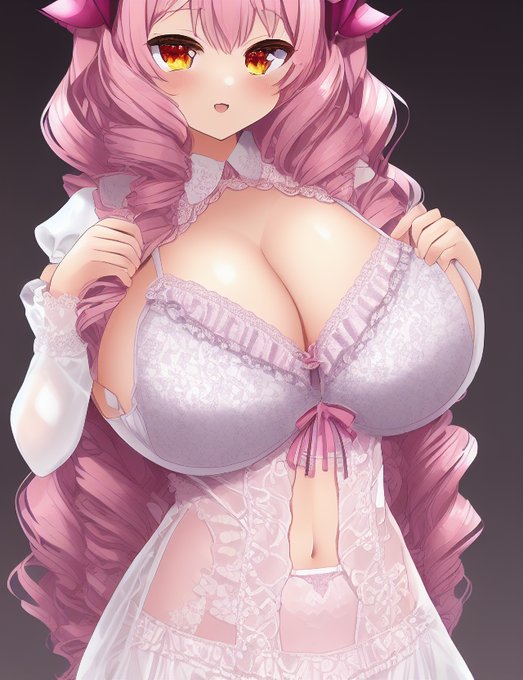
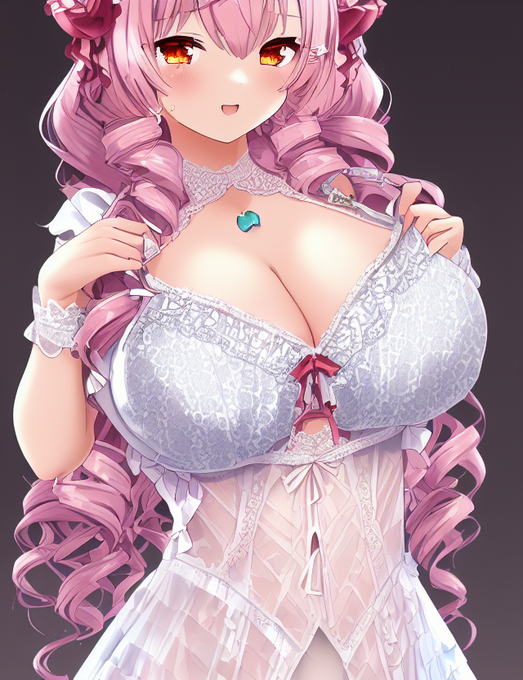
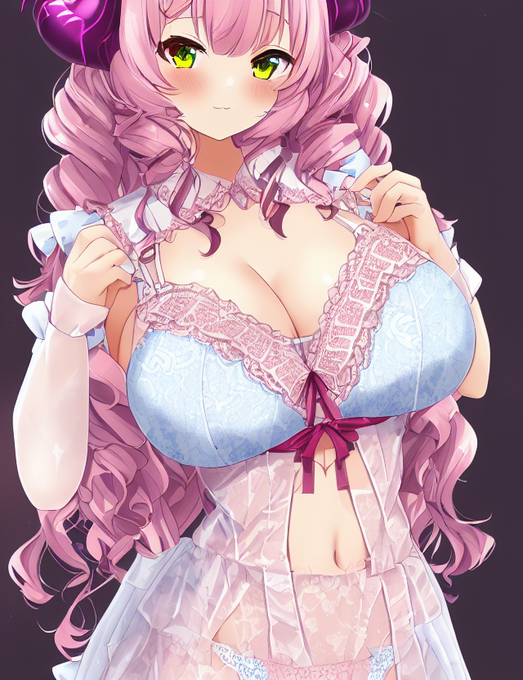


#stablediffusion #WaifuDiffusion
表情差分をつくる実験。
1枚目にマスク(3枚目)して、promptからteethを削除、negative promptにsmileを追加したものが2枚目。
img2imgのinpaintでstrength1.0にしました。
うん、かわいい。


used img2img on a picture of myself, look way hotter than I should #novelAI #NovelAIDiffusion


A nice capture of the starburst galaxy NGC253 with its current high rate of star formation Img1 with the 1.5-metre Danish telescope at @ESO_Chile La Silla Obs Img2 infrared @WISE_Mission NASA/JPL-Caltech/UCLA Img3 https://t.co/NI3ETaVlPK #Astronomy #Astrophysics #Space https://t.co/DAwpZYsnv5


![[]さんのプロフィール画像](https://pbs.twimg.com/profile_images/508487094595891200/LFUPIqUA_normal.png)


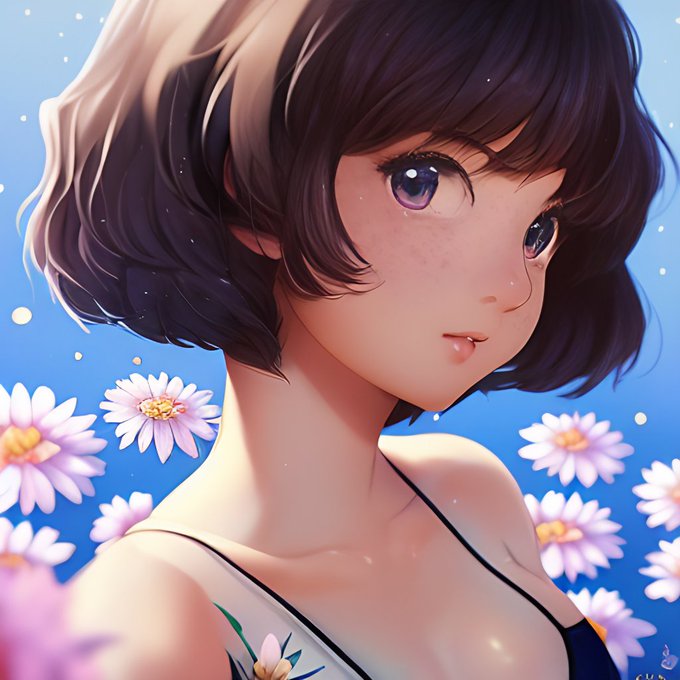

話題沸騰中の、驚異の画像生成AI「Stable Diffusion」
学習データが豊富なのでバストショットは完璧ですね。
それはそれで楽しいのですが、それ以外の「ポーズ」を追求するとIMG2IMGは必須ですね・・・。
やはりprompt書いてガチャ回すだけじゃ相当非効率というのが判りました。
#stablediffusion


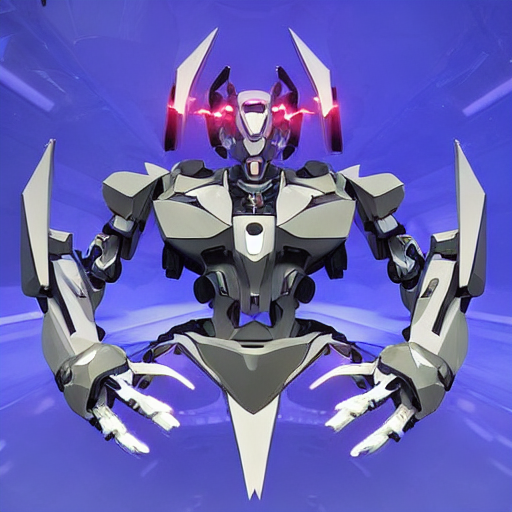


ワークフローの模索
txt2imgから開始(ほぼ素体)、img2imgを回して選別と要素追加、inpaintとレタッチの修正ループ、upscaler、顔など細部は切り抜いて再修正しています
#stablediffusion #waifudiffusion


