IMGのTwitterイラスト検索結果。 160ページ目


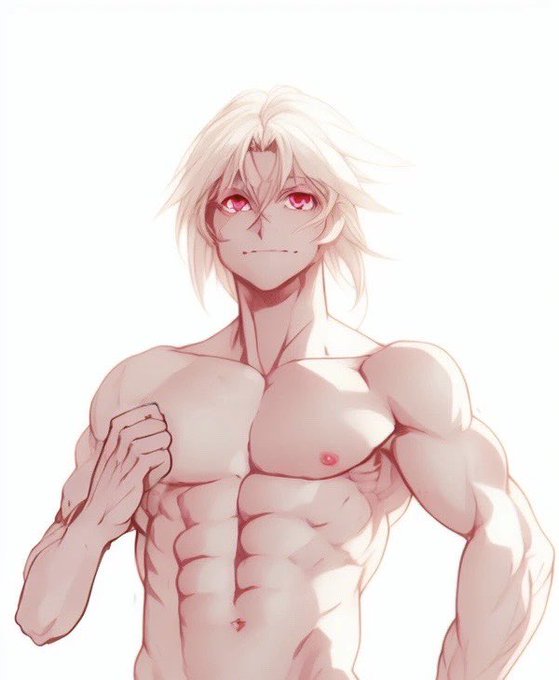


ここにはアップ出来んから、殆ど載せてないけど、最近の成果物。
前と変わらず、線画から膨らませている。
#stablediffusion #WaifuDiffusion #img2img


#stablediffusion #WaifuDiffusion #TrinArt
ModelはWDとTAを半々でマージした物を使用
良さそうな構図が出るまでガチャを回し、img2imgで細部を調整しました
呪文はALTに記載
水着と臍


@shareocs hiii ^^ I'm Kirbygal and I draw ocs (first img is my oc, 2nd and 3rd imgs are others ocs) !! Once in a blue moon I'd draw some fanart (last img) xD
Nice to meet you~♡


"Unicorn's Rose"
#digitalpainting #objkt:
. https://t.co/JoFafjJrNQ
.
Here spun thru #midjourney #aiart "/imagine unicorns_rose_art_img_url, vintage photo, deep space, tiny blade runner unicorn --iw 1"
#deepspace #spaceArt #unicorn #rose #camilographics #tezosart #painting


上記の絵をimg2imgに突っ込んで、75%程度で変化を持たせる。反抗的な目つきの子ができた。想定とは違うけどいいね。ALT有り。 #WaifuDiffusion


#stablediffusion #StableDiffusionKawaii #WaifuDiffusion
Img2img를 사용.
Img2imgを使用します。


@dezgo's got free StableDiffusion generation, and just added img2img!
Fun to play around

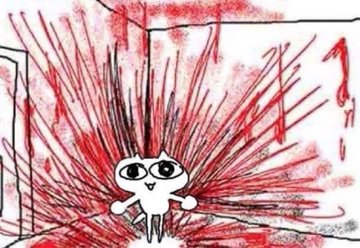


デッサンドールを使って、img2imgで画像を生成!
・・・ちょっと自分でも感動!
あのドイツmetalの伝説のバンド「すこーぴおんにゅ」!
禁断のアルバム「ミルフキラー」(笑)
・・・元ネタジャケットは絶対に検索してはいけない、絶対!絶対にだ!
#stablediffusion
#Scorpions
#VirginKiller


さっきのwhite detailed lace dressを #waifudiffusion : #TrinArt = 50%:50%なマージモデルでやってみる
個人的に4枚目なかなかな出来だと思っている(img2imgなどによる補完はしていない(Highres. fixは使っているが))
#stablediffusion


I will create professional twitch logo , overlays and screens twitch gaming setup💠😊 *ref img* #twitch #twitchstreamer #Vtubers #smallstreamers #GraphicDesigner #commissionsopen
@TitanStreamers
#SupportSmallStreamers #needgraphicdesigner #twitchgirl #twitch #smallstreamer


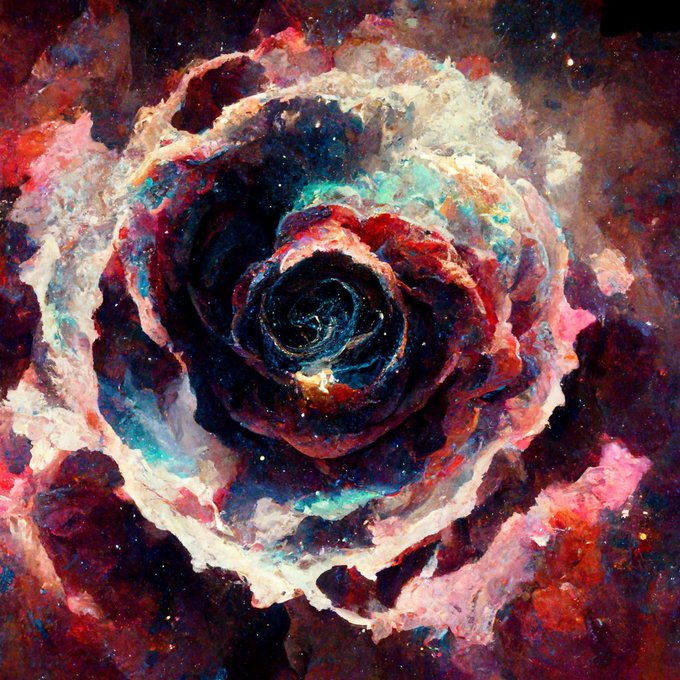
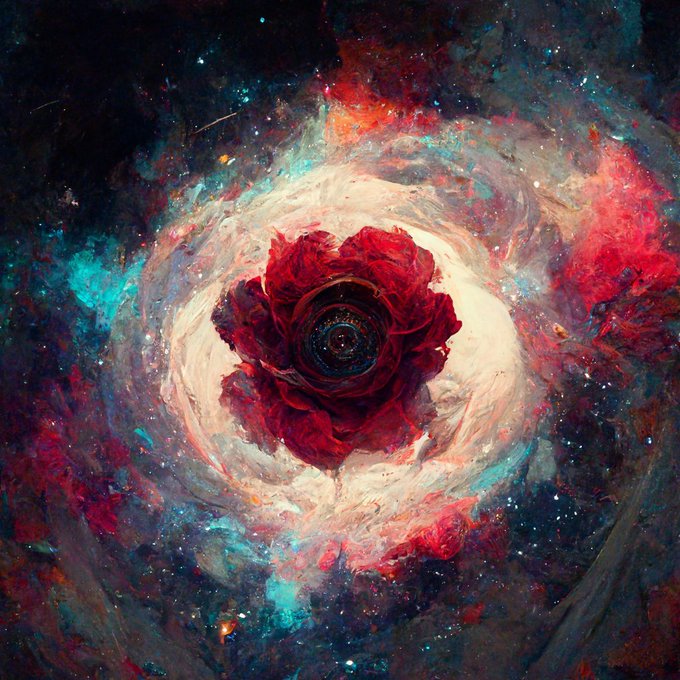

"Rosette Nebula" -
#spaceArt #painting @objktcom
.
https://t.co/AoXVvxPFgc
.
Here celebrated via #aiart #midjourney #artprompt =
*****/imagine my_Rosette_Nebula_art_img_url, rosette, space, painting --iw 1 *****/


Aini goes in, Anime comes out!
Img2Img prompting has been implemented with our WIP #NovelAI Image Model! I'm pretty hyped to work with it in combination of my own photos and drawings again!


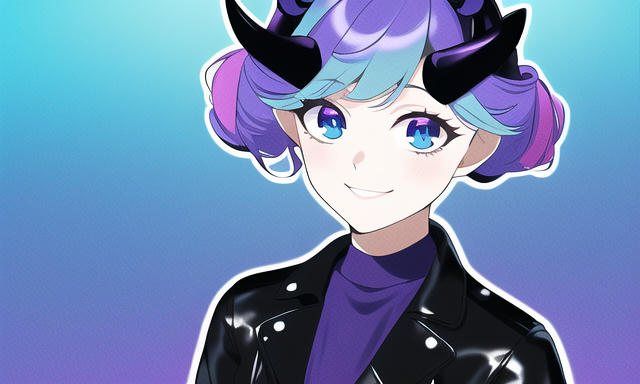

The devs finally made img2img editing work for the new NovelAI Image Generation model, and we're quick to return to edit and lead our generations: @tabloida_nai our designer had a craving for horny.
Step by step:
1. Generate
2. Edit
3. Generate with the Edited Image
4. Enhance!