lendingのTwitterイラスト検索結果。 17ページ目


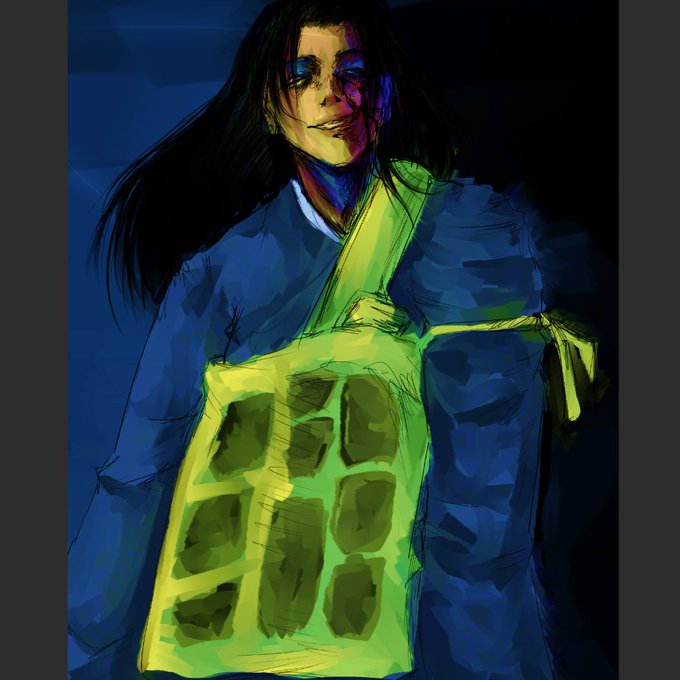


I tried an app called infinity paint
I liked how it felt, but the blending was a bit annoying and had very limited stuff on the free version:> https://t.co/tnLix3qQOK

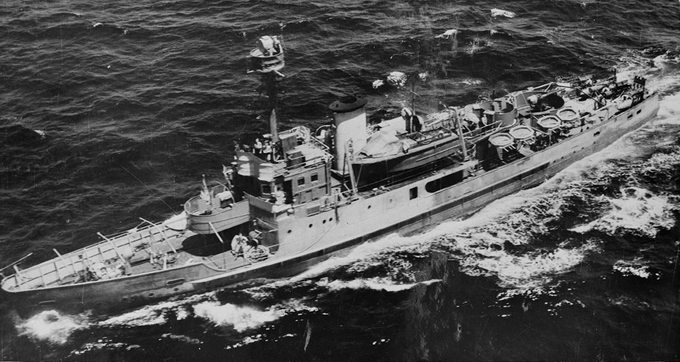
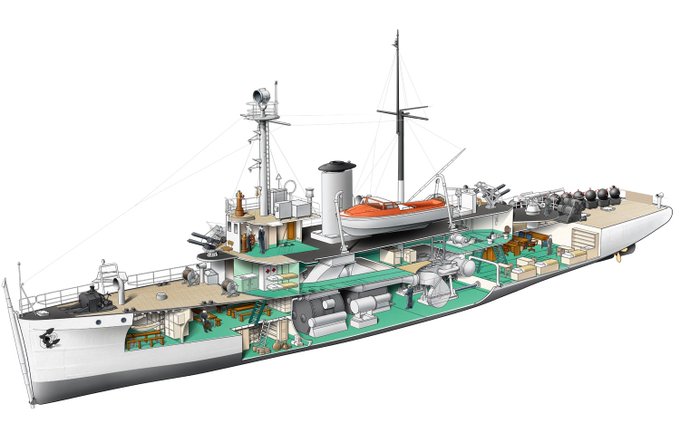


Beautiful shapes.
The architecture of Eleftheria Square in #Nicosia is a blend of old and new, with traditional Cypriot elements blending seamlessly with contemporary design by Zaha Hadid.
📍Nicosia
📸 dronyofficial [IG]
#Cyprus #Cyprus4Holidays #medieval #architecture


Hootle blending in 🦉 #kfprops
Also Hootle but in green and is looking for you...


I'M BLENDERING POG
(first time blending)
#blenderart #didntidoitforyou


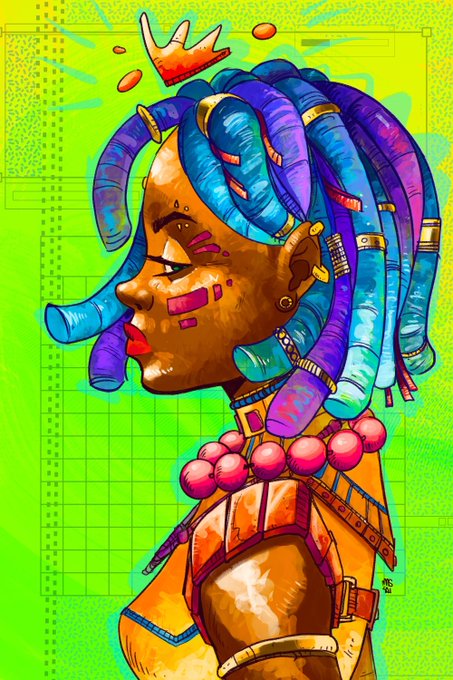
@justlavra @NFTMASTERS_PRO Hi, Lavra. Thanks for this opportunity. ✨ I'm Massai, a black Brazilian artist blending cyberpunk & afro futurism with bold colors. Check out som of my favorite art on Foundation:
https://t.co/fyIop4gPxs


Eye On You theme! I was thinking about redrawing this. I didn't like the way how the blending result came out. Overall, I still like it tho
#원호 #ウォノ #WONHO
#위니 #WENEE
#wonhofanart
#AlwaysWithWonho #위니는_늘_원호곁에
@official__wonho @official_WH_jp


CHIBI OC SAMPLES DONE!!
ocs by kuromunei and evv xue on fb!! (thank you for lending me your ocs for me to make a sample of!)


thanks for lending me your pretty oc @brgjk 💗
#イラスト #art #artmoots #artistsontwitter


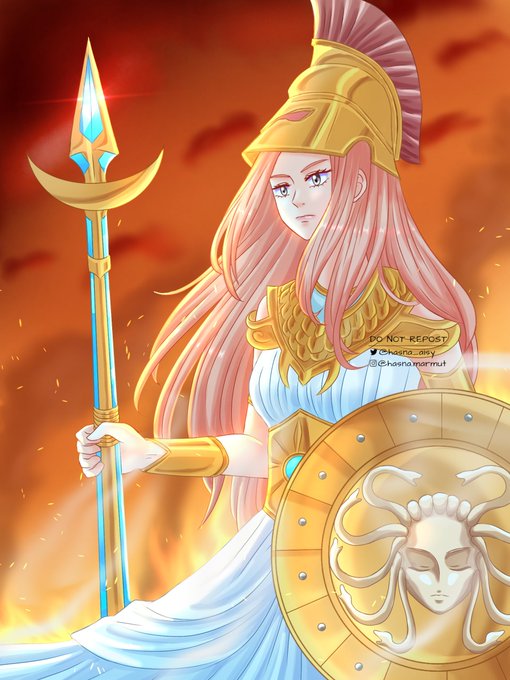
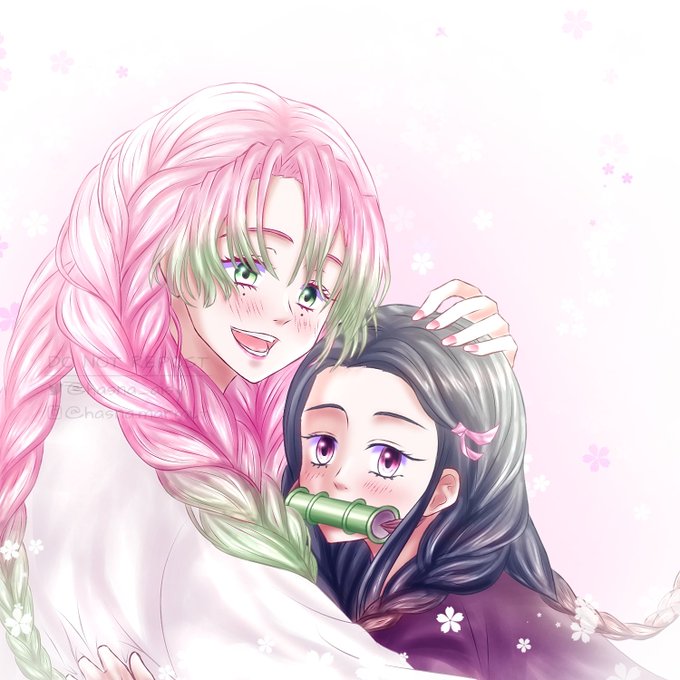
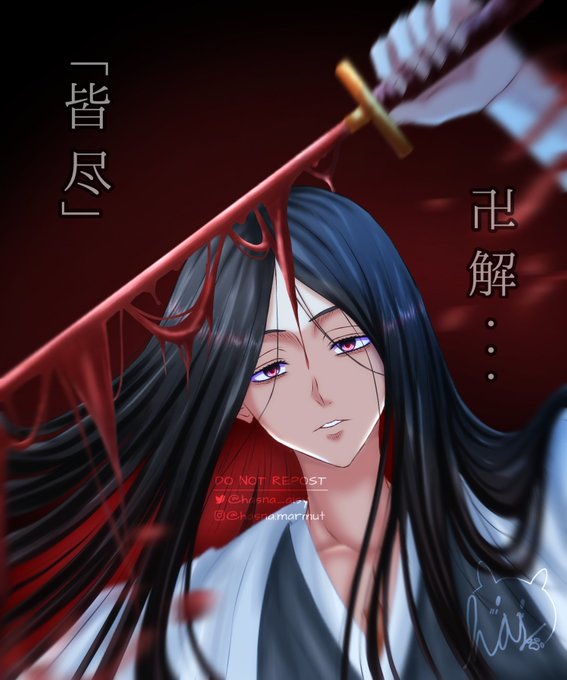
@artistsbase Biasanya pas rendering di akhir gitu nderr, jadi mainin warna di blending mode. Biasanya aku pake layer multiply/screen/add buat bangun suasananya. Warna dominan biru itu sejuk, merah/oren berapi2, pink girly/ceria, item buat suasana kelam gituu


🤔
Image 1: four edits used to make "Phantom Figure" (available on OBJKT 🔥)
Image 2-4: blending the four edits with /blend tool in #midjourney
#midjourney #midjourneyAi #AIart #AIArtistCommunity


@LandyRS was very kind and generous enough to give me a program that simulates realistic painting, so atm I'm fucking around to find out
The blending is NUTS


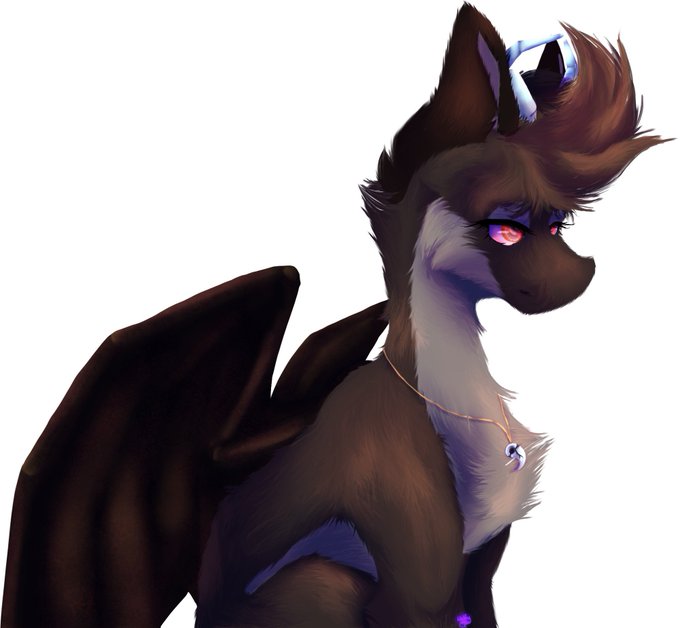
@Vesperis_Art When I started digitally painting and instead of doing multiple layers for shading I just did it on one layer and would just change the blending mode of my brush if I needed to (I secioned different parts like hair and body and such into different layers of course)


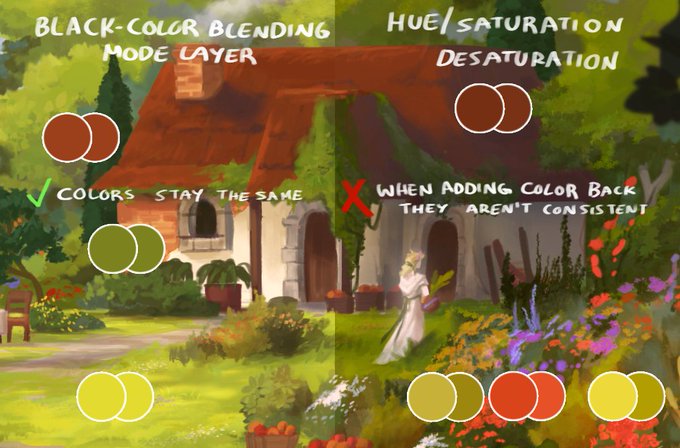
here is a quick visualization! I added color back with the original layer in Color blending mode, and it stays the same, but the Hue/Sat just moves values around "randomly".
I'm not sure why this happens since I'm no programmer 🤷♀️ https://t.co/SReuiqCZJc


- Mess around with colors! Tonal correction and blending modes are your best friend!
- Duplicate the final image and gaussian blur it to give a softer look!
- Don't want to do lineart? Thats ok! Cleaning up the sketch gives it a more rough/dynamic look!
- ✨️TEXTURES✨️ https://t.co/eSVhoOPtrm

