TransparentのTwitterイラスト検索結果。 164ページ目


I was so proud of my Pibby face that I saved it before I drew the Copium mask on it and used Ibis Paint (mentioned by a friend on the Pibby Fanbase Discord) to make it transparent. Just really love how it turned out. #pibby #LearningWithPibby




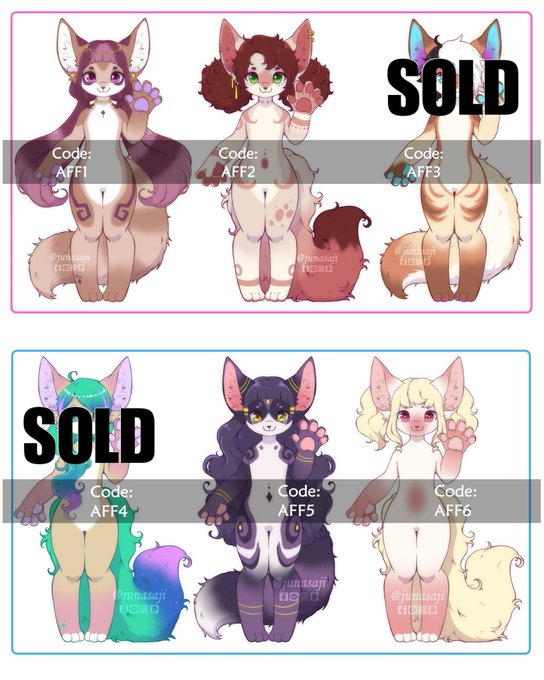
✅✅Adopt for SALE✅✅
Species: Fennec fox
20$ usd each
You'll get
- art with transparent background
- simple ref sheet
Message me for ordering 😊
#furry #Commission #furryart #commissionopen #ArtCommission #ArtistOnTwitter #opencommission #cmsn_art #commission_rts


@RWeller9999 I don't think Twitter supports transparent pngs anymore so you'll have to take out the background, but here you go!


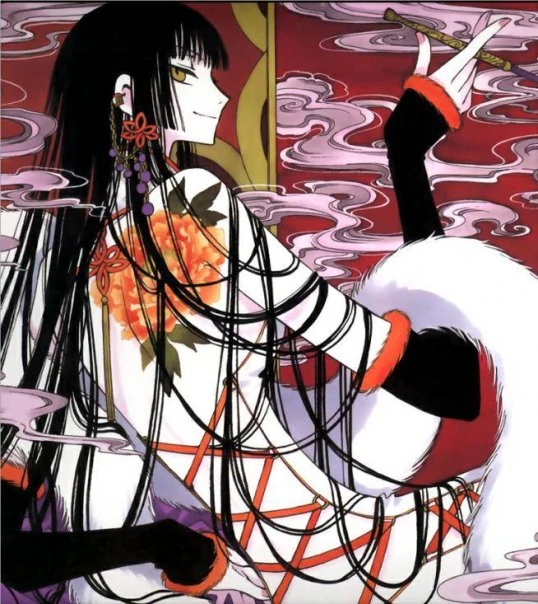


also need some input...poll below but i'm playin around with the colors for one of my ruki customs and im debating between halloween (my original choice, first pic), transparent (2nd pic), or zombie (3rd pic)


So, was using SmartShape2D to have curving, tiling HD sand on the ground, and we got these rips appearing above and below the sand.
I'm guessing the issue is the texture is wrapping on the polys. Adding a little transparent buffer to both sides of the images solved it.

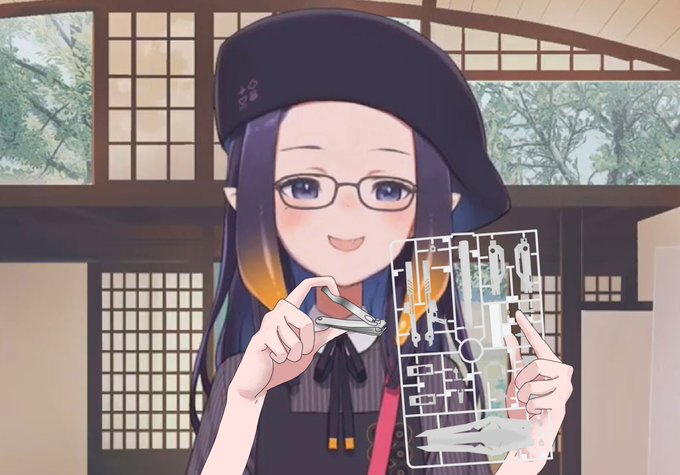


Semi-transparent skirts are a style I can vibe with, especially when I have Non-binary days. I also love the Eevee backpack! Such a cute design!


Picture without message just in case you just wanted to see the drawing and transparent version (I hope, I know twitter is weird with png files)


✨Reaper Adopt✨ [OPEN]
•Hb --
•Sb - $35 USD
•Ab- $80 USD
(Transparent background)
•Paypal only!!
•Comment or DM me to bid!
•Design made by me!
•Shares are appreciated!
#Auction #BTA #Adopt #adoptable #oc #reaper #demongirl #demon #digitalart #forsale #4sale


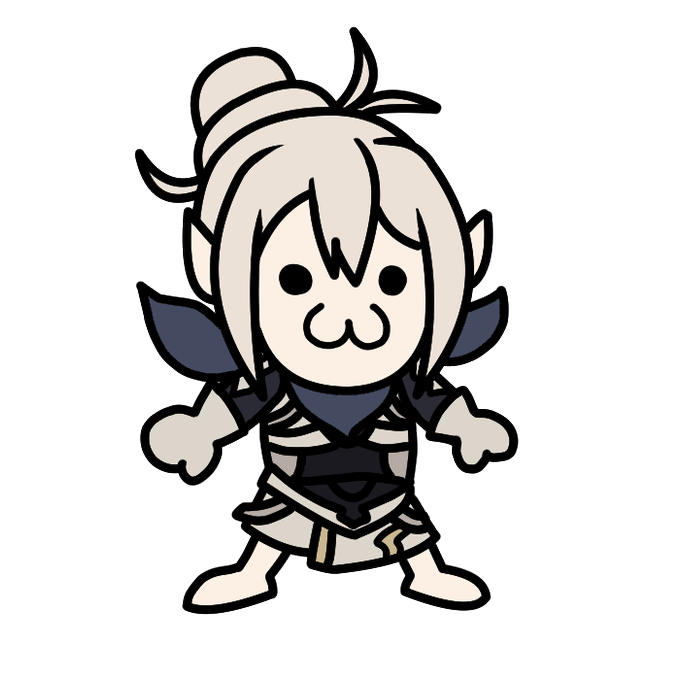

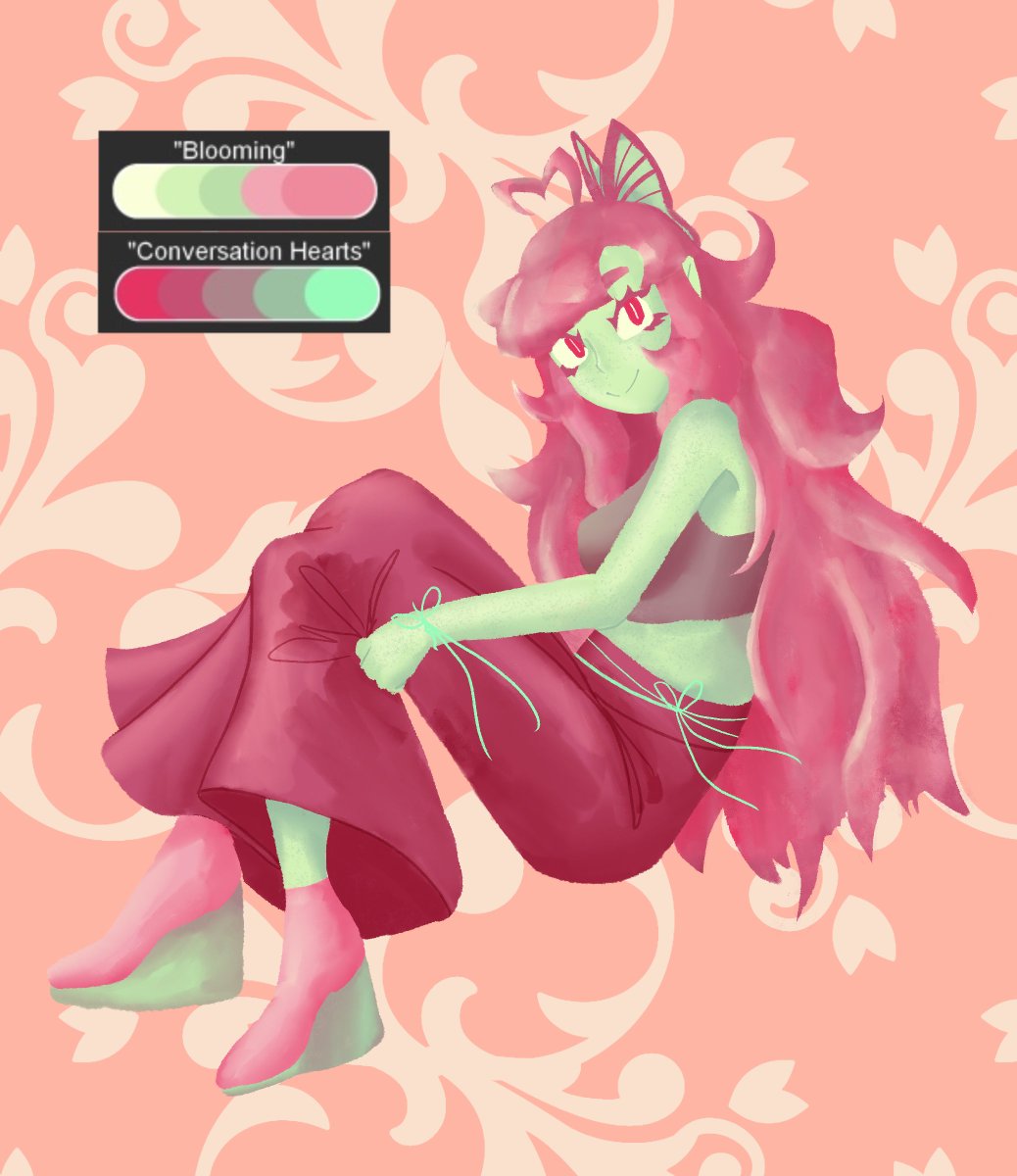
Bonus version without the semi transparent shirt, bonus freckles too!

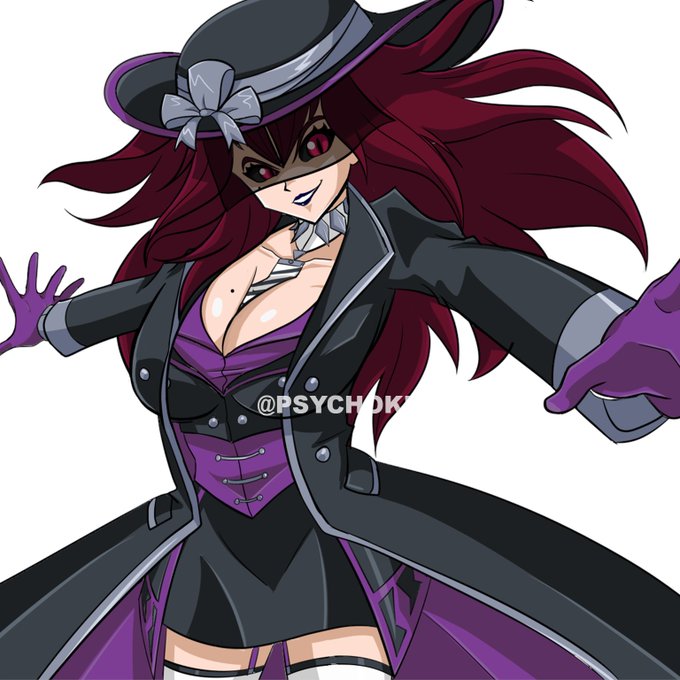
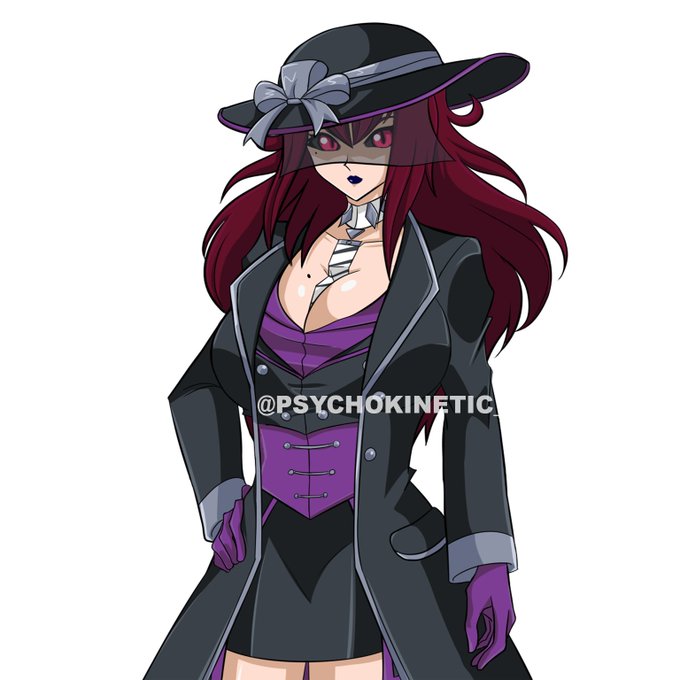
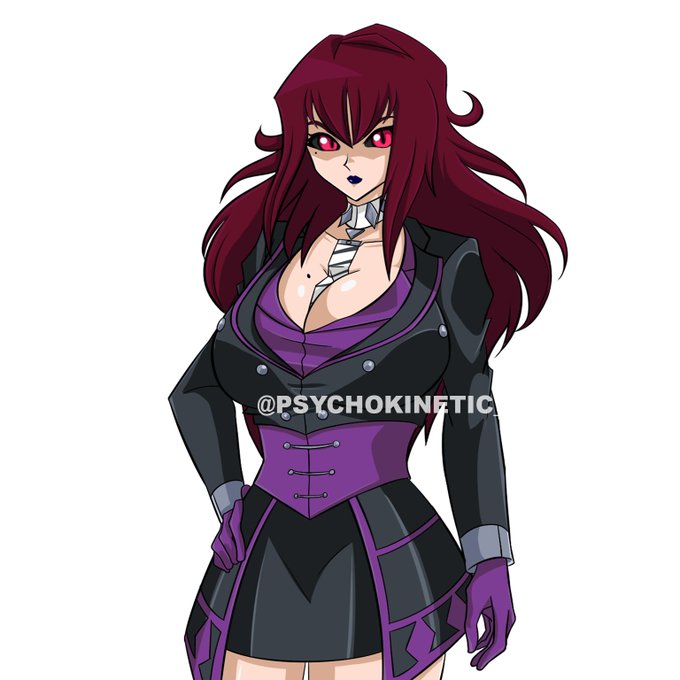
@psychokinetic_ does the filtering/backgrounds for these, too, oops.
Some unfiltered/background-less examples. Simple backgrounds for sprites are also negotiable. Otherwise, they will come transparent with no background.


Happy Birthday, @WalkyriaLiora!!!
I hope it was tons of fun and you got to eat lots of tasty cake! 🍰🎂🥳🎉
Commissioned by @Jarnegi6233, Thank you for commissioning me!!!!
#walkyriart #vtuber
(if you'd like the transparent version, please DM me!)