GradieのTwitterイラスト検索結果。 8,738 件中 3ページ目

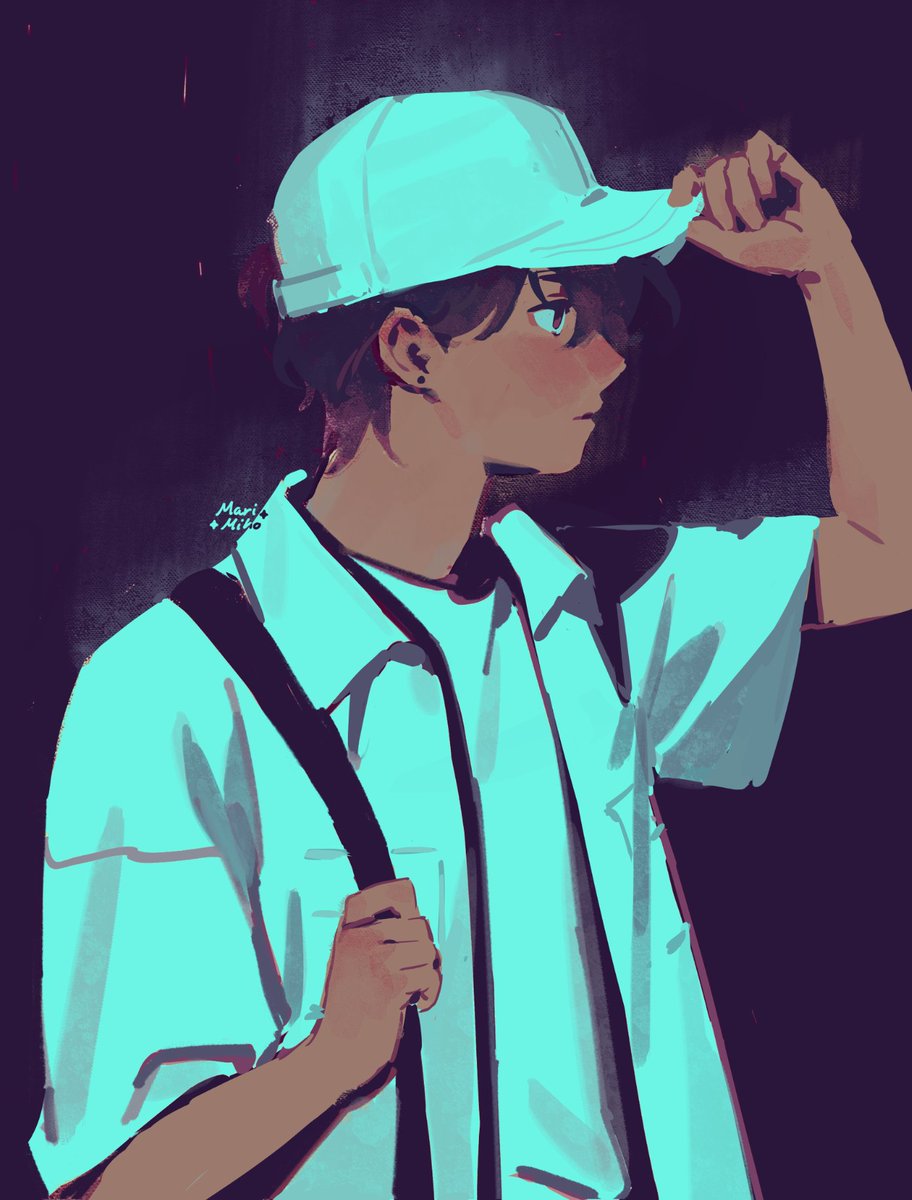

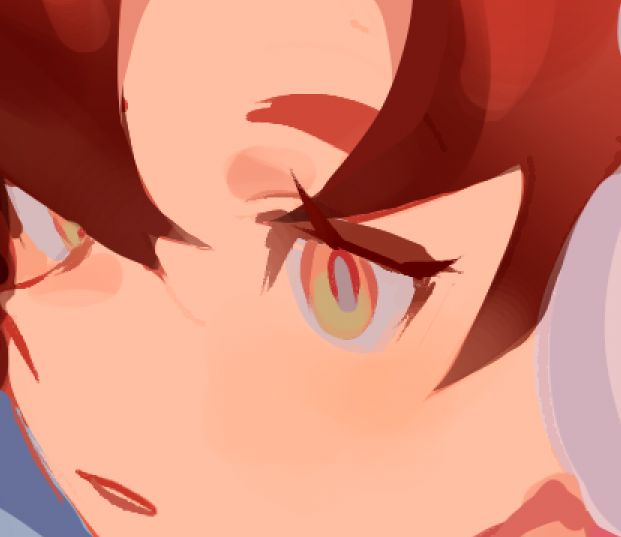


Rosalyne having lost Rostam and Arlecchino losing Clervie... and both having pyro powers... like imagine Signora teaching Arle how to use her Vision... both of them have the gradient arm thing going on ykyk🤔



Hi need to take some commissions opening 5 slots for rent and electric bill
TYPES OF COMMISSION
USD$120 HALFBODY
$20 additional character.
Simple background (gradient, shadow, etc).
USD$170 FULLBODY -
$30 + additional character
$10-50 price vary on detail of background


@HMangaFan7 is probably just the final gradients I use in the render, but I use them since a while. Tone change a lot with the background though. The white background make the tone stand out more too. Same final gradients as this ones but I use them always😁


This pleasant gradient shows up at your front door https://t.co/a2K4HV2k5U


the gray gradient background makes my arts look really nice...(+ +)!


charms are ~2.5" gradient acrylic with pastel-colored keychain clasps!
there are also 2.5" clear vinyl sticker versions for my scrapbook friends :]


Prsk! Permisi!! Sender WTS fanmerch niigo 👉👈
Bahannya epoxy n nanti ada gradient+bandul gummy 🥰 harga kisaran 35-45k !! kalau interested bisa bales di rep ya, biar nanti sender tag kalau barangnya udah jadi ‼️


Now, we disable the gradient layer. But the brightness adjustment layer remains active, affecting the color.
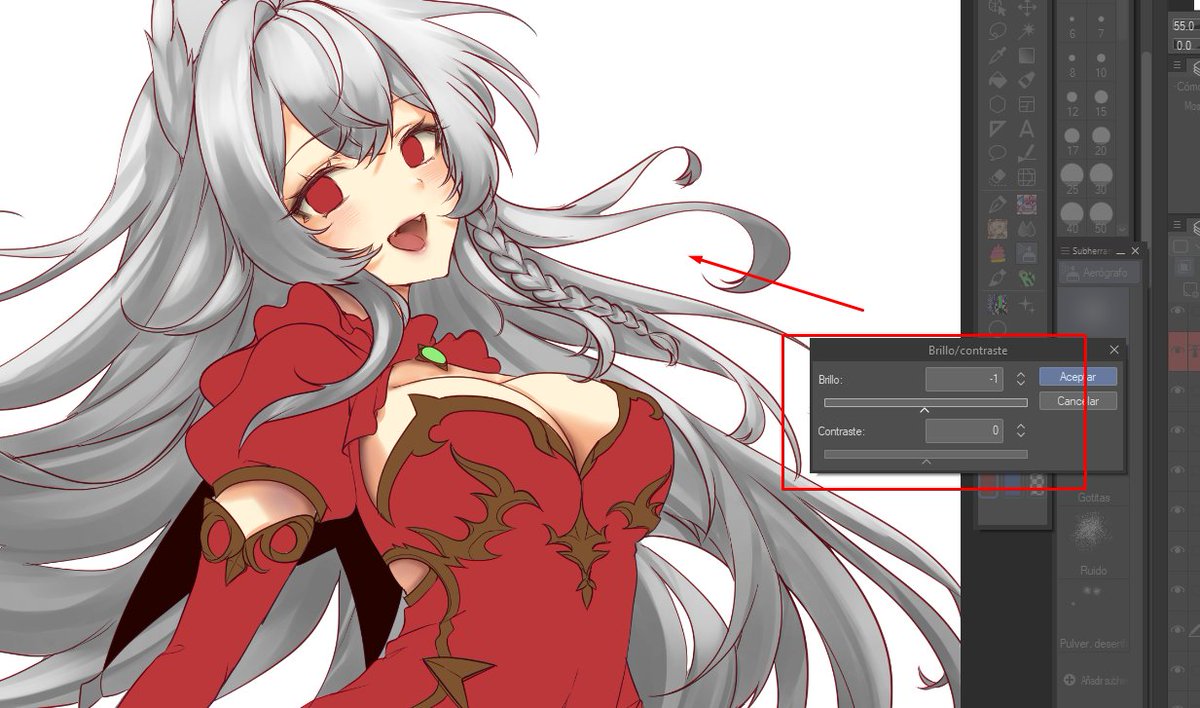
This setting is where we are going to adjust the brightness and saturation with the black and white gradient layer. The idea is to adjust the shadow and light and the color will adjust itself.

This is the gradients option, by right clicking on the layer. We give it and make sure that the new gradient layer is clipped to the hair layer.

I'm going to show you how I correct the color range in Clip Studio!
First of all, we need the layer to be finished, with its shadows and lights. The second thing we need is to use the gradients in layer options. I show you here my layer, the hair.


Ev!l art style chalIenge!
I drew my version of viIlain Mic without the traits of my art style that yall named, so
- no colored/blurred lines
- little to no blur/gradients
- minimal motion/bounce
- next to no soft shading
- no shine/gloss
- no vibrant/rich colors
#mha


Texture and Noise:
Sometimes, you can just spice your designs with some noise and texture in your gradients to create a form of visual interest and depth.
However, it highly depends on what the theme of the design is.
- — #shiitorials

wip day
villain Mic in the evil artstyle challenge
so far im having a blast but ik that cell shading the whole thing without falling into gradients and stuff is gonna be a nightmare lol


@RealProfTerra none. the shadow is blue multiply with orange edges and the ambient occlussion is dark brown normal layer
i have used gradient maps before but not on this one

