LUMINのTwitterイラスト検索結果。 3ページ目

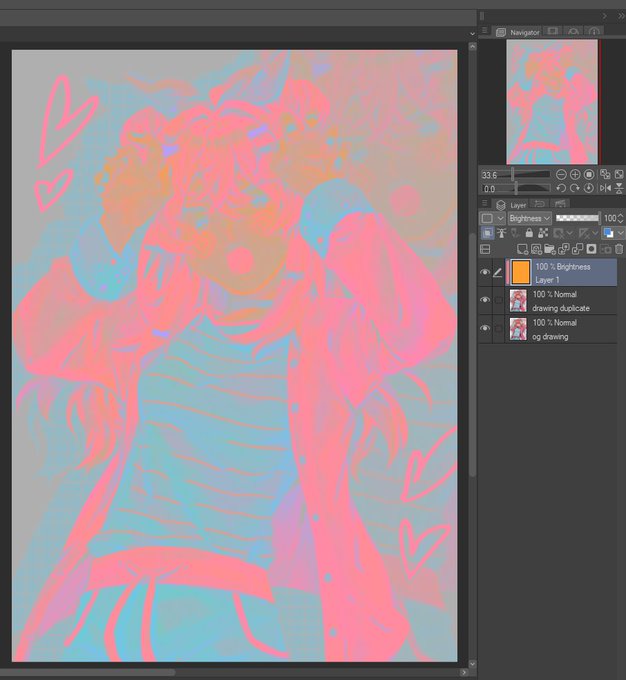
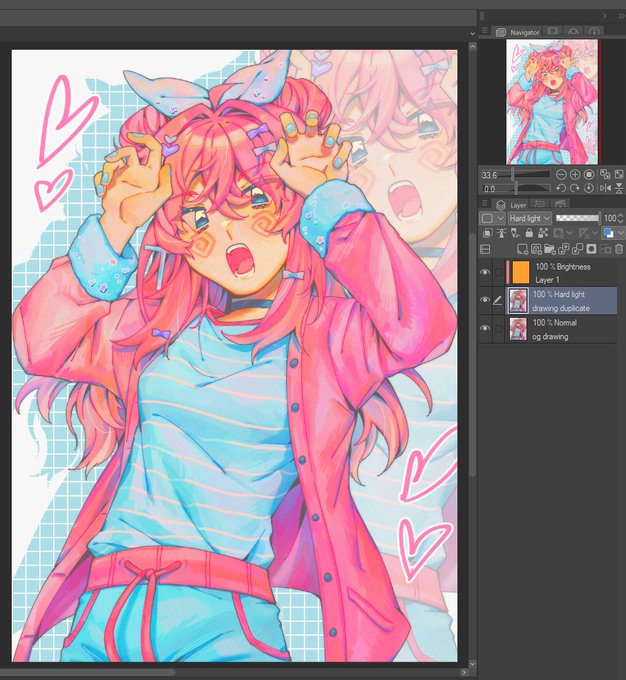
for those still unsure of how this works:
1. duplicate your image
2. clip a Brightness/Luminosity layer filled with orange to the duplicate
3. set the duplicate to Hard Light
you can then merge the brightness and hard light layers, adjust the opacity, levels, etc. https://t.co/PdNQpvvaFg


「MELTY BLOOD: TYPE LUMINA Piece in Paradise」第23話前編更新されました。残り更新2回です、よろしくお願いします! #メルミナPP #MBPP
https://t.co/m28OJLRQ2U

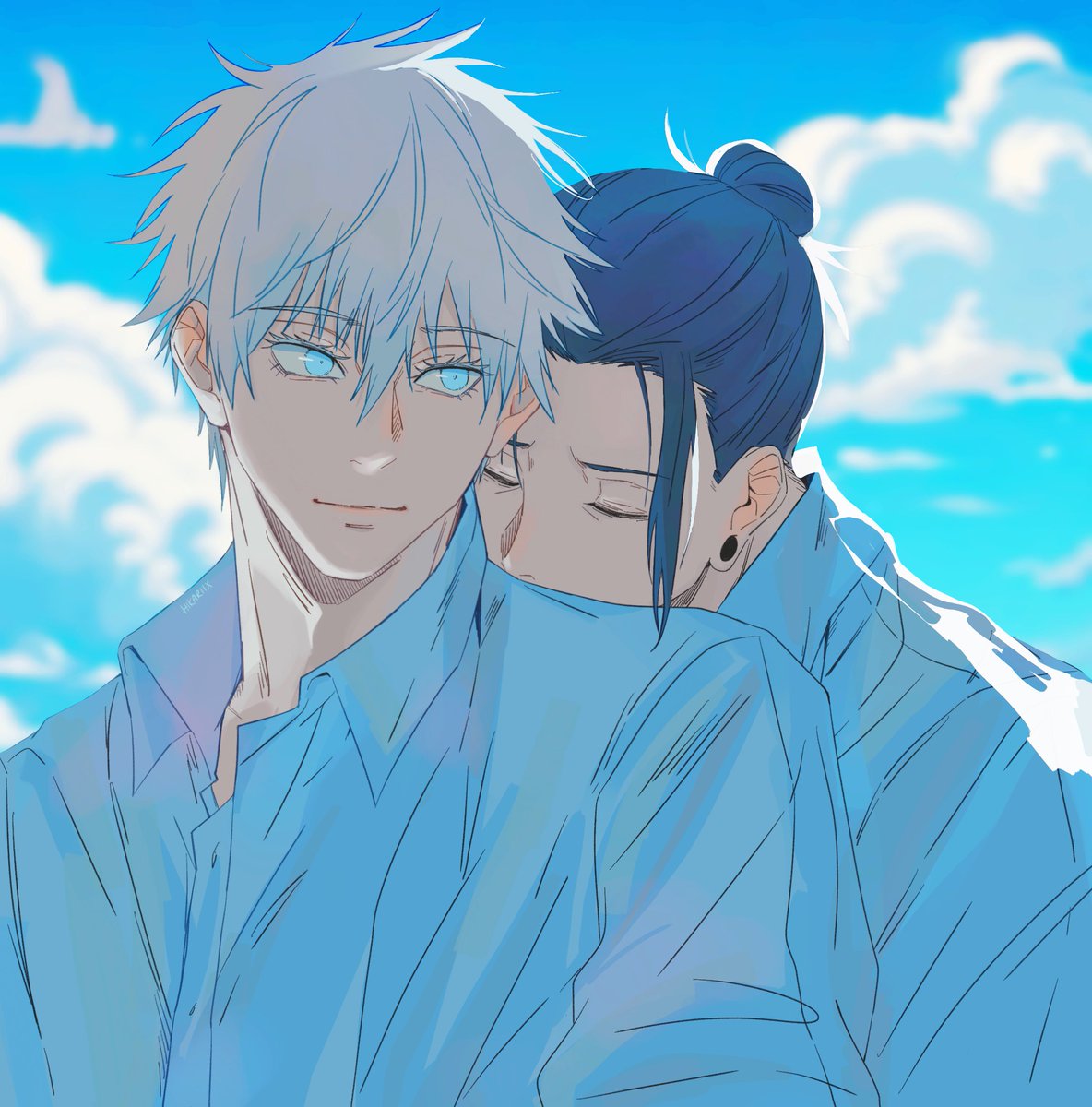


wowwow time to use this with every art
👈before // after 👉
for CSP users, use layer mode "Brightness" cos we dont have Luminosity 😅 https://t.co/Ysim7cION9


Luminose city can be a dangerous place at night, so if you need to go out at night go with company unless you all get captured... This is a commission
Taunie, Lida and Naveen from Pokemon


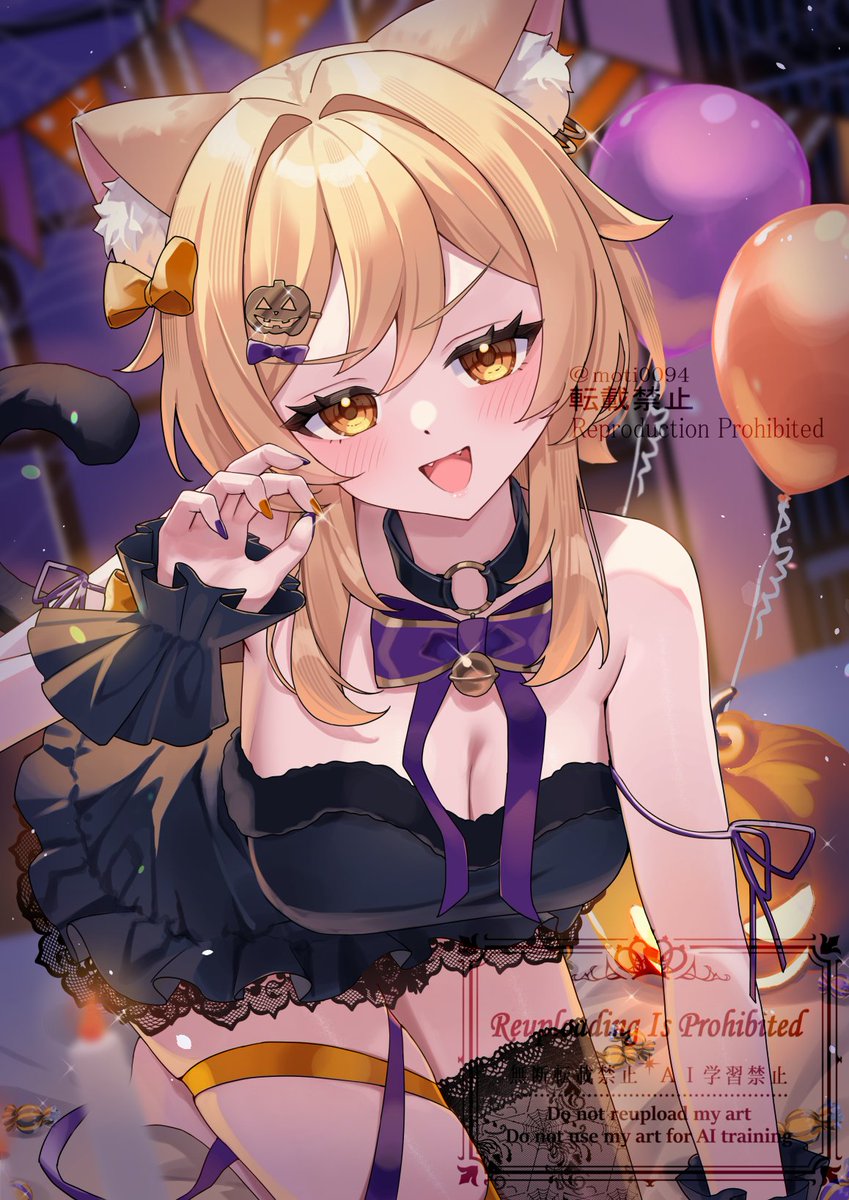

ハロウィンの魔女っ子ほたちゃん🤍🎃🩵
#Lumine #蛍 #GenshinImpact #Halloween

