multiplyのTwitterイラスト検索結果。 2,043 件中 3ページ目


@lunelions a simple way to add soft shading is to focus on “ambient occlusion”! essentially, wherever the corners meet there will be a dark spot where light can’t get to. for this effect, i added a multiply layer, with a colour similar to the lineart i filled in these dark spots.


Congrats to the winners of the #domiez don't die they multiply physical art!!!
-@Mrsmetalcrazy22
-@gooftroop2025
-@ZenDoodleNFT
-@whynotbuymore
remaining supply just listed for 1 #tezos https://t.co/c2onfOxaMs


💤🐾STREAM GOING LIVE IN 20 MINUTES🐾💤
WE GONNA BE PLAYING DIVISION 2 SO WATCH ME ALSO ADD AND MULTIPLY
I HOPE TO SEE YALL THERE!
#SnoozeLive #VtuberUprisings #VTuberEN #Vtuber
https://t.co/VyVyNHYYcu


@LudrenDrago Thank you! I used to do the grayscale thing, but that could dull colors and it's a lot of work to get the colors I want. What I do is fill the local colors then make a multiply layer and shade it. then you merge both and paint over it color picking the new colors.


wip wip
I HATE COLORS NGHNFGNFGNNB
the version without the multiply is funny ngl

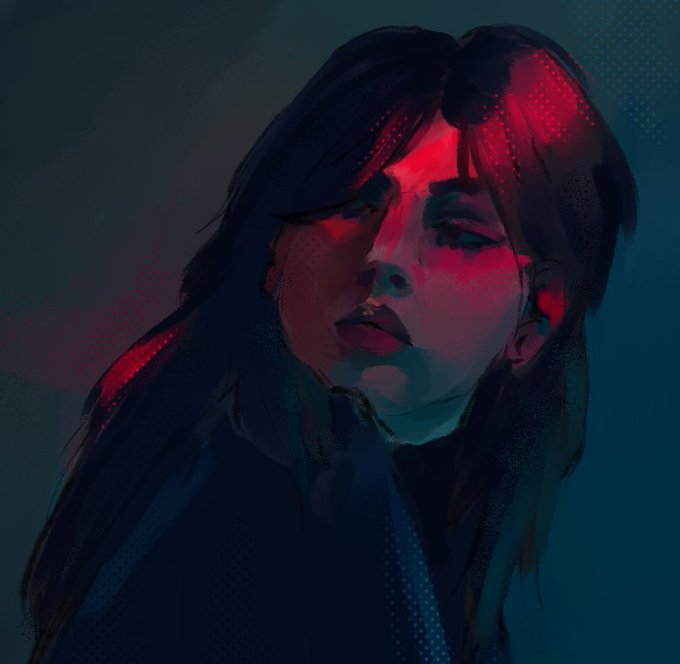

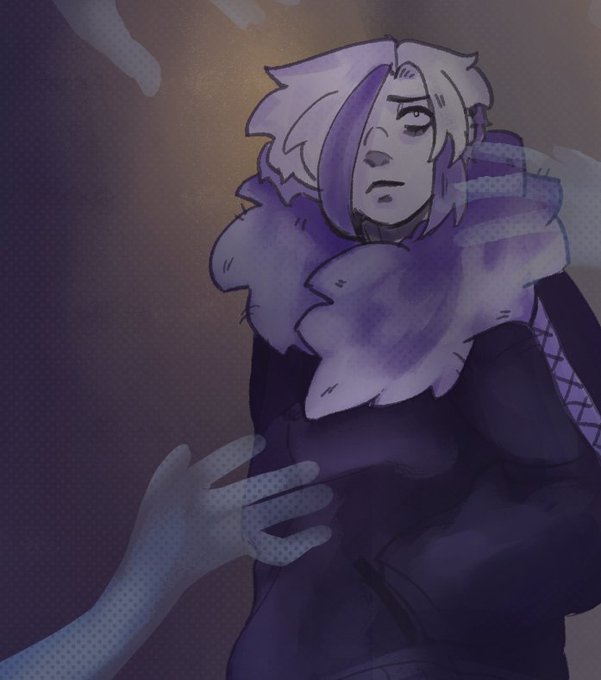
@zhimi_ Oh of course! I normally use them for texture and use them for highlights and shadows! I color pick the Shadow or highlight and use the screen tones there! You can put them on different blending modes and lower the opacity too! IE: Exclusion, Multiply, and Overlay!


I end up putting a lot of multiply and layers of shading until it's ugly.
I still need to improve my shading skills.


@MrMild9 Unfortunately I merged most of the layers, so the most I have is the rough sketch underneath with the base tone I started with. Method I used was: I eyeballed the colours from reference images then started painting without any layer modes like Multiply to train my brain

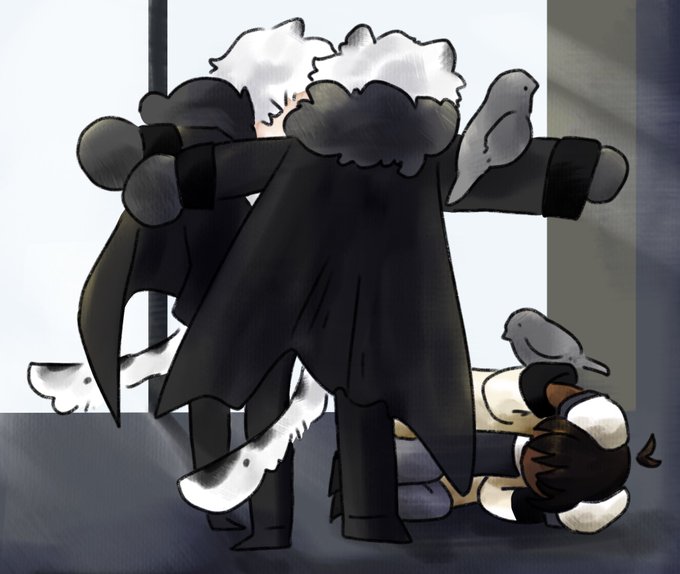
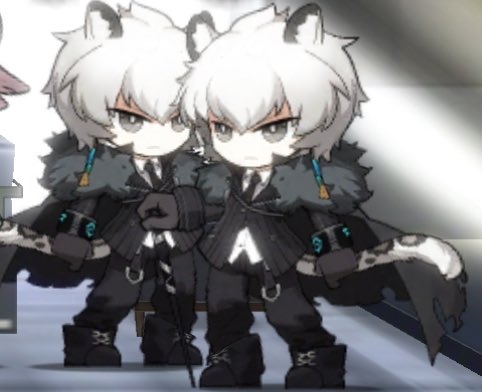
My friends visiting my base with their assistant silverashes feels like this sometimes
(they’re multiplying)


Plain version without the intense dramatic lightning (deleted the previous reply because I forgot to remove 1 multiply layer)


life hack ลงสีแบบงงๆ(มั้ง)
1. ลงสีพื้นก่อน
2. ปาดสีม่วงแดงเป็นเงา
3. ปรับเป็นโหมด multiply ลด opacity เหลือ 20-30%
4. สร้างเลเยอร์ด้านบนสุด เทสีส้มแล้ว overlay อีกที




ถึงตัวฉัน ที่ไม่สามารถเลิกใช้multiply และ overlay ได้
วาดน้องจากออริที่ไปเล่นใน picrew มาค่ะ ละก็ลองพยายามทับเส้นดู ใช้เวลาแต่มันก็สนุกแหละ ส่วนที่สนุกที่สุดก็คือสกิน 🥹


@floppycopy For example, when I painted Bunny Shiki earlier this year, I created a separate file for lighting ref, created a multiply and screen layer, and guessed where I thought the light would hit her. Then I did the painting on the real version based on that guess. If that makes sense.


Buat yang mau gambar ZE pake costum burungnya dan bingung gambar dibagian detail baju. Ini, aku kasih metahannya. Meski nggak 100% mirip, tapi semoga bisa membantu
Caranya tinggal tiban aja di warna baju, terus tinggal bikin layer multiply diatasnya buat kasih efek kerutan deh