brushesのTwitterイラスト検索結果。 209ページ目



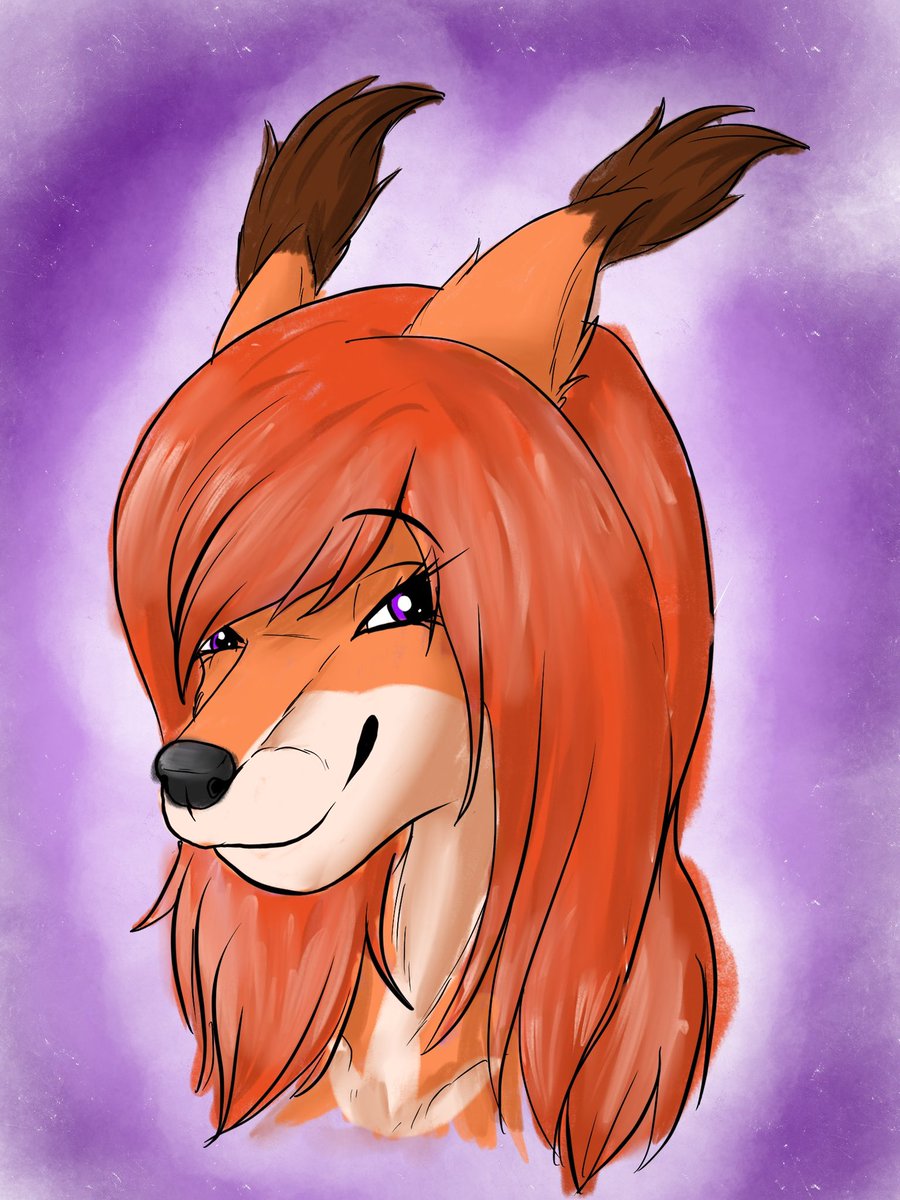
So….I don’t draw enough for reasons. So I got myself a new iPad so that I can draw while on the go.
This is my first attempt at getting to know one of the apps. It’s rough because I was just testing out all the brushes, I wasn’t aiming for perfection. Just testing.


Little experiment with @Krita_Painting!
Brushes are very nice, only thing my timelapse ended up being 40gb!!


Mmmh, tasty colors!
Testing out more brushes!
🎨 Style inspired by @NightrizerArtz


All you need is #Fonts #Calligraphy #Typography #Brushes https://t.co/sM1s62aLHl


There you can find my brushes, psd files, and wips! More stuff will be added later today :D
Also, feel free to leave some suggestions about the content that you'd like to see https://t.co/Q4bfuMtNxi


Lea M. Portrait! Durh.
For anyone interested, I mainly use brushes from @haze_long , been using them for about 2 years now? Anyways they are fav <3
#procreate #oc #piercings #artist #portrait #HazeLong #digitalart #DigitalArtist


@RoseAffogato I've been using Firealpaca for the past year! It's free and on PC and Mac! Very lightweight with all the features you need, alongside free brushes to download at any time as well as being able to make custom brushes
There's also Procreate which is well worth the price too

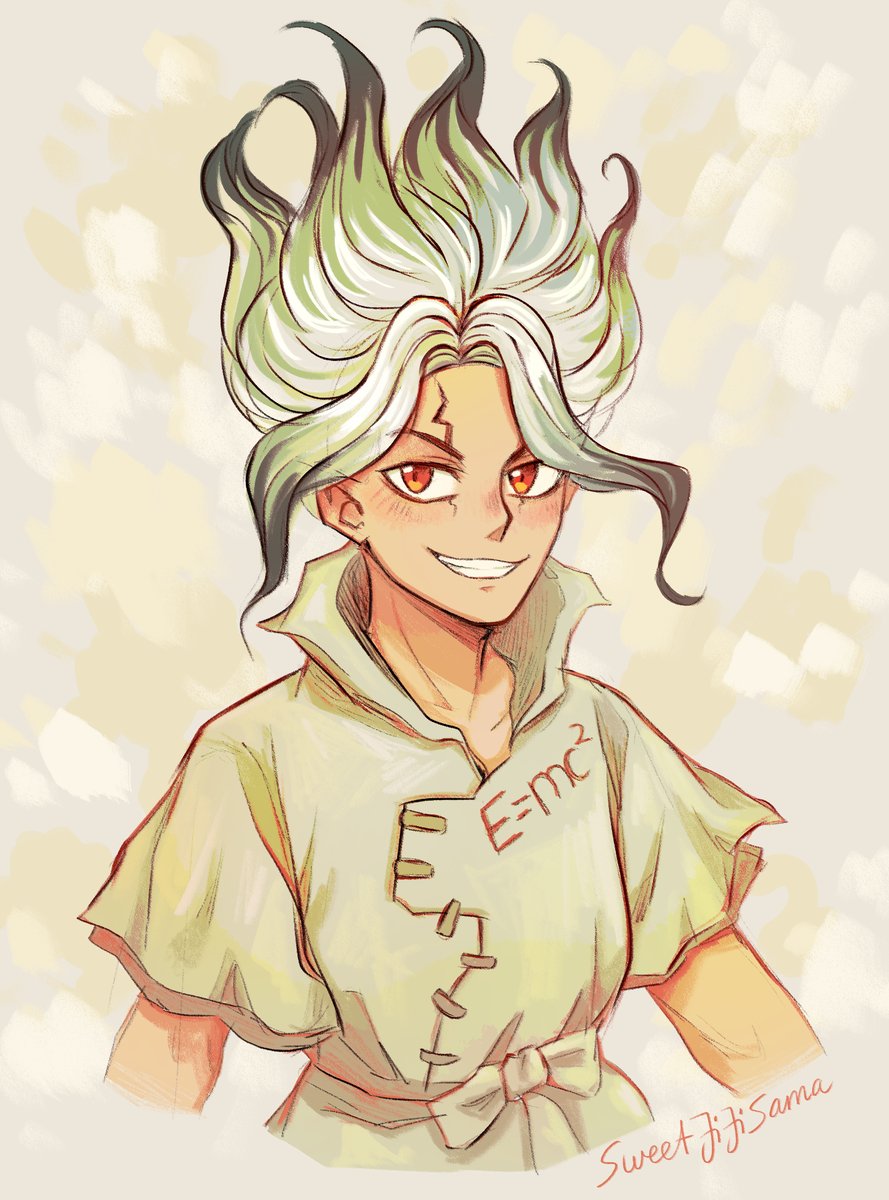
Felt like drawing this guy with a weird grin that he always has xD
Also: new traditional looking brushes go BRRRR
Character: Senku Ishigami from "Dr. Stone"
#senkuishigami #senku #drstone


@EsmeMarion I heavily recommend Sketchbook. It’s 20 bucks, and there’s downloadable brush libraries, the default brushes are super good already, and you can make your own brushes. I’m not at home so I can’t show brush settings, but here’s some examples I’ve done on the program.


one of the new brushes I made. Will try to convert them all for different applications but that will take some time.


Lil self indulgent self doodle. Messing around with some brushes and styles.