multiplyのTwitterイラスト検索結果。 24ページ目


@redbeersake Thank you so much for the opportunity!! I hope your followers only multiply! Here's my WoL, Galahad 💜💜


9. To get some warm feel of the final image, i use red and yellow using brush and change the layer mode to MULTIPLY. That’s how I normally color my figure illustration on @Procreate


-----------------1980------------------
Multiplying Wives - A Fairy Tale
Zoushoku Nyoubou -fearii teeru-
#増殖女房-フェアリーテール
#高橋留美子
✨✨✨✨✨𝑨𝒊𝒌𝒐✨✨✨✨✨


For y'all who keep asking about my stomach on stream...here's what it's actually supposed to look like!
I used multiply and screen layer modes so it doesn't show up all the time unfortunately ψ(^=w=^)↝
#Vtuber


"Corpse Bride"
Giving away this Embodiment! This can be applied to lands to multiply their mining power.
1️⃣ Like, Retweet & Follow @TFMW_gg
2️⃣ Tag three friends and include the hashtag #TFMW
3️⃣ Join our Discord at https://t.co/4dPDQXK49i
#P2E #NFTGiveaway #NFT #WAXP #AIART


layer burn + multiply tuh bener2 bikin gambar jadi glow upp banget 🥹🥹 literli from butek to glowing wkwkwk

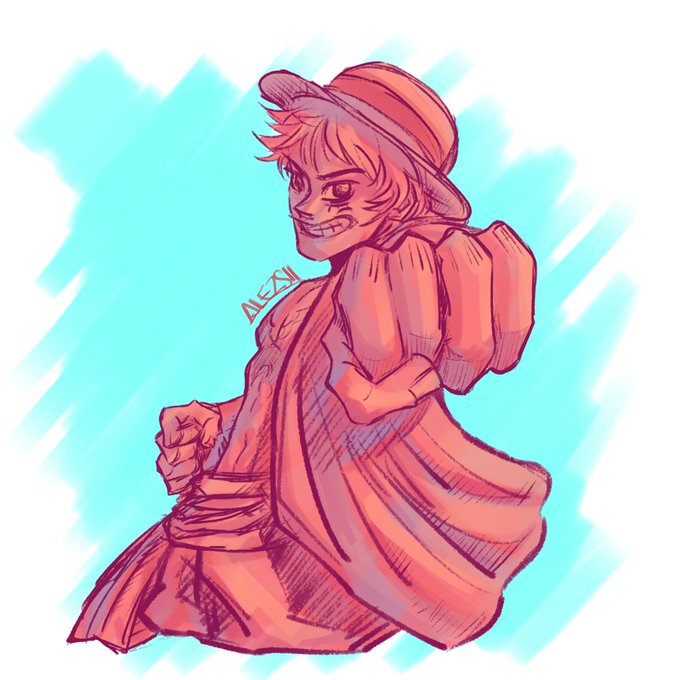
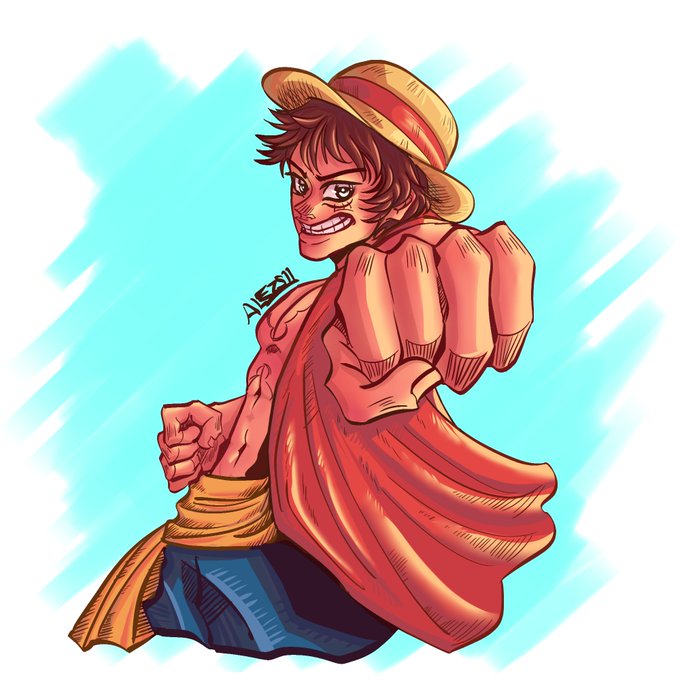
@lanostvlgie I sketch with analogue colors (change a multiply layer) , i put the base and then i shading, finish with lights and other details


few fixes and additions - shadow casting layer’s blend changed to multiply blend and made shadows react to form of the asset, and gloss effect to make highlight more lively. https://t.co/kY4hA6SutS


A transparent version because I liked it that much. Also another version with bg colors on multiply so it looks a bit more underwater.


【📢】 #VTubeStudio v1.21.0 is now released!!
This is an iOS/Android-only release to add support for Live2D Cubism 4.2 to the mobile version ✨ (blendshapes, add/multiply color, "culling" ArtMeshes, ...) ✨ All models created with the new Live2D should load properly now ✨


Random, but I find that doing this with a Multiply layer and Lower opacity looks really good (Hope this helps) #DigitalArt #ArtTip


@jianyom so i started by drawing the shadows on a normal layer without any tricks or anything (1st image) and then used multiply, addglow (or just add if ur in ibis/procreate/etc or linear dodge in ps), overlay (for the light bleed bits) and soft light (for backlight)


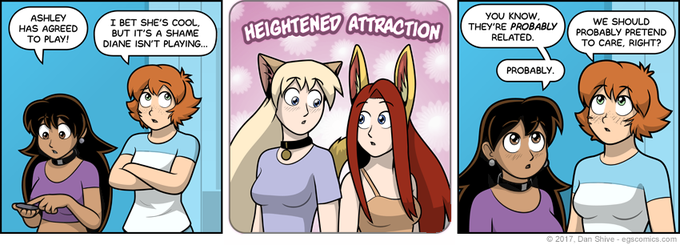
I thought "I'm not doing enough stuff at 2 AM" so I've started coloring random @elgoonishshive strips.`
(The colors are a little weird in the second one cuz I did it a couple weeks ago and used value layers instead of multiply layers)
great webcomic btw, very gender 👍


INFO BECAUSE WHY NOT
app: ibisPaint X
time taken: 15 minutes
layers: 9 (unmerged) & 6 (merged)
blending modes: multiply & add
speedpaint ⬇️


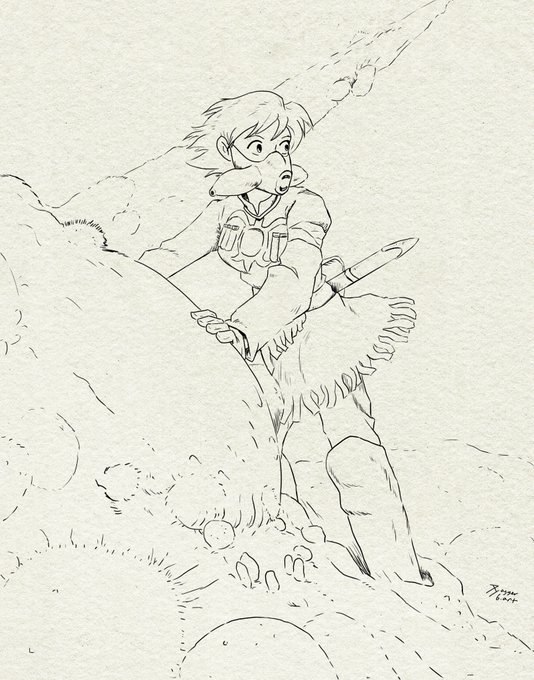

@coco___rock I kinda wish I recorded a timelapse, but the CSP recording function makes files way too huge 😭
Hopefully this helps! I'm basically using really textured watercolor-type brushes either painting over or multiply/screen over the various layers


Finished I was playing around with the multiply layer lol. But Moon Bunny will just be a logo it isnt for runa haha.
-------
also looking for #artmoots again. share your art/Oc below and we can be moots


I can actually do something other than purple multiply layer 50% if I put my time into it. Unfortunately, 99% of the time, I do not want to put my time into it.


Style transfer
Drow to Shrine Maiden
Open in PaintDotNet
Overlay astract result over original image
Multiply blend mode
Now we've added more dynamic colors to a monochrome image


I was just messing around with ai but first pic is the current wip 2nd pic is the ai multiply layer


I’m teaming up with @UdderChaosSOL to giveaway 1 NFT! 🐮
They have smooth staking developed by Xin Dragons. Staked holders will receive a Barn airdropped to them, which will multiply your $MILK rewards. A solid project with lots of utility!
Retweet to enter. 24hrs ⏰