OverlayのTwitterイラスト検索結果。 9,393 件中 236ページ目


Hello les gars !
Mes commandes sont ouvertes pour tous vos projets :
✨Emotes / Badges
✨Logos
✨Bannières
✨Scènes Twitch / Overlays
✨Illustrations / Portraits / Photos de profil
✨Panels / Alertes
N'hésitez pas à venir me MP pour toutes questions !
#twitch #commissionsopen


@morgan_lolz hiiii!! I’m fripseu,,, I draw art! I’m sure I can do anything when I put my mind to it ! I haven’t made twitch panels or overlays before, but I’ve done my own! Dm me if u want to see my overlays :D here is moiii arttt

Commissions open!
if you're interested in getting new
Twitch emotes, panels, overlays
My DM's are open for any questions
#commissionsopen


This piece is mainly experimental but I sorta like how it turned out. I experimented on using layer effects.
Left: with Color dodge and overlay
Right: color dodge only


@pocemon111 in a Legends Arceus ispired fanart! Gonna use this for his 2 years @PokemonMasters anniversary overlays! Hope y'all like it!


I'm finishing up my new logo today! It looks so pweeetty I am so proud of it and can't wait to show you :3 🌸
Now onto the next project! I think I'll make a new live stream overlay too? I sometimes like streaming w/o one tho. 🤔✨#ENVtuber #Vtuber #VtuberUprising #Vtuberasset


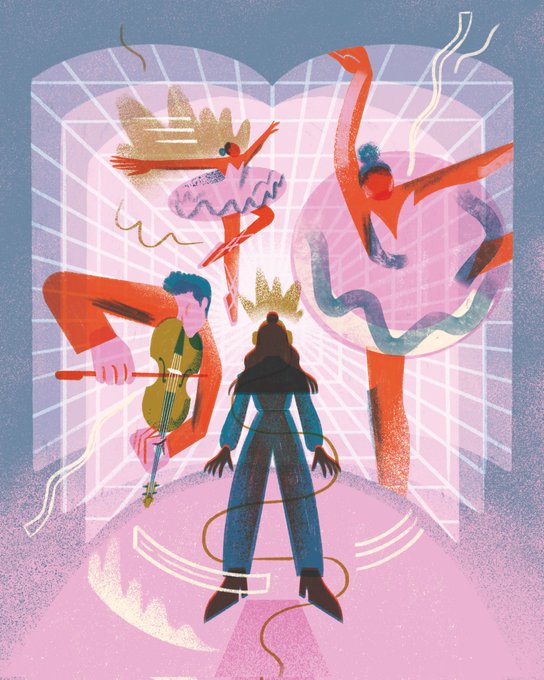
Hey hey #VisibleWomen 👋 I'm Vanessa, a freelance illustrator from the UK who loves textures, overlays and cool projects!
🕸 https://t.co/sNlGlcipQ8
💌 vclovegrove@gmail.com


I’m gonna lose my overlays, and all of my current vtuber outfits…
#vtuber #ENVtuber #VTuberUprising


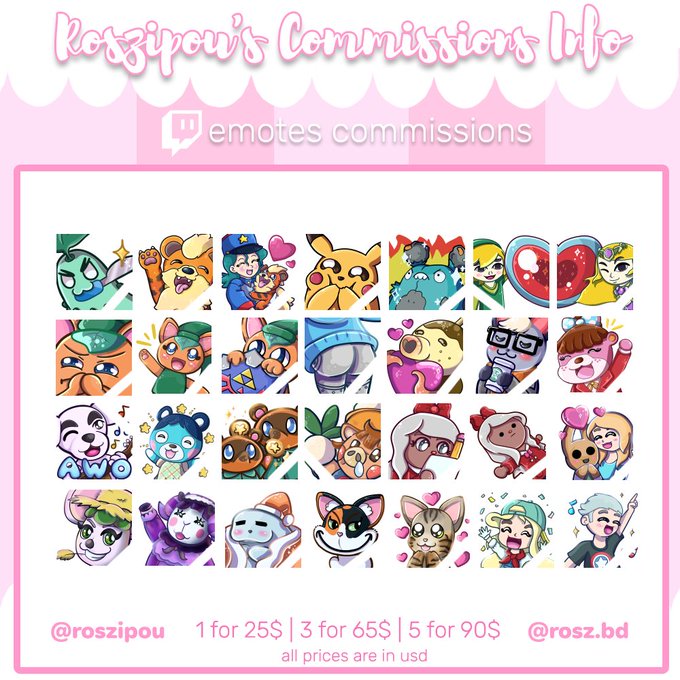

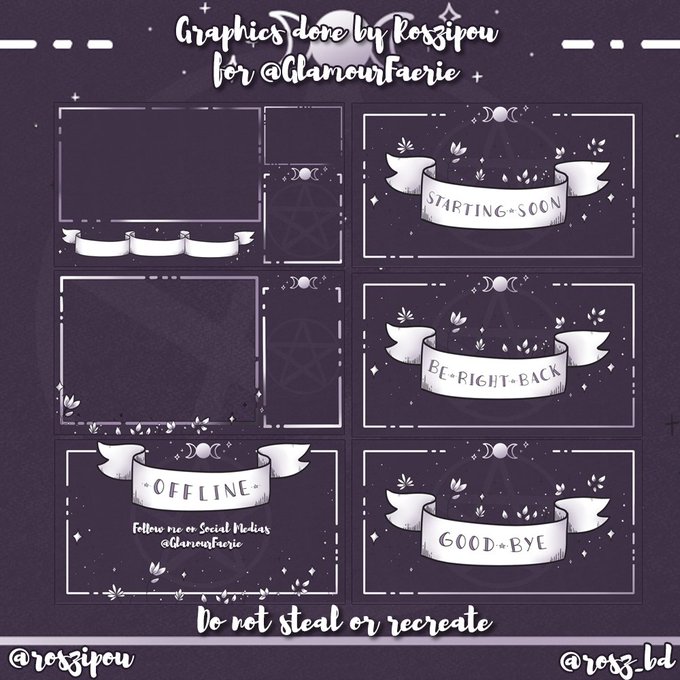

🍂SEPTEMBER COMMISSIONS✨
Commissions for the month of September are open !💕
I can do :
✨Illustration
✨Graphic Design
✨Twitch emotes/badges/overlays
✨Any other freelance work!
Feel free to DM me here, on my email, or fill up my commission form here : https://t.co/rb2vpfZDHa

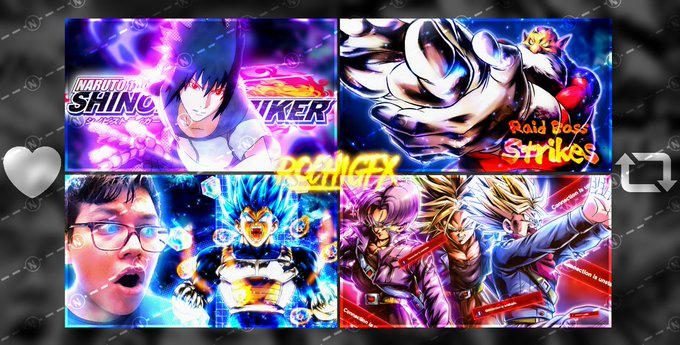
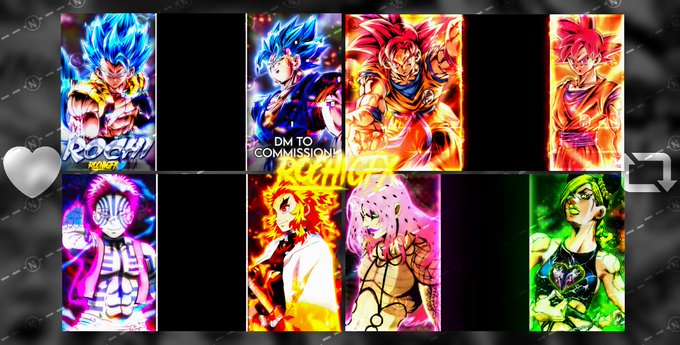
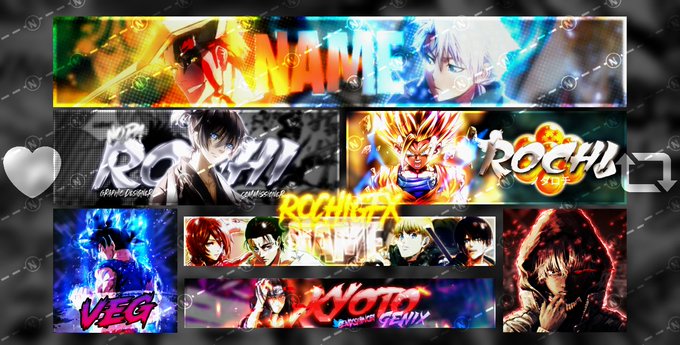
*Commissions Price List* (Update)
·Thumbnail - 4$ (5 for 9$)
·Overlays - 10$ (4 for 20$)
·Banners - 7$
·PFP - 3$
·Designer hiring - Starts at 20$
♥️+🔁 are very appreciated!!
*Payments : Paypal/Nitro/Gift Cards*
DM me to commission :) #GraphicDesign #KNY #Bleach #DBL


kind of want to show off a little process because I like how basic it is 😊
1. The solid color sketch
2. Some multiply and overlay layers
3. Add details to the face

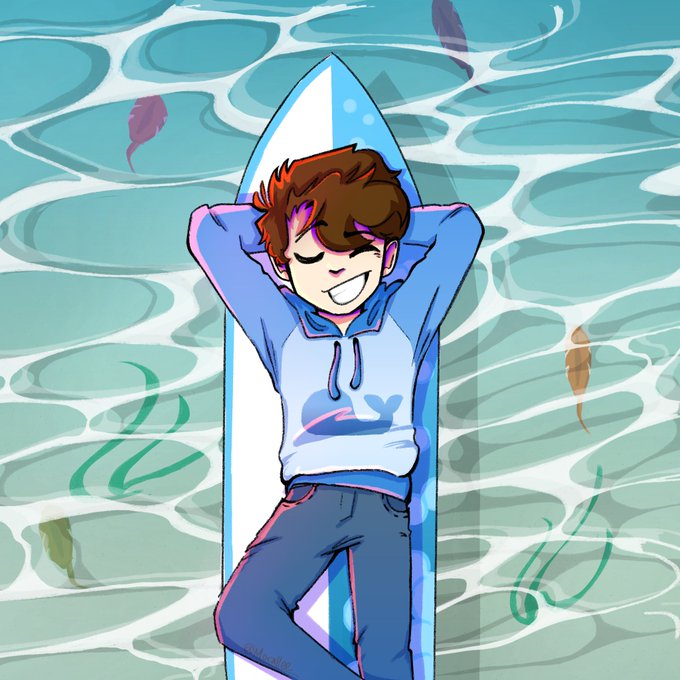


Un peu de nouvelles ! je m'occupe des pannels et les overlays, il me reste encore des trucs sur mon model a faire du coup je m'active pour etre prete a temps ! Merci encore pour toute votre hype, ça me fait peur mais en même temps je suis joie :3


gonna have my voltex stream in a couple hours, doing it early today
also updating the stream overlay with this little doodle for what little summer we've got left in the next few weeks


for people confused, a small tutorial:
1. Set your current color's rgb values to 125 each.
2. Paint bucket your canvas
3. Go to filter > noise > add noise. Use these settings
4. Set layer to overlay and opacity to 10-20%.
5. Ya got some noise.


So the foreground room is an Overlay and the bg room is an underlay.
in anim/comp, the blast door is skewed and ultimately animated between those two layers
the bottom kit element was at some point down the pipeline repurposed to a lower locking mechanism for the main door haha https://t.co/ZSJUvLeOMK