FILTERのTwitterイラスト検索結果。 18,027 件中 25ページ目


Fanart😺👍
Lady Nagant - Boku no hero academy
I experimented a lot with the coloring and the filters of the application, I liked the result
experimente mucho con el coloreado y los filtros de la aplicación, me gusto el resultado
#ladynagant #fanart #MyHeroAcadamia #ibispaint


🆕🆕🆕🆕🆕
Add a AI filter to your AI generated squirrel, it will also gain an attribute within the metadata.
Let’s have some fun! Squirrels are still cheap! Join the discord to learn more!
#NFTCommmunity #nftart #AIArtCommuity


@chamomeriam Did the cast from my latest dark fantasy book! 💕
*Sorry if any colors look a little wonky, was using a blue light filter and didn't realize until I was done. 🥹✨
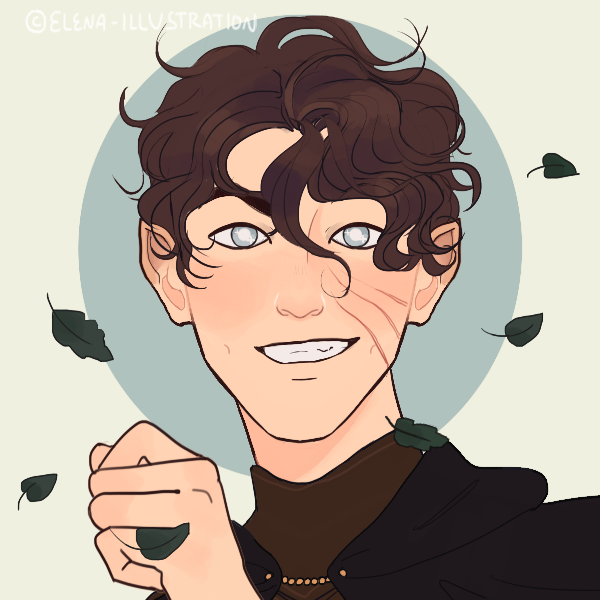


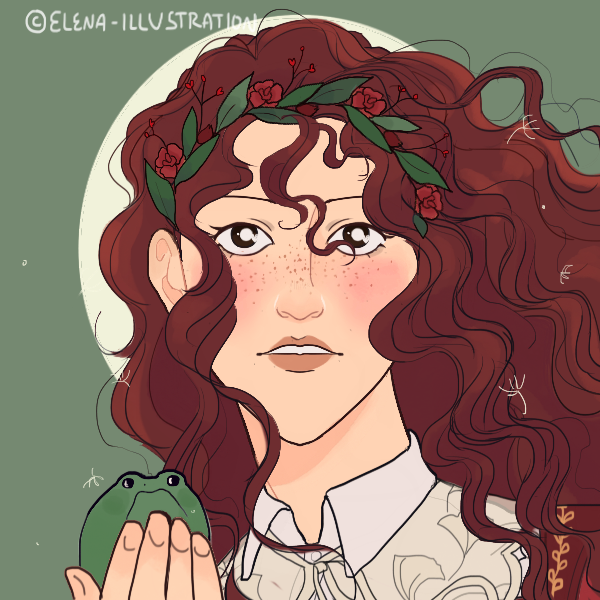
Did the MOONLIGHT: Dusk cast! 💕
*Sorry if any colors look a little wonky, was using a blue light filter and didn't realize until I was done. 🥹✨ https://t.co/PzmQa5TTeJ


So now we've pushed it even further beyond on that filter.
Would also give credit to @StevenSQHeaded for the sketch


Two colour styles. The right one has a filter, the left is the original colour.


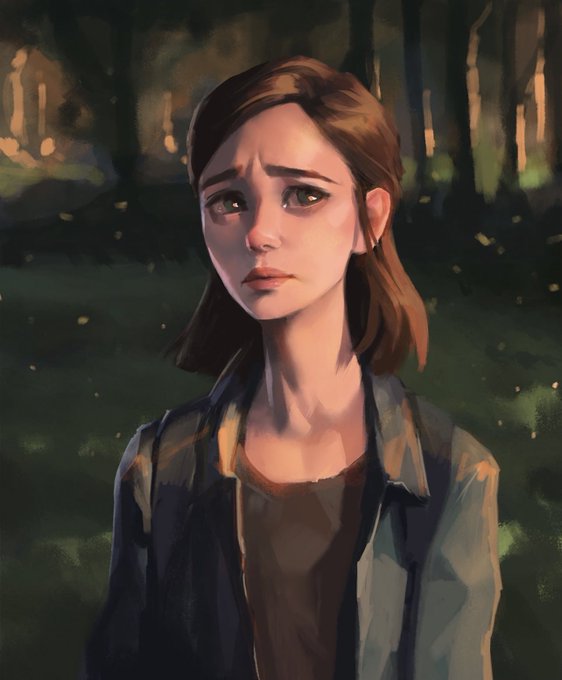
Also its not like he's incapable of drawing characters accurate to the offical design and what not
He just straight up draws them like a damn tiktok filter


Water color Octo!!
#Splatoon3 #NintendoSwitch #Splatoonart
Sorry for strange vibrance of the photo, the photo made the colors look very dull so I had to mess with some filters to get them closer to what it looks like in person!


Picture time with cat filter
#Splatoon3 #スプラトゥーン #fancharacter #splatoonoc #fanart


2023. 3.6 (KST)스포티파이
UNFILTERED
Day 1
✨Promise 1,658,154
✨Christmas Love 932,883
Day 53
✨VIBE 88,837,082
Day 317
✨With You 211,084,133
스포티파이 다계정으로 함께 스트리밍 해 주세요.
@jiminrecord13 스테이션헤드로도 함께 스트리밍 해요.
#Jimin
@BTS_twt


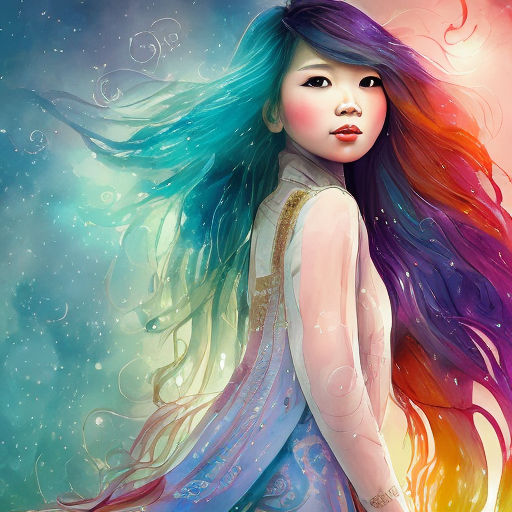


@HBCoop_ @playground_ai It is! Storybook filter can make so many different kind of style depending on the prompt. I am loving it.
These are from storybook filter.😉

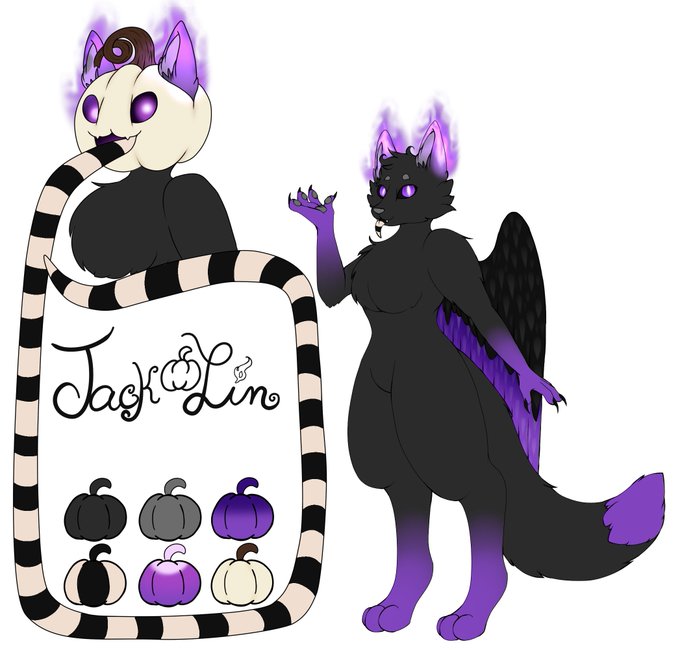

@Masono03 I'll toss my hat in the ring
Artists 🎨:
@/AngleBonCreates for Feral for Ref and 3D model
@/itsanemi for help with posing and filters on 3D model shots


@nezuware i didn't make the screentone filter fine enough, so i tooled around a bit to make the colours a little more saturated. then, i made a copy of the ink layer, filled it with a deep brown/purple, and used a watercolour brush to make it look faded.


@nezuware i coloured the image normally, then made 3 copies of the colours layer. using levels, i manually separated the three layers into cyan, magenta, and yellow, and applied a screen tone filter to each. then, for all 3 layers, i set the blending mode to multiply...


@ianhamilton_ Hmm, good to know. I wanted to use an in-editor postFX filter that was URP-compatible, so this is what I found: https://t.co/Q2Xazvv0G5
Trying out a different online filter, I get these for protanomaly/deuteranomaly/tritanomaly:

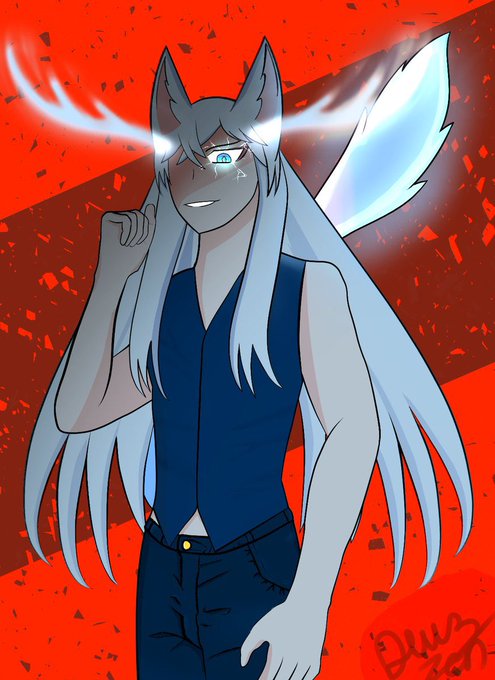


@SojiroKoi what I do is make vague blobs of colours and then blur the hell out of it so that it looks decent xD that, and gradient tool is my bf. Or just, don’t and add Perlin noise filter and a drop shadow for maximum lazy~