ctrlのTwitterイラスト検索結果。 25ページ目



Imagine this with lots of shading pls..🙏
Why do I even do Ctrl + Z and then delete a layer..so I cant do Ctrl + Y anymore.. all the progress g o n e :,> https://t.co/B87UhEohBX





冒険を記録しますか?
Excel作業をコツコツ積み重ねるためには、こまめな保存が必須です
ゲームでいうとセーブですね!
無茶はせず、適度に『Ctrl + S』を押しましょう!
#Excel


📦Tracking @wtml_shoptrack
♥ ctrl+f or ค้นหาแทนที่ เพื่อหาแอคตัวเอง
♥ ดูจากหมวดต่างๆ
💌Link: https://t.co/YxqrDy9Rnt
แกะกล่องด้วยความระมัดระวัง อย่าลืมถ่ายคลิปเพื่อใช้เป็นหลักฐานเคลมกับทางขนส่ง
ขอบคุณที่ไว้ใจทางร้าน
แล้วอย่าลืมมารีวิวทาง #.วทมลรีวิว กันด้วยนะคะ
💜💜💜

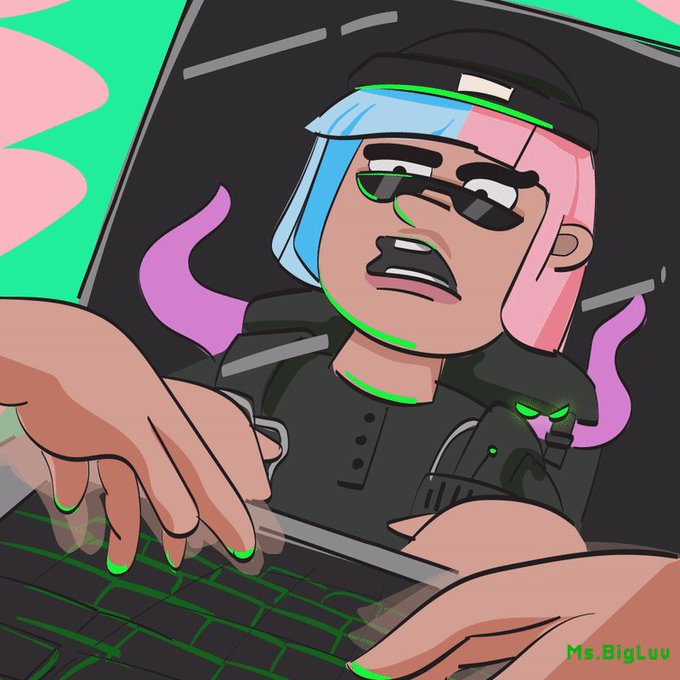
Ctrl+P+S+S+S+S+D
Bruh the only code i know is the discount code. 😂
Me trying to hack the lab for a Test Subject Security pass 😆
Here's my new fan art celebrating
@ThePossessedNFT new traits
#thepossessednft #possessedfanart #possefam



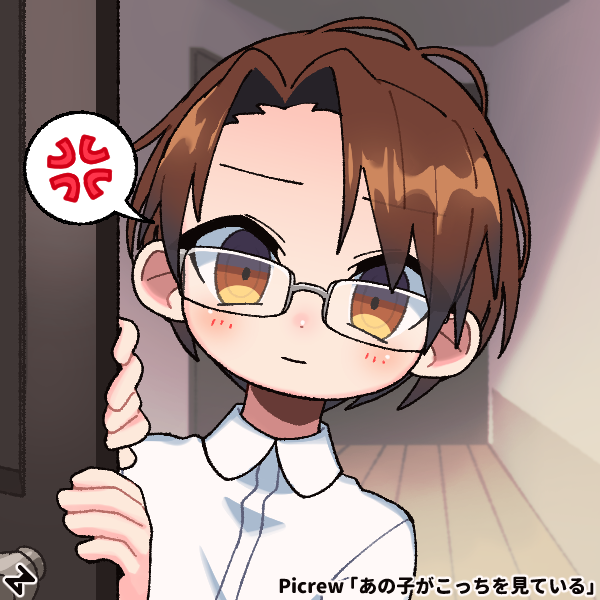


@Chiho_wows
ちほさん用の手持ちマイクの素材作ったんでよかったら使ってください~
VstudioのitemsフォルダにPNG画像入れれば使えます
ホイールで拡大縮小、ctrl+ホイールで回転、ctrl+クリックで反転します。
#ちほあーと


I finely did it I try hitting Ctrl Z when I was drawing in my sketchbook. Anyway, something else I did.


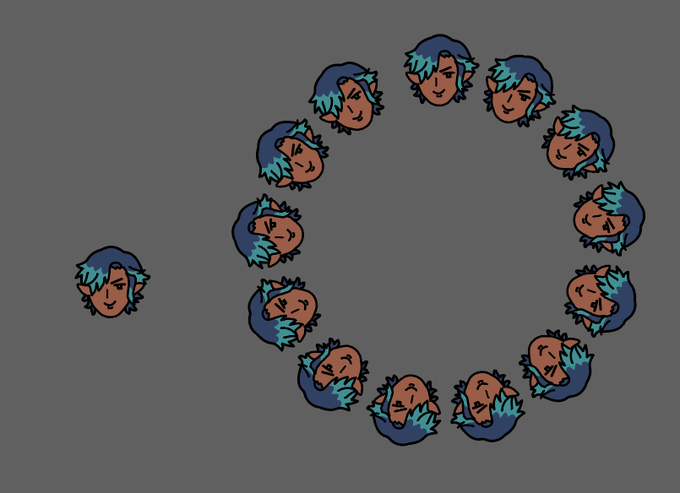
Uh, eh, um, Hah hi, here you have the humanization of Ctrl, well, my oc Yes, huh! 👉👈
[By the way, he has no problems with his head, this is all within the framework of the AU, which I came up with with a friend]
#ArtistOnTwitter #art #oc


CTRL (コンピュータ技術研究会)様とデC友好条約を締結したよ!
これによりデジコンのプログラミング班とCTRL様の講習互換が可能になったよ! https://t.co/UXwftis0VX

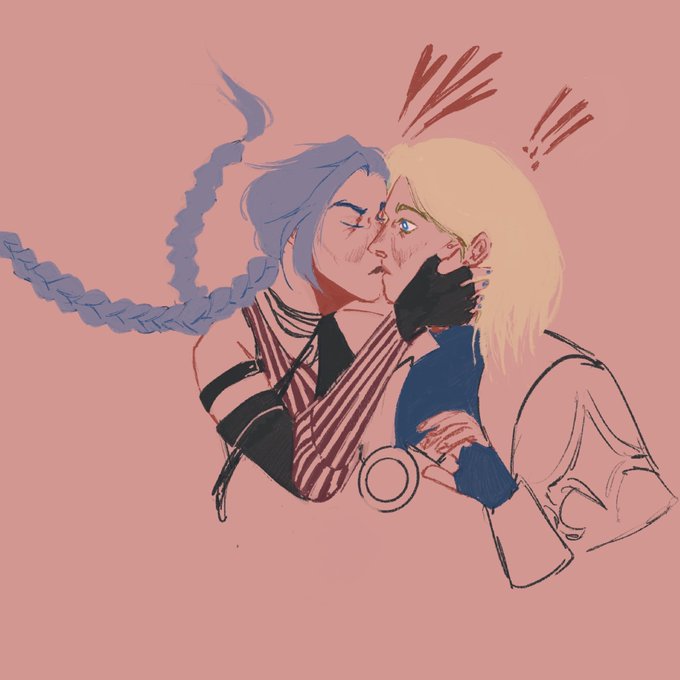
рисовать на айпаде так классно
как будто бумага но с функцией ctrl z


Timed speed draw i did the other morning! I tried not to let myself fuss around with the details or rely on CTRL + Z :>
Really happy with the results! i'll definitely do another timed challenge like this in the future :O
Timelapse - https://t.co/39J2NZPlp1


Now I even have a whole Resume I can just Ctrl + C, Ctrl + V to any person who writes "vid*o e*itor"
Shoutout to Smeef for literally every video I use in my portfolio, Shoutout to Xarii for cute footer Art
https://t.co/iJOOljlvvl