LightroomのTwitterイラスト検索結果。 26ページ目


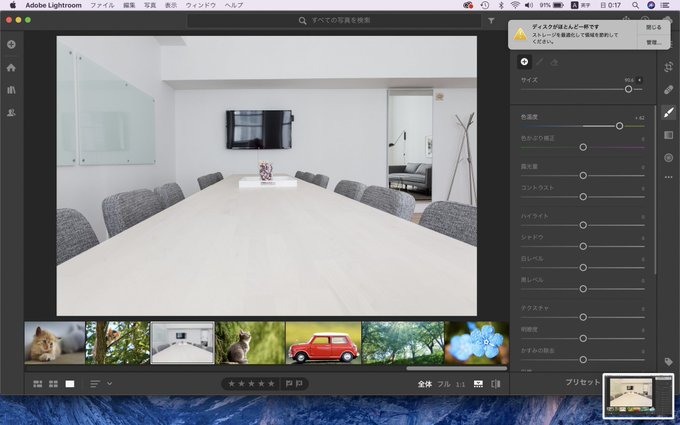
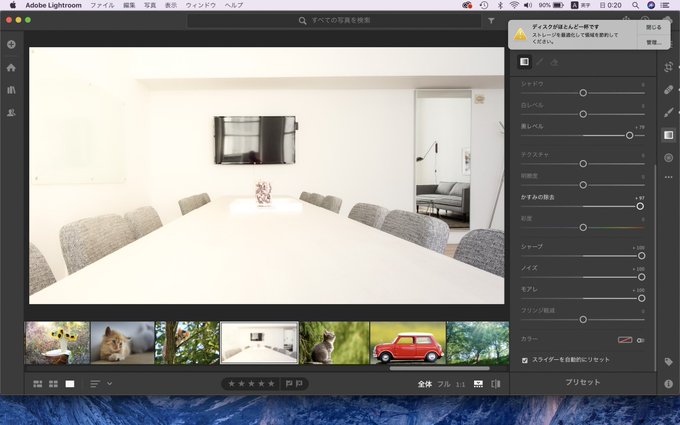
4/18 描きました✨
クリスタで
ペン入れ約15分
色塗り約10分掛かりました
Lightroomをしました
二枚目の写真を三枚目に加工しました(*ゝω・*)✨
すっごい雨でしたね💨💦
(高校生終了まで残り713日)


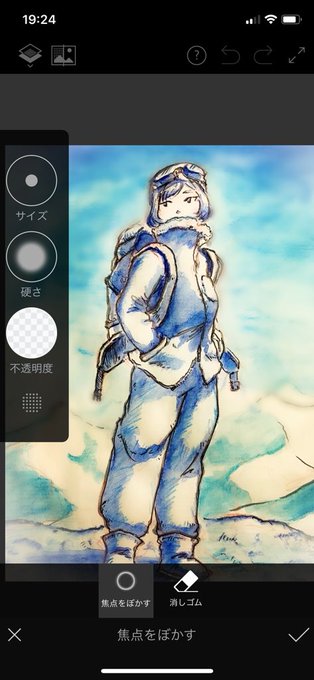
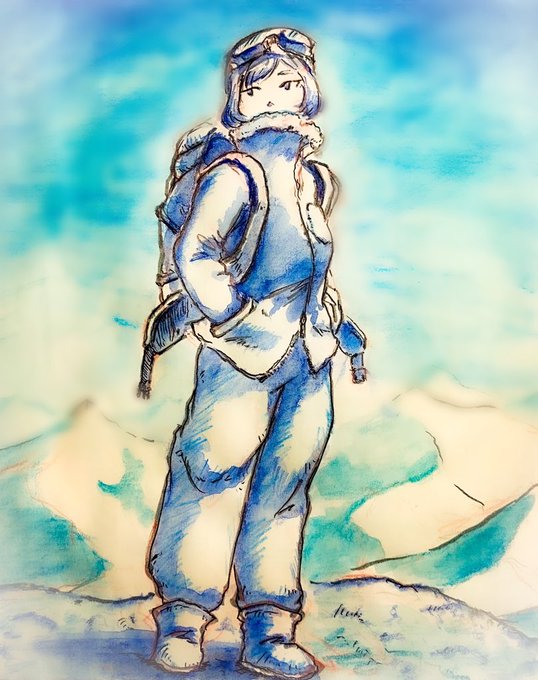
【私のイラスト加工方法】
・アナログで描いたイラストを 写真に撮る
・Adobe Lightroom(無料)で明るさなどを調節する
・Adobe Photostop Fix(無料)で背景をぼかす
・完成
#イラスト #イラスト好きな人と繋がりたい #芸術同盟
#私の絵柄が好みって人にフォローされたい

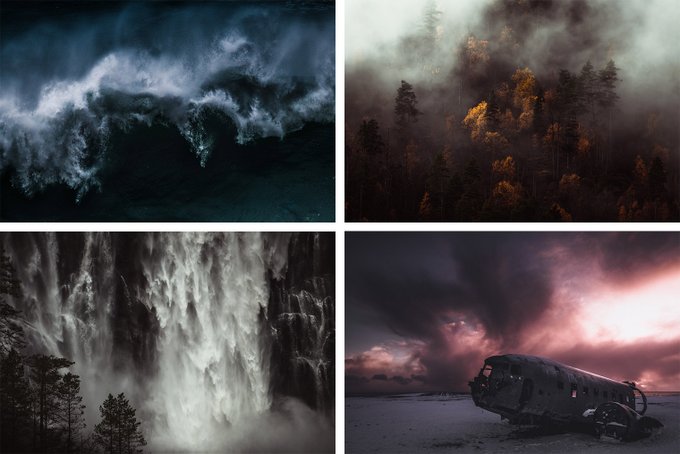
@Lightroom NORTHLANDSCAPES Photography – Atmospheric Landscapes of the distant North: https://t.co/fAIW51jDbe
–
Instagram: https://t.co/ciodhh7C3K
Behance: https://t.co/vg6pCPscLl
Facebook: https://t.co/RPKZWPcWR1
✅ Lightroom Presets: https://t.co/yLDMTQVZSB


4.加工/リシェード/文字入れ
▶︎Gshadeのプリセット使用
加工スマホアプリ
明るさ色味調整→Lightroom 文字入れ→ Phonto。
1枚目、目の光加筆と四角のスタンプ→CLIPSTUDIO
※snappedのグラマーグロー効果は雰囲気を出したいとき乱用(2.3枚目参照)
状況によりトリミング(2枚目キャラ中心に)

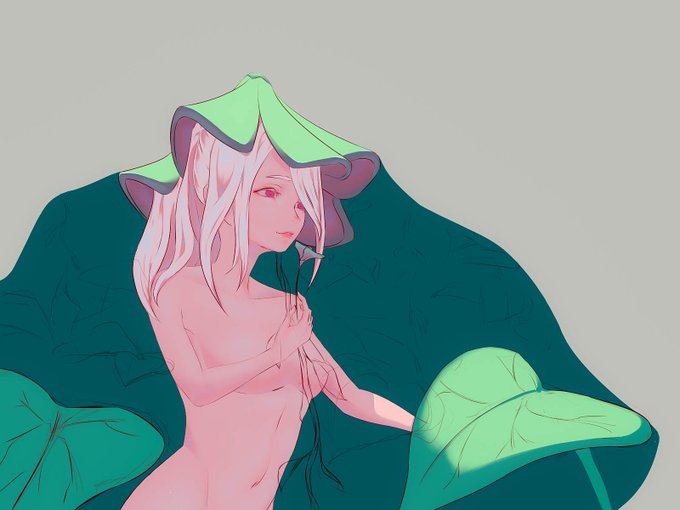


Long time no post! I started this one in @OculusMedium and further refined in zbrush. I was inspired by one of @Intervain’s awesome piece so I decided to use @Substance3D’s Iray renderer for the final presentation (save for some tweaks in Photoshop and Lightroom) #sculpture


Lyin’ Around (EVERYDAY 575) #everyday
-
#cinema4d #maxon @maxon3d #3d #design #3dart #aftereffects #photoshop #lightroom #render #weird #scifi #art #vaporwave #concept #abstract #graphics #dailyrender #vintage #digitalart #space #nasa @HYPEBEAST

Retro Lights (EVERYDAY 574) #everyday
-
#cinema4d #maxon @maxon3d #3d #design #3dart #aftereffects #photoshop #lightroom #render #weird #scifi #art #vaporwave #concept #abstract #graphics #dailyrender #vintage #digitalart #space #nasa @HYPEBEAST

Kawaii-BOT (EVERYDAY 572) #everyday
-
#cinema4d #maxon @maxon3d #3d #design #3dart #aftereffects #photoshop #lightroom #render #weird #scifi #art #surreal #concept #abstract #graphics #art #dailyrender #digitalart #space #nasa @HYPEBEAST

Being Me Tha Paper (EVERYDAY 569) #everyday
-
#cinema4d #maxon @maxon3d #3d #design #3dart #aftereffects #photoshop #lightroom #render #weird #scifi #art #surreal #concept #abstract #graphics #art #dailyrender #digitalart #space #nasa @HYPEBEAST


ピント合わせとスタンド消しのために3枚を合成し、2番目の画像を用意。あとはlensfxでエフェクトを合成、lightroomで色味や細かい部分を調整して完成です。
#オモ写BTS https://t.co/qsi8o42c83


<PhotoshopとLightroomの連携で写真を仕上げる>
【進化していく現像モジュールの便利な機能】
今回は「ライブラリ」と「現像」モジュールの中にあって、これまでに紹介しきれなかった機能について説明→ https://t.co/d7Obj1JEfC

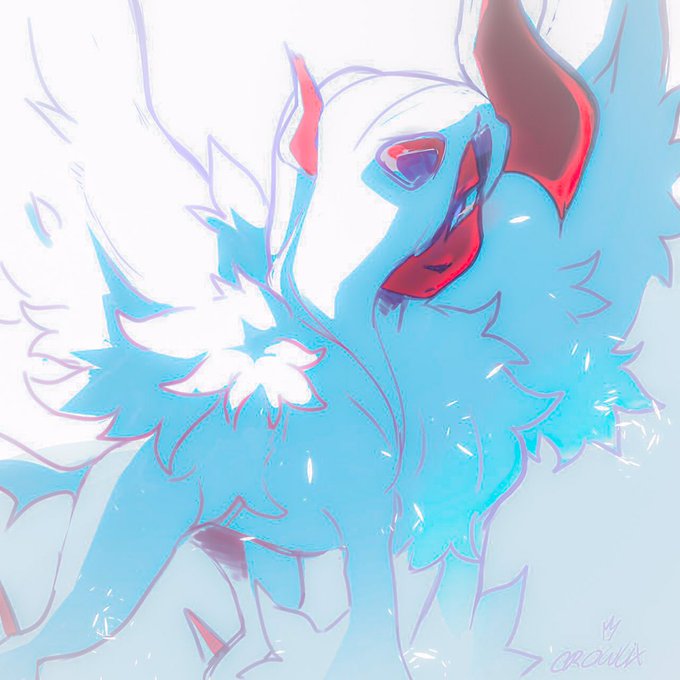
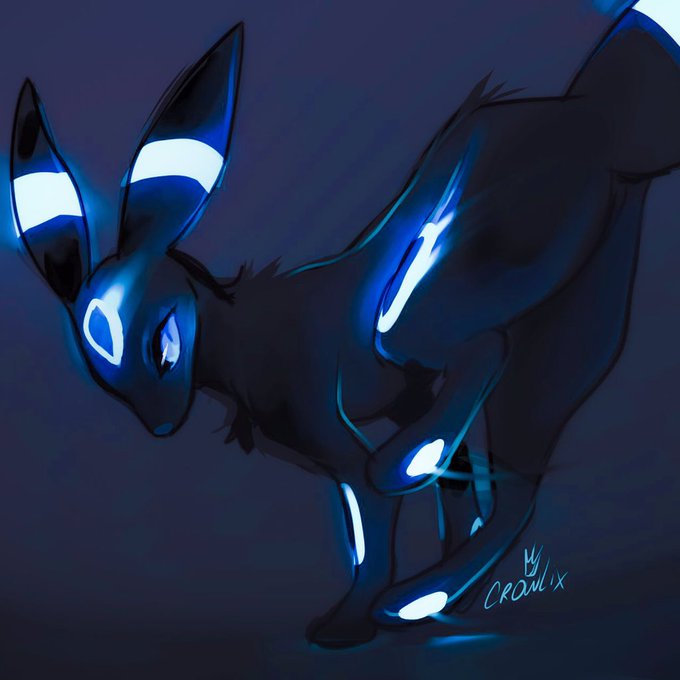

Sub.Woofs (EVERYDAY 553) #everyday
-
#cinema4d #maxon @maxon3d #3d #design #3dart #aftereffects #photoshop #lightroom #render #weird #scifi #art #surreal #concept #abstract #graphics #art #dailyrender #digitalart #space #nasa @HYPEBEAST

Invaders (EVERYDAY 549) #everyday
-
#cinema4d #maxon @maxon3d #3d #design #3dart #aftereffects #photoshop #lightroom #render #weird #scifi #art #surreal #concept #abstract #graphics #art #dailyrender #digitalart #space #nasa @HYPEBEAST

Wild Wilderness (EVERYDAY 547) #everyday
-
#cinema4d #maxon @maxon3d #3d #design #3dart #aftereffects #photoshop #lightroom #render #weird #scifi #art #surreal #concept #abstract #graphics #art #dailyrender #digitalart #space #nasa @HYPEBEAST


Le he toqueteado un poco los colores en lightroom y me gusta más pero no me acaba de convencer 😭


I've been working with Adobe to promote their daily challenges, and this is what I cooked up playing around with Lightroom and Photoshop for today's challenge.
You can see the challenges here: https://t.co/EAmijozrrU

Forest Road. — Edited with my Lightroom Presets for Aerial and Drone Photography: https://t.co/X5vXyKJ5FR #aerialphotography #dronephotography #dronestagram