multiplyのTwitterイラスト検索結果。 2,043 件中 30ページ目


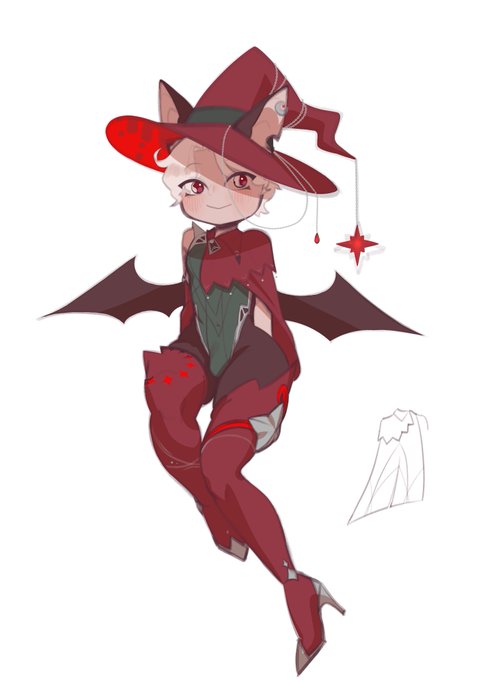
oh, to be my friend...
shaded lazily with multiply💀
#characterdesign #art


Day 4 of learning digital art, this time I was practicing a little rendering with this sketch of the Pure Vessel from Hollowknight, mostly played around with multiply layers, the smudge tool, and a little with color dodge
#digitalart


it’s sporeshroom! the fungi type starter creature from my forest card game - they multiply exponentially to bury their foe…🍄


stepsister (3): Go deep😈. With the shadows I mean. You can multiply the hell out of those curves. ( separate multiply layer with alpha lock).


my favorite part is getting layer modes just right :
1) theres a term for this but i forgot- basically the colors in a state where none of the lighting/bg is affecting the subject
2) layer modes (multiply, add glow, adjust tone and color balance)
3) finishing touches


Man, texturing 3D stuff is difficult, specially when you don't know the correct order of colors of the original reference (multiply first, overlay later and so on), so I'll have to correct a lot of colors blindly using another program when i'm done. Anyways, more texturing.

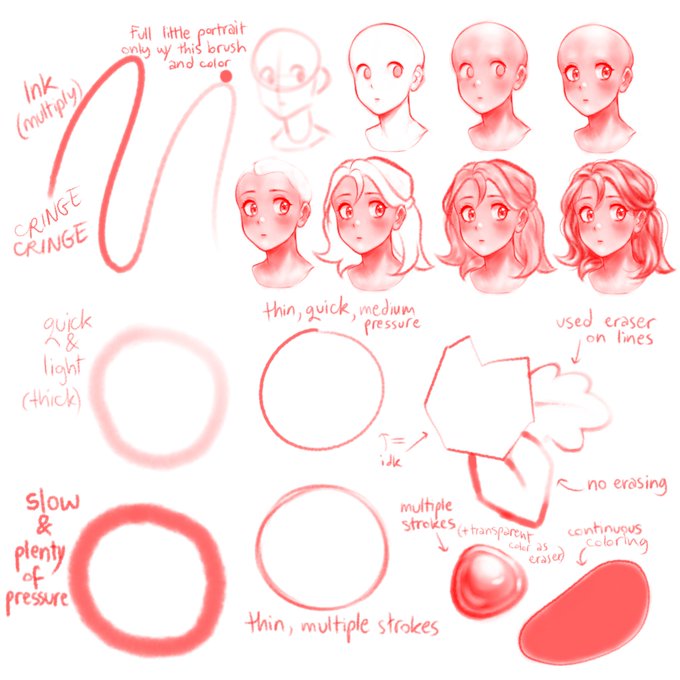

playing w this one brush
(FireAlpaca - Ink[Multiply], i believe i got it from the brush store in-app)

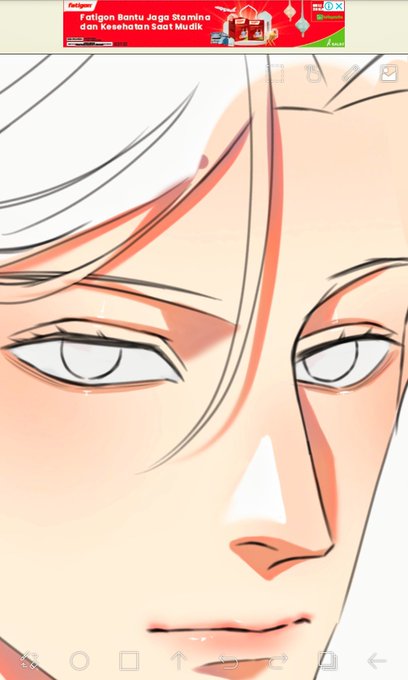
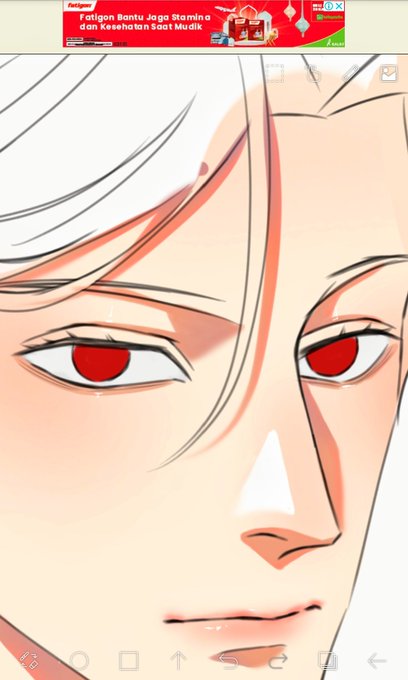
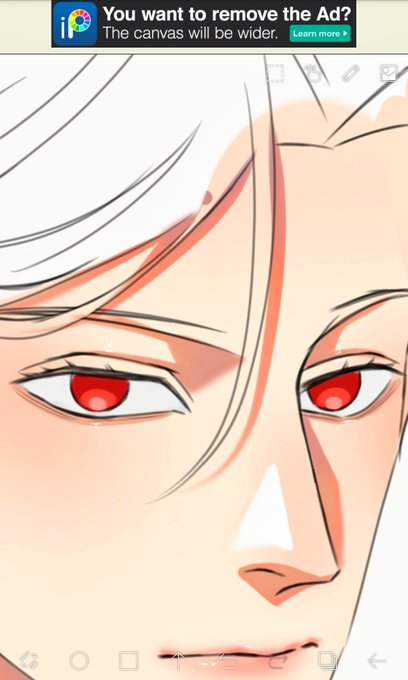
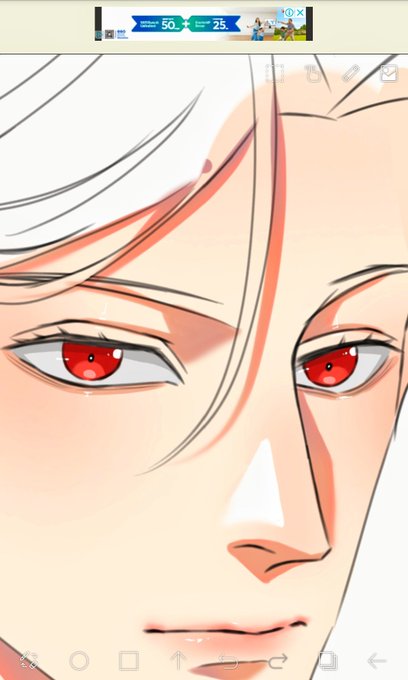
Eyes:
1. Block pake warna light grey
2. Ambil warna kesukaanmu
3. Kasih warna agak cerah pake cara yg aku pick color td
4. Create a new layer as a multiply, kasih shadow warna abu2 yg diatas itu, tambahin pupil and a bit of highlights


I'll start!
-I switched from opaque and thin lineart to thiccc lineart :DD
-I went from Linear Dodge to Color Dodge + Multiply
-Learned filters 😎👌


@gaeulesbo @gayuuji just basically know where your light source is coming and shade where light is not directly on it and when shading since your still a beginning use multiply and a color similar to the original hope i explained ok tell me if it’s still confusing 😭


@LizzieSLC @BeelzebubTV Trying something new, using a value map on multiply, but nyeeeeeeeeeh still tempted to scratch it, meld it with color and get back to my usual color mode. ME A COLORFUL PERSON. HOW DO PEOPLE DO THIS. ME CAN NOT.


@ortamaw Add little details to make the character pop or I just use a (sort of) gradient by putting a brush multiply layer and blending it to look pretty lol


pretty cool 2 year contrast. i got a bit better i’d say (but shoutout to me for being able to do that shading back then without knowing what multiply and overlay was)


[Chase the bugs]
You remember you liked chasing bugs when you were small. So you decide to do it again, for memory’s sake. The bugs fly away as you follow them, childish giggles leaving your mouth. The farther you go, the darker and cloudier it gets. The bugs seem to multiply.


Guess who just learned about multiply~
#tcf #lcf #CaleHenituse


let's use this for example, when doing the lineart, Mapping, redraw etc, in the end, I rendered these abs with (90%) hard shading, and used the ab lineart to multiply help make the lighting not too muddy and unclear,