JustMeのTwitterイラスト検索結果。 4ページ目


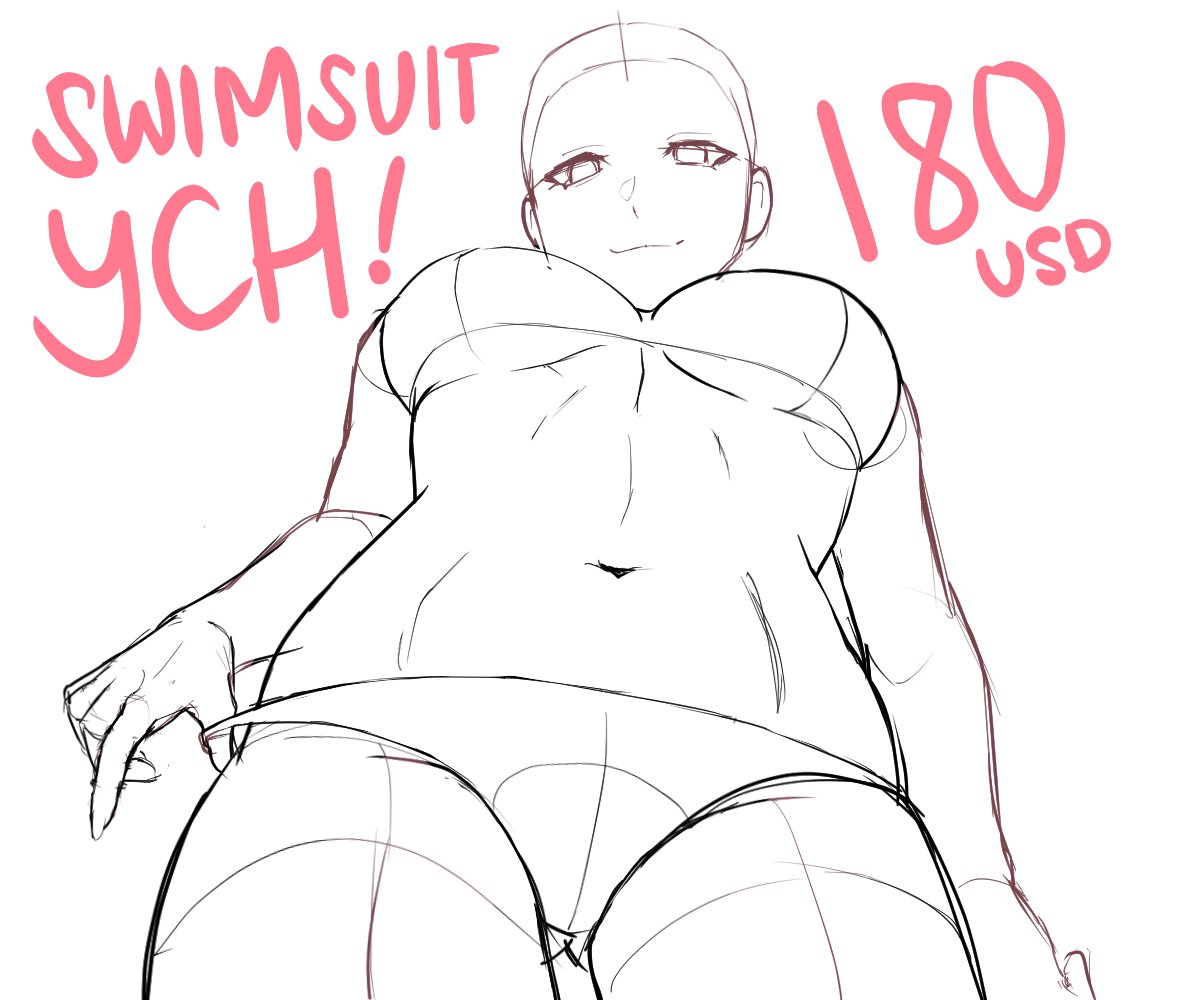
Taking *2* slot YCH! (This is one character only. I hope the sample photo doesn’t confuse you 🙏)
180💲
-payment upfront only (preferably asap)
-limited body type adjustment only due to complex angle
-no dms before claiming a slot
Comment “🏅” to claim


アキ
Should I finish it?
Sketch to test the adjustment I made to the pressure of the 🍎 pencil in CSP... I'm very used to my digital tablet 🥲
Taking 1 slot YCH!
-payment upfront only
-limited body type adjustment only due to complex angle
-no dms before claiming a slot
Comment 👙 to claim


Mystery girl “Unica” from Guilty Gear anime
She looks so cute, I need to make some adjustment to my cosplay ☺️💕
Dual Rulers // #GGST https://t.co/eZCwGpZu4E


WIP Day 2 of adjustments!
I think its going to be pretty good!
I wonder if I should redo the lineart to be thinner though. Also, I tried but I felt like a sunvisor looked off with the pose so I kept it off. I also wonder if Mint prefers the name on the chest or not?


I made her sit down. I made some small adjustments to make her sit down. I probably didn't need to write in detail because her body would hide a lot of things.
座らせた 座らせるために色々微調整
体で色々隠れるから細かく書き込む必要なかった可能性
#blender


Some more adjustments to Alias and a little more on the direction I want to take it. Raki is one Ive been wanting to draw too but I need to figure out how to use the perspective ruler again. I want a nice BG for her


A commission for @TaikoKnifs
Made with a certain rhythm game in mind.
(small adjustments were made)


Mushoku Tensei - Eris, Roxy, and Sylphiette version 2 line art. Made a little bit of adjustments on these 3 illustrations for #CF18.
この三つのイラストを少し調整しました。無職転生のエリス、ロキシー、シルフィの線画です。
#COMIFURO18 #MushokuTensei #無職転生


Day 778: I thought more about color palettes and made some adjustments to outfit pieces. I don't want to spoil everything just yet, so here's a sneak peek of the Space twin. I'm also getting ahead of myself and thinking about names already lol


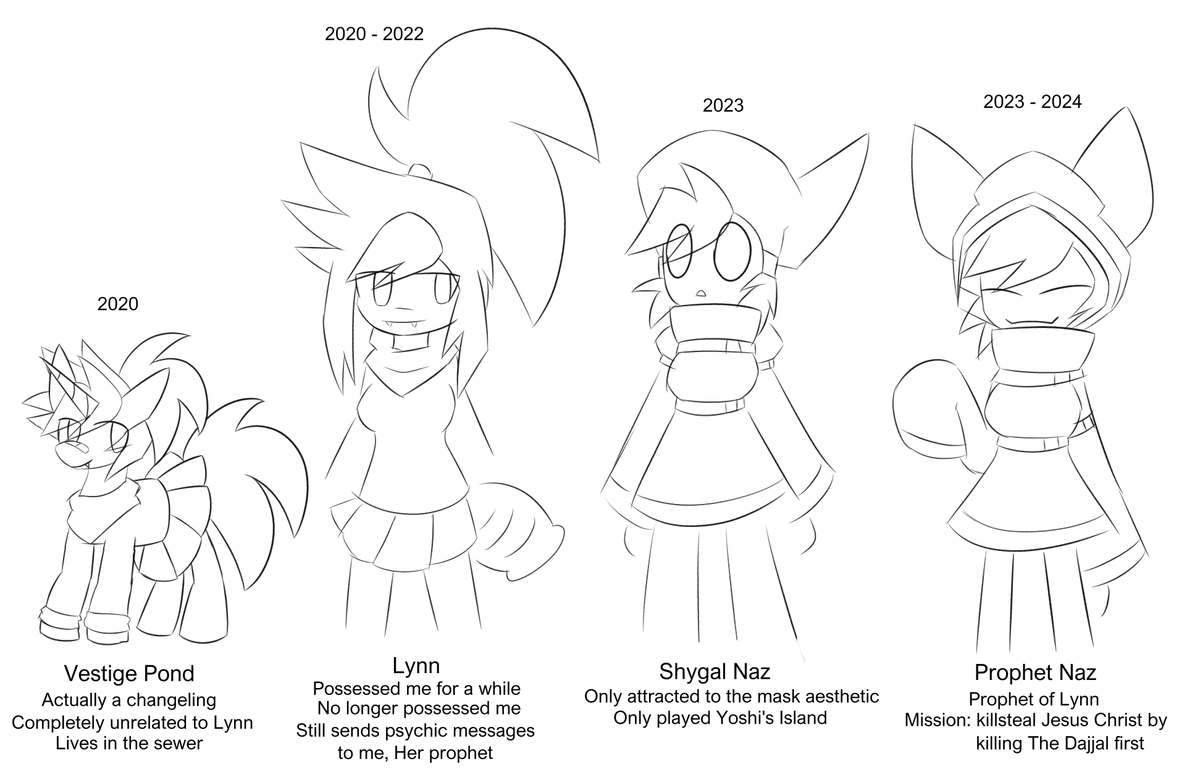
That's a tall order considering that I have made too many big and small adjustments already, but it's mainly like this: https://t.co/whTcICFntc


These actions allow you to create adjustment layers with masks that only affect the least/most saturated colors in your layer.
For example, below I use a color balance layer, but I apply a mask to affect only the most saturated parts to bring out the red colors more.

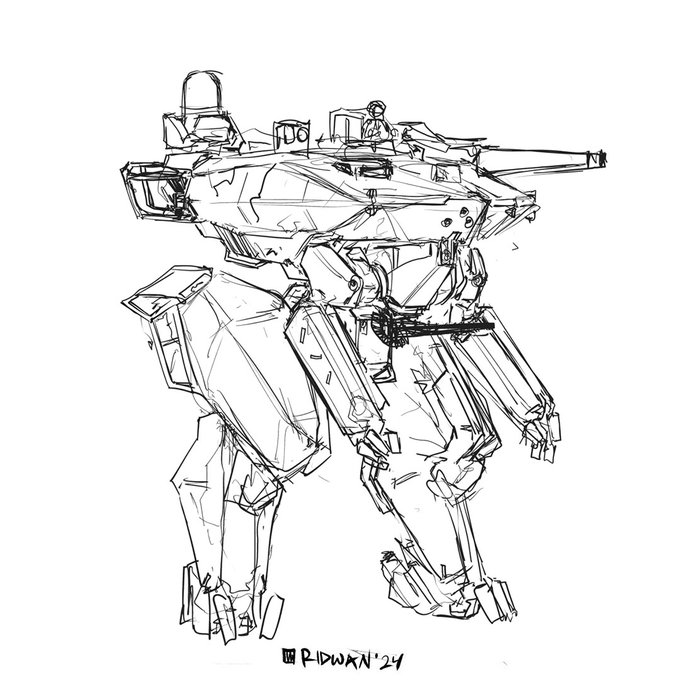

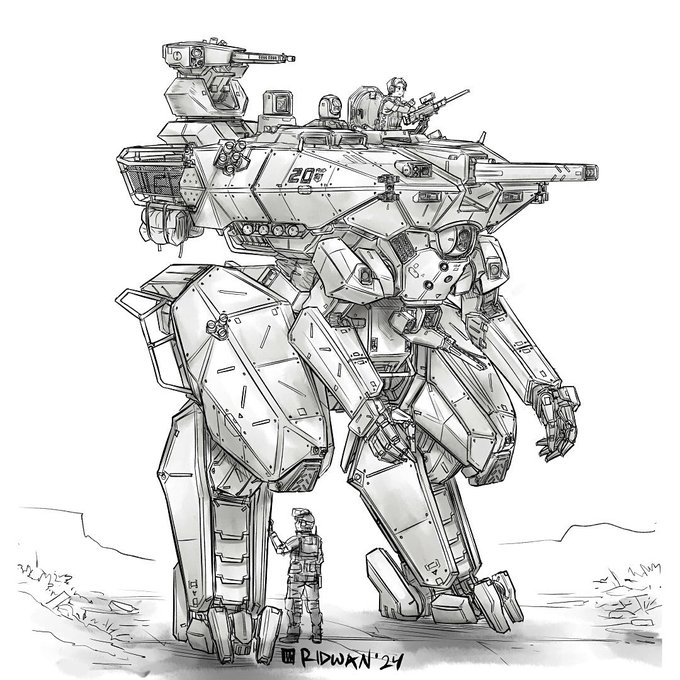


oh god yeah... her tail did get smaller. I need to fix that later and posterity on her face lmao... yeah more adjustments to come lol
It's wild though. One of my oldest OCs


Now, we disable the gradient layer. But the brightness adjustment layer remains active, affecting the color.