multiplyのTwitterイラスト検索結果。 2,043 件中 4ページ目


We've increased the ōFuel Airdrop amount by 10x
Take you NFTs look at their ōFuel Power level and multiply by 10 and that's the amount you'll be Airdropped per NFT.
https://t.co/6KAHQIDroA
#oCash #oLand #oFuel #PolygonNFTs #OpenSeaMarket


@Roselinath I like it too, because for characters I simply paint bucket fill them for base colors, but the shading takes a surprisingly long amount of time. I used to have a separate shade per color but now I just use a Multiply layer with a dark purple


@croffeepot Hmmm, well a quick fix for the high contrast would be
a multiply layer set around 55-60% opacity with blue hues, but for the pose, I don't know 😭😭




Not sure how it happens, but once a bird is in you wallet they multiply. #coocoomfer #birdgang #goldjacketgang


yooo @LucaNetz pleeease come get your penguin before it’s too late, it keeps multiplying into smaller & smaller versions of itself 😳🍄


Oh no the chibi OCs are multiplying
4 good guys and 4 bad guys, perfectly balanced as all things should be


@samiihyan U can also make an illusion where the plain white bg fits your character, but applying blue or purple color on top of your character then setting it into multiply, making it feel like the main light source is in the back


@nezuware i coloured the image normally, then made 3 copies of the colours layer. using levels, i manually separated the three layers into cyan, magenta, and yellow, and applied a screen tone filter to each. then, for all 3 layers, i set the blending mode to multiply...


@SwagkashiArt clipping layer + multiply is blessed for me (ignore the image at the bottom right)


@nethersxnq actually wait i thought i set the outline layer to multiply so uh quick detour

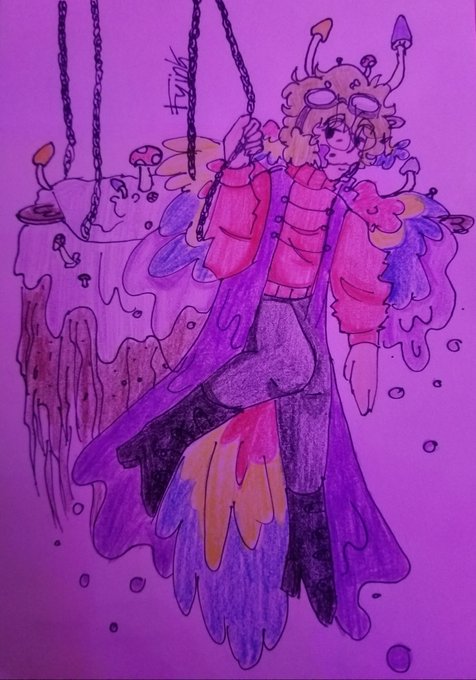

literally I never ink and color traditional but this just appeared
I prefer the purple hued lighting it feels like someone put a multiply layer over top with a pinky purple but there's the version with flash too
pesky mother spore!!
[ #hermitcraft #grianfanart #hcs7 #mcyt ]


I had a professor once tell me that 'every illustrator goes through a phase of coloring inks with simple multiply layers' . . .
I wish he told me the phase would last 10 years+ LOOL 😅😂


here's how my latent thresholding technique preserves dynamic range at high CFG scales
we mimic the dynamic range of known-good CFG7.5.
center latent channels on means, clamp out 99.9%ile outliers, multiply by ratio "CFG7.5's max / my 99.9%ile", un-center.
#stablediffusion


@Aiharararara Black overlay doesnt just make it darker like multiply, it also increases the saturation. Same for White, it reduces saturation
This is a quick way to just "feel" something out. You can also do this with colours to be like "I need it more...blue" or something.


Don’t you love it when your rabbits multiply!!! @BTFDRabbits Let’s gooooooooooo



@ramsescults if you set the layer to multiply or overlay (multiply is stronger than overlay in this case) then it will affect all colours individually - just use a clipping layer to keep it neat. You can also adjust the strength as required for whatever. Layering it with red can work too.