RadientのTwitterイラスト検索結果。 8,718 件中 301ページ目


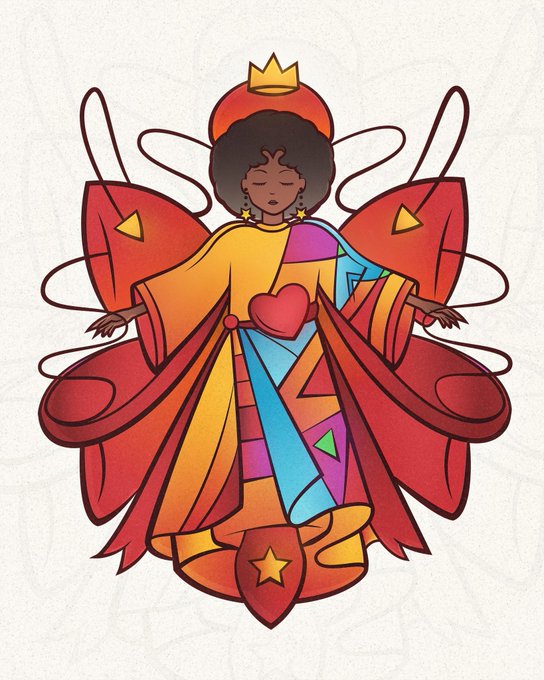
@lydiacreates Thanks for the #artshare!
I'm Mike, freelance character designer & illustrator. I'm all about cel-shading, saturated colors and multiple gradients.


Drawed along with @hanacues 's lesson from her stream! was a lot of fun and learned about gradient maps 👍

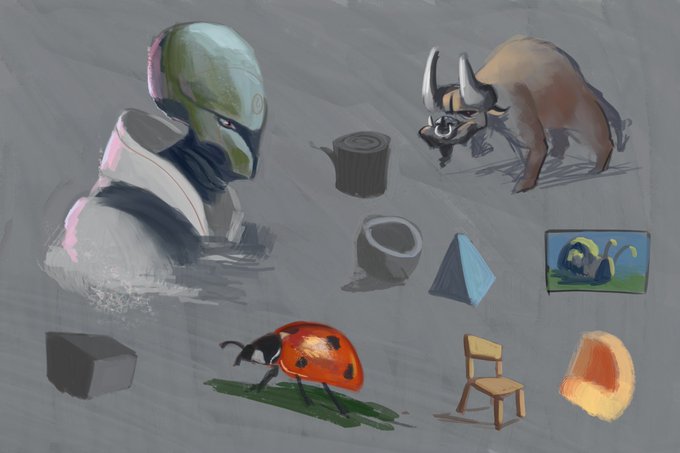
@wojtryb the effects didn't work because it was on 4.3. Here is a more proper test
So far, I liked using the first two presets. The grainy smudge is top notch and the oil brush is well on its way to be my top pick.
Slight delay for the gradients. Otherwise, I just plain love this pack


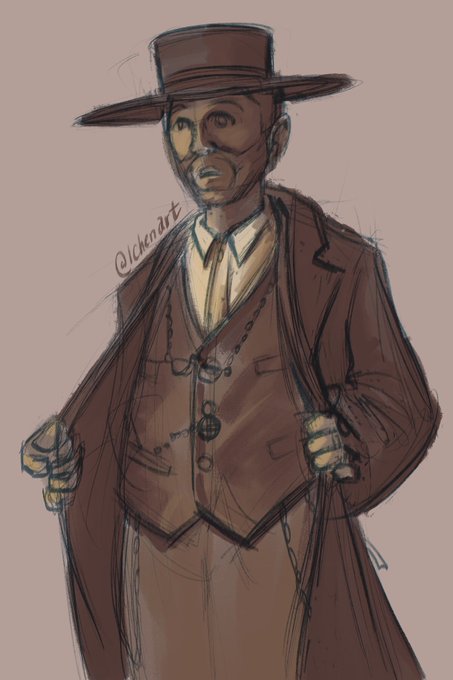
Day 72 - finally decided to use the gradient map in procreate for today’s sketch ha. #ArtistOnTwitter


rufus and reg escapin’ with the loot!
thank you to my younger brother for the lighting (bottom left) and shading (the darker gradients on the pathway sides) ideas
https://t.co/2oVqPam6Bi


Mikkelsen, Surface Gradient–Based Bump Mapping Framework. https://t.co/KprYohTh7W


hey artists if ur gonna do a gradient ADD A TRANSITIONAL COLOR
like if ur gonna go blue to pink and blur add a thin line of purple....makes it look better
have this shitty phone doodle.
its how i go abt eyes

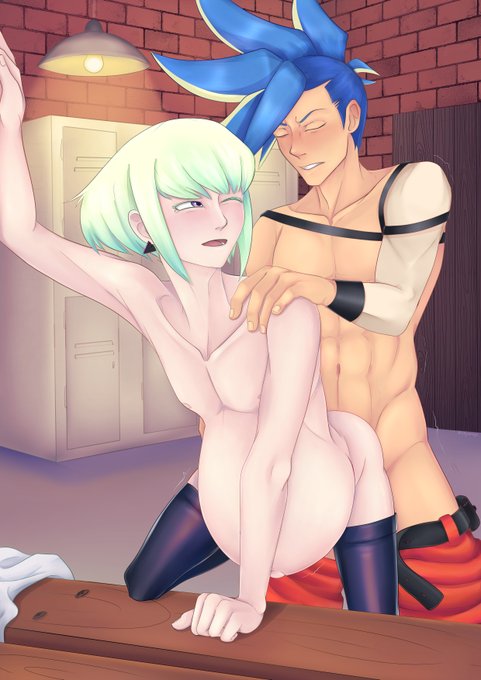
I was trying out gradient maps and i'm so happy with how some of the shading turned out in this ^_^
3 x-ray versions are available for 3$+ Patrons :)


@SsejHammer Her eyes are actually gradient yellow to orange upwards. But thank you for the chance!


For day 210 of #pixelart and day 20 of Mankuu's Spooky Month I adjusted the sky gradient a bit and then spent an hour trying to draw a skull in the sky when doing this was way faster and looked better 👍


anyways i also finished this commission for @noctiIucae
had a lot of fun with it, i got to play around w transparencies and the gradient tool :)


Computer, increase ear wobble #furryanimation
Their ears are new and improved and the tail has also been improved into a smooth gradient :3


For day 209 of trying #pixelart and day 9 of Mankuu's Spooky Month I decided to add a new blue focus just to compliment the orange and I added a gradient to the sky to help it look a little better.


Basically
Lineart on multiply, lasso tool flats on midtone beneath.
Lock flats layer, use lasso tool to block out planes. Set gradient tool to 30%, "paint" light.
Doesn't have to be exact, but close enough. This requires colours/colour scheme to be picked beforehand.


Hi all! I still have commissions open, as well as other cool stuff in my etsy store! Commissions start from just £3, and a cell shaded character with a transparent or single colour/gradient/pattern background is £15. Extra characters only +£3!
https://t.co/r7PC27W8uF