boneのTwitterイラスト検索結果。 335ページ目


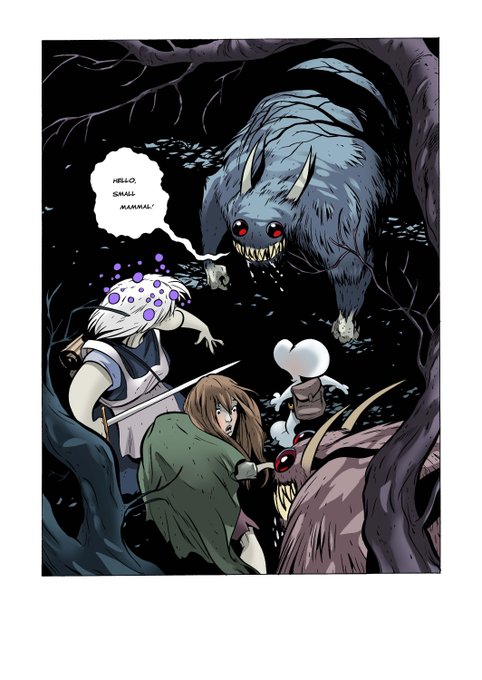


#51: Bone by Jeff Smith is a marvel of effort considering how dense and full of detail it is in both story and art. Smith delivers a story touching on magic, politics, responsibility, more within an overarching narrative that slowly unfurls over time.


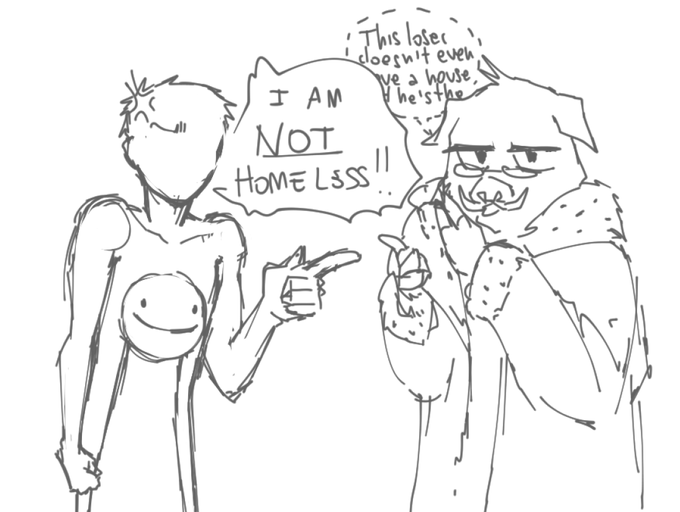
dream: *gets annoyed* *takes out a bone for some reason what why dream why bone* #dreamfanart #technofanart #rivalstwt

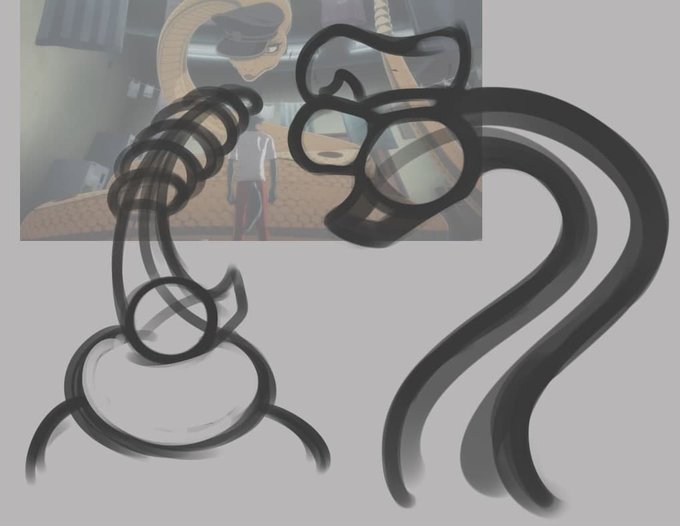


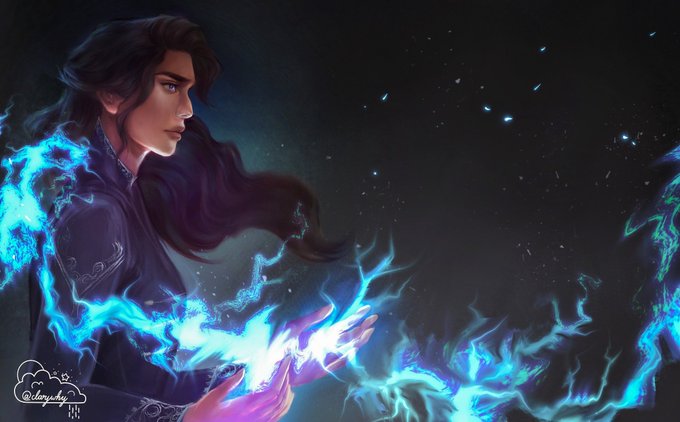
Shadow and Bone fan art poster 🦌
#ShadowAndBone #TheGrishaverse #fanart #poster


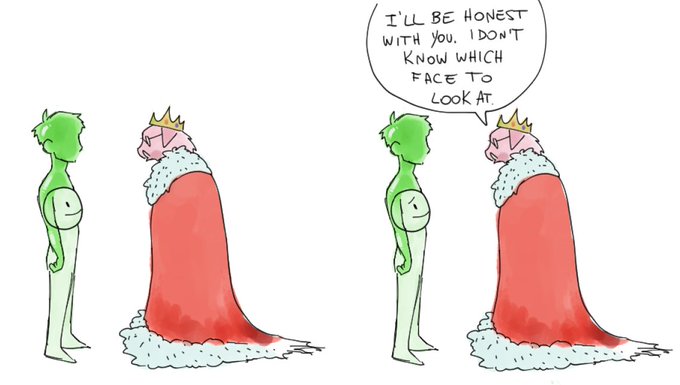
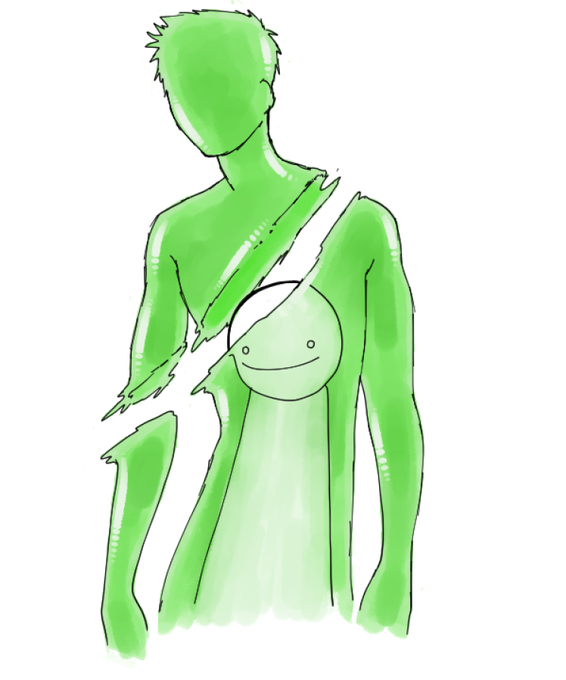
hello mcyttwt i am humbly presenting to you my concept for a dream design: gummy bear with bone
#dreamfanart


"Without saying your age post four games that came out when you were 14"
throwing a bone to my fallout friends https://t.co/Ycpc5rWt9E


@suugachan @AzuraLapisCh thanks for doing this suuga!! I'm an ancient lost-in-time welsh hound from the welsh netherworld--you can call me canisgard or canis 🐕 I like eating bone cartilage, rhythm games and drawing (will be doing random follower draw streams this week!!) well met!!!


@ShotgunCaptain Thank you as always!
Have a safe and wonderful Christmas week for you and those around you!
I drew the slime and bone girl I used to draw!


@Gountro I mained Old Joseph in Heritage for the Future, he was fun because he was bad but I was the only person who could play him well, so people would bone me as a top tier and then mirror me and get dunked on


I so hate doing lineless works . Here's my Bone Baroness and everyone said its a d*ck shaped Bone 😡
#HazbinHotelOC #Hazbinhotel #HazbinHotelFanart #hazbinoc #hhoc #originalcharacter #ArtistOnTwitter


@mcglorysan Y'all'dn't've, my slow-talking redneck barbarian with a spiky blonde mullet and (fittingly) a bone-white skull-mask with vampire teeth that's fused to the top half of his face.
No accuracy required :) leave off the pointy ears and do whatever you want with the tatts/outfit/mask



ウェイトペイントモードにして頂点グループのBone.004を選択。オブジェクトを赤く塗ります。
編集モードでペンダントをLで選択。ウエイトペイントモードに戻り面塗りのボタン(⇔の隣のボタン)を押す。Alt押しながらマウスドラッグでグラデーション塗りができるので多方向から塗りつぶそう。


ウェイトペイントモードにして頂点グループのBone.004を選択。オブジェクトを赤く塗ります。
編集モードでペンダントをLで選択。ウエイトペイントモードに戻り面塗りのボタン(⇔の隣のボタン)を押す。Alt押しながらマウスドラッグでグラデーション塗りができるので多方向から塗りつぶそう。


