MeshのTwitterイラスト検索結果。 2,326 件中 40ページ目


I draw the mesh by hand and break it down into simple shapes that can easily be manipulated to give them the illusion of depth. (The suction cups are separate meshes.)


Messing around on Blender, trying to get her to import to CSP properly
Not great with the 3D stuff yet
But I got the extra mesh and bones off her


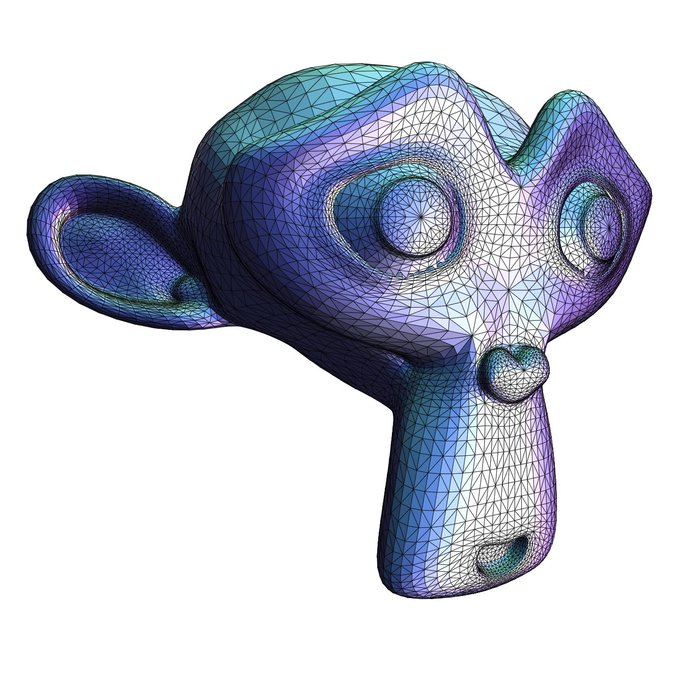

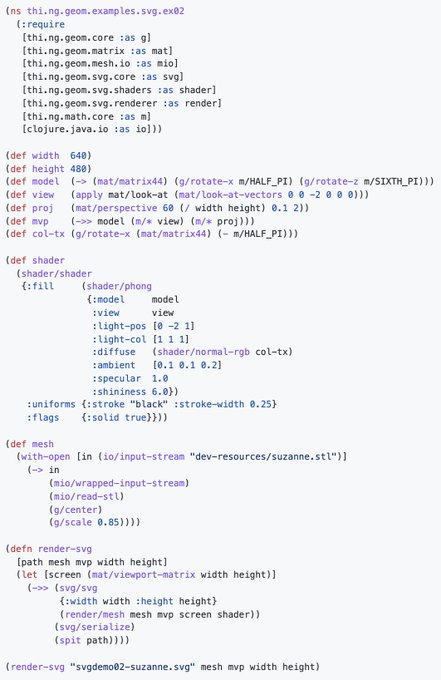
@jackrusher Is that a bitmap or vector renderer? If latter you could already do that w/ the SVG renderer of https://t.co/VZu6MINoFD. For that minimal look just use a simple "shader" function as in the STL mesh SVG examples here: https://t.co/dcNyMFuYFT

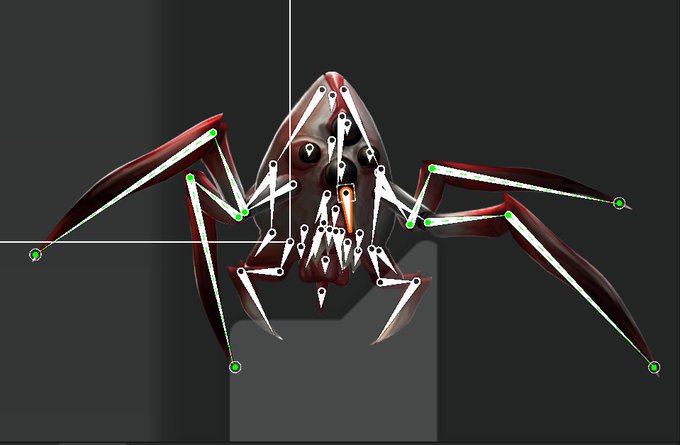
@klassickent It's a combo of skeletal based animations and using normal map textures to make it look 3d. In Unity the sprites are rendered on a flat mesh. The creature has a skeleton that I can use to move the polygons around.


(2/4) Smooth or flat shading makes a huge difference, even if the mesh is perceptibly the same:


@die_einhorn May or may not finish this one day. Wanted to make a base mesh of this before I forgot about it. This will be awesome to 3D print one day.


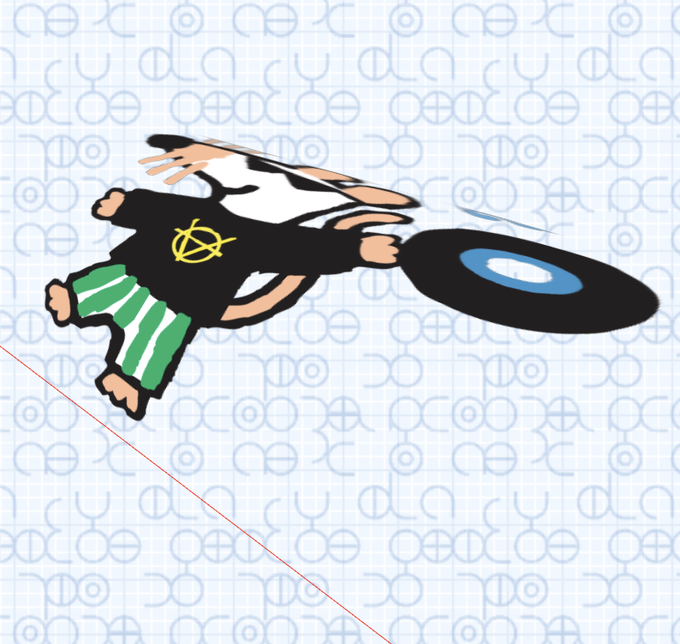
1枚目のようなアルファ付きpngをDoubleSideで貼っつけたMeshBasicMaterialとPlaneGeometryでMeshを作り、vertexshaderでひん曲げた(2枚目)。だけど表が裏面の陰になってる部分が描画されない。といってdepthwriteをfalseにすると他のオブジェクトの陰に隠れてくれないし…普通はこういうのどうすんの



I love the characters who are part of the main group of the series yet initially don't mesh with the rest due to their contrasting/difficult personality or ideology and harshly treats one or many of the rest but have this steady arc and end up truly belonging to it by the end.


@xDivZero I found it easiest to work with a low poly mesh with subsurface modifier on it. Less points to move around so you can really focus on getting the shape right. Google images "3D Face Topology" can guide with where to put poles and loops.


Making a lot of subtle changes to eyeball on top of making her a new outfit. Updated textures, body mesh, and arkit tracking planned.


Mesh-Kridik - An Open-Source Security Checker That Performs Various Security Checks On A Kubernetes Cluster With Istio Service Mesh And Is Leveraged By OPA (Open Policy Agent) To Enforce Security Rules https://t.co/pOMZzvI0Ck


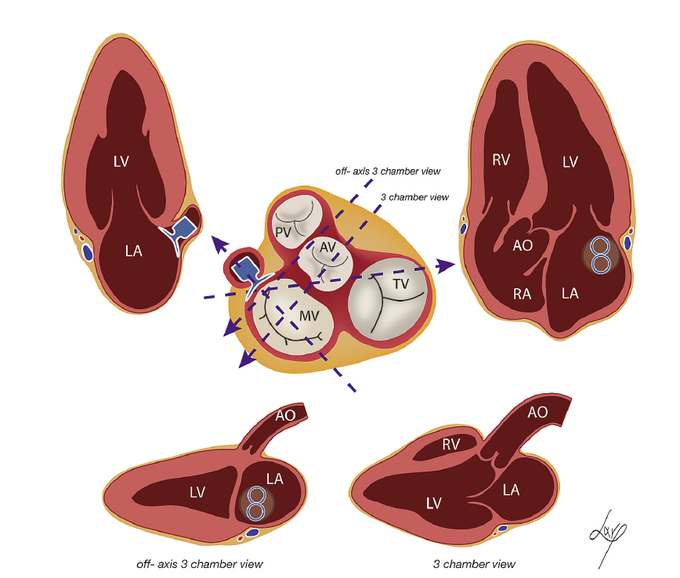
@theghsev @SLittleMD @hahn_rt @NadeenFaza @OKhaliqueMD @purviparwani @LucySafi @tiffchenMD @rajdoc2005 @RezaEmaminia @AkhilNarangMD @DrDeepa1020 Indeed, the figure of 8 artifact after LAAO w/ Amplatzer Amulet device (now FDA approved), due to the interaction of ultrasound waves w/ the epitrochoid geometry of the device mesh as elegantly illustrated by @Ph_Bertrand in 2014 @JournalASEcho paper. https://t.co/DVJRvkHrOi

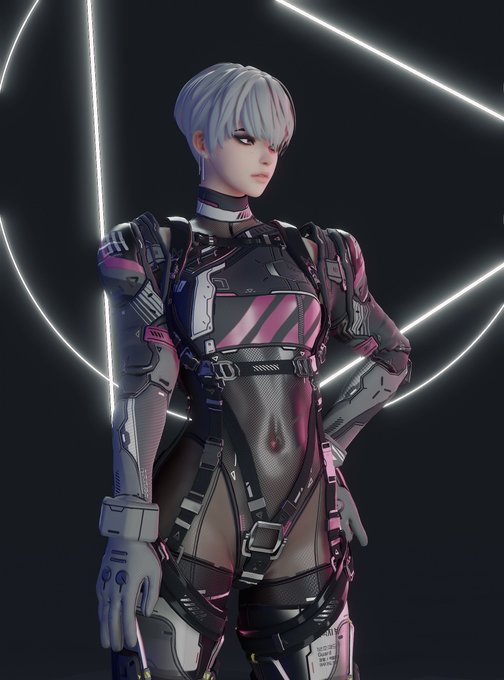


Going to update the art style for the monsters (so they mesh with the environments better)(and probably cut down on the amount so I can add a wider range of animations for them). Hopefully this allows me to make each encounter unique~

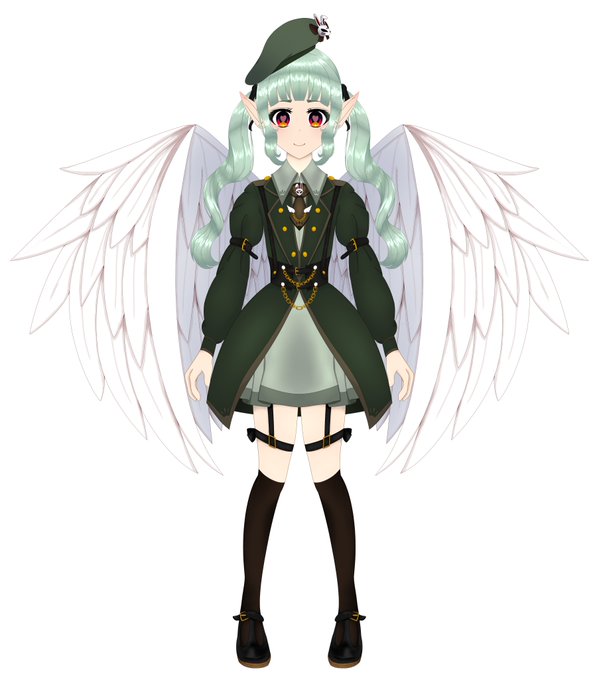
Here is my original design I actually started doing the mesh of it in live 2D but I found it hard to rig at the time so I abandoned it. then I went back to it a month later and changed my design to my current one. I still love this design. https://t.co/nQz6SzVB3t

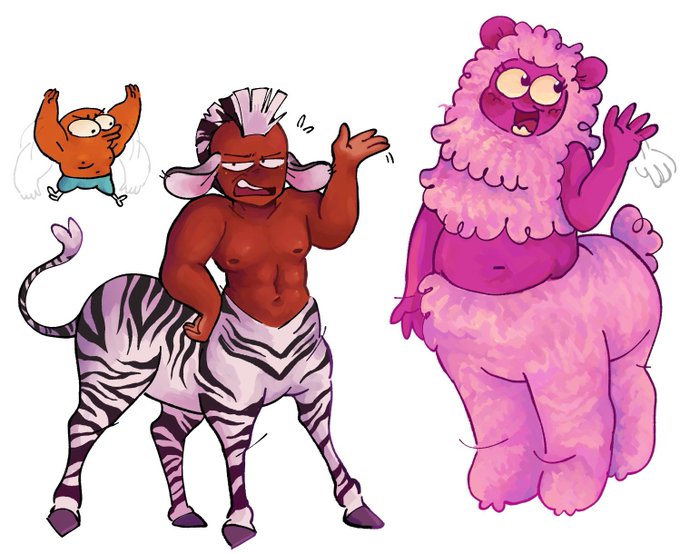
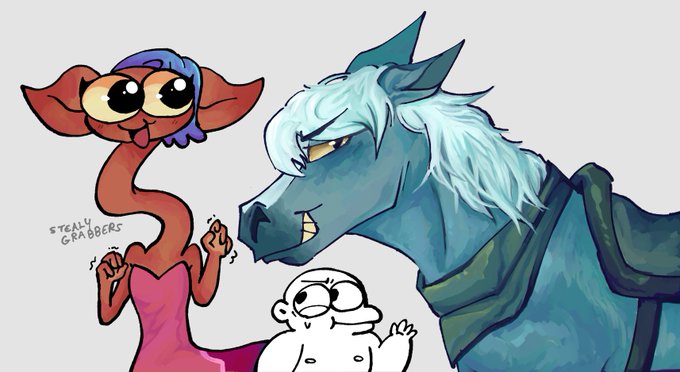
Caught up with centaur world and Holy cow the finale was something else!! I really love how they mesh uncontrollable silliness and devastating plotlines 🐴 truly a one of a kind show


I stayed up all night finishing this.🧍🏽♂️💅🏽
I'm not 100% content with it, but I feel like any improvements I make just fall flat...so...DUSIE! :D (I couldn't draw the shirt so its mesh)
If I decide to fix stuff later, I'll just send it to them.


another X.A.N.A. creature done (mesh only tho) from todays stream