hardのTwitterイラスト検索結果。 5ページ目


Art is hard to learn, YES!
I jump in this Frieren challenge, mostly because this kind of view from below need a lot of practice, it's good doing it!
I'm still learning anatomy, but I really like the feeling of getting better after a lot of hard work! 😊


it was actually really hard and i'm sure i will wake up tommorow and be like "this looks completely wrong"


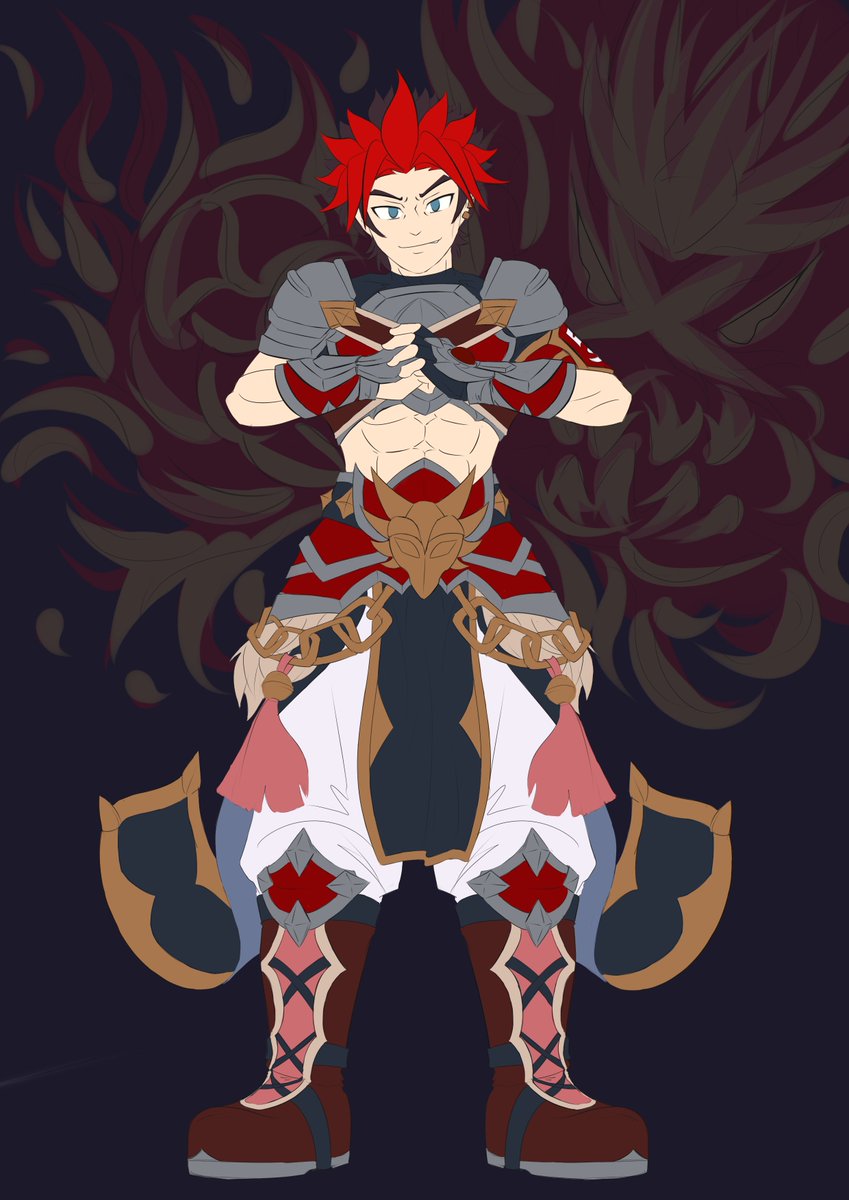
It's funny that I wanted to relax, but ended up messing around with 10 colors on my clothes!
It was hard to optimize this kind of work, which could have been easier, but at least I'll have something to brag about once I finish it.


At least I try my best
It's a very hard angle ngl T v T https://t.co/nhfEv6yREr


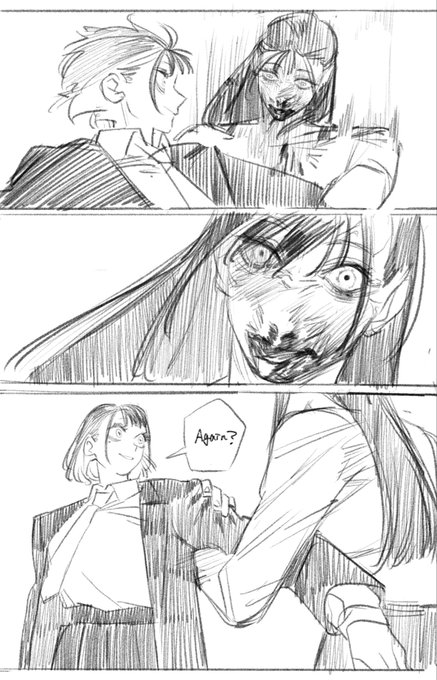

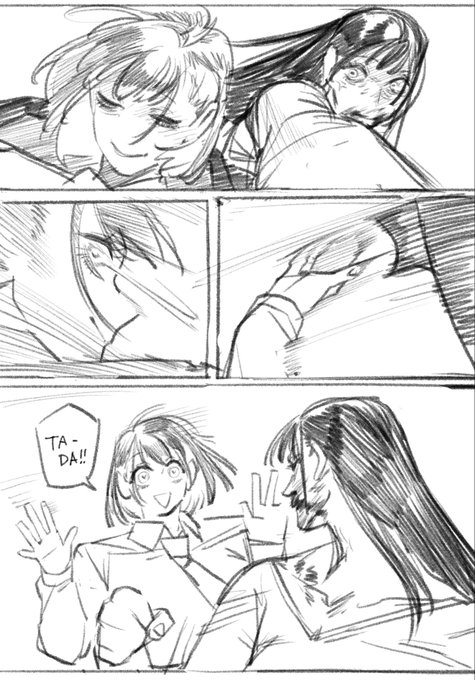


there is a 2nd page of extra hard w0mb pounding workout session 🔥🔥🔥🔥🔥🔥 https://t.co/40oN44k3vd


Lofty had a hard landing when entering the magus industry, only finding an opening as a table server...


@Yume_ato29 I’m always thinking of the larger composition over the finer details. Your brain tends to simplify finer details when looking at things far away so i render in a way to give the illusion of detail that isn’t there. Combining soft brush, hard brush, and blur is how i go about it


Trying out the hard light thing. Seems really good for bringing out colors and a somewhat different mood depending on the piece, will attempt to use for next time 😌 https://t.co/YkDyF7VtZQ

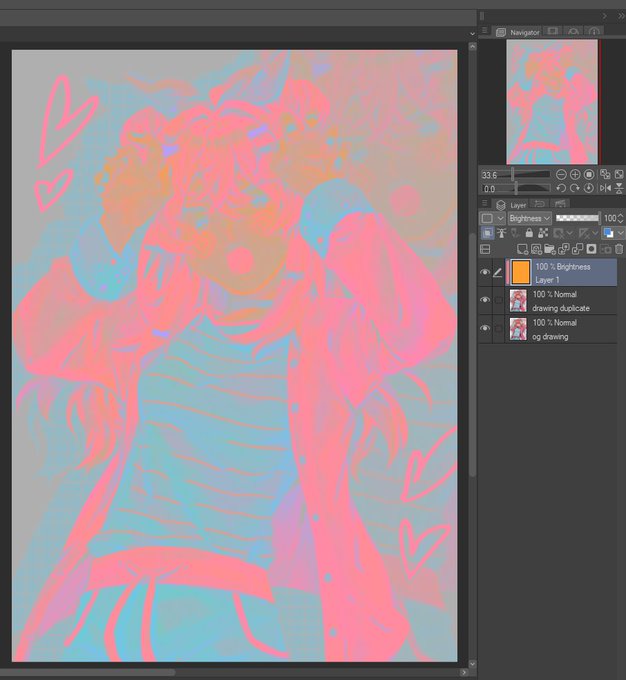
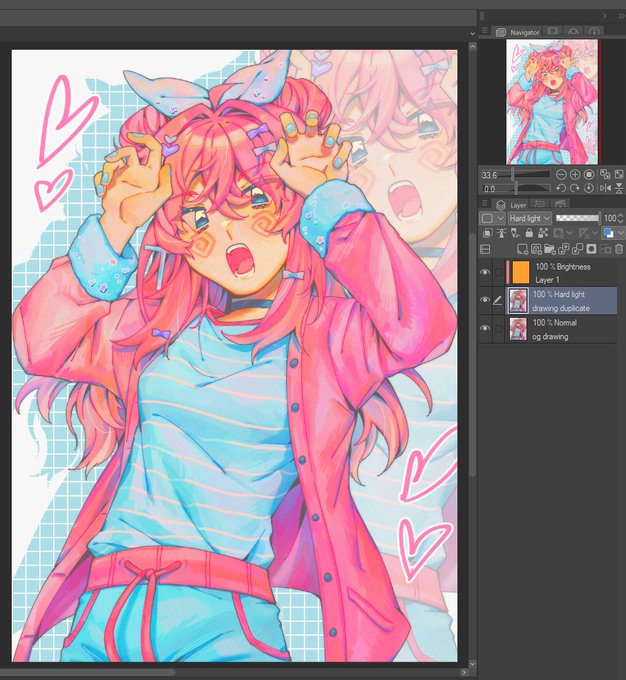
for those still unsure of how this works:
1. duplicate your image
2. clip a Brightness/Luminosity layer filled with orange to the duplicate
3. set the duplicate to Hard Light
you can then merge the brightness and hard light layers, adjust the opacity, levels, etc. https://t.co/PdNQpvvaFg

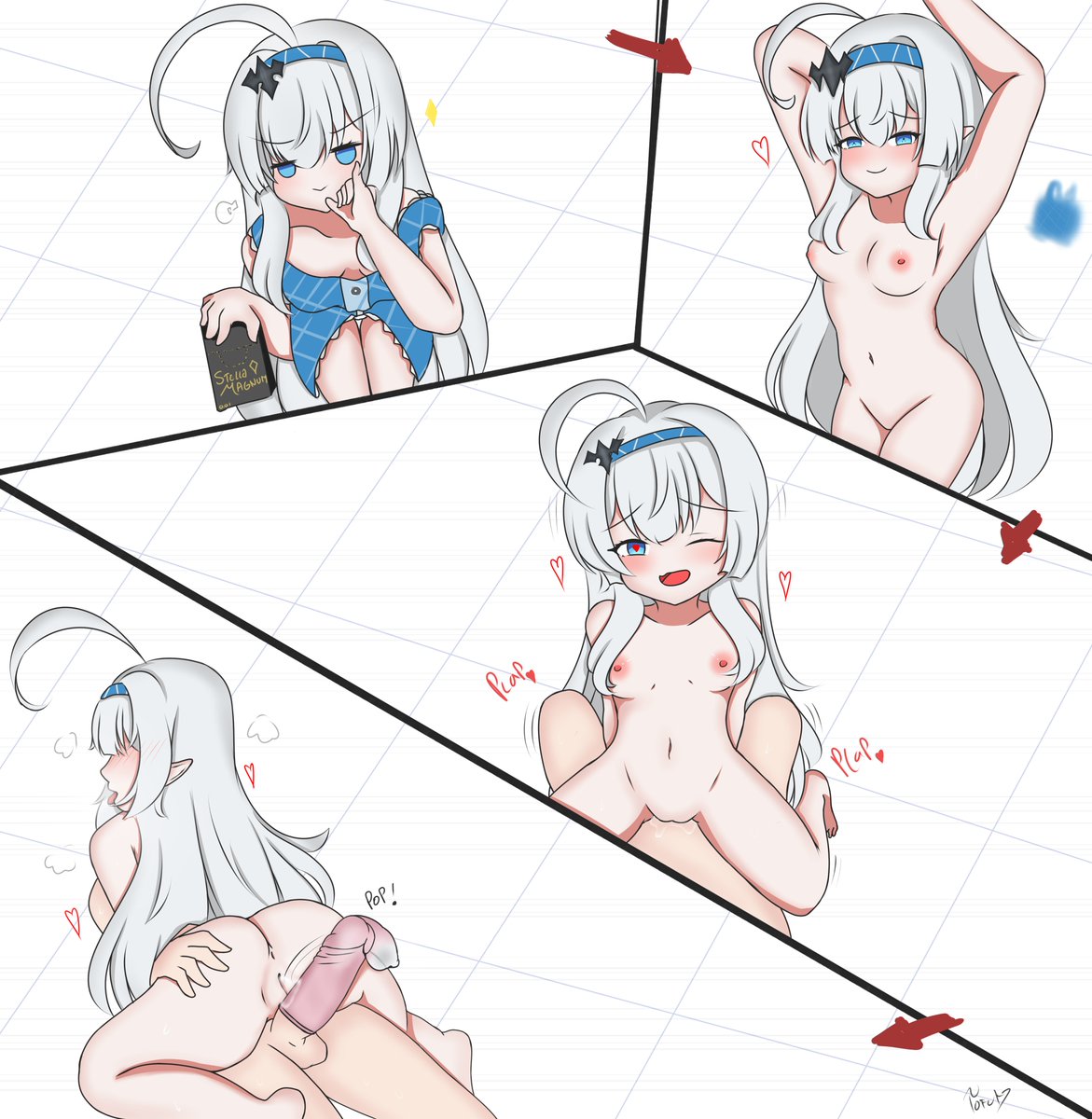
Paying Debt is very hard so ... she who rules everything ... rule some meat instead! (Maouchannn... !!! 😭😭😭)


this is one of the funniest image to me now
this is one of the few portrait art file that has a note, in the upper corner it said, "ganbare erii" or as the file calls it, "Elly trying hard"
guys, she's trying hard <:3c
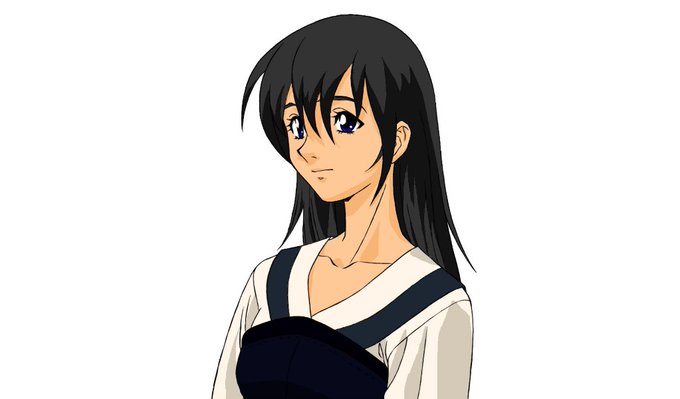


Huge shout out to the @GameHistoryOrg for their ongoing hard work for saving these hard to find files and for @linnaealyn for sharing the news~!
One of the coolest thing is seeing missable character portrait art in HD like Alice