MultiplyのTwitterイラスト検索結果。 42ページ目


Oh god more pandoru. They’re multiplying
They got jinx too! Who’s next?!


#txt log fanart 7
First time using watercolor method and multiply it over paper texture.. but it turns out different than i expected so i remove the paper, putting more and bright effect. Inspired from #txt2022seasongreetings #beomgyu #tomorrowxtogether #txtfanart

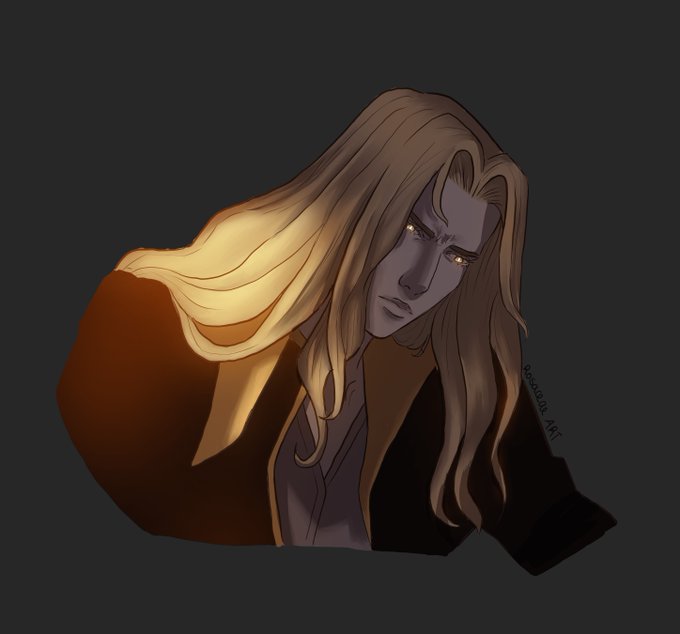

Alucard quick light study, I had fun, nothing special but I missed playing with multiply layers
Hope you enjoy!
.
.
#ALucard #CastlevaniaNetflix #lightstudy #digitalart

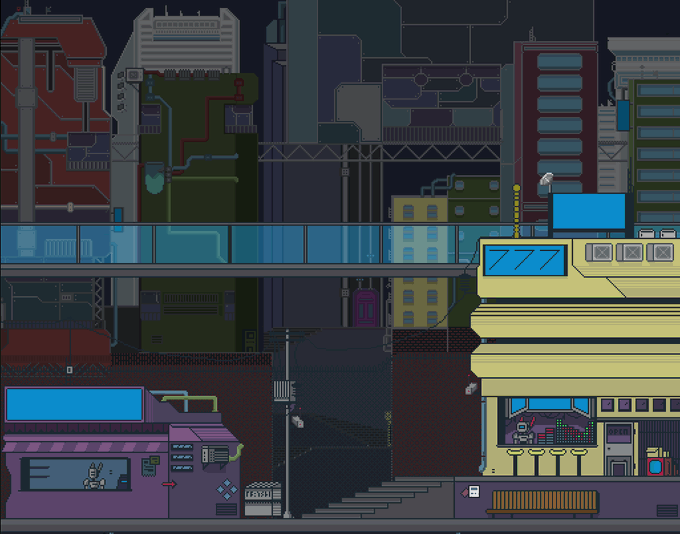


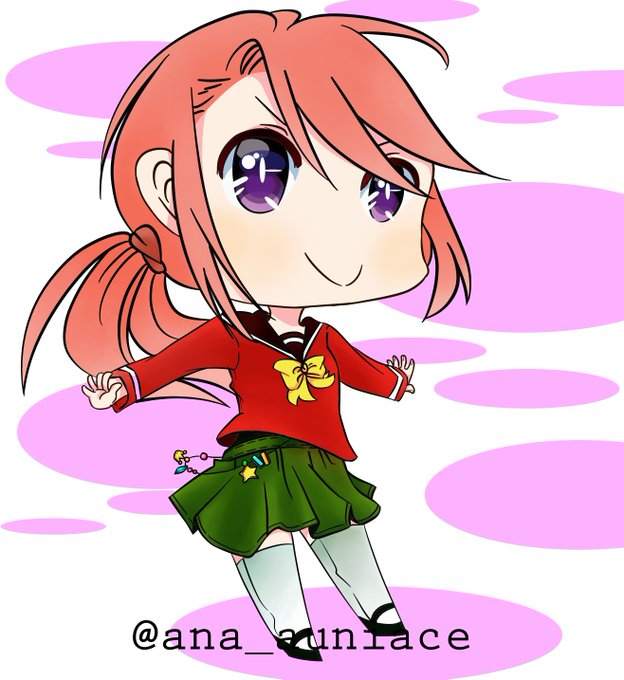
After that I keep drawing non stop. The first two pic was when I was at the staged that I don't even know what is clipping mask for, what's multiply mode, overlay and stuff. I don't even know opacity😂After that, I watch videos about my drawing software & how to draw digitally


Speaking of Dragon Essence contest from last night, I think this (2017) was the first time I scrounge up my method of shadow coloring that I use nowadays.
hard airbrush, 1 multiply layer, 1 color shadows.
I always did the layer for layer shadows but it just takes a lot of time.

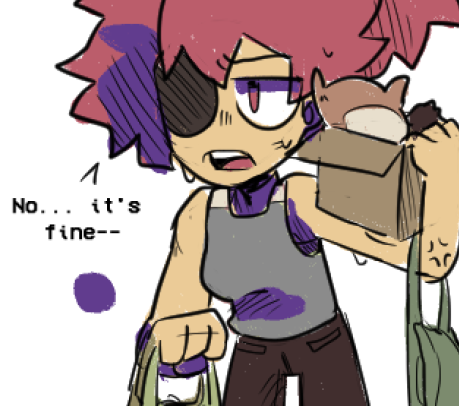
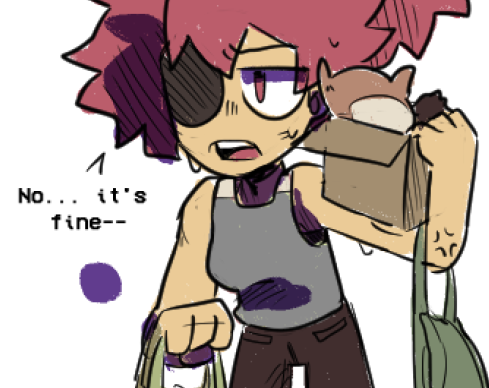
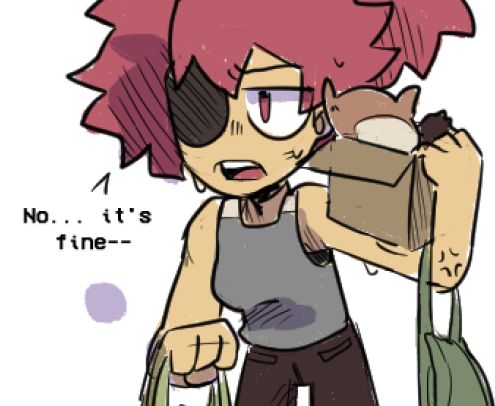
@pinkclawzz you can pick a color for the shadow (like purple, red, blue, idk whatever it fits the mood of your drawing) and just use it as a shadow on a separate layer
a quick example i did on the drawing i was just working on lol
shadow > multiply > lower opacity


@AminataStevens ça dépend de la couleur que tu prend aussi oui XD
Par exemple avec vs sans multiply (avec différentes couleurs)


(3) finally bought a drawing pad!! i didnt know multiply or overlay back then and i sucked at trying to copy how i color on my phone 😭


Half orc barbarian for Game to Grow’s pen and paper rpg Critical Core.
Blocking in the shadow with a multiply layer can be an effective way to quickly round out your character before adding the color underneath.


@PrettyInk1 Thank you! Here is the process and I hope it helps.
I used a lots of blend modes like multiply, screen, overlay etc. for coloring.
And daily practice👩🏻🎨


#Vtubers trendet? Na Dann!!!
Moin! Ich bin Taril Nephtu, eine antike Waffe die erschafffen wurde um ganze Landstriche zu vernichten. Da ich das aber nicht sein möchte, lebe ich in der angeblich friedlichen heutigen zeit und zock mit euch RPGs und Multiplyer games owo

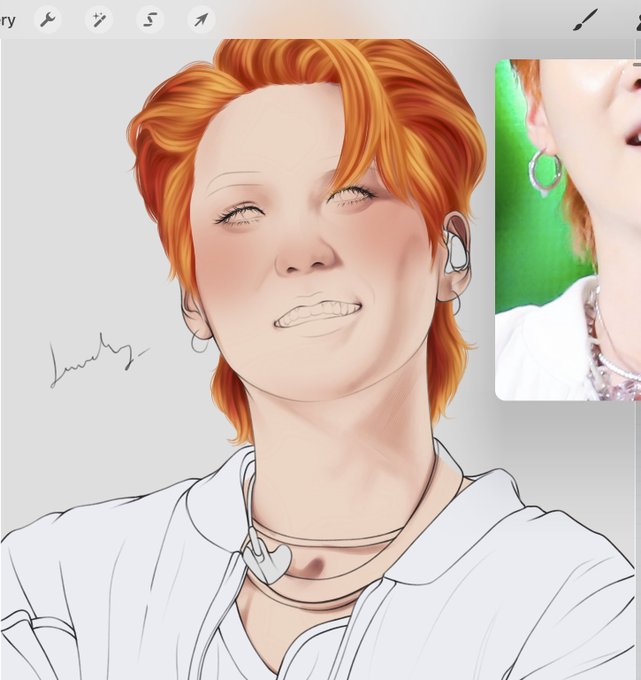
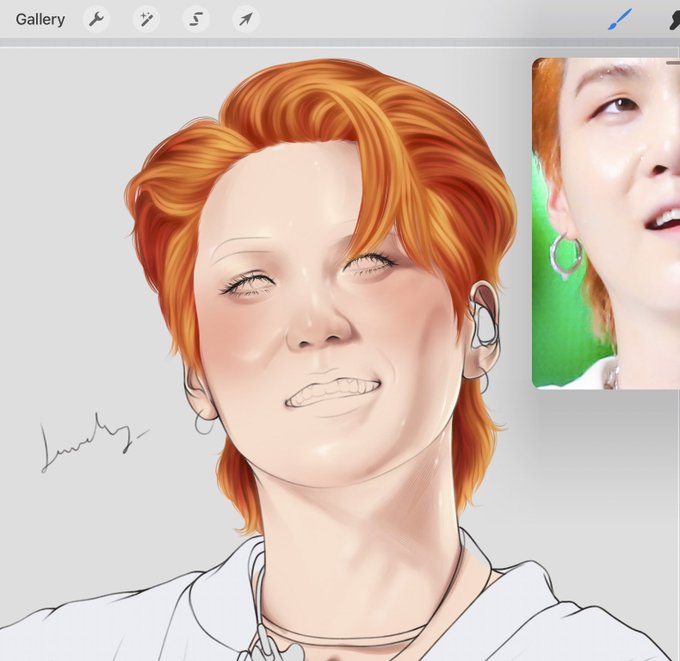
on another multiply layer, i pick a bright coral color n paint in the blush then blur it and lower the opacity a lot (like 30% ish). then i add in the highlights using a rlly light yellow color on a normal layer.

then on a multiply layer, i pick a pinkish purple n darken the darkest parts (?) then i turn the opacity down to like 50-60%


@artemisswa Lately I opt for pink shading since all my main shading is on one multiply layer in order to save time (since I post on a daily account) I actually do use purple to shade skin but I leave it at 10% which is probably why it’s hard to notice🥲

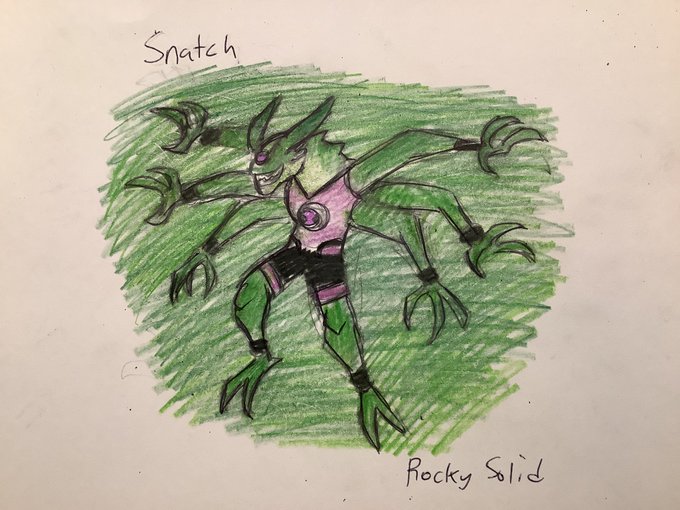
Snatch is an Aplistian from the planet Aplist. She can stretch and multiply her arms, having six by default. She is also capable of efficiently getting through crowds. #Aphmau10 #Ben10 #Bens15th #Omnitrix #Aphmau #AphFeat
@_Aphmau_ @JasonBravura @cartoonnetwork @ManOfActionEnt