GradieのTwitterイラスト検索結果。 8,738 件中 43ページ目

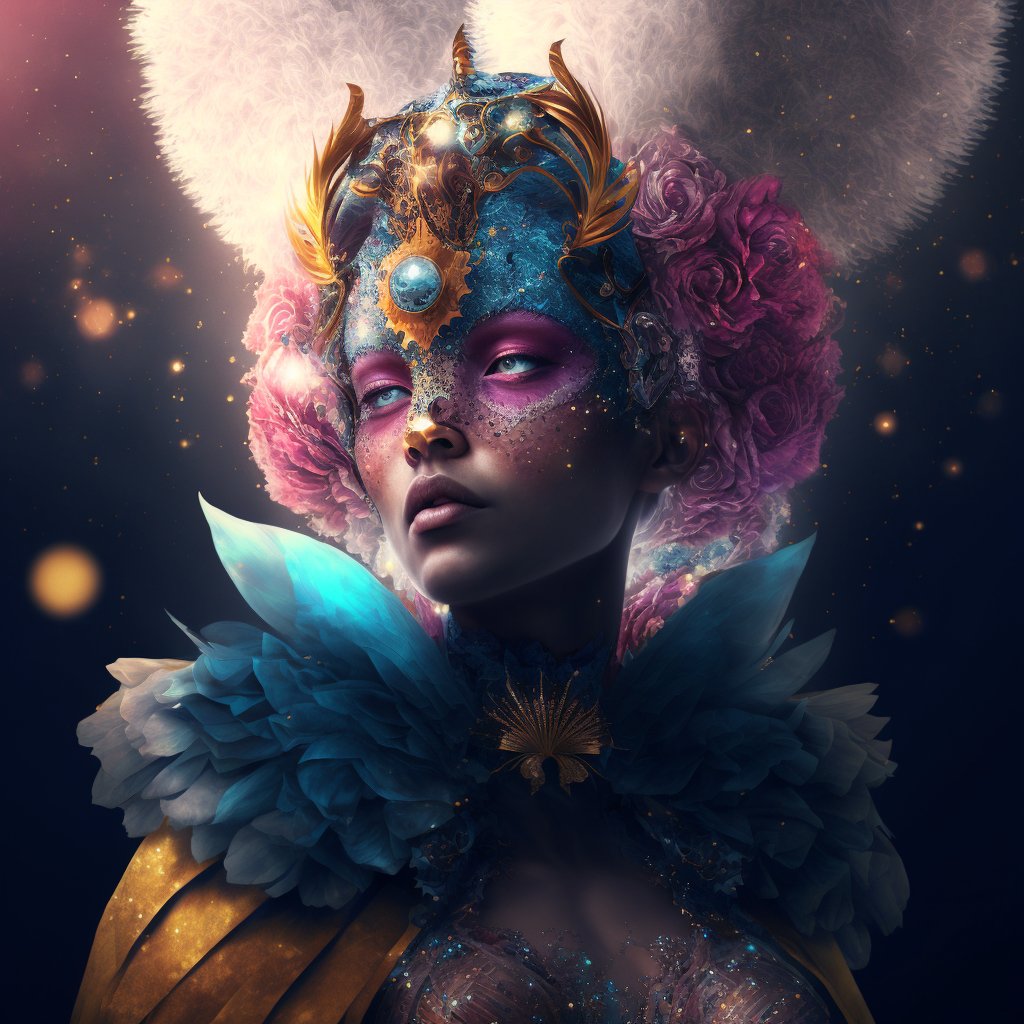


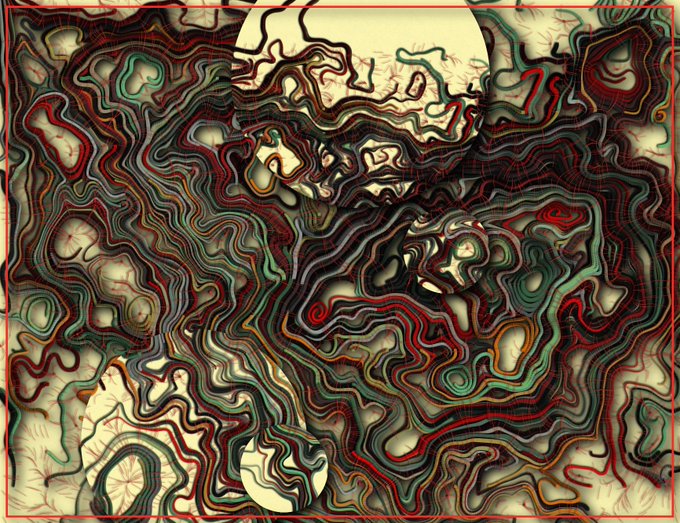


Hey! Im offering some stuff for the holidays!
Some + info:
🔸 Extra characters add to the price! same with N*FW content. Just ask me and I'll give you a final price!
🔸 I only accept P*ypal
🔸 Very simple BGs (gradients, solid color, etc) have no extra cost

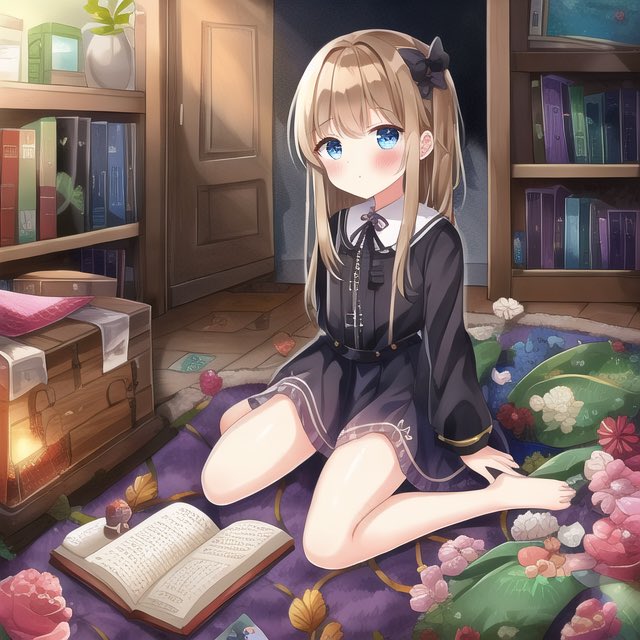
うわーこれだー求めてたのは「これ」
{2D}, {illustration}, {best quality}, 8k wallpaper, detailed and gradient eyes, sharp outline
ネガティブ:{3D, chibi, sketch, monochrome}
ddim Scale:8


@Sylfeanne ty for the chance!! first character can have the gradient blocked or blended 💙


with a lot of people complimenting the rendering on my last post, I promise you 90% of my art is just adding blending modes/overlays. Aside from my painted stuff, almost everything is flats > lights > shadows > gradient > misc overlays (tone/static/etc). use your blending modes!!


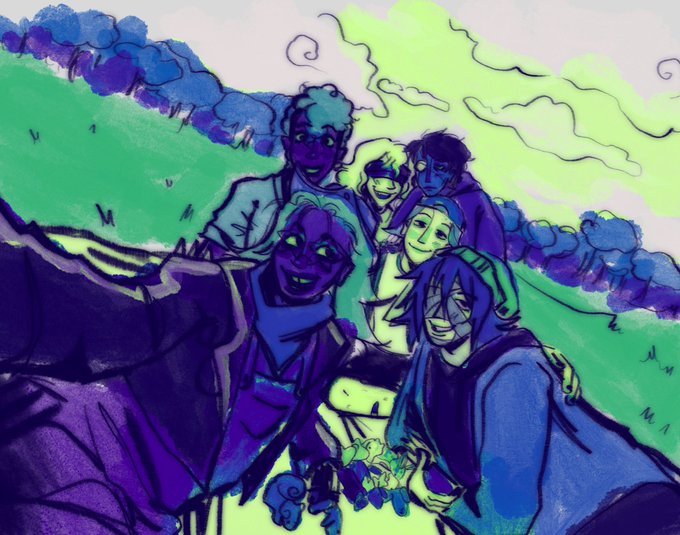


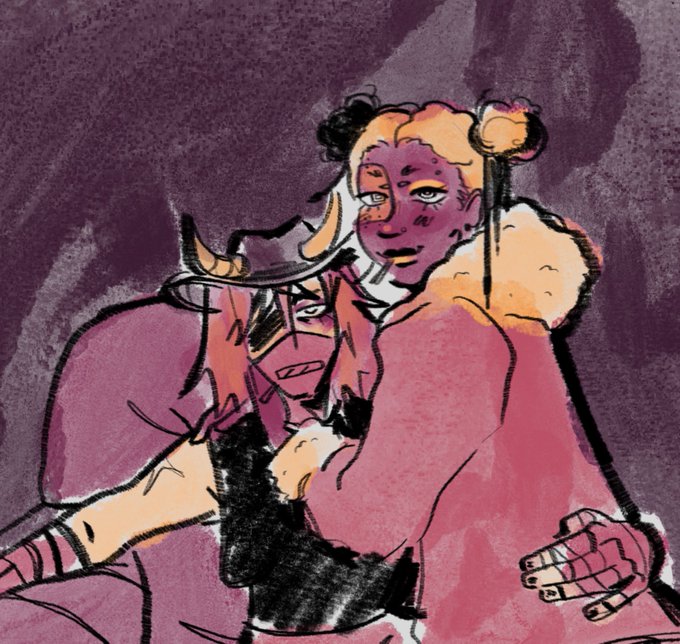


funnily enough they're even both similar poses, you can really see the glow up once i discovered gradient maps lmaooooo https://t.co/iDfAVoWykl


@clipstudiopaint question! recently i quickly spent a buncha clippy points before they expired to get some gradient maps, but for some reason, some of the sets are marked as "sound effect"??? and won't show up when I try to make a tool out of them. DOES ANYONE KNOW... WHAT 2 DO..

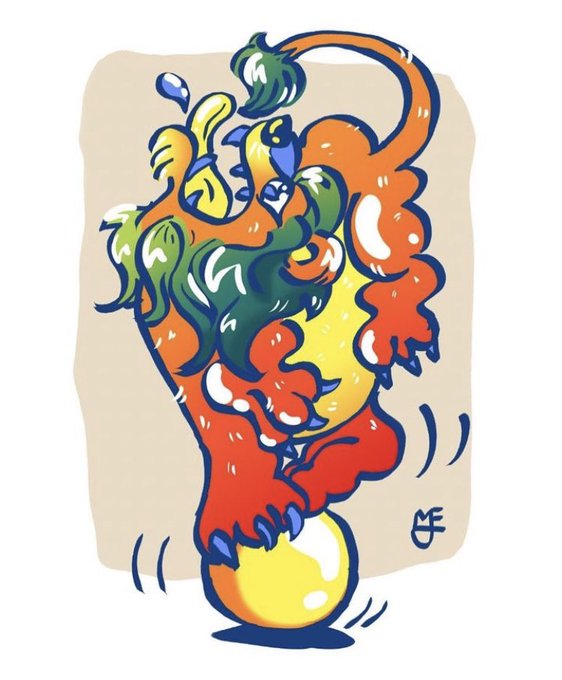
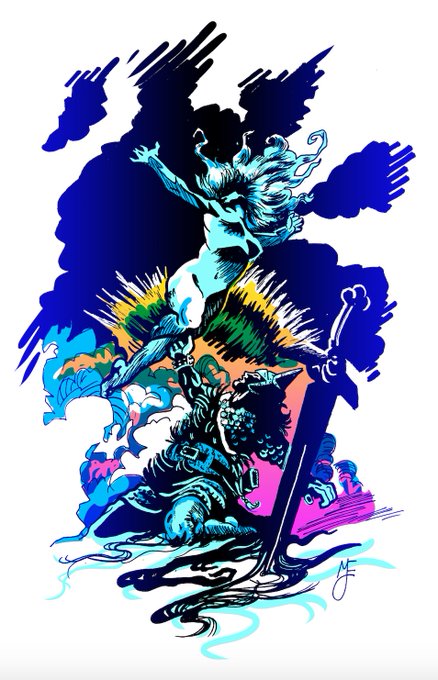

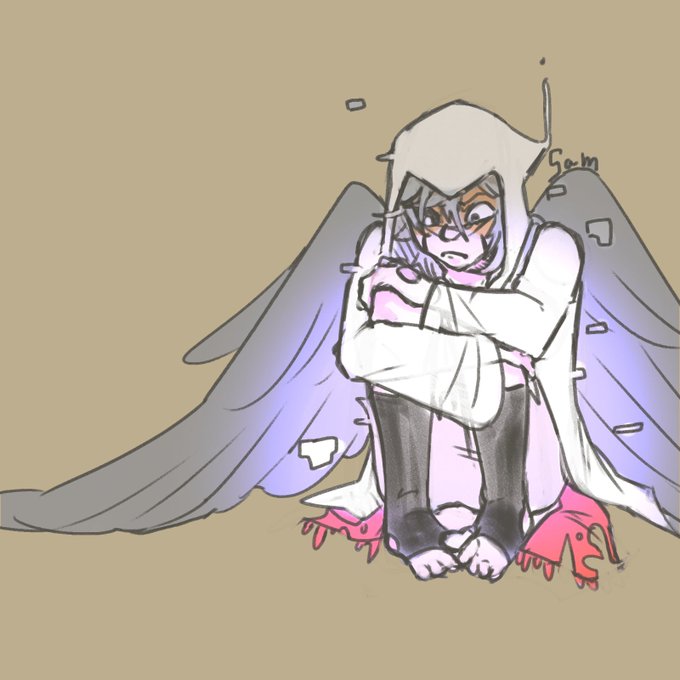

little Goth and Gradient
#gradientsans #gothsans #afterdeath #errorink #errink #undertale #undertaleshipchild


EVERYDAY OUTFIT: its pretty cute but . whys he wearing like 3 layers. is there something hes hiding. i think my problem is the colors. his shirt has this yellow gradient , then the green sweater and blue coat and different blue pants and BROWN shoes. and that belt. yikes !


Jan 2022 -> Dec 2022 Chibi edition
I think I started using gradients a bit more to match the way models are colored in Genshin haha.


@_sesart_ Laying down flats and making my palettes,,, I spend so much time flipping through colors and playing with curves n gradient maps to get exactly what I want


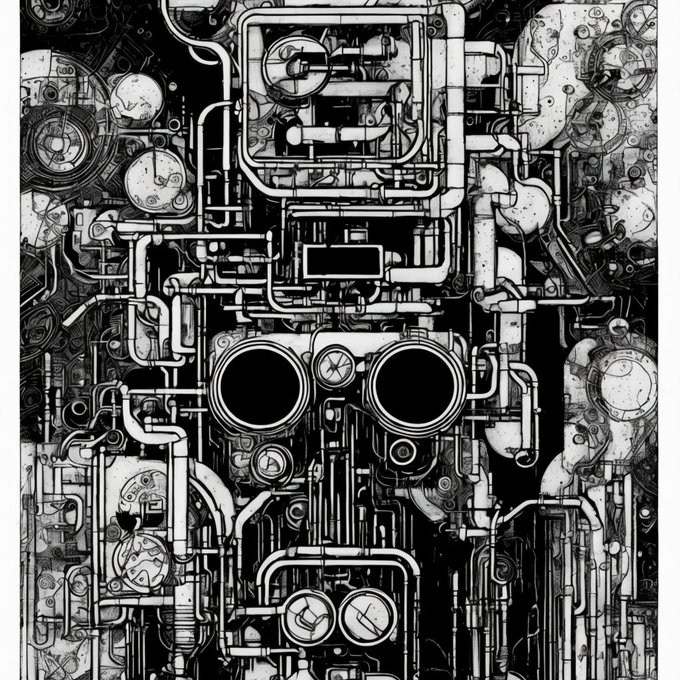


@KevinWPage Just some images that Demo my Free Aesthetic Gradients for all models running on Stable Diffusion 🥰👊 #ToolsForHumanity


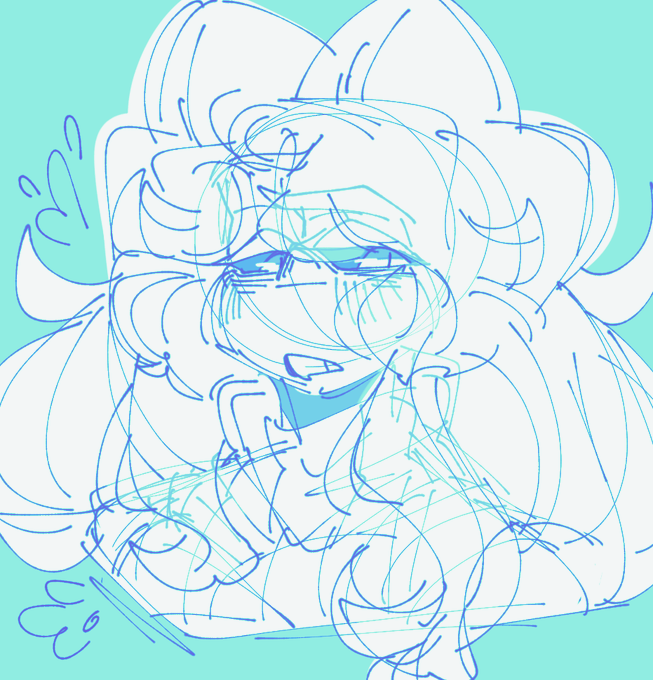
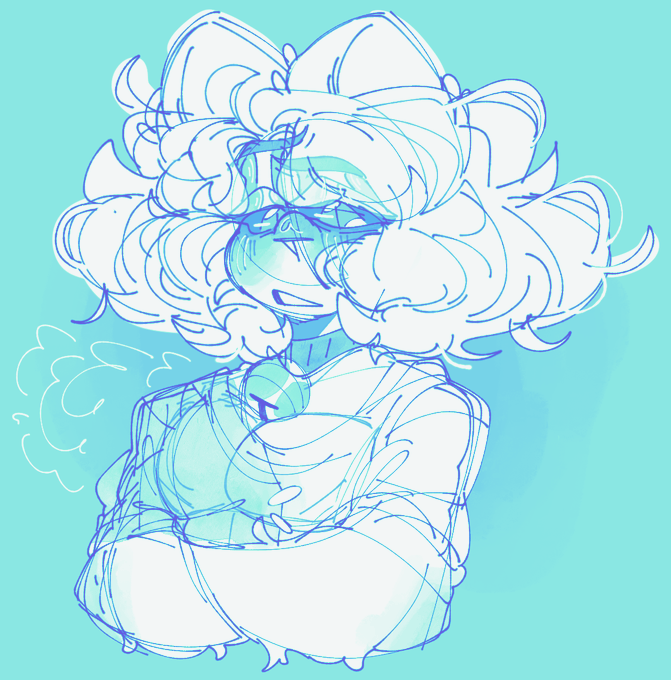
fr just really love this goddamn gradient map spins its so fun to use


Gradient map didn’t work for this 😭 I used a colour layer instead #yugiohgx #CLIPSTUDIOPAINT #arttwt