ctrlのTwitterイラスト検索結果。 44ページ目



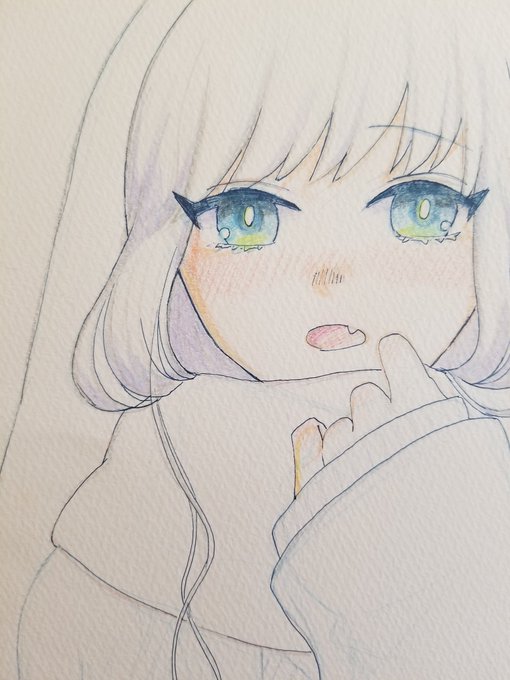
今日の30分。リボン固定化と袖の修正。
Curveからポリゴンへ。
少し離れた2点を選択した後Ctrl+Shift+NUM(+)を押すと、スキップ付きの連続選択ができることを覚えた。
ヤバイ、またはかどってしまう(*´ω`*)
まぁ、次に必要になったときは忘れてるんだけどね_(:3」∠)_
#b3d


【微調整を快適に!】
Aeで位置や回転の調整をする際に
レイヤーコントロールで微調整が
邪魔になることが…
Mac: ⌘ + shift + H
Windows: Ctrl + shift + H
でレイヤーコントロールを
非表示にして視覚的な調整を
楽にすることができます🤤✨
知らなかった人は覚えておいて〜!


Lulú
.
.
.
Ctrl 4 ctrl 4 ctrl 4 ctrl 4 ctrl 4 ctrl 4 ctrl 4 ctrl 4 ctrl 4 ctrl 4 ctrl 4 ctrl 4
.
.
.
#lulu #leagueoflegends #lululol #lulu_leagueoflegends #creadoresdelollatam #fanart #supp #wizard #yorldle #purple #cntrl #big_hat #magic #legendsofruneterra


Windowsキー登場で役目は終わったけど
CTRL+ESCでスタートメニュー 今でも出る
指のストレッチによい
その他にはブラウザやexplorerで alt + ←→ かな
#一番為になったPC知識




@marartz_ KKKKKKKKKKKKKKKKKKKK TADINHA (,:
Já tentei dar Ctrl Z no meu sketchbook e foi engraçado demais, pq fiquei assim:

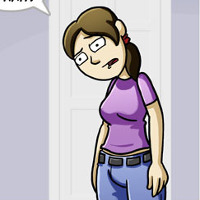



I could have posted Furiosa or Rogue from X-Men to look cool but I got miscarriage girl from Ctrl+Alt+Del so I couldn't leave her out https://t.co/LJDpYLLyzR

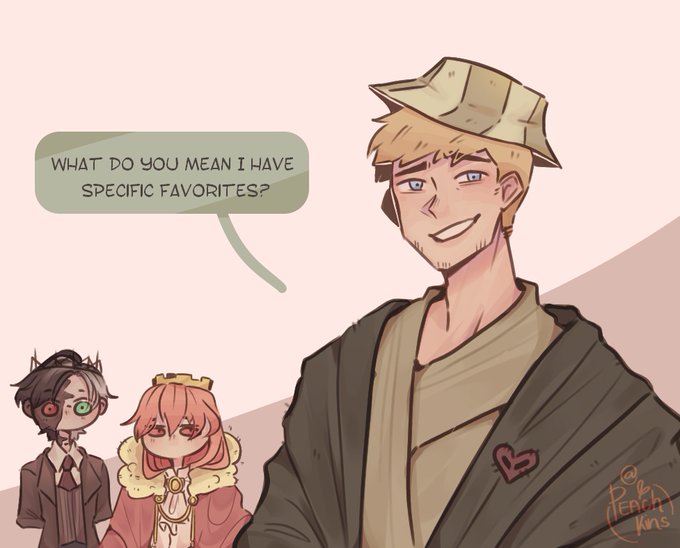


Ctrl, copy, and paste sons 👍
[#philzafanart #ranboofanart #technofanart #philza #ranboo #technoblade]


あれ、あのすたンプどこだっけ……ってよくやる人向けにすたンプの検索機能を昨日こっそりリリースしてますた。
検索ワードはテキストを選択すると見えます。
PCの人はCtrl+Fとかのブラウザ検索でもできます。
ボタンが出ない人はリロードで。
https://t.co/xbGwNFZ09Y #てゆうかもう寝よう #すたンプ

