COLORsのTwitterイラスト検索結果。 219,216 件中 452ページ目

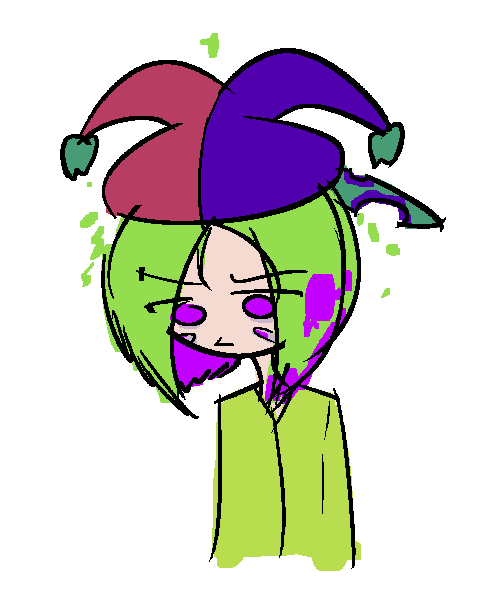
It's just dawned on me how disorienting this new monitor is. Not only is drawing for a larger screen difficult to adjust to, but the colors look so wildly different too.
Fuck I'm gonna have to relearn everything again ain't I

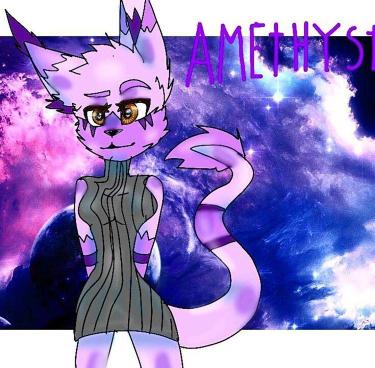
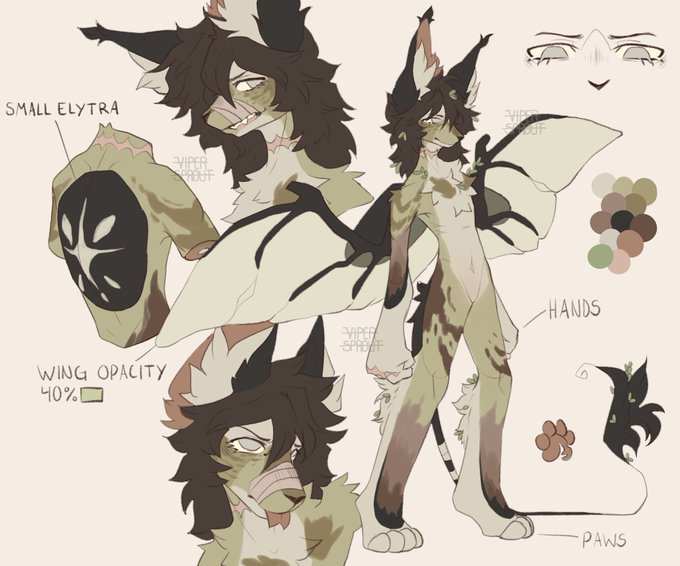
@gard3nb0y I changed favorite colors..
First design is from when I was ~11 and I never made them a ref (the drawing shown was drawn by a friend)
They've gone through so many changes, it kinda baffles me how I started with a fully purple wolf 😭


@anektem I wanted to try to emulate the colors though I'm pretty sure I failed x'D It was enjoyable to experiment with though, thank you for trusting this OC with me <3


oop decided to tweak his colors a bit
which one do y'all prefer? https://t.co/iXNokvgK5w


@ArtMoots hello! I'm Alez, self-taught artist and i mostly draw girls and design it with a variety of colors, feel free to check my work <3


I probably need to use more colors than just purple-red shades haha https://t.co/MXOLIseAt2


I still have to finish this Concept Art of my Dracthyr girls! But at least, the design, colors & names are done :D ✨💜


I made the DTIYS of @yukomeow_ on Instagram!
Her colors were so soft and amazing I wanted to draw her.
#DTIYS #yukomeow_37k #yukomeow_ #anime


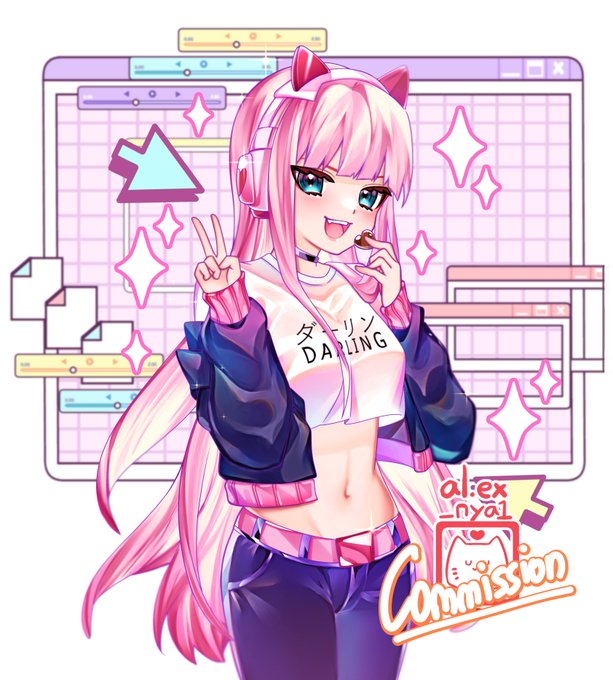

Hi! I'm Alex a freelance artist who loves drawing cute characters and bright colors especially pink!

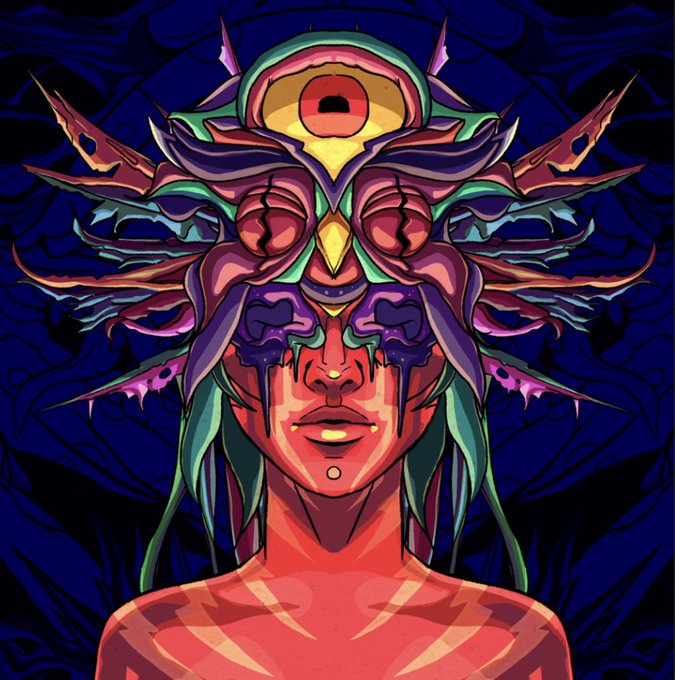

The colors and details in these blow my mind. Loving them so much @SanaeMolly
Go get your @Ascensiontgz before the remaining die


power in cute deco fashion!! I’m really happy with the colors in this one 🥹💖
#chainsawman #csm #chainsawmanfanart #csmfanart #power #powerchainsawman #powercsm #csmpower #chainsawmanpower #powerfanart #animefanart #fanart

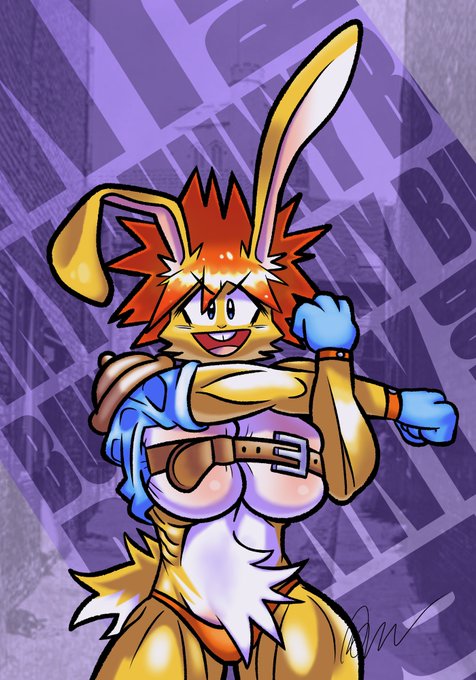

bunny stretch and weird bright palette colors
#OC #ocart #originalcharacter


@LadScruffy Sure, here's the base I had
There's aren't the final colors, but the design is unchanged


Jennifer Lopez by artgerm, cell shaded, face very coherent, underwater, white hair, symmetrical eyes, symmetrical face, japanese akihabara street cityscape, cool colors #AIart #stablediffusion


So I wanna show off this quick rim lighting technique. Basically:
1) Duplicate all the flat colors, lineart and merge the duplicates into one layer on top
2) Set the layer to Add (Glow)
3) Drag a duplicate of that layer slightly away from the light source
1/2