exportのTwitterイラスト検索結果。 47ページ目


↑続き
振込先:三井住友銀行(振込手数料はご負担ください)
※各品1点づつの頒布です。まとめ買いはNG-death。
※みみ職人に住所を知られたくない人はBoothで。
※海外発送は致しません
Can't be exported outside Japan(For overseas,"Booth"is used)
https://t.co/XeFDpTVy3C


highlights of some fave sections cause even the exported individual file sections are huge

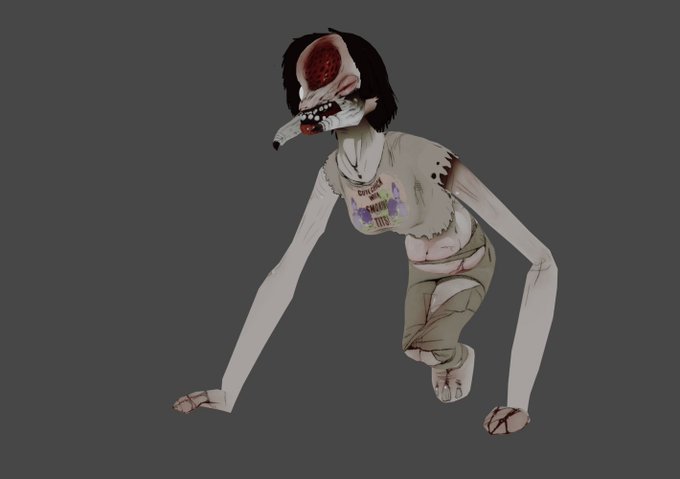
I usually export the individual frames to be animated in krita, but this time I decided to actually animate in blender. Not too shabby if I do say so myself.


This is my entry to the #cspcontest30
App: Clip Studio Paint EX + Photoshop CC 2019
I did most of the painting in CSP, Photoshop was just for minor details and exporting
#digitalart #painting #CLIPSTUDIOPAINT #illustration


In after effects:
Is there any way to keep a layers alpha channel (for set matte) but not have any fill?
I'm trying to have the white lines move through the red circle's alpha without the circle being seen.
NOTE: Export as #lottie so need to adhere to those rules


First art of 2022! Last year I watched lots of Critical Role and wondered what character I'd like to play. I hand drew textures for wood, wallpaper, her cardigan, skirt, every book has a different spine and it killed my computer trying to export. Please enjoy!


Finished Asya's sprite. Probably's gonna be the only new art of her for a while cuz wings are pain.
Also, fuck Pixel Studio. Can't even export their files to Aseprite.


Timelapse for the piece, incase anyone was wondering how I paint.
@DakoMeviant, I exported it for ya, I hope you find it useful!



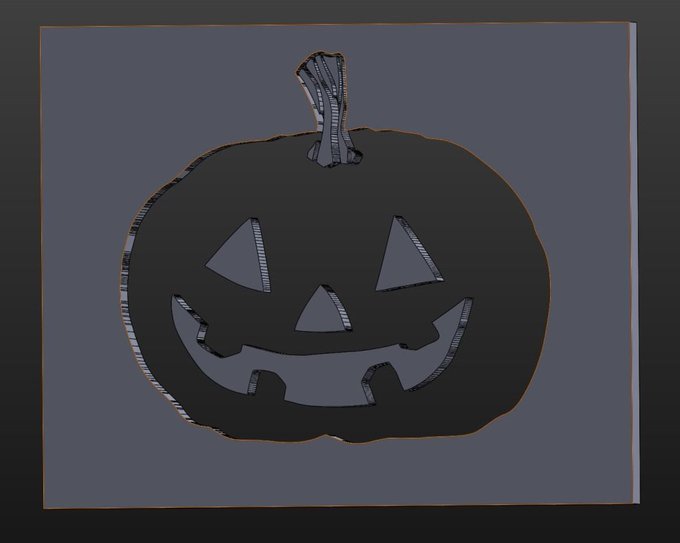
First I had to generate the files, I exported the copper layer from kicad to SVG, then to SOLIDWORKS to extrude it so I could re-export it as a STL...
Definitely the least ideal part of the process, I tried to directly display images on the printer, but no luck yet.


help help help oh no oh no oh no pls this has happened like 20 times i cant even export the timelapse im shitting pls pls plsplsplspslsplplsplspsplpls....


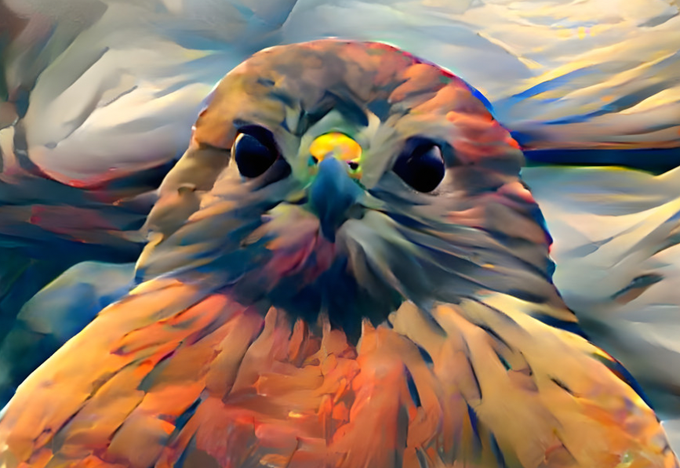
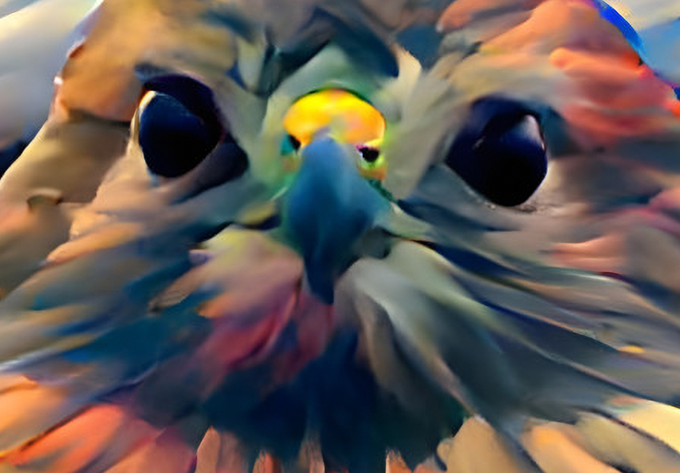
1/5 Cryptych continued: The first thing I want to do with my raw exports is increase the resolution. This is easily done in @Lightroom with the enhance feature - these two screen caps were grabbed at the maximum zoom, before and after.
Double resolution!


Frustrated. Why does Adobe Illustrator know how to draw these triangle strips as solids w/o artifacts, but exports them with glitches?


@LazerPotaters I took a look at Modifiers and STLs as you suggested, it was enabled for the last export I did so I tried disabling them this time to see what happens. Eyes and mouth show up but now I got this other object stuck to his head. It's progress at least.


☀️🌱🍀• GM • 🍀🌱☀️
P☰P☰ ᴍᴀᴄʜɪɴᴇ ◉×🐸
Pepe Machine in pixel world.
.png [WAGMI] 🐞🌳☘️🌿🌱
⬛ :: 700 x 700 Pixels - Magnificate Export :: [x10]◽️
https://t.co/GdZl7J1cnc
◉◉◉◉◉
Have a good day.🍀
#pepe #PEPEnft #patpixels #NFTCommmunity #nftcollector #pixelart