MultiplyのTwitterイラスト検索結果。 48ページ目

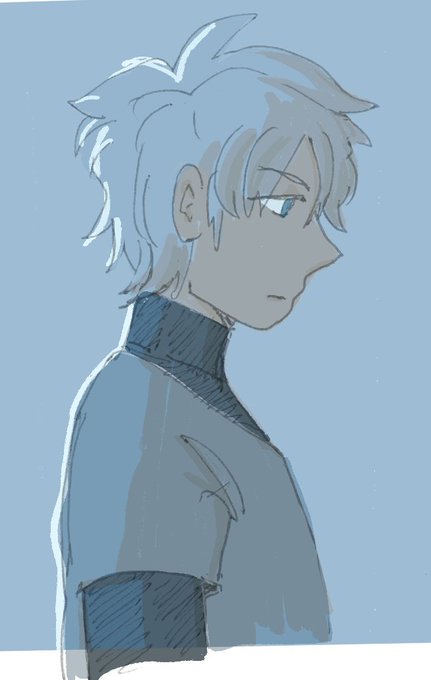
i figured out how to use the multiply layer function for art i drew irl on paper so now. it’s OVER for you all


@honeyvonbunny This is my final shadow layer... One in Normal Mode and the other with it in Multiply!


Weapon concept
Fallen petals - Petal blast
One of the Himiko’s main weapons a burst buster type weapon
It shot like a sniper buster but with the additional if the shot miss the main bullet will bloom like a flower & multiply then chase the target.


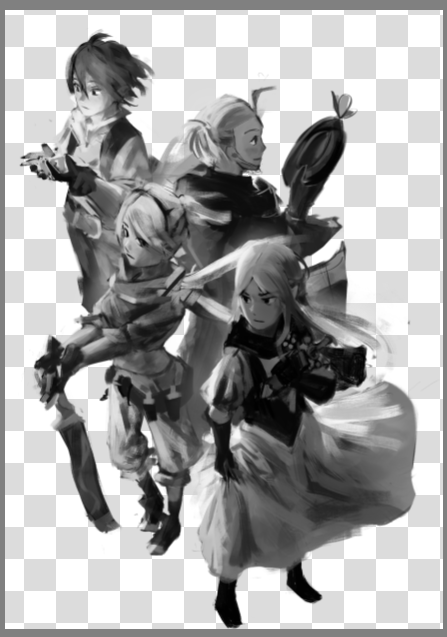
To get the colors to homogenize right, i used a gradient map setup - first pic is the original group layer of the individual charas. Second is adding a multiply layer over everyone.
The third is a clone of that layer with saturation set to zero.


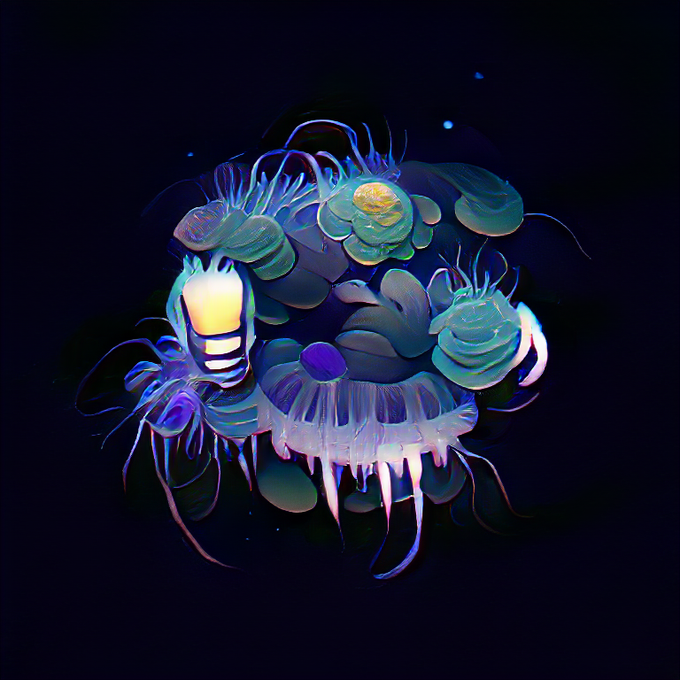
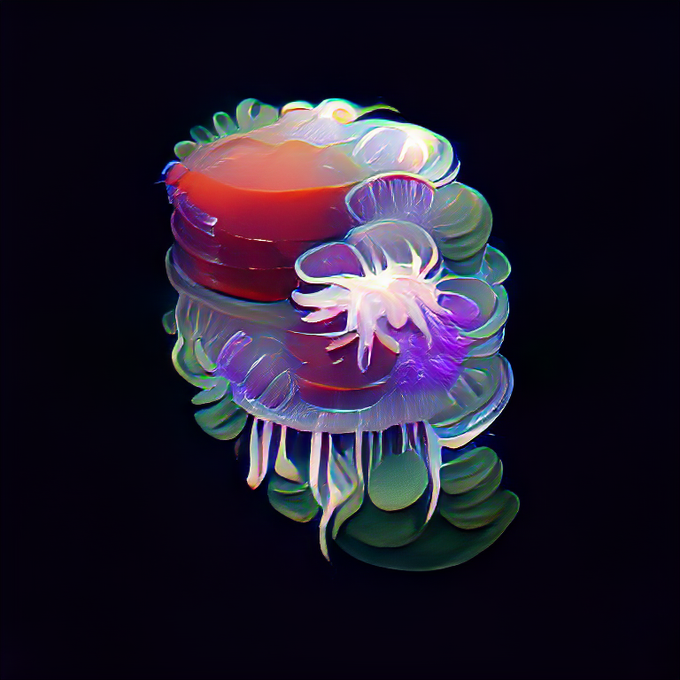


@pisxes_chi I don't know your usual coloring style but I LOVE working with Multiply layer for shadows and paint light on top-
Maybe you'll find it inspiring too ;v; ✨💜

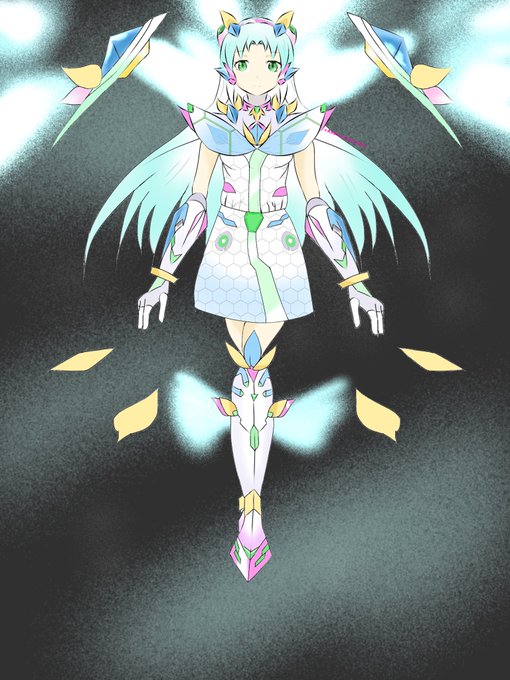


Original characters
Universe sentry Mira /Himiko
A new gene Called Trancient Reploid.
Her fullpowers are still unknown but many believes she could travel to real world and cyber world, she could changes to any forms, and could manipulate & multiply any energy based for planets.


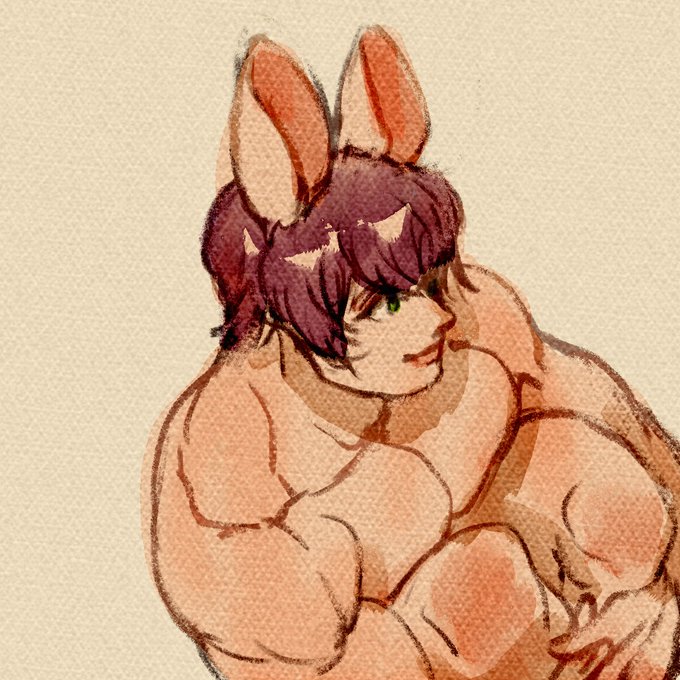
Water color brush fun. Watercolor is easy with MULTIPLY, Overlay and LINEAR BURN layers


doodle from today , tryed doing one layer one but all the red is on another multiply layer still smh

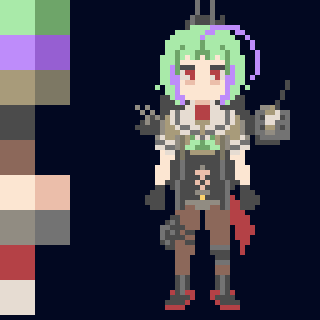

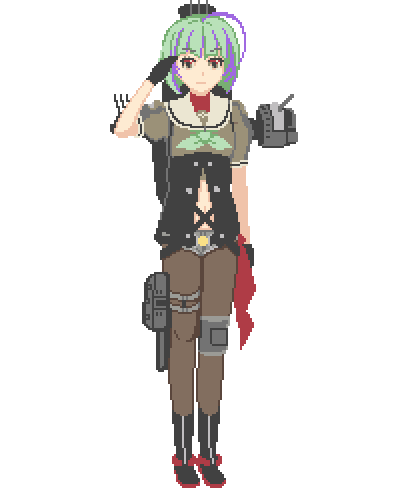

① ミニサイズの竹を16色で用意する(7/30投稿)
② Asepriteにもレイヤーの機能はあるので一旦お世話になる(ColorとMultiplyってやつを使いました)
③ ②から16色のパレットを作る
④ 竹を①の16色で描く
⑤ ④に③のパレットを適用し、見た感じ区別のつかない色を削る(13色になる)





Found the #VisibleWomen tag and I wanna play too! I’m a multiply neurodivergent, self-taught artist ☺️ I’m working on making this into a ‘side hustle’, as the kids say, because working in a traditional work environment is difficult for me. Also I love making art ✌🏻


Added a debug mode to visualize all the priority draw areas and now I can only think of multiply layers over pixel art...


@zonakaryaid gk gitu suka warnain rambut. tp ak kalo warnain base » gradasi bagian atas supaya lebih terang sm yg deket muka dikasi tone warna kulit » shadow (multiply) » trus highlight dn jadi 😎

