LayerのTwitterイラスト検索結果。 484ページ目



#NFT Froggy Friend #536 bought for 0.24 ETH by 0xbdc598 from Goldplayer #FroggyFriend @FroggyFriendNFT https://t.co/UioknrYlCd
#NFT Froggy Friend #1542 bought for 0.24 ETH by 0xb4f6c5 from Goldplayer #FroggyFriend @FroggyFriendNFT https://t.co/J3bvsmksj4


#NFT Froggy Friend #2075 bought for 0.27 ETH by 0xd85c7b from Goldplayer #FroggyFriend @FroggyFriendNFT https://t.co/sTmd2Ebr1H


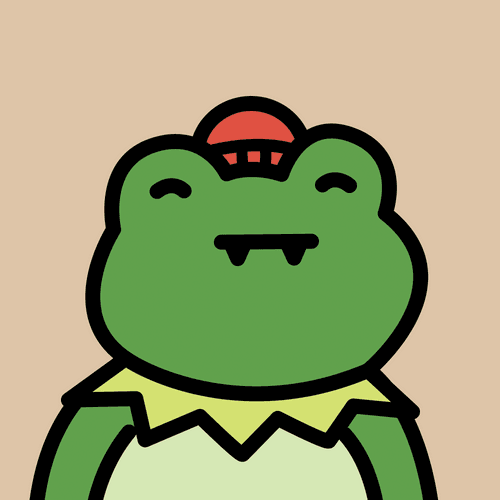
#NFT Froggy Friend #2075 bought for 0.22 ETH by Goldplayer from 0xff42d1 #FroggyFriend @FroggyFriendNFT https://t.co/sTmd2Ebr1H
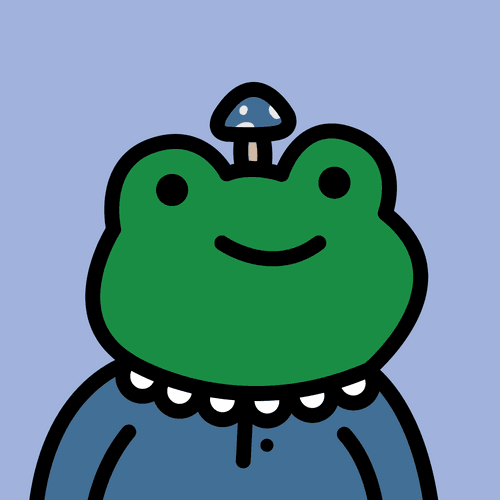
#NFT Froggy Friend #1542 bought for 0.22 ETH by Goldplayer from 0xff42d1 #FroggyFriend @FroggyFriendNFT https://t.co/J3bvsmksj4


@AliciaBelluwu The man, the myth, the legend www
Because of him, I'm experimenting with the Overlay layer mode more often jfdjdjsdbajd

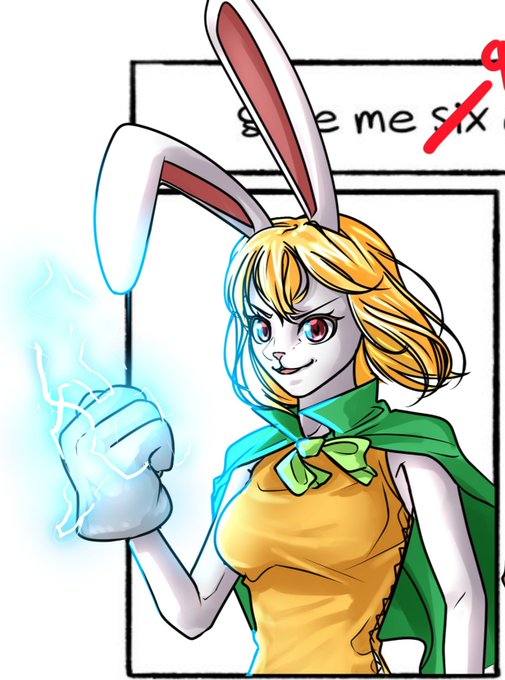

@DShneil Thanks for your suggestion, glad you like it!
Well I kinda drew all these characters on shared layers so making individual versions will be hard so probably not.
I can give more higher quality images of the ones you suggested though


@LemonJooJoo Touching in general is hard ;;
Believe it or not my sketchy ass drawings have an underlayer and I usually have to place centers like head/chest/torso, points of contact, and hard angles like elbows/knees/iliac crests as a starting point.
I swear I've hugged another human ok o_o
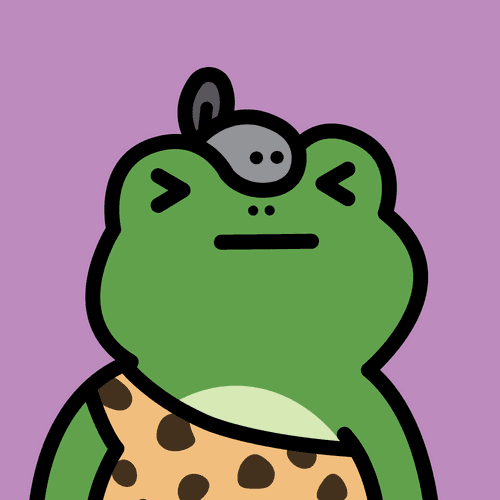
#NFT Froggy Friend #536 bought for 0.22 ETH by Goldplayer from NFTButler_Cheaper0nBLUR #FroggyFriend @FroggyFriendNFT https://t.co/UioknrYlCd


There are players who have made history, but you will always be history. The father of all the players who have succeeded you. RIP #Pele


Co-created by me and @oshiosann !
The first "Axie Player Card" is for the METAT8 NINJYA ft. PZL series!🥷🥷🥷🥷
I have added my own text to Oshio's AxieArt.🖼🖊
We have created many more and will announce them every day!🥰✨
#AxieInfinity
#AxieCreator
@AxieInfinity


Then, clip a dark purple on the lineart. Next, turn the lineart layer to multiply. You'll see the magic. Compare it to plain black lineart


You can play around with the shade by clipping a norma, layer on it. Then, add overlay. I usually use skin color and light purple
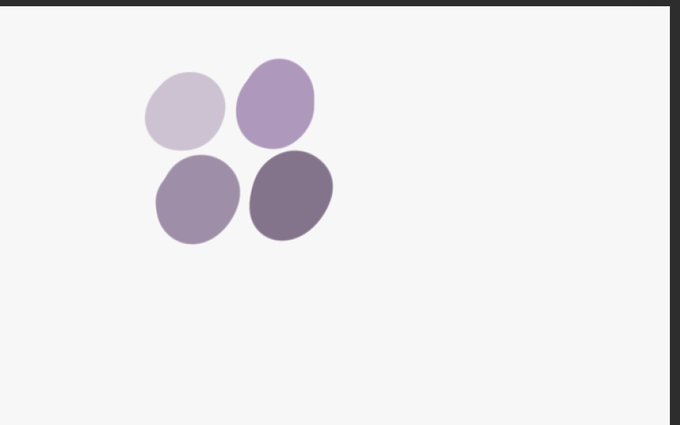


Here's the fun part. Using variation of purple, add a multiply layer. All of these are just in 1 layer

First, fill up the base color, then clip another layer on it. Put the blush there.