
Clip Studio Paint Artistさんのイラストまとめ
@ClipStudioTipsFollow @ClipStudioTipsさんをフォローする
🔥 NEW AutoActions for CSP: ko-fi.com/s/f1a941bf6b
フォロー数:4 フォロワー数:29573


Another workaround to paint *while* seeing a greyscale version of your image.
#ClipStudioPaint

'Keyboardless Artists' - maybe add shortcuts to brushes and panels to the Selection Launcher ?
#CLIPSTUDIOPAINT

Again...
Too specific to my process/wrkflow, but maybe you can find something that works on yours.

#ClipStudioPaint
Here's a timelapse from a drawing I did using the latest Auto-Outline method...
🔹Tip1: set a keyb shortcut for it; I use ALT+D
🔹Tip2: set a key shortcut to move layers up/down on the stack; I use CTRL+PgDown/PgUp
(continue)
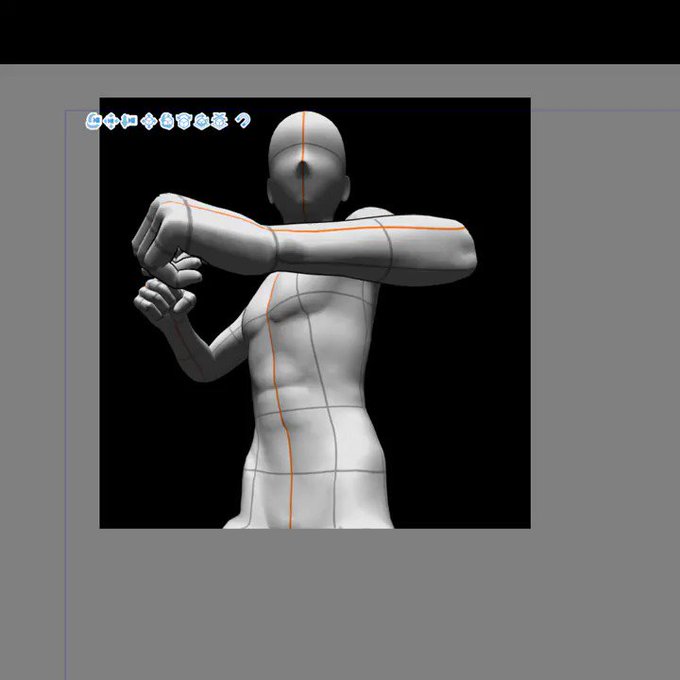
Another method to hide parts of the Figure is adjusting the Clipping Planes values.
- Subtool Properties
- Rendering Settings
- turn off 'Set Automatically...'
- set '0' on near/far plane
- use the arrow key up&down on far plane box to reveal/hide the mesh
#CLIPSTUDIOPAINT
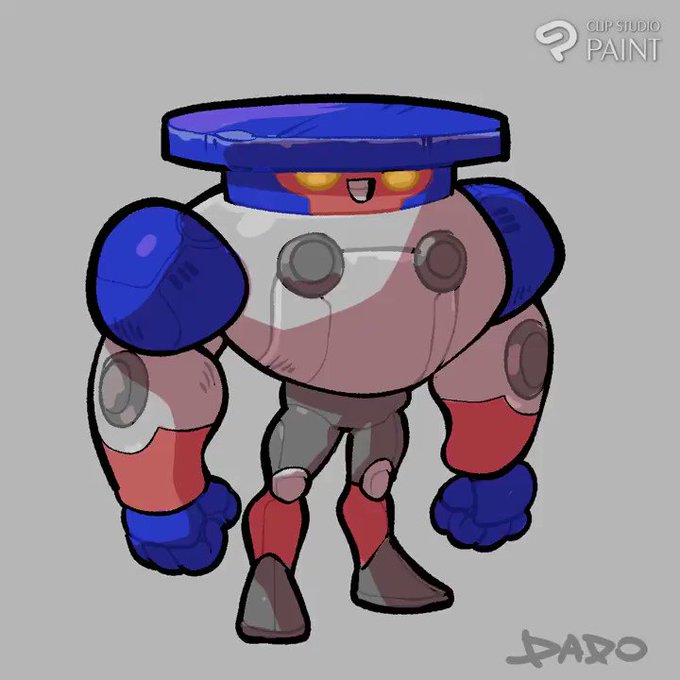
Just a sidenote, the new Auto-Action set also works on the #CLIPSTUDIOPAINT
for the Ipad. 👍
https://t.co/Wuozr6xYdN

I created this proof-of-concept and here's the template...
https://t.co/PmCnyoNczn

@MesaGordeau Love her.
Repurposed art from that 6 fanart things that was going on.


To take advantage of the MIX GROUND COLOR Options (that nice, smooth-cream blending) ...
Make sure to paint your shapes on a single layer (B).
A brush won´t behave as intended when you try to mix colors on different layers (A).
Summary: mix can´t blend to transparency (yet?)