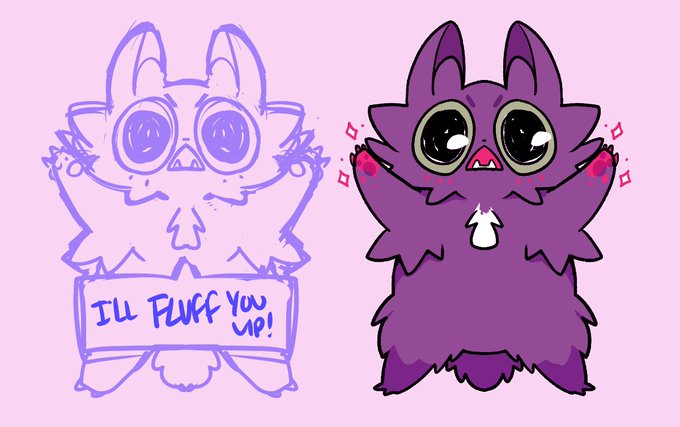
your pal tabbyさんのイラストまとめ
@TabrakadabraFollow @Tabrakadabraさんをフォローする
フォロー数:960 フォロワー数:20153


@HateMoshi there are many different ways to do it. My biggest suggestion is to use layers and "clipping masks"
here I have a base color for the area I am going to color. then "clipped layers" above that for each character or element.
This makes it LOADS easier to change colors :)
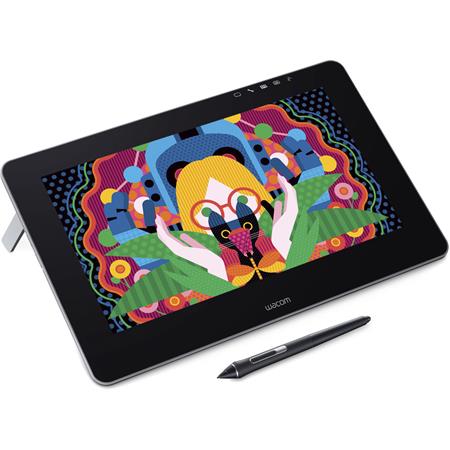
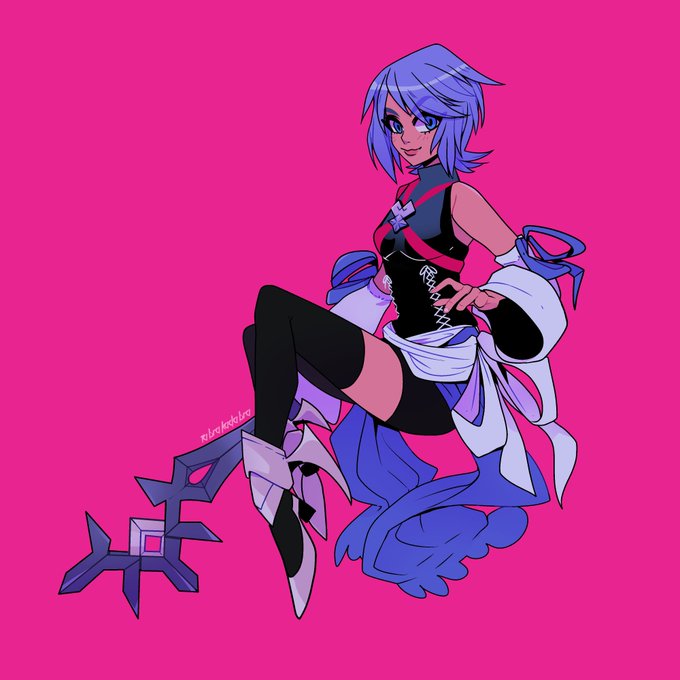


Wacom Cintiq Pro 13" (2019-current)
I received this as a gift this past Christmas and it is STILL daunting to me and hard to get used to. But it can also be used like my Intuos was (tablet only, no screen) so that is a nice feature to fall back on.
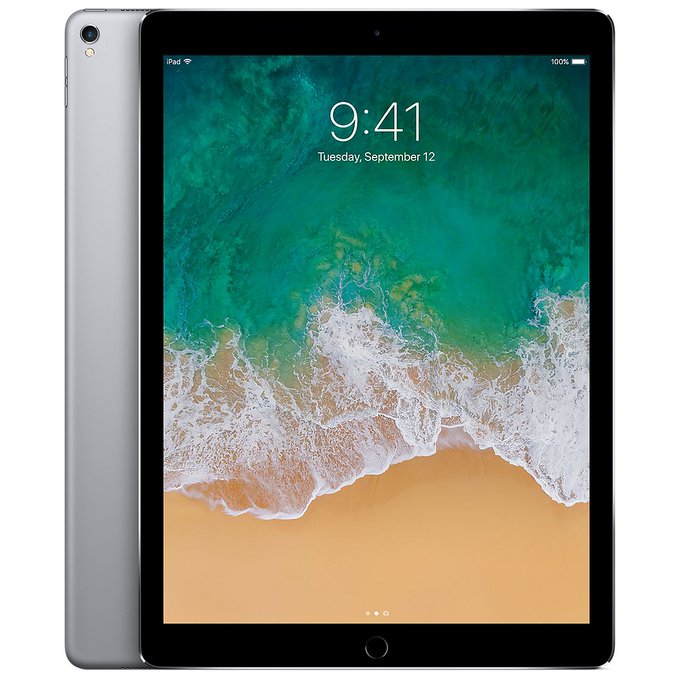



iPad Pro (2nd Gen) + Apple Pencil (2018-current)
I made enough money at Anime St. Louis in 2018 to splurge and buy myself an iPad Pro. It is WONDERFUL for drawing away from my desk and bringing on trips. I use it EXCLUSIVELY for art.



Wacom Bamboo (2010-2012)
My mom bought this upgraded tablet for herself and when my Graphire kicked the bucket (the cable frayed) I inherited that.
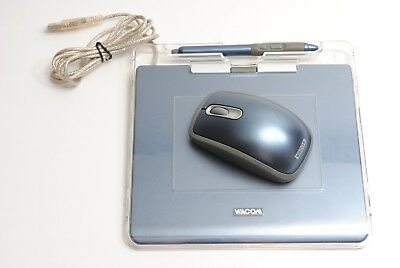


My tablets evolution thru the years deserves a thread + art progression
Wacom Graphire4 (2007-2010)
This baby was gifted to me when I turned 16. I had no idea this existed and it changed everything for me.
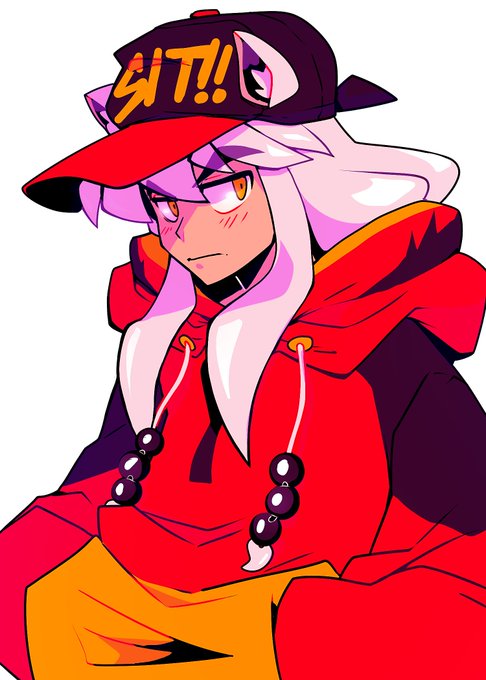







Opening 5 more spaces as I finish this current batch up :)
Here are some that I made earlier this week!