Jae Harlowさんのイラストまとめ
@jaehotscrambleFollow @jaehotscrambleさんをフォローする
フォロー数:165 フォロワー数:416


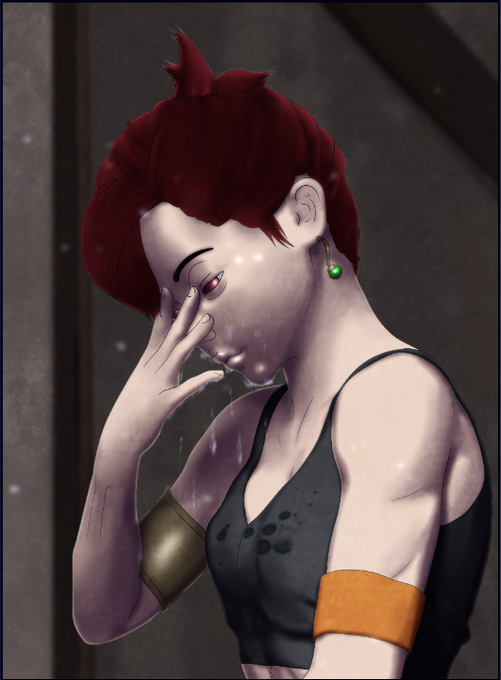
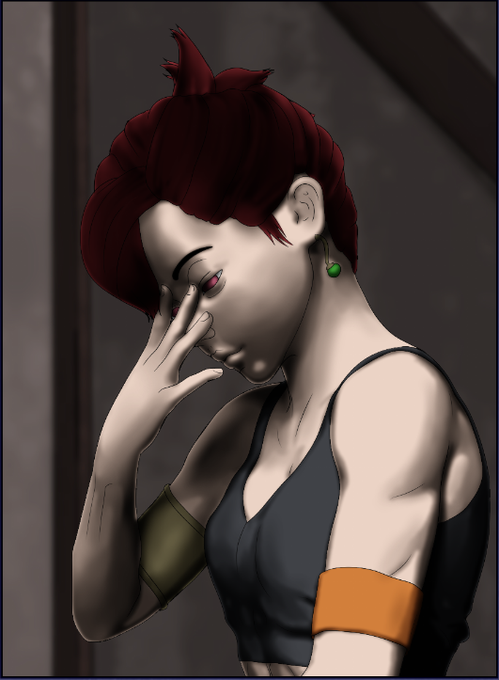
Using a soft eraser, erase the defining lines on the face of this new layer, as well as any lines that are in shadow. Once it looks ok, reduce the opacity to somewhere between 30-50%. This is 38%. Ok, now get outta here. I'm sick of lookin at ya.
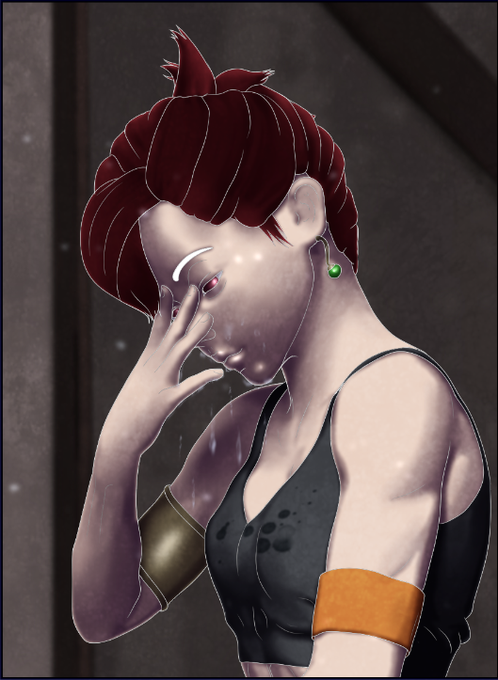
SHIT I WAS DRAWING TOO FAST AND EATING TOO MUCH ASS AND FORGOT A STEP! Duplicate your outline layer. Use the layer color effect and change it to WHITE.

Let's end it by throwing a grungy overlay texture on top of it, and adding some dust particulate in the air. That's it. Draw fast eat ass.

Don't forget to consider things like water drops landing on fabric too. It's a small detail that makes things seems more fleshed out.
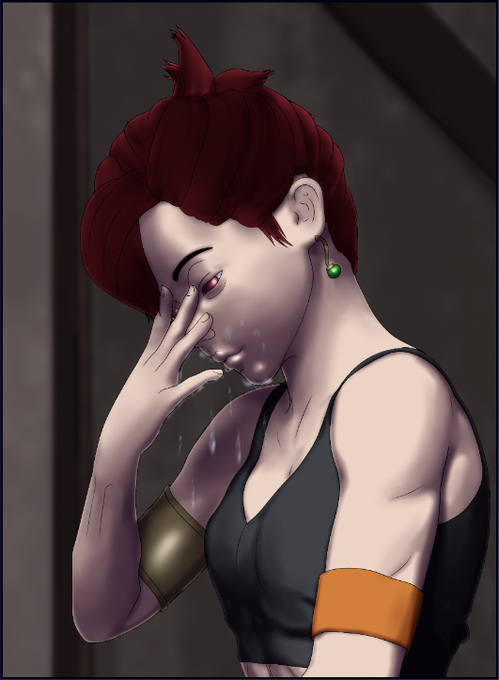
That's really about it, but let's finish up the panel anyway. Here Gemma has just splashed water on her face, so we're going to add the remains of that running off her hand and face.

Create a new layer and select the ADD (GLOW) property from the layer dropdown menu. Use a normal white pen to add a little glare to things that light might reflect off of.
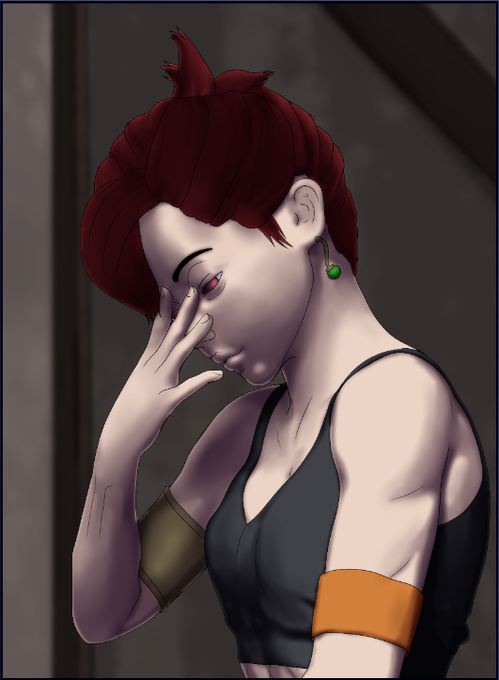
THE LIGHT WAS TOO HARD!!! Now we soften it up by using the "layer color" effect, and going with a dark purple instead. The exact color I used here is hexadecimal 1B1226 - Niiiiiice. Look at that. Look at that purpleness.